Does your business need a mobile app or a web app?
Short answer. Most staff tools, and many customer tools, work well as a web app: one version for every device, updated the moment you change it, with no app store in the way. Choose a native app when the work depends on long offline use, background location, Bluetooth hardware or a presence in the app stores. A progressive web app sits between the two, and some businesses need both.

In this guide · 6 minute read
The options in plain terms
A web app runs in the browser on any phone, tablet or computer. Staff sign in at an address, and every device sees the same version. A native app is installed from the App Store or Google Play, built for iOS and Android, and can use more of the phone's hardware. A progressive web app, or PWA, is a web app that can be added to the home screen, opens like an app, and can work offline and send notifications.
Native apps can be built separately for each platform or with a cross-platform framework such as Flutter or React Native, which shares most of the code between iOS and Android. Either way they're installed apps, with everything that comes with that: store accounts, reviews, and updates that have to reach each phone. Many businesses end up with a web app for the office and a mobile app or PWA for the field, all working from the same data.
What each is good at
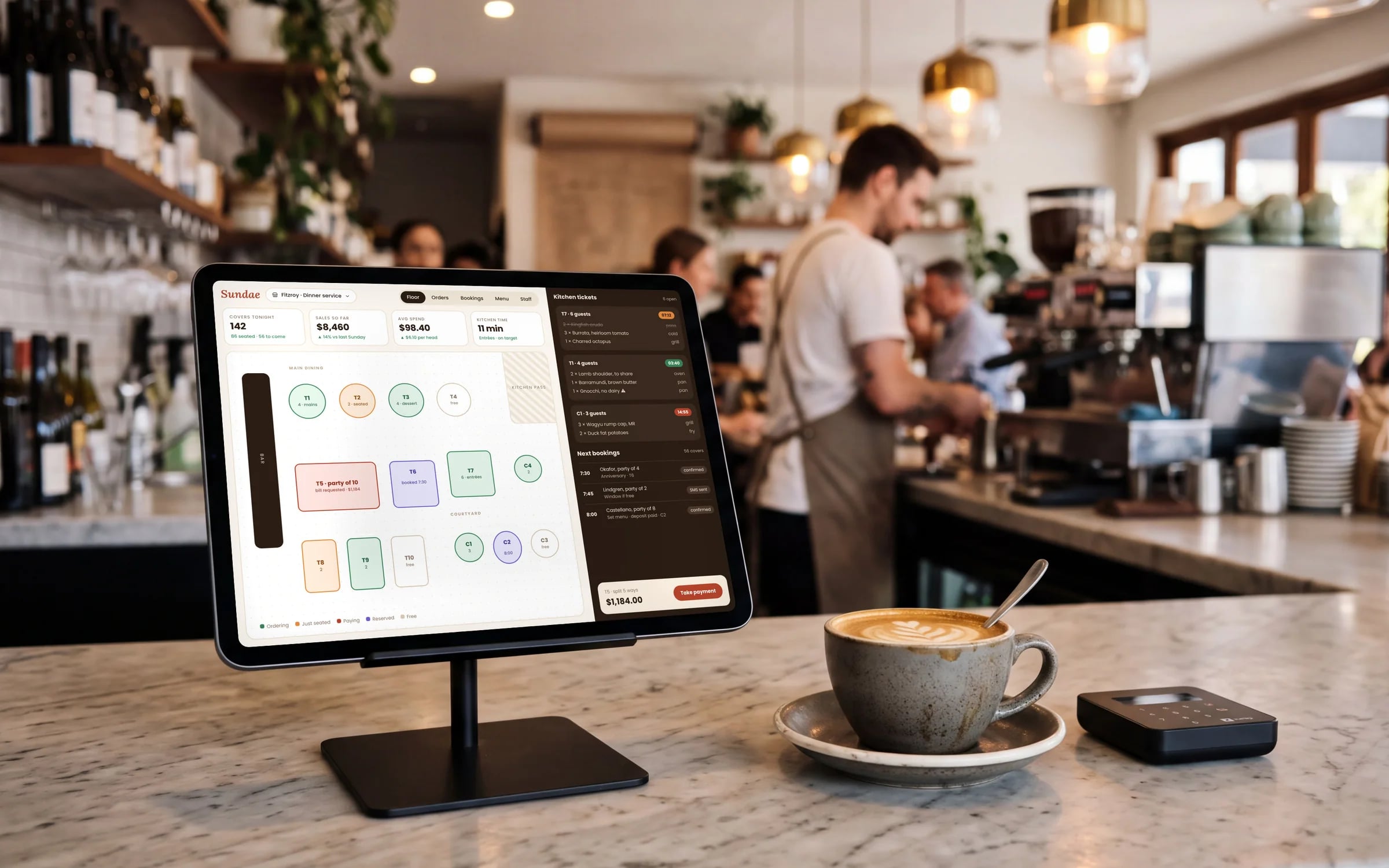
For staff tools, a web app or PWA is often enough. Office work such as scheduling, quoting, stock and reporting suits a large screen anyway. Field staff can open jobs, fill in checklists, take photos and capture signatures in a browser on their phone. Because there's nothing to install, a new starter can be working on their first morning, and a change you make at lunchtime reaches everyone that afternoon.
For customers, the question is how often they'll use it. People rarely install an app for a business they deal with a few times a year, so booking, ordering, tracking and portals for occasional customers usually belong on the web, where a link in an email or text opens them straight away. A native app makes more sense when customers use it often, such as weekly ordering or a loyalty program, and expect to find you in the app store.
Where the differences show
The gap between native and web has narrowed a long way, but it hasn't closed. These are the areas where it usually decides the question, and they're worth checking against what your staff or customers will actually do with the app on an ordinary day, on the phones they actually carry.
- 01Offline: web apps and PWAs can store data and keep working without reception, but native apps generally handle large amounts of offline data, and long stretches without signal, more reliably.
- 02Camera: both can take photos and scan barcodes with the phone's camera. Dedicated scanners on rugged devices and heavy photo workflows are usually easier in a native app.
- 03GPS: both can read location while the app is open. Tracking location in the background, such as a driver's position between jobs, needs a native app.
- 04Push notifications: native apps support them fully. Web apps can send them too, and iPhones have supported web push for web apps added to the home screen since iOS 16.4.
- 05Bluetooth and hardware: printers, scales, card readers and sensors usually need a native app, especially on iPhone, where Safari doesn't support Web Bluetooth.
- 06Updates: a web app updates the next time someone opens it. A native app update goes through store review and reaches each phone when it's installed.
★★★★★
“It has led to more sales because of how professional it is!”
App store review, updates and staff phones
Every public native app, and every update to it, goes through Apple's or Google's review. Most reviews are routine, but an app can be rejected or held up, and you can't control the timing of an urgent fix. Even after approval, some phones will run an older version for a while, so the system behind the app has to handle several versions at once. A web app avoids this, because everyone loads the current version from your server.
Staff apps add device management. If the business supplies phones, a mobile device management tool such as Microsoft Intune can install the app, push updates, enforce a passcode and wipe a lost phone. Apple and Google both offer ways to distribute private apps to your own staff without listing them publicly. If staff use their own phones, many won't want a managed profile, which is one more reason a web app or PWA often suits them better.

A decision list
Work through these questions for each group of users separately, because the answer for your office, your field staff and your customers may differ. If most answers point the same way, that's your starting point. If they split, the usual answer is one system underneath, with a web app and a mobile app on top of it.
- 01Will people use it daily, or a few times a year? Occasional use points to the web.
- 02Does it have to work for hours without reception, with a lot of data? That points to native.
- 03Does it need background location, Bluetooth devices or rugged scanners? Native again.
- 04Do you need to change it often and have every user on the new version straight away? Web.
- 05Are users on company phones you manage, or on their own? Personal phones lean toward a web app or PWA.
- 06Do customers expect to find you in the app store? Then a native app earns its place.
- 07Is a large screen where most of the work happens? Build the web app first.
Terms in this guide