What should I look for in a software developer's case studies?
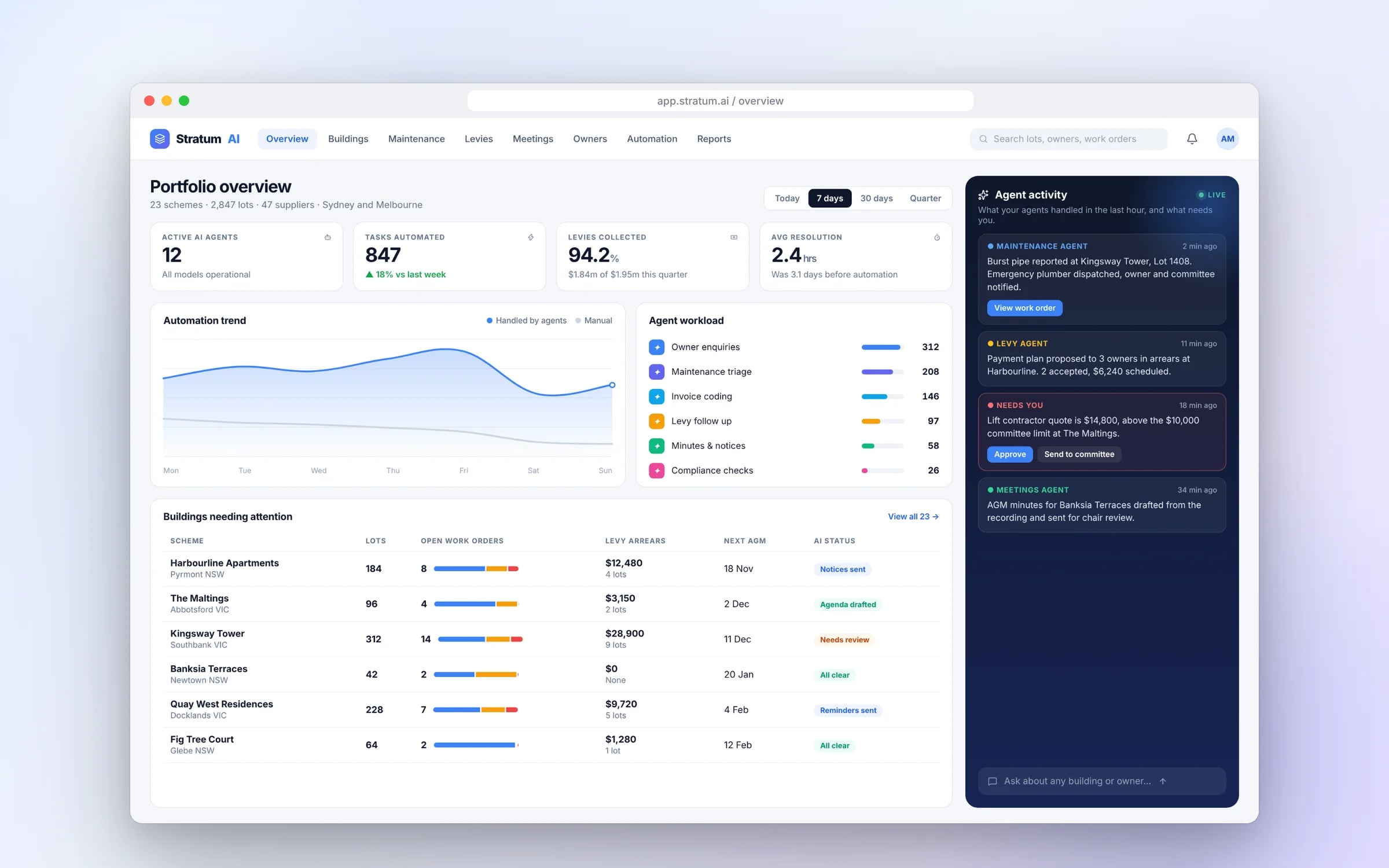
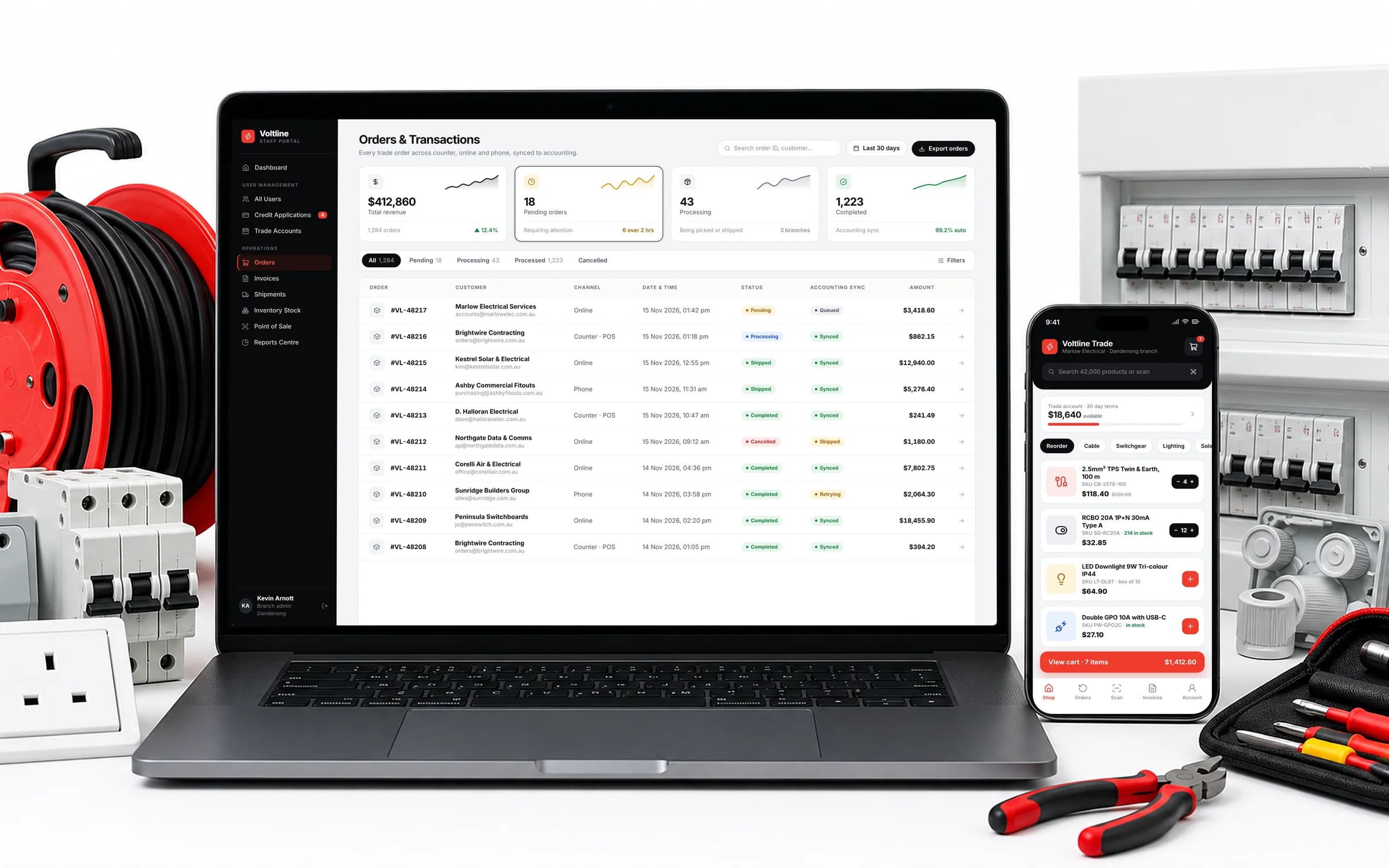
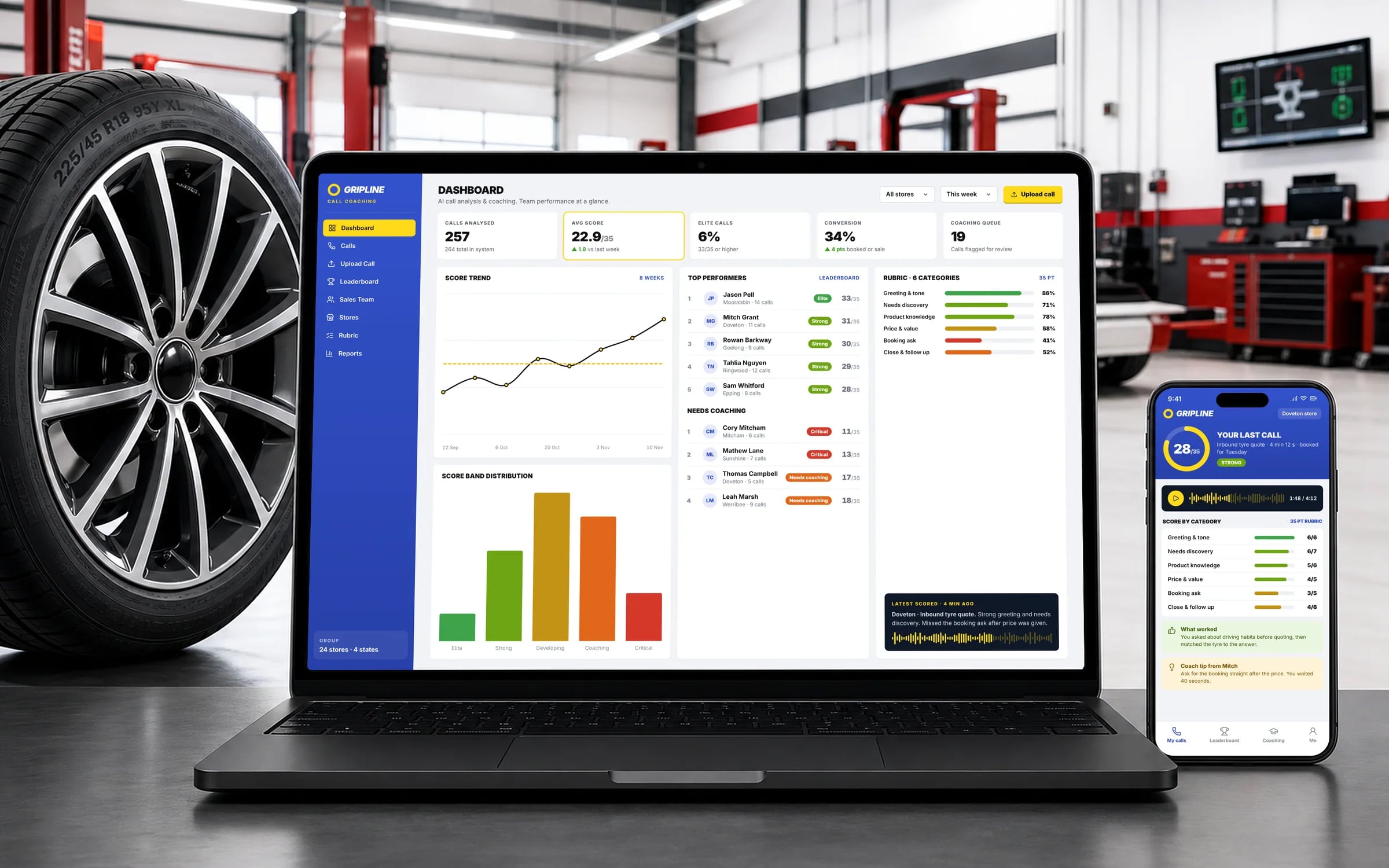
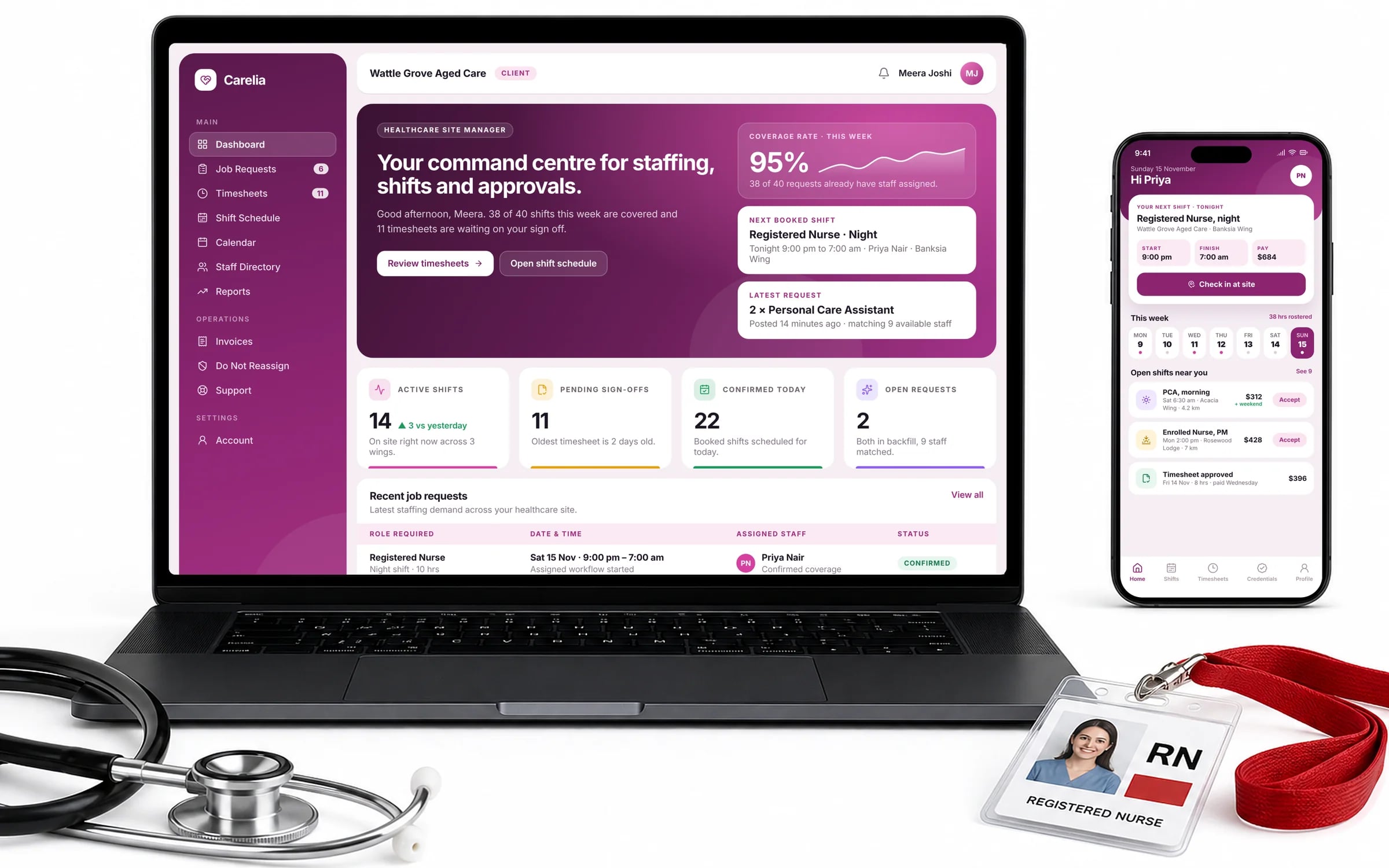
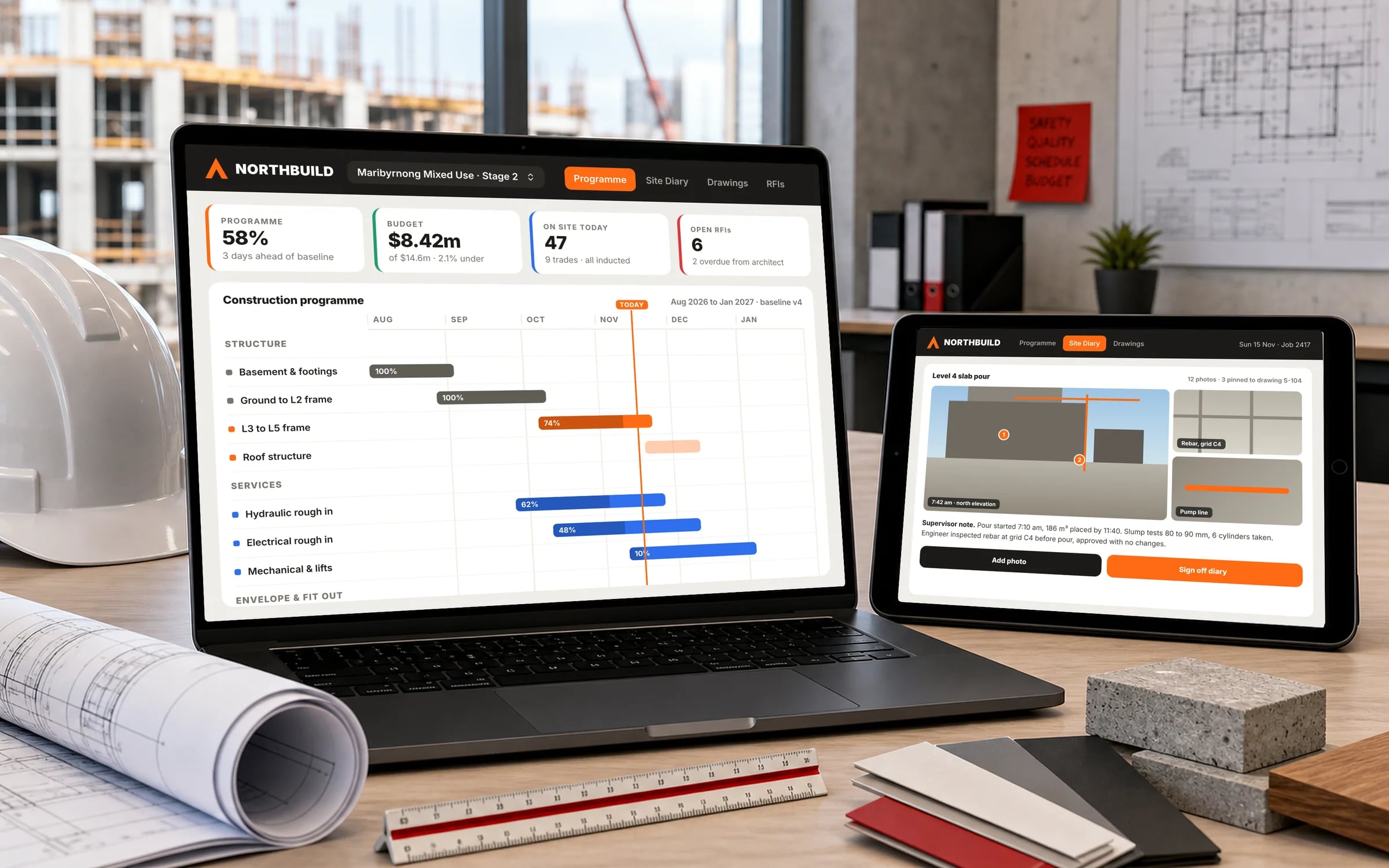
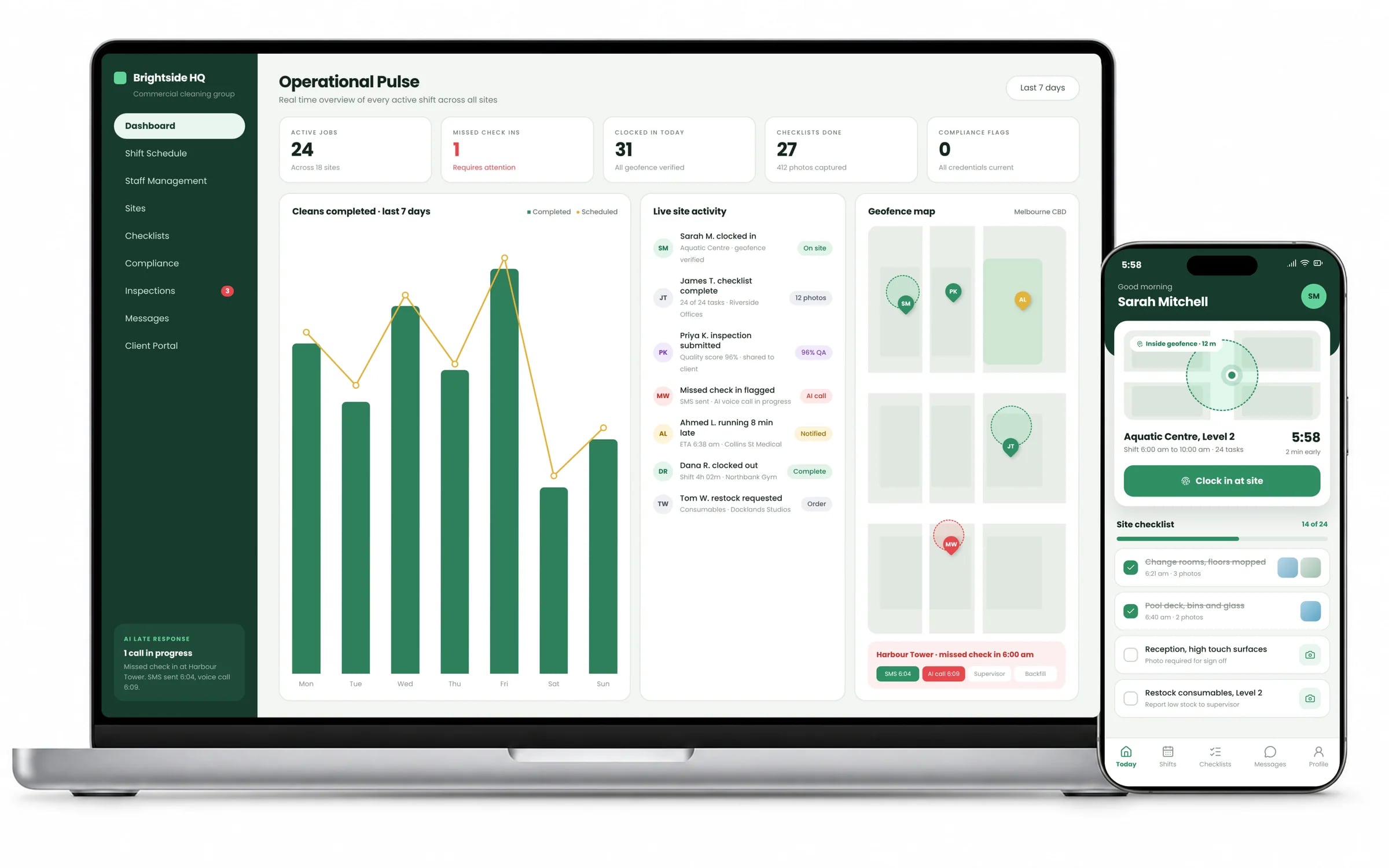
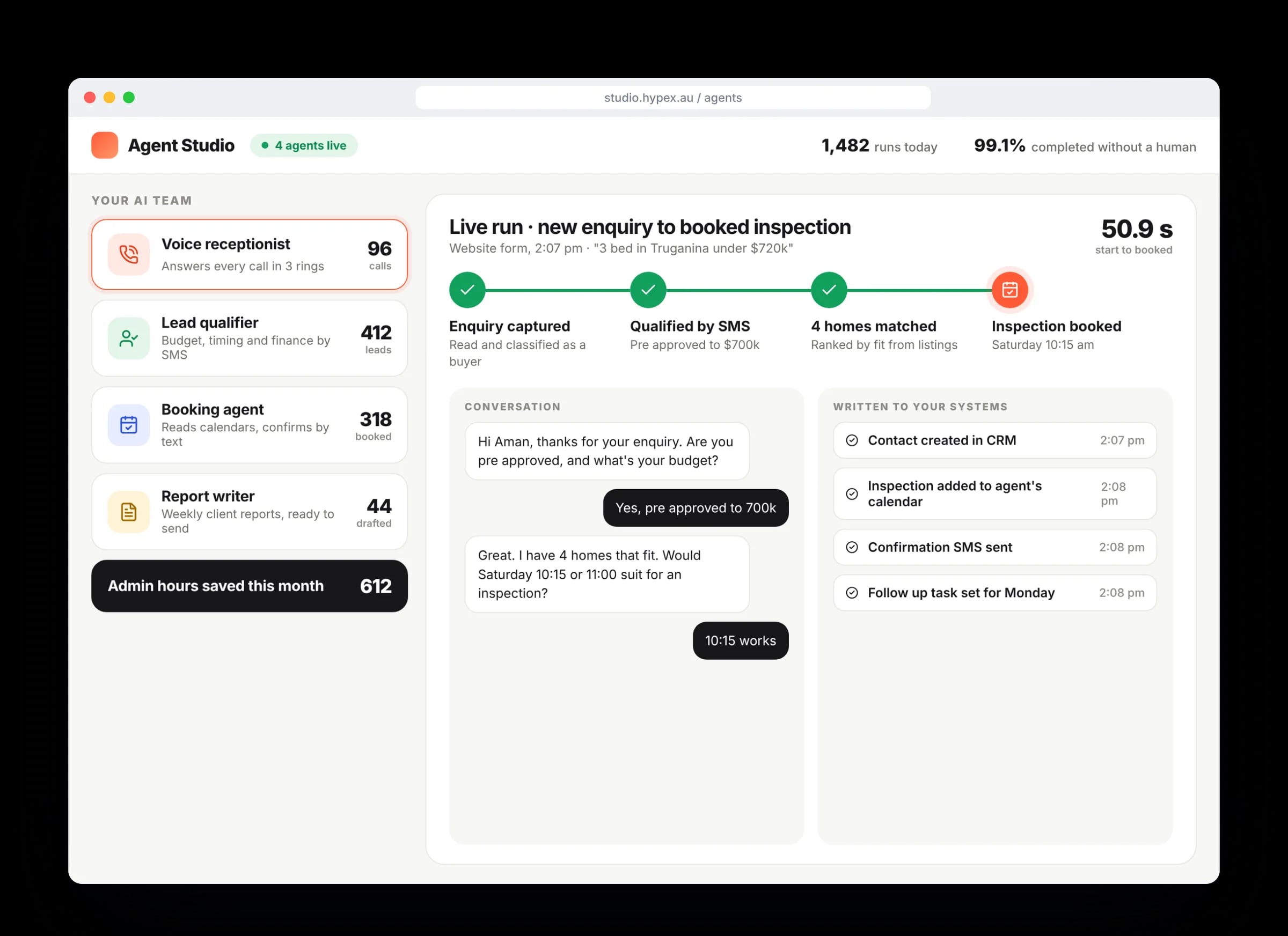
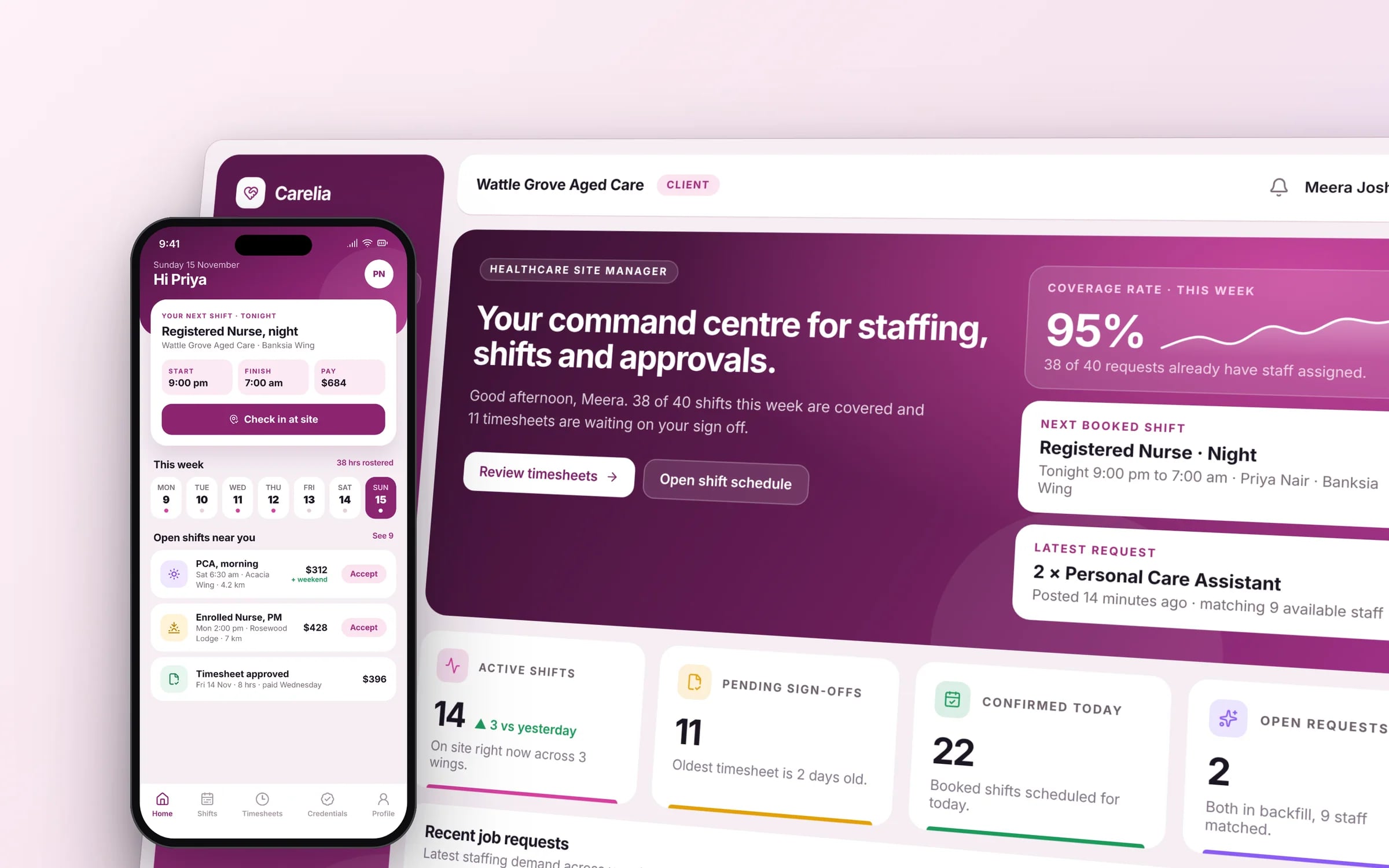
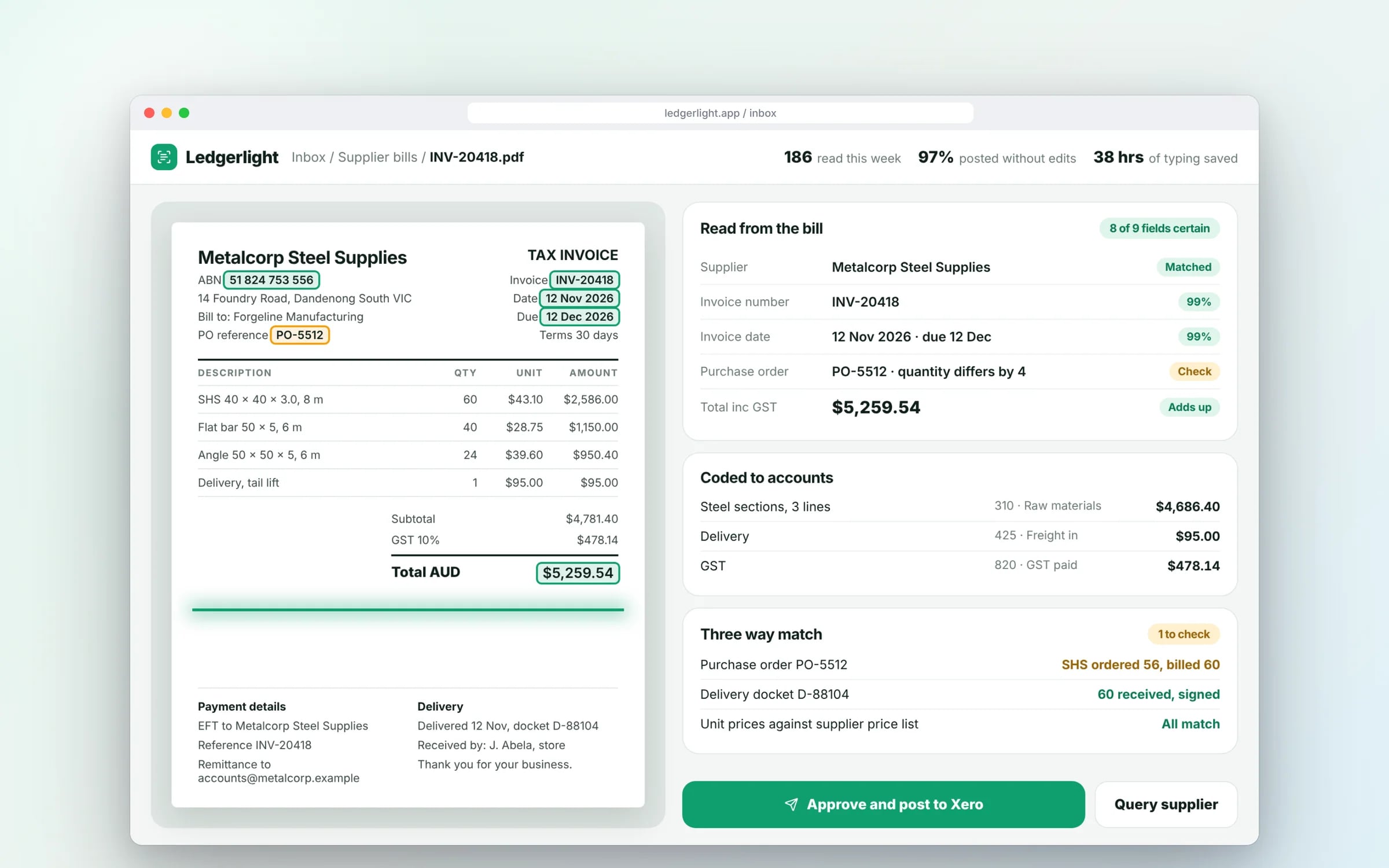
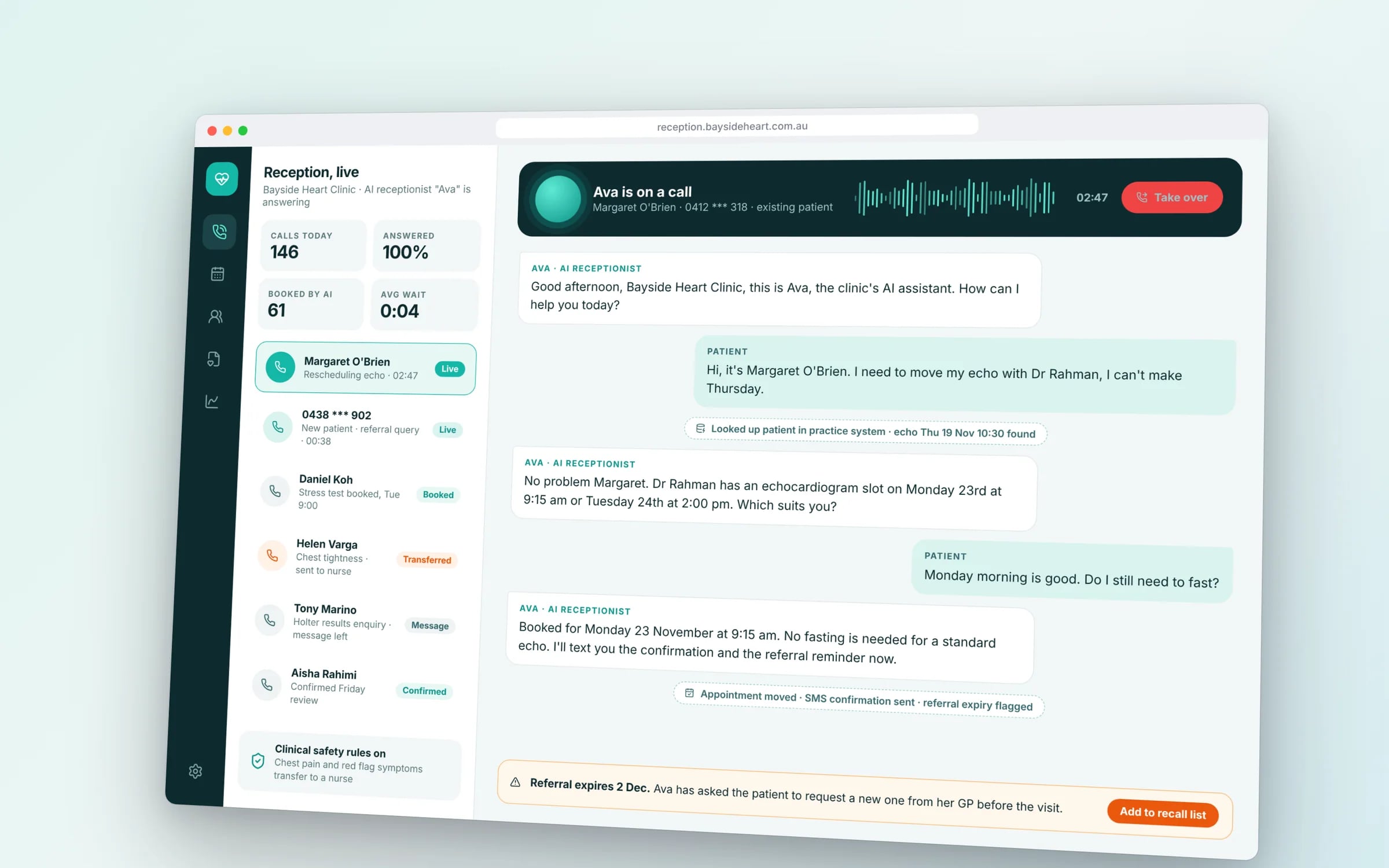
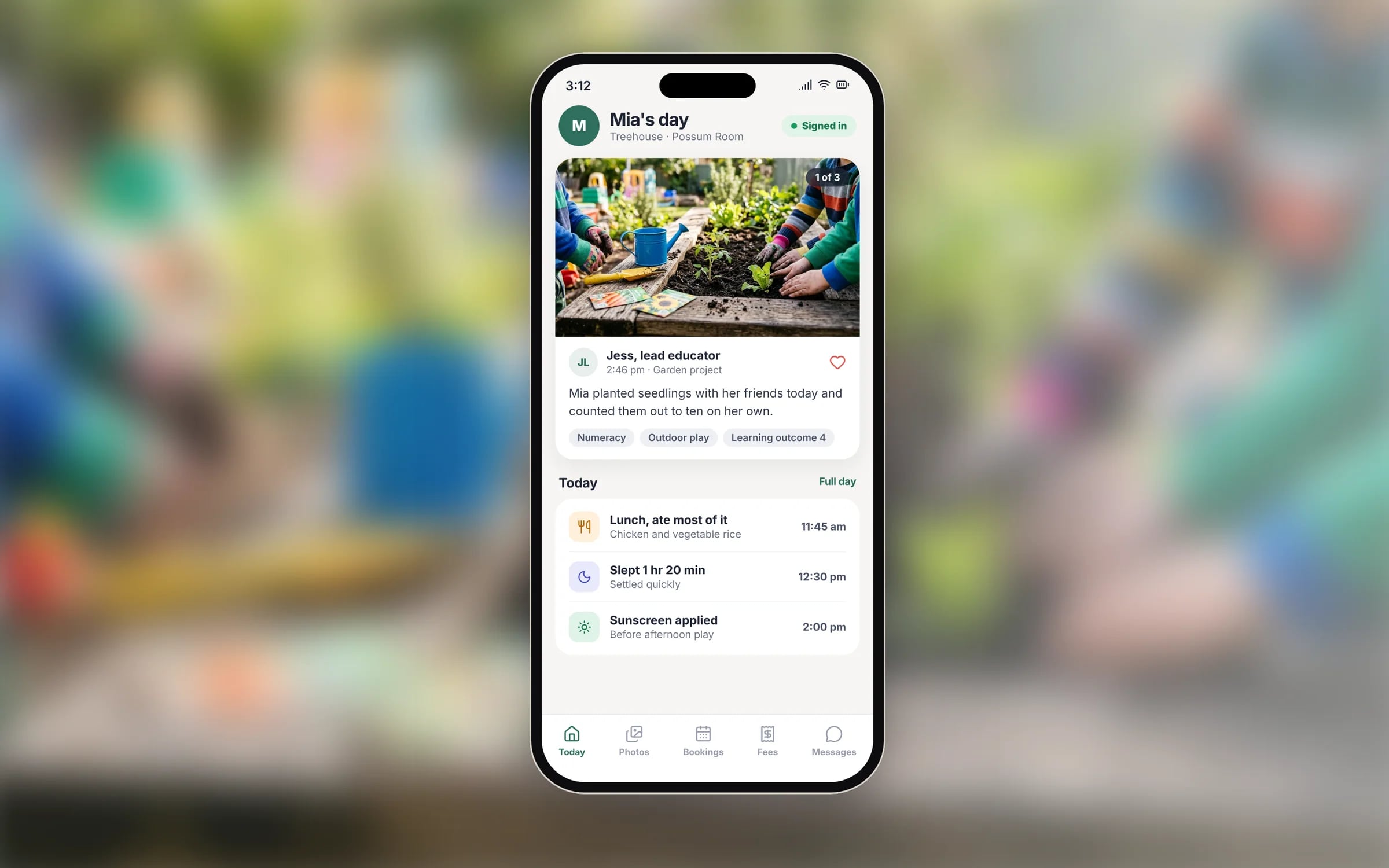
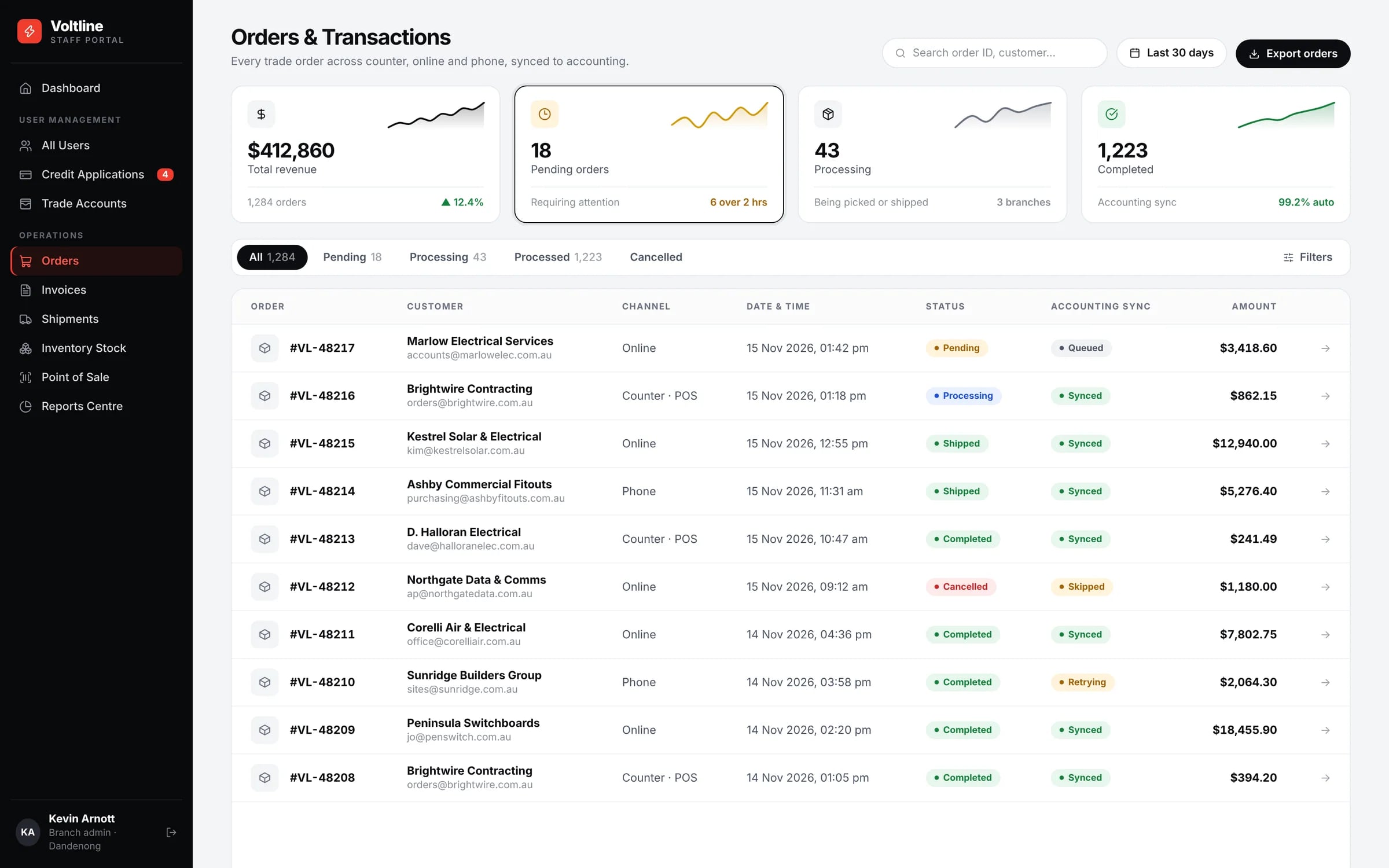
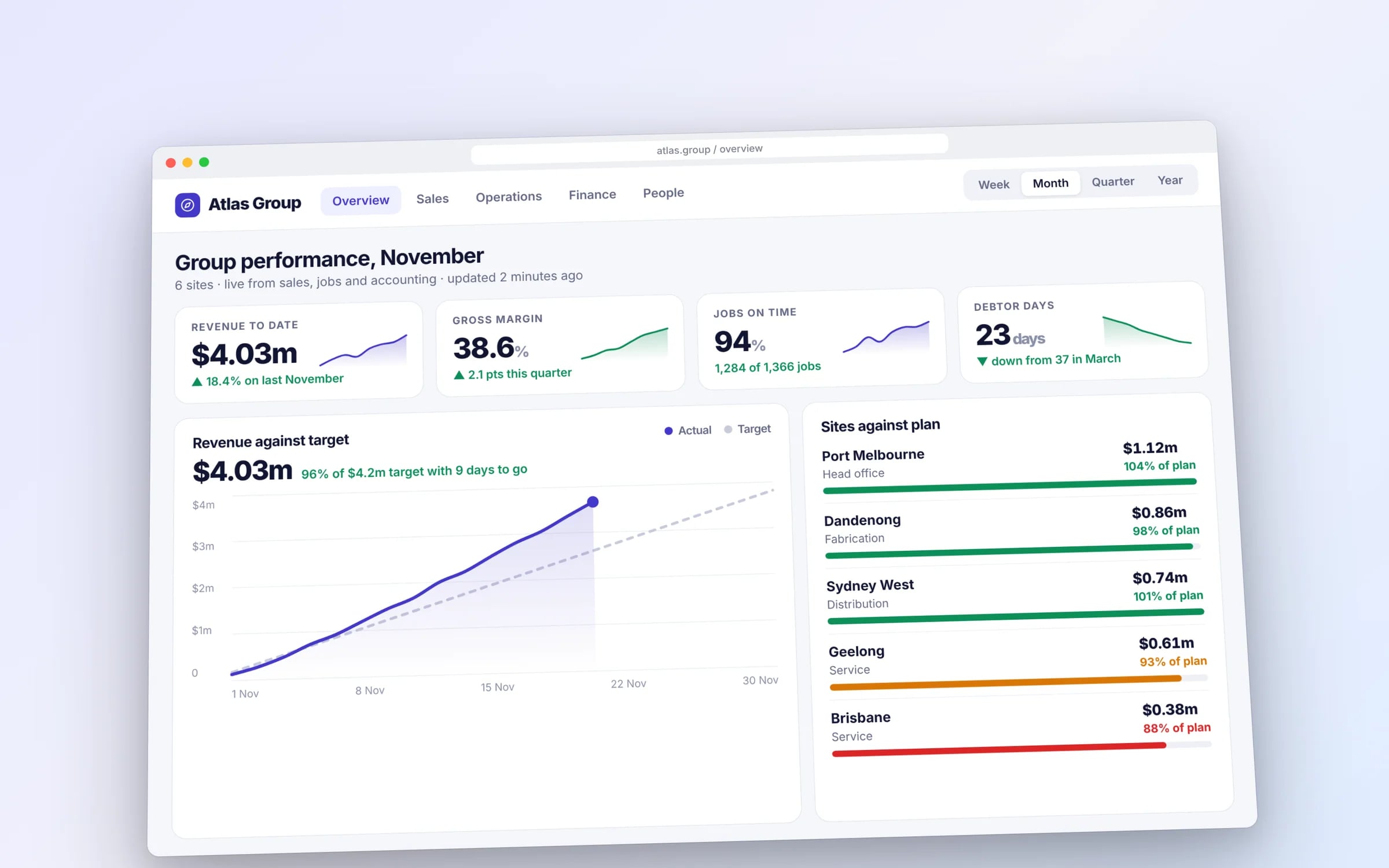
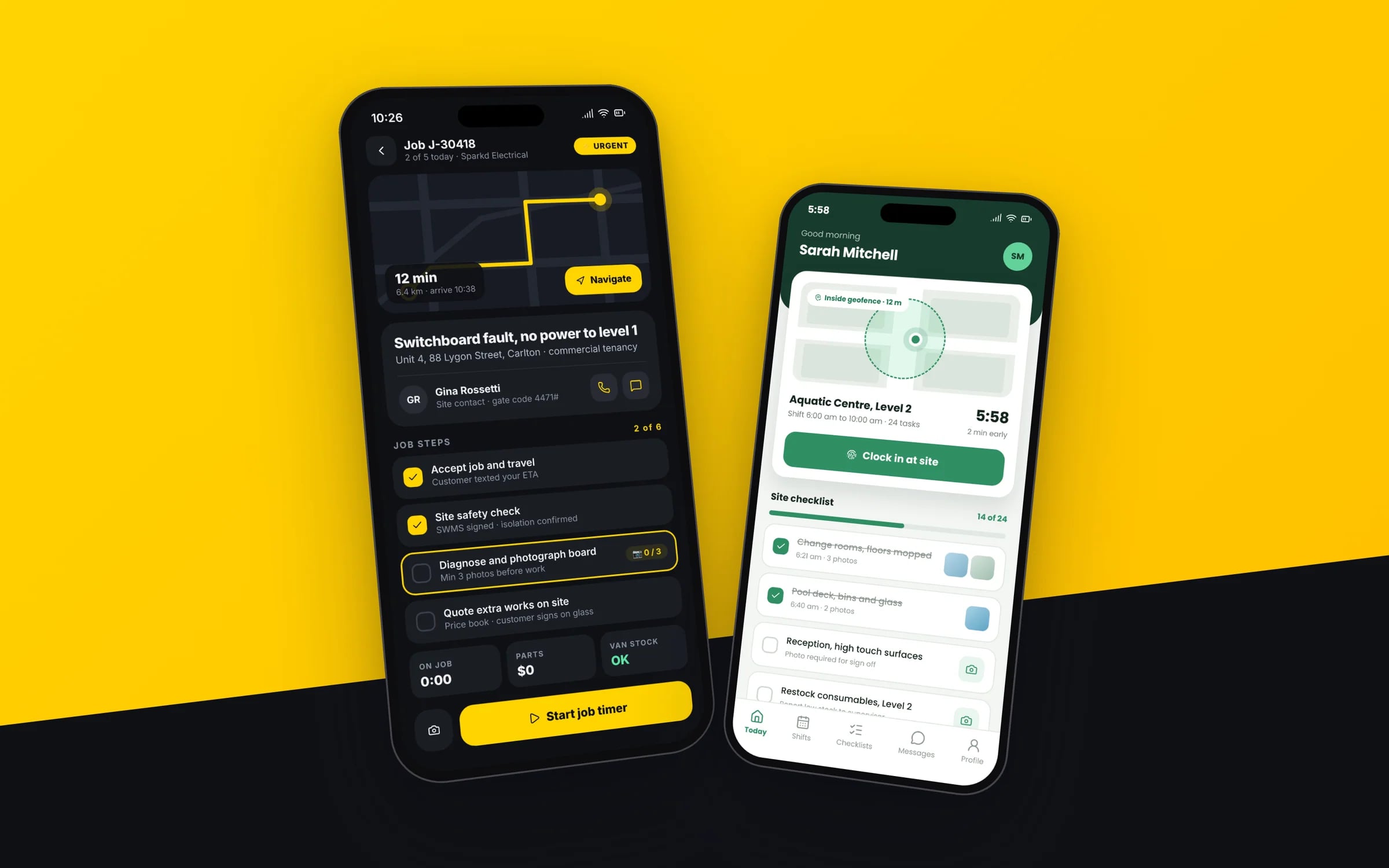
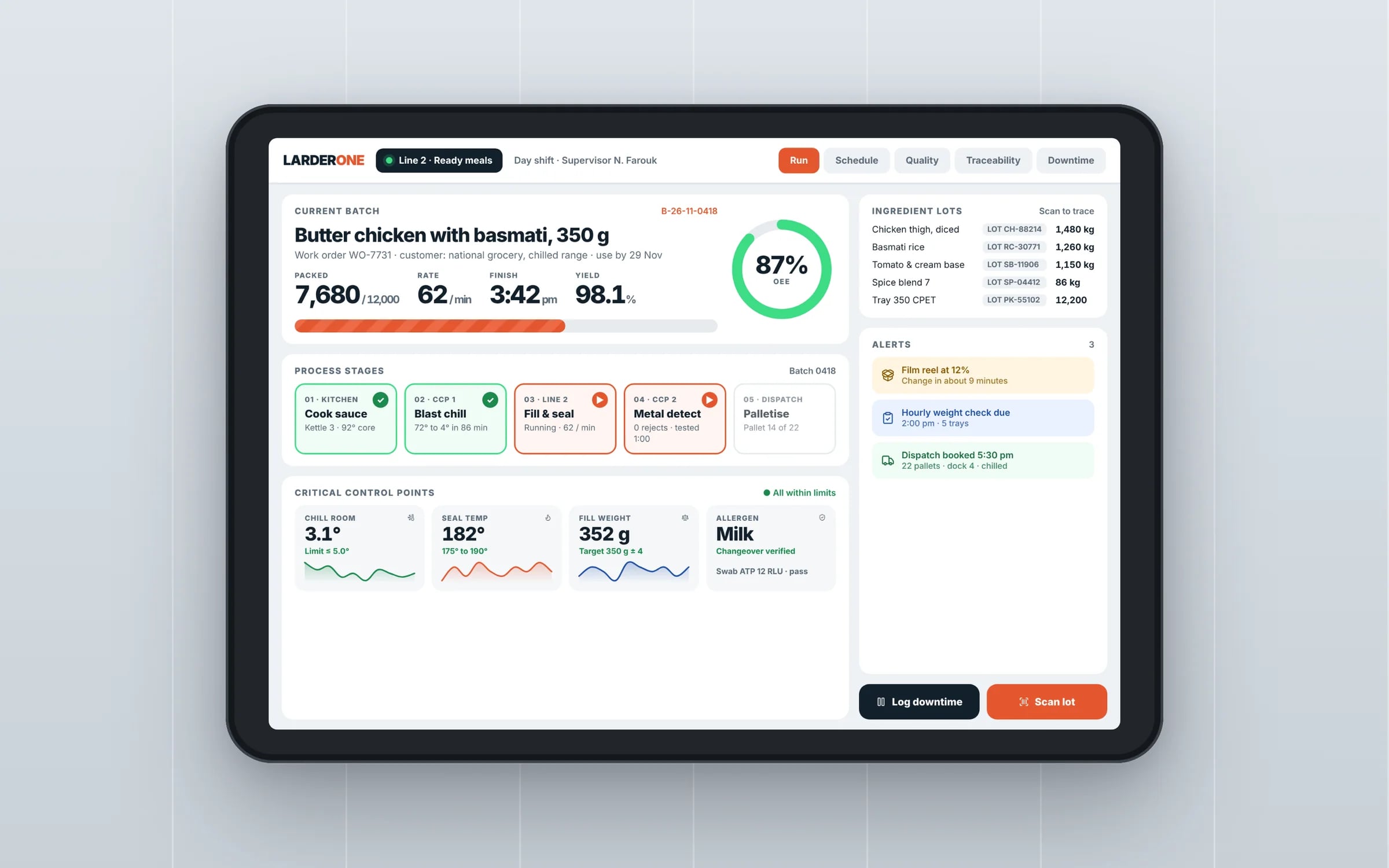
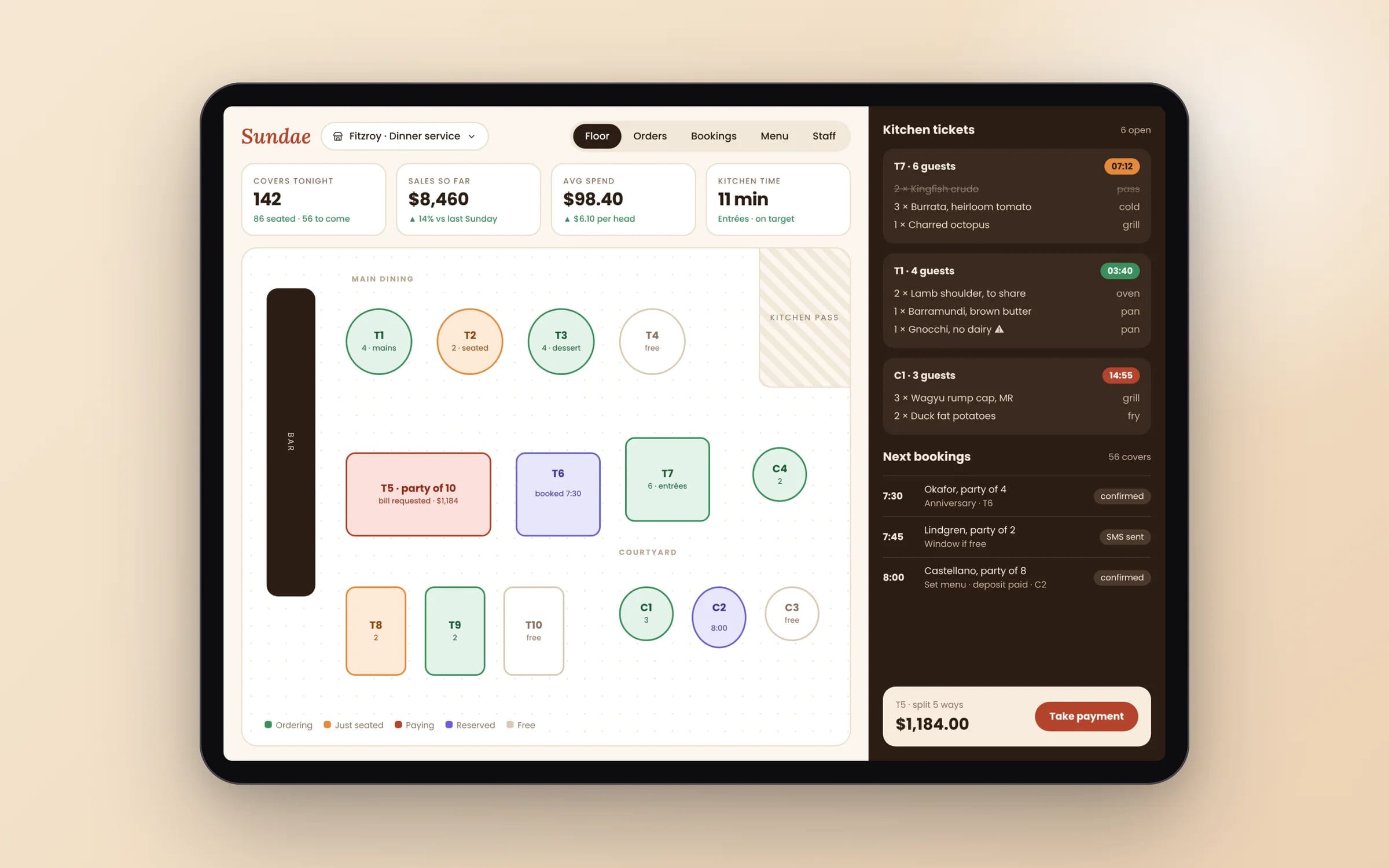
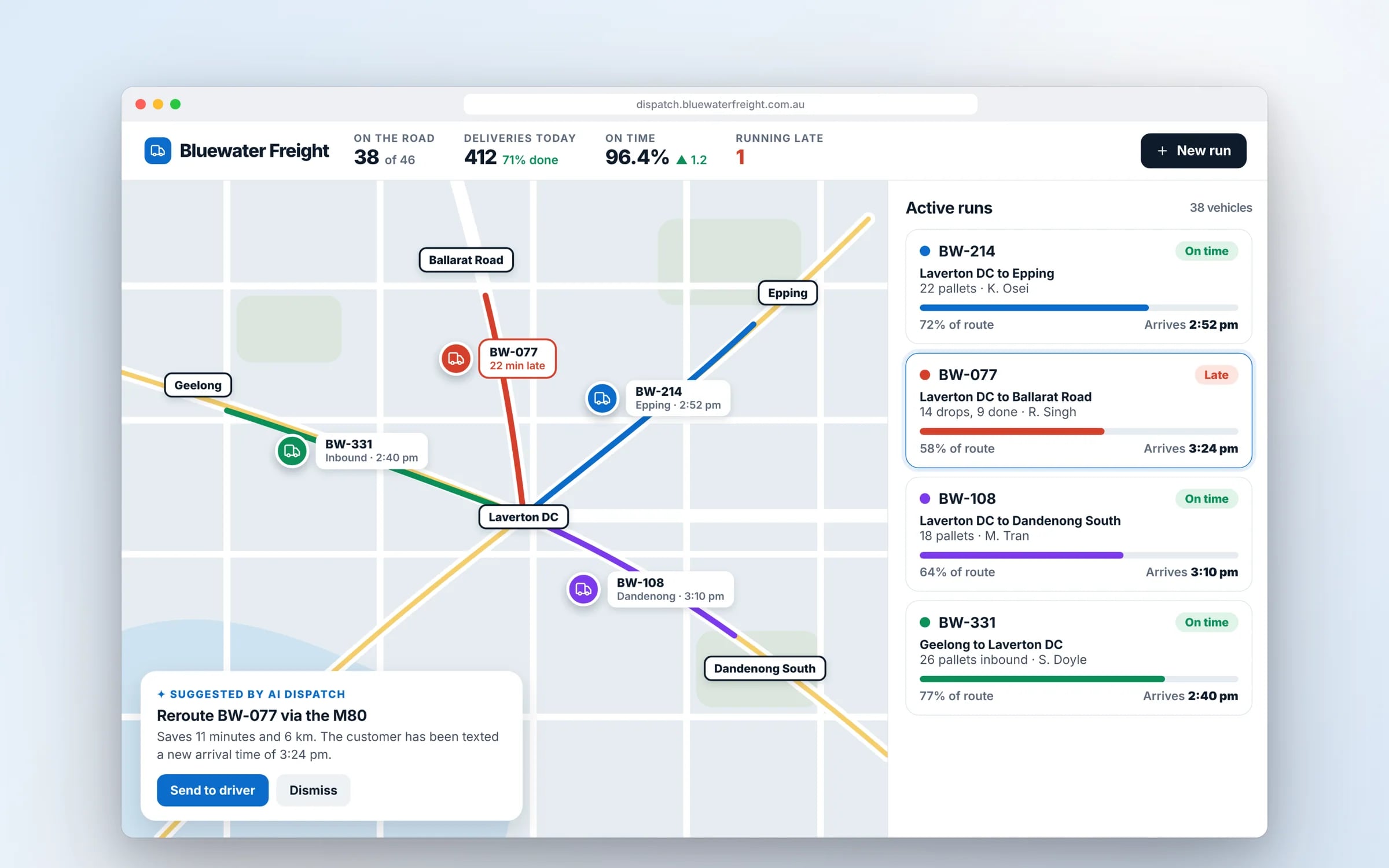
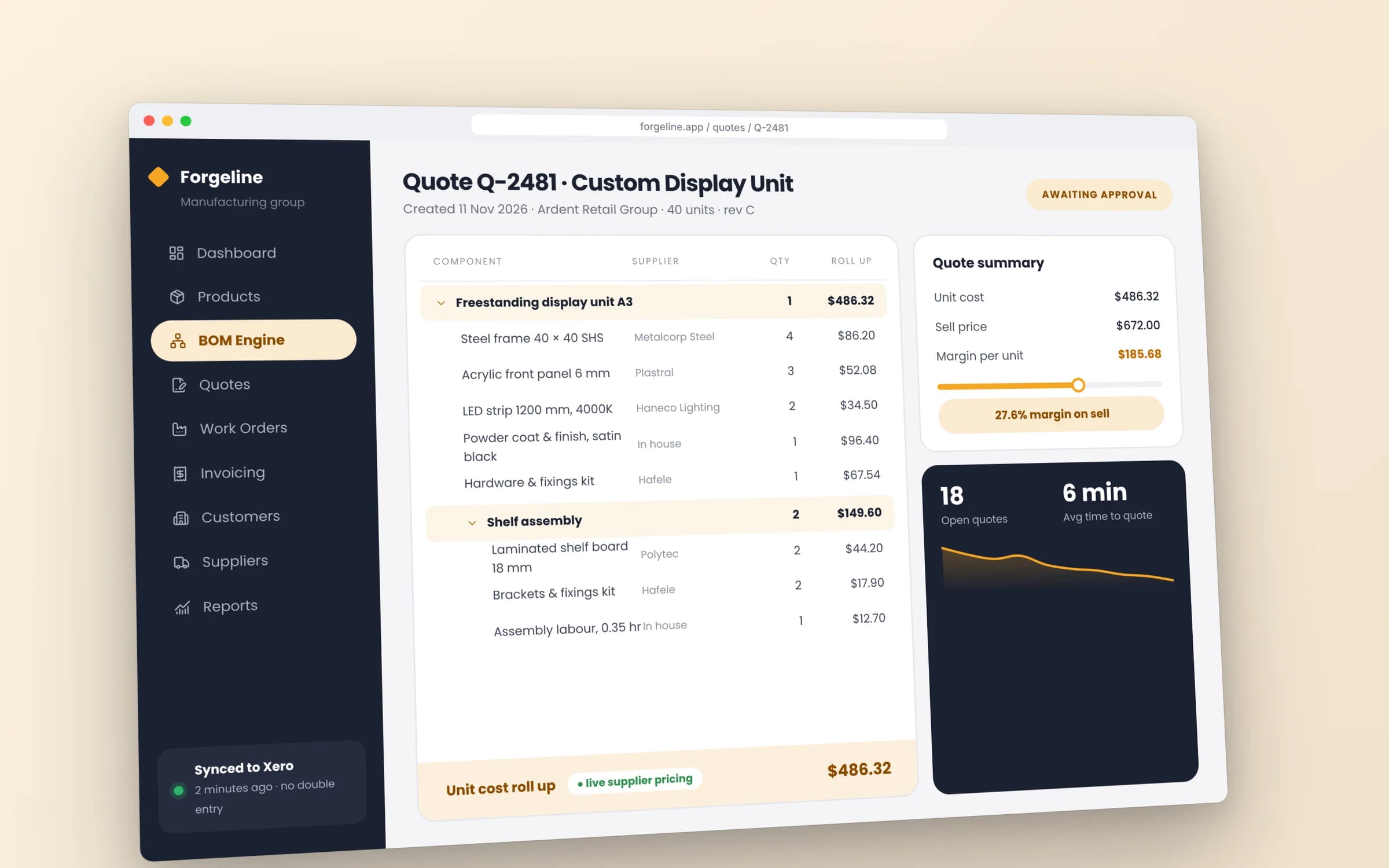
Look for working software you can open, built for a business with problems like yours. Screenshots and logos tell you little on their own. Ask what each system replaced, who uses it every day, and whether the client owns the code and the data. Check that the developer designed and built the system themselves, instead of setting up someone else's product. Every Hypex case study is a production system built in house, and each one links to the live build.
Can Hypex build something like this for my business?
Usually, yes, because most of what these systems do repeats across industries: jobs, rosters, stock, approvals, invoices and the links to tools such as Xero. A build for your business reuses proven parts and fits them to the way you work. It starts with a 30-minute discovery call, after which you receive a system map with the scope, the timeline and a fixed price for each stage. The map is yours to keep whether or not you go ahead.
How long does a system like these take to build?
A typical first release takes about ten weeks from brief to handover, and the first working part is usually in use within weeks. The exact time depends on how much of the business the system covers, how many tools it connects to and how quickly decisions are made. Each system is built in stages, so the business starts using it early, and every stage has its own fixed price agreed before work on it begins.
Who owns the systems shown in these case studies?
Each client owns its system outright: the code, the data and the intellectual property. The software runs in the client's own cloud account, so the client controls who can reach it and can keep using and changing it regardless of who does the work. Data is encrypted in transit and at rest, access is set by role, and every change to the code is reviewed and logged before it goes live.
How does a new system take over from the old tools?
A new system runs alongside the tools it replaces until the numbers match, and only then do the old tools switch off. Staff keep working as normal while the first part goes live, and the two are compared on real work, such as the same jobs, invoices or rosters. Once the results agree, that part moves across and the next stage begins. Nothing that already works is turned off before its replacement has proved itself.