How do you know your business has outgrown its software?
Short answer. You've outgrown your software when people spend more time working around it than in it: copying the same data between tools, keeping side spreadsheets because the system can't answer a question, and adding paid seats for features nobody uses. The tool isn't broken. Your business has just moved past the average customer it was designed for.

In this guide · 6 minute read
The signs, in the order owners usually notice them
None of these on its own means you need new software. Three or more, every week, usually does.
- 01The same customer, job or order is typed into two or more systems.
- 02There's a spreadsheet that “really” runs the business, sitting beside the software that's meant to.
- 03Month-end takes days because figures have to be pulled from several places and reconciled by hand.
- 04Someone on the team is the only person who knows how a workaround works.
- 05Your biggest customers ask for reports or portals your tools can't produce.
- 06Each new hire adds another seat to several subscriptions at once.
- 07You've asked a vendor for a feature and been told it's “on the roadmap”.
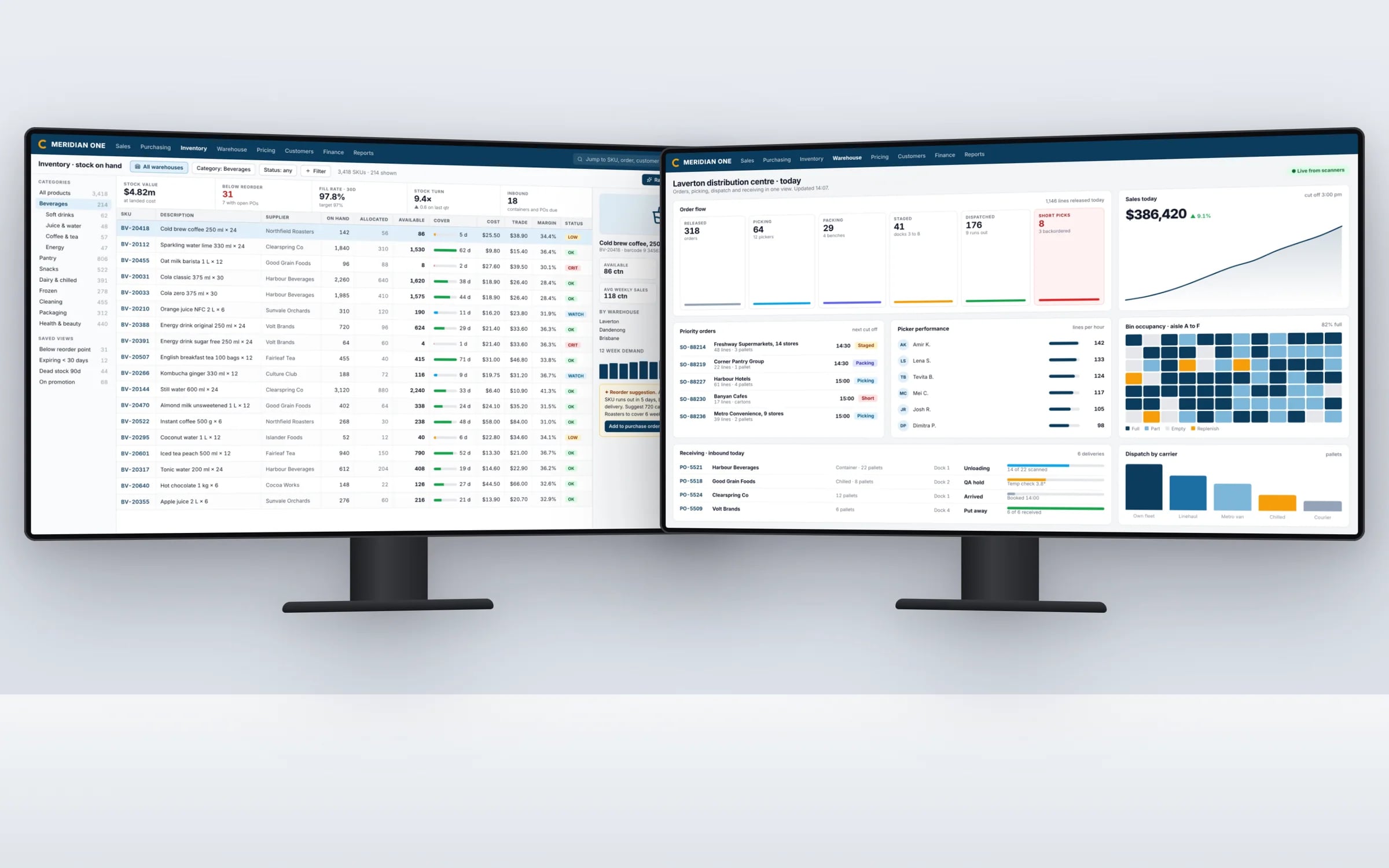
Why it happens
Packaged software is built for the middle of its market. That's its strength: it's quick to start, and most of what a typical business needs is already there. As a business grows, it develops its own way of quoting, scheduling, pricing or reporting, which is often why it's winning. That's exactly the part the product can't model.
Most businesses respond by adding a second tool, then a third, and joining them with people. By 50 staff it's common to find five to ten subscriptions doing overlapping jobs, connected by copy and paste.
What to try before replacing anything
Check the settings and modules you already pay for; a surprising number of workarounds exist because a feature was never switched on. Ask whether an integration between two tools would remove the re-keying. Talk to the vendor about the gap. If those don't close it, you're weighing a better-fitting product against a system built around you.
★★★★★
“Great team to work with, really strive for success and provide excellent communication with any service provided.”
Working out which way to go
List the hours each workaround costs per week and who does them. Add up every subscription, setup fee and add-on. If the hours are small and the tools mostly fit, a different product or one integration is the answer. If the hours are large and growing, and the workarounds sit in the part of the business that makes you different, owning the system usually pays back.
Terms in this guide