How do you move a business off spreadsheets without stopping work?
Short answer. Move one process at a time, starting with the spreadsheet that costs the most hours or causes the most errors. Build the replacement, run it alongside the spreadsheet on real work for a few weeks, move the history across once the numbers match, then retire the sheet. Nobody has to stop working, and nothing is switched off until the team has stopped opening it.
In this guide · 6 minute read
1. Find the spreadsheets that matter
Ask each team which files they open every day, and which ones would stop the business if they were lost. That list is usually shorter than expected, and it's your roadmap.

3. Replace the worst one first
Pick the process with the most hours or the most costly mistakes. Build just that part, properly, with the data rules enforced. A first part like this is usually in use within weeks.
★★★★★
“It has led to more sales because of how professional it is!”
4. Run both, then move the history
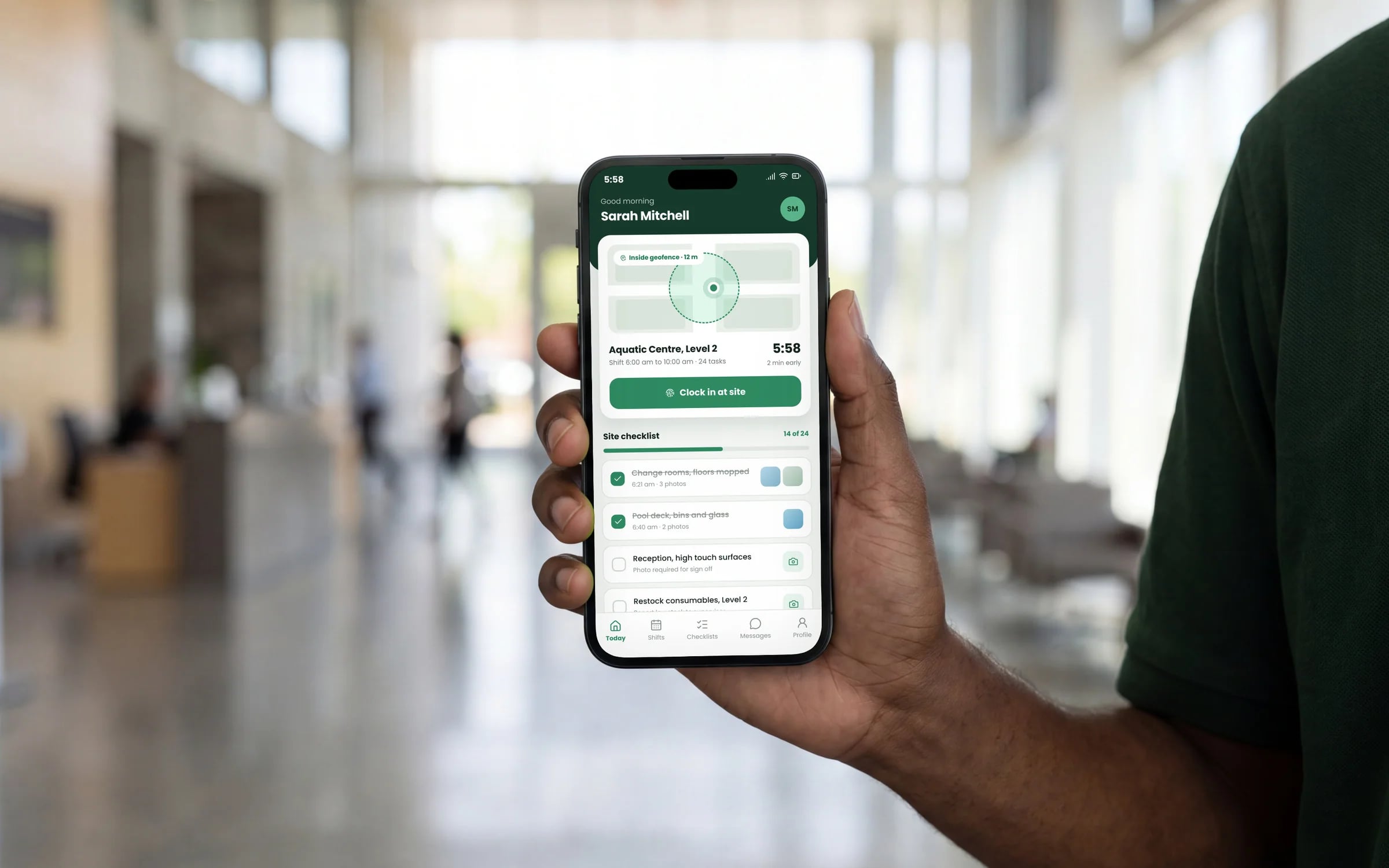
Let the team use the new system on real work while the spreadsheet stays available. When the numbers agree and people stop opening the sheet, import the history and archive the file.
5. Repeat, and connect as you go
Each new part replaces another spreadsheet or tool and connects to what's already built. After a few rounds, you have one system with one record of every job, customer and dollar.