Web Applications. Full featured browser based products with real business logic.
Browser based products that carry real business logic, built to handle the workflows your team runs daily.

Why owners choose this.
What it can look like. Screens from systems like this.
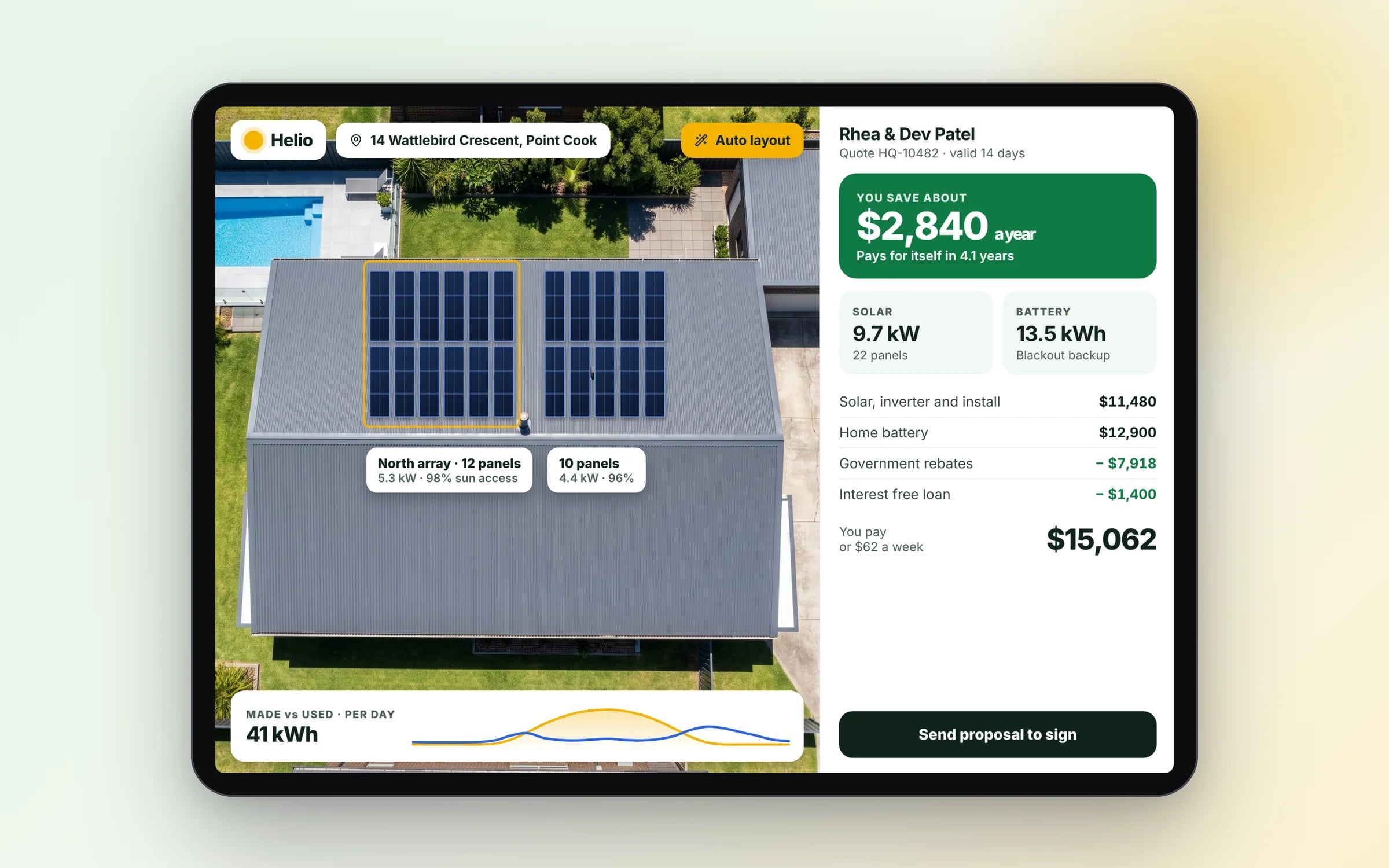
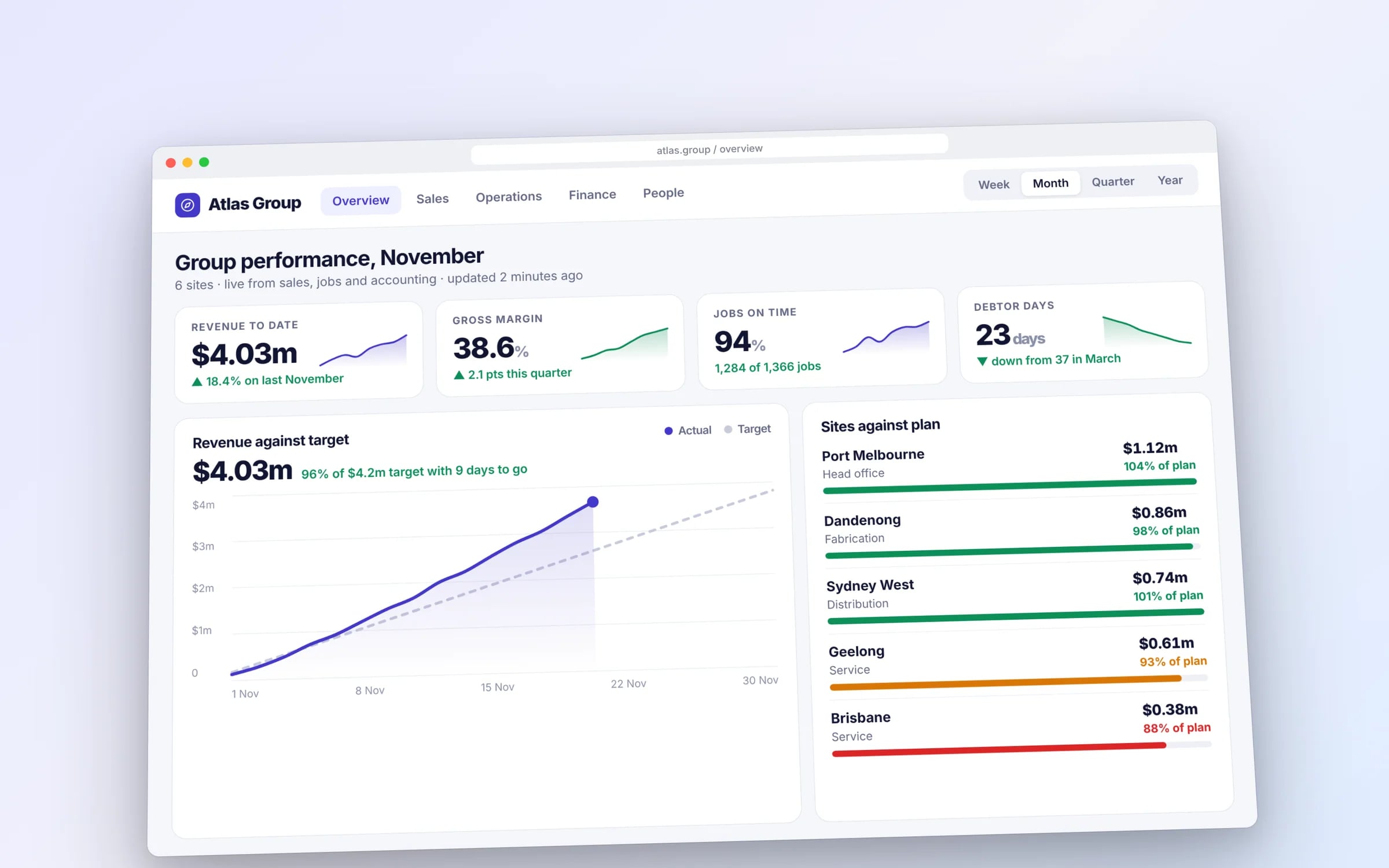
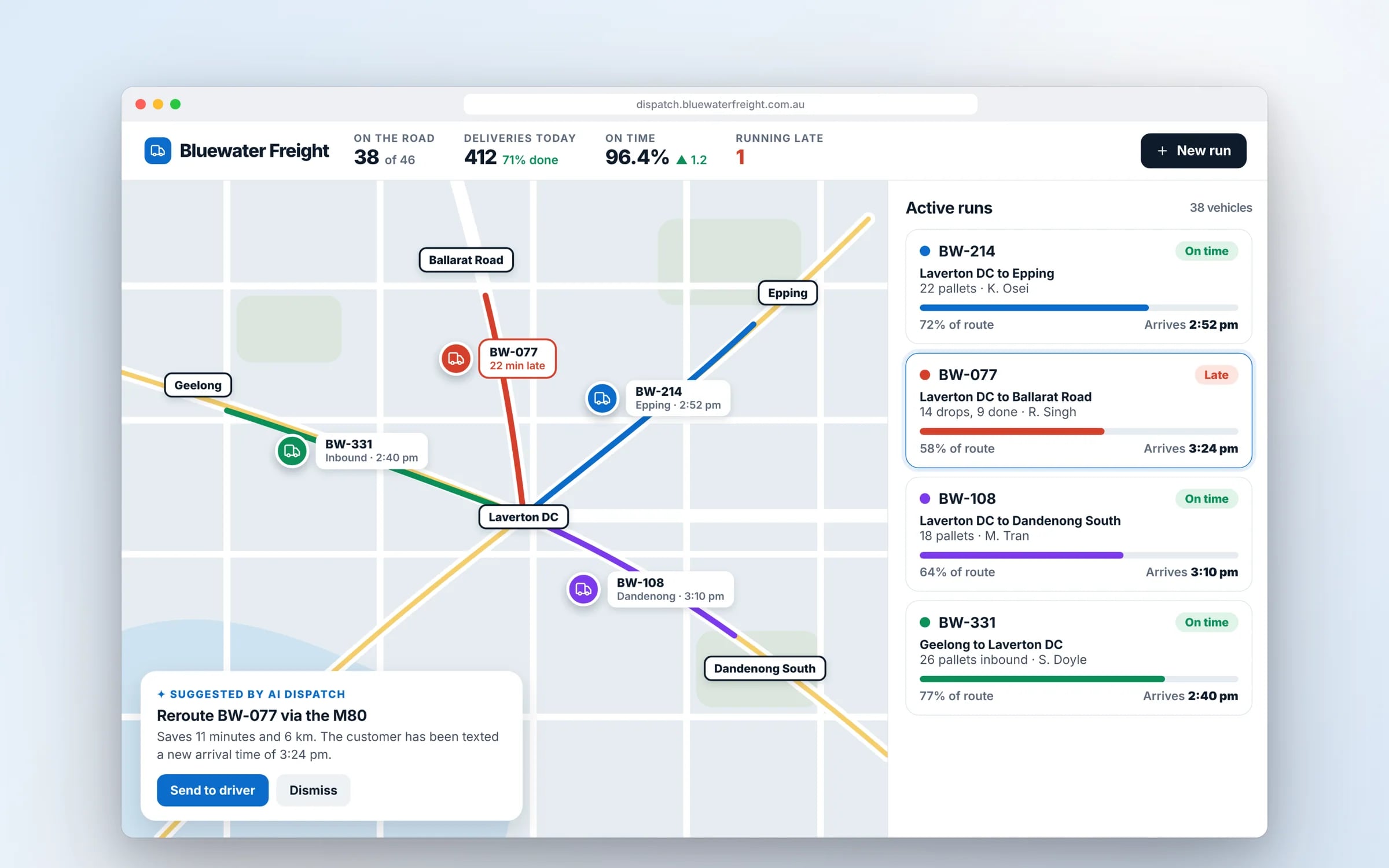
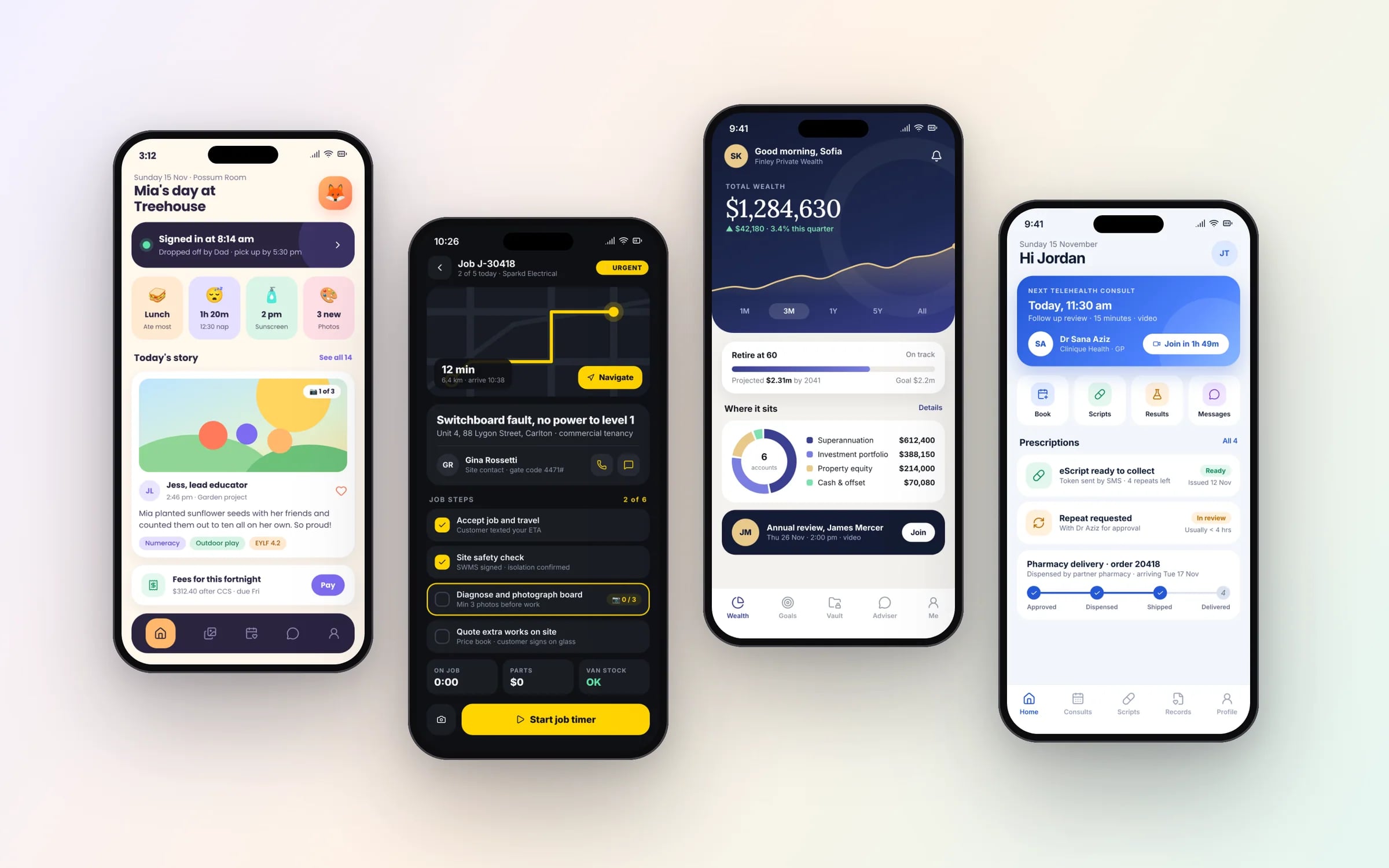
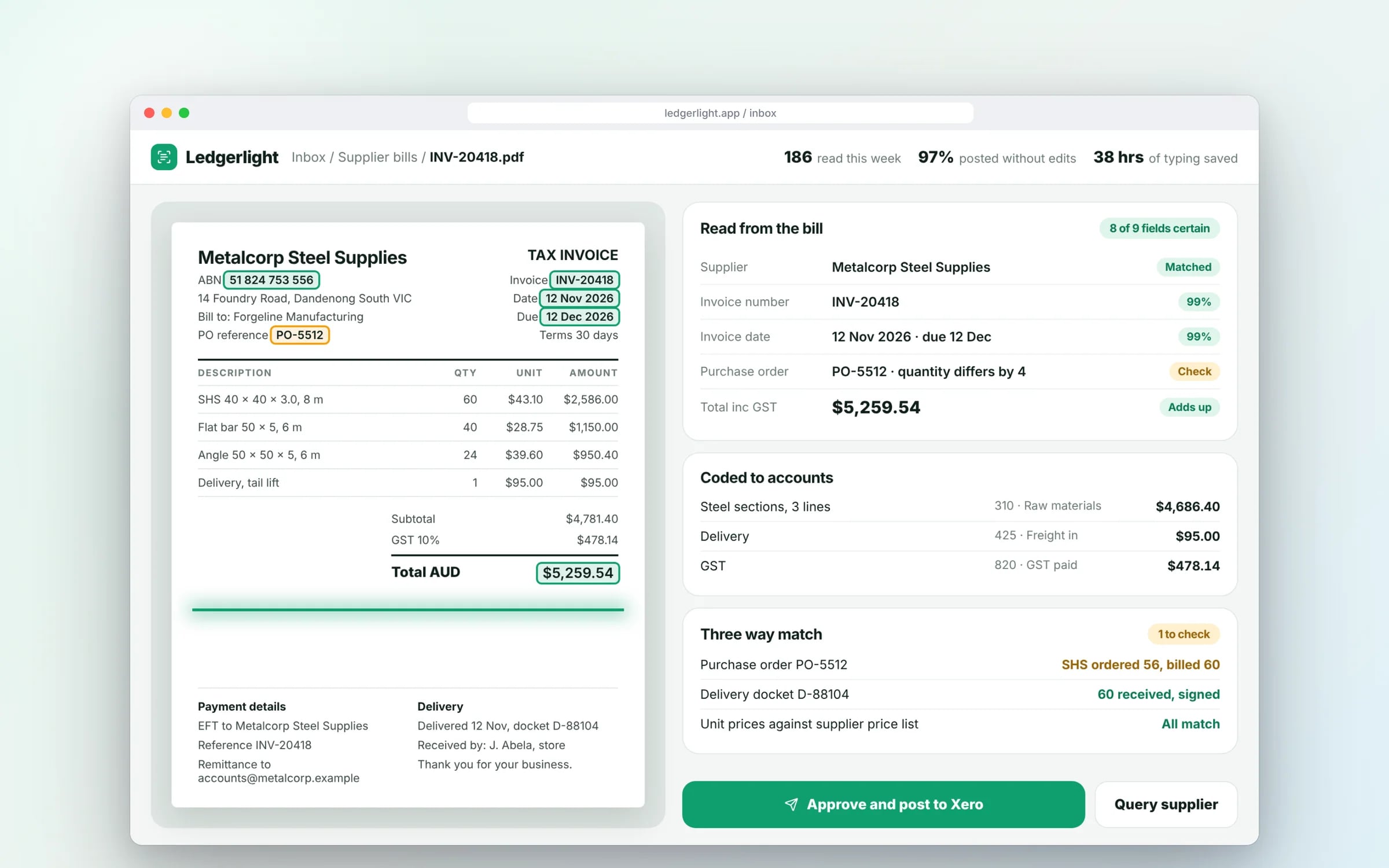
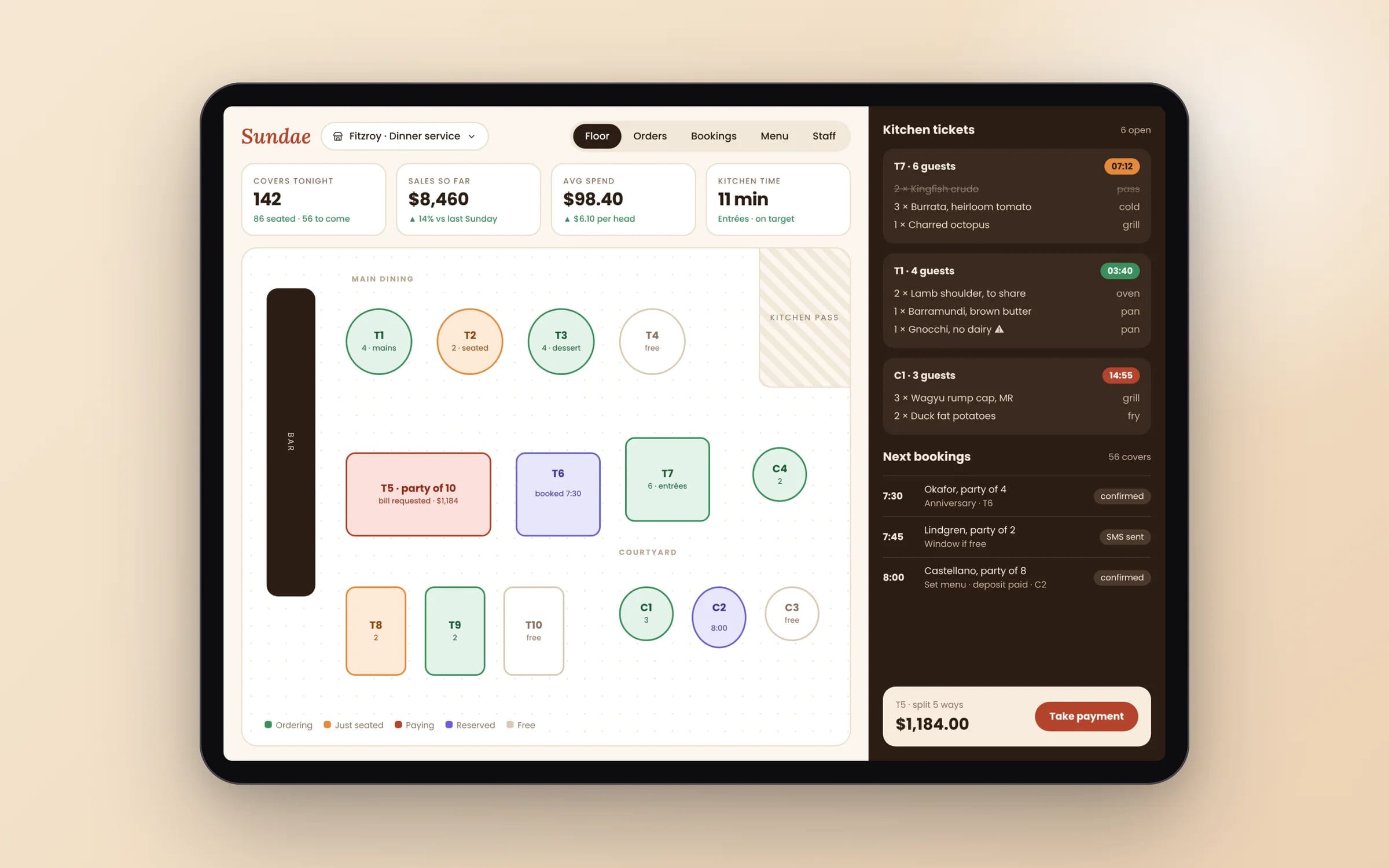
Example screens. The business names on them are invented.
You probably need this when
- 01Our process lives in a shared spreadsheet and people keep overwriting each other.
- 02We use four small tools that don't talk to each other.
- 03Customers ring to ask for information they could look up themselves.
- 04The way we price jobs is too specific for any product we've tried.
- 05Only one person understands the macros that hold everything together.
A web app that fills itself. From the systems you already run.
Payouts, invoices, travel times and your own records arrive on one screen as they happen. Nobody exports a spreadsheet to find out how the week is going.
What you walk away with.
- 01A browser based application handling your actual workflows
- 02Authentication and role based permissions built in
- 03An architecture that scales with usage
How it runs, step by step.
- Step 1
Map the workflow
Who does what, in which order, with which data, from request through to invoice.
- Step 2
Design the data model and roles
Records, rules and permissions settled before screens are built.
- Step 3
Build the busiest workflow first
The part costing the most hours goes live first, usually within weeks.
- Step 4
Connect and replace
Integrations switched on, the app run beside the old process until totals match, then history moved across.
★★★★★
“It has led to more sales because of how professional it is!”
Five years of renting, against owning. The gap is the point.
What is Web Applications?
A web application is software that runs in the browser and carries real business logic: users log in, enter and change data, and the system applies your rules, such as pricing, approvals or scheduling.
It suits businesses replacing spreadsheets or manual processes with an internal tool their team uses daily, or offering customers a system with real workflows.
Reviewed by the Hypex team, Port Melbourne
Questions owners ask.
What is the difference between a web app and a website?
A website mainly presents information to visitors, while a web app lets logged-in users do work: create quotes, book jobs, approve timesheets or track orders, with the system storing and processing their data. A website is mostly pages and content; a web app is mostly screens, records and rules. The line blurs when a website gains a customer login or booking form, and at that point the logged-in part is a web app and needs the same care with security and data.
Can a web app replace our spreadsheets?
Yes, a web app is the usual replacement for a spreadsheet that has turned into a system: it keeps the same data but adds logins, permissions, validation and an audit trail, so two people cannot overwrite each other and every change is recorded. Formulas become business rules the app applies every time, such as job pricing or stock reorder points. The spreadsheet stays in use alongside the web app on real work until the totals match, then the history is imported and the spreadsheet retired.
Do web apps work on phones and tablets?
Yes, a well-built web app works on phones, tablets and desktops from one codebase, with layouts that adjust to the screen. Office staff can use the full desktop view while field staff use a simplified mobile view of the same system. If users need offline access, home-screen installation or push notifications, the web app can be extended into a progressive web app. A separate native app is only needed for deeper device features such as Bluetooth hardware or constant background tracking.
How do web apps handle logins, roles and single sign-on?
A web app controls access with user accounts, roles and permissions defined around your organisation, so a technician sees their own jobs, a supervisor sees the team's and finance sees invoices. Logins can use email and password with multi-factor authentication, or single sign-on through Microsoft 365 or Google Workspace so staff use their existing work accounts. Access is checked on the server for every request, which is stronger than simply hiding buttons in the interface, and changes are logged.
Will a web app slow down as our data grows?
A web app slows down with growth only when it was not designed for it, and the fixes are well known: a sensible data model, indexes on the fields people search and filter by, pagination on long lists, and background processing for heavy tasks such as reports or imports. The time to think about this is during design, because retrofitting a poor data model is expensive. Ask any developer how the app will behave with several years of jobs, invoices and attachments, and what they test for.
What moves the cost and the timeline.
After a 30-minute call you get a system map with a fixed price for each stage, before any work starts. These are the things that shape it.
- Number of workflows and user roles
- Complexity of business rules, such as pricing, approvals and scheduling
- Integrations with accounting, payroll, payments or maps
- Data migration from spreadsheets or existing tools
- Reporting and export needs
Built for businesses like yours
Show us how you run it today.
Thirty minutes with the people who would build it. We'll map where the hours go and tell you honestly whether custom software is worth it for you.