Web Portals. Secure client and staff portals with role based access.
Portals that keep every client or team cleanly separated, with access rules that match how your organisation is actually structured.

You probably need this when
- 01We spend every morning answering "where's my job up to?" calls.
- 02Approvals happen over email and nobody can find the final version.
- 03We email invoices and reports as attachments and clients still ask for copies.
- 04Contractors need to see their own jobs without seeing everyone else's.
- 05Each client is a separate spreadsheet, and we worry about sending the wrong one.
What it can look like. Screens from systems like this.
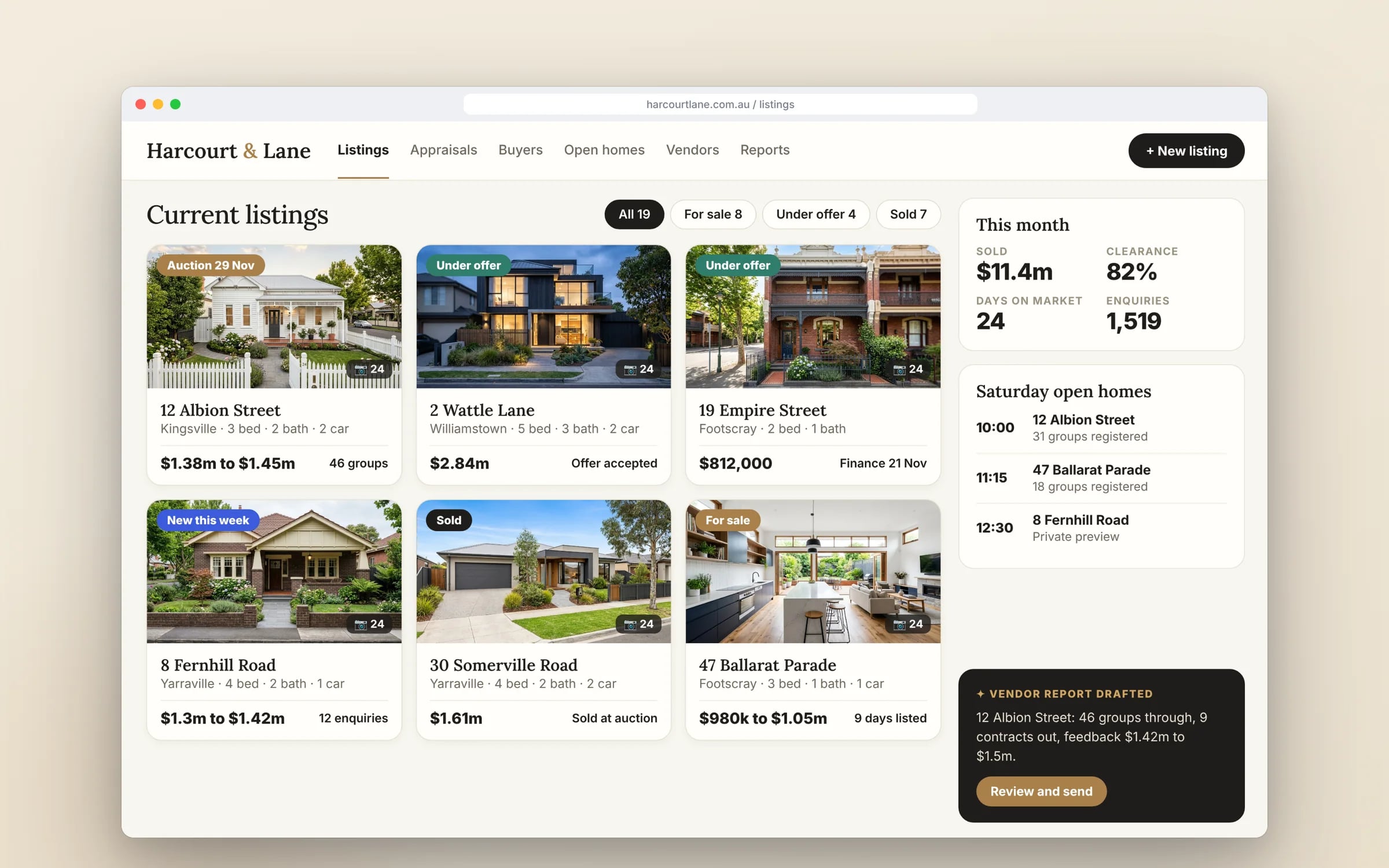
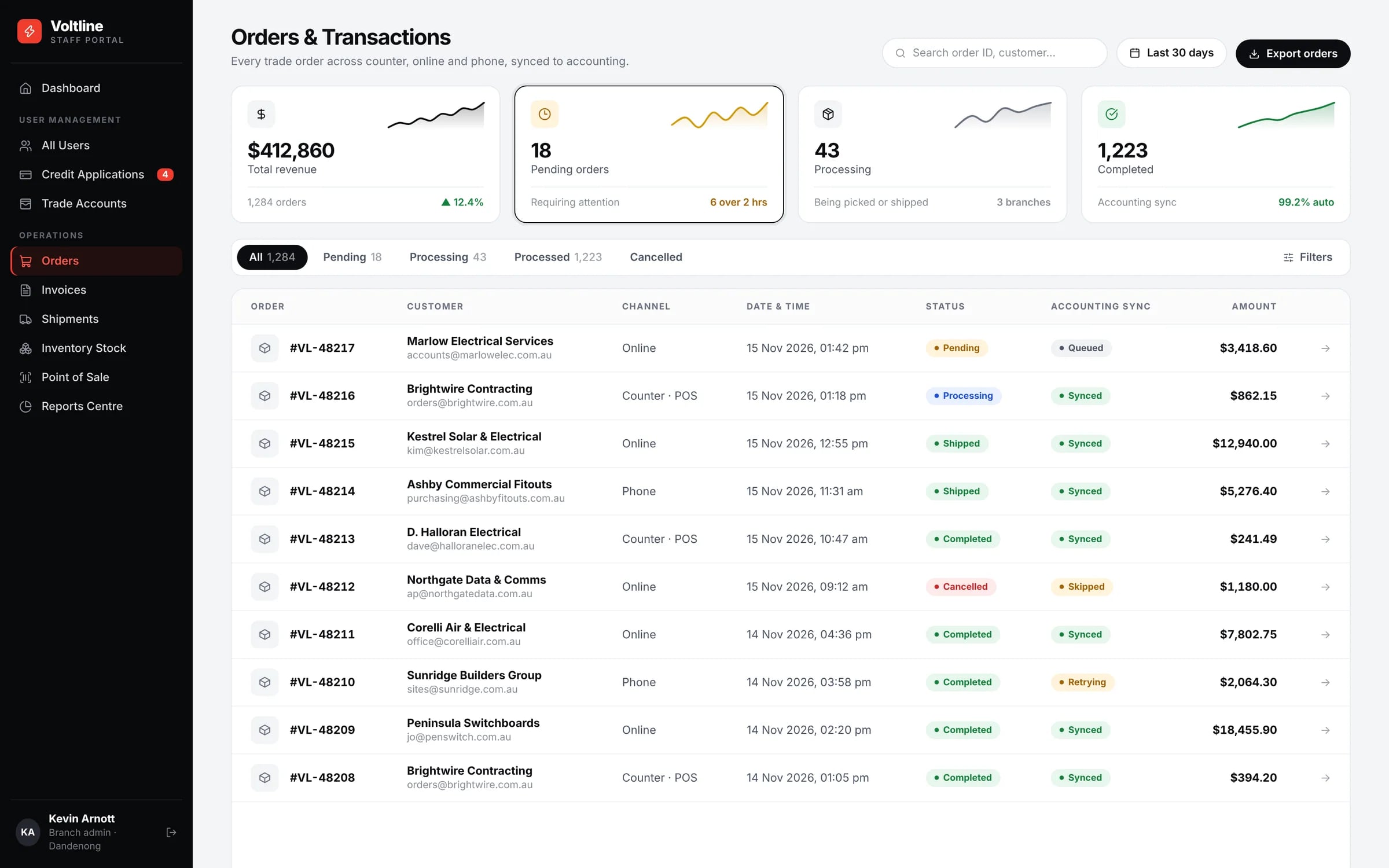
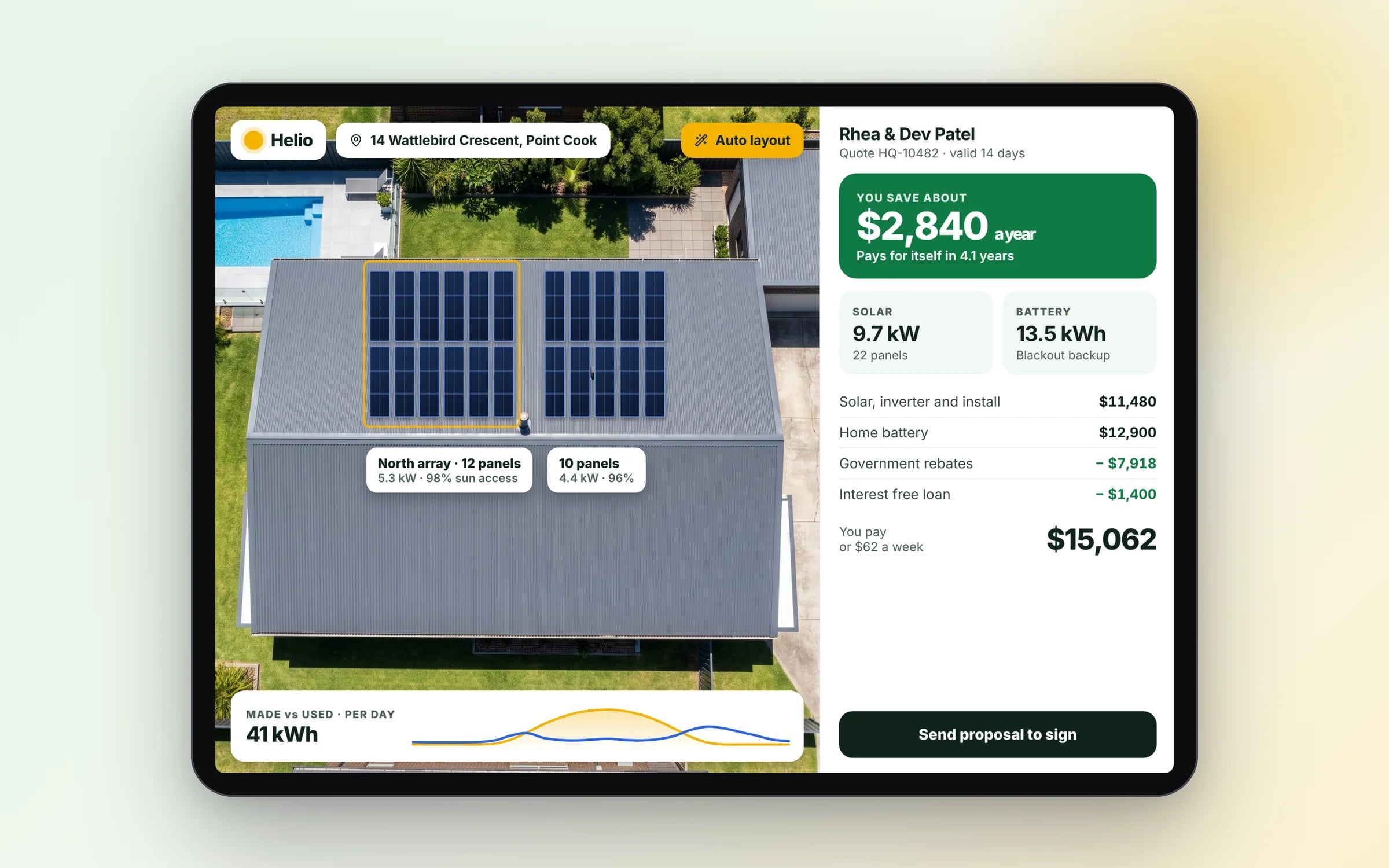
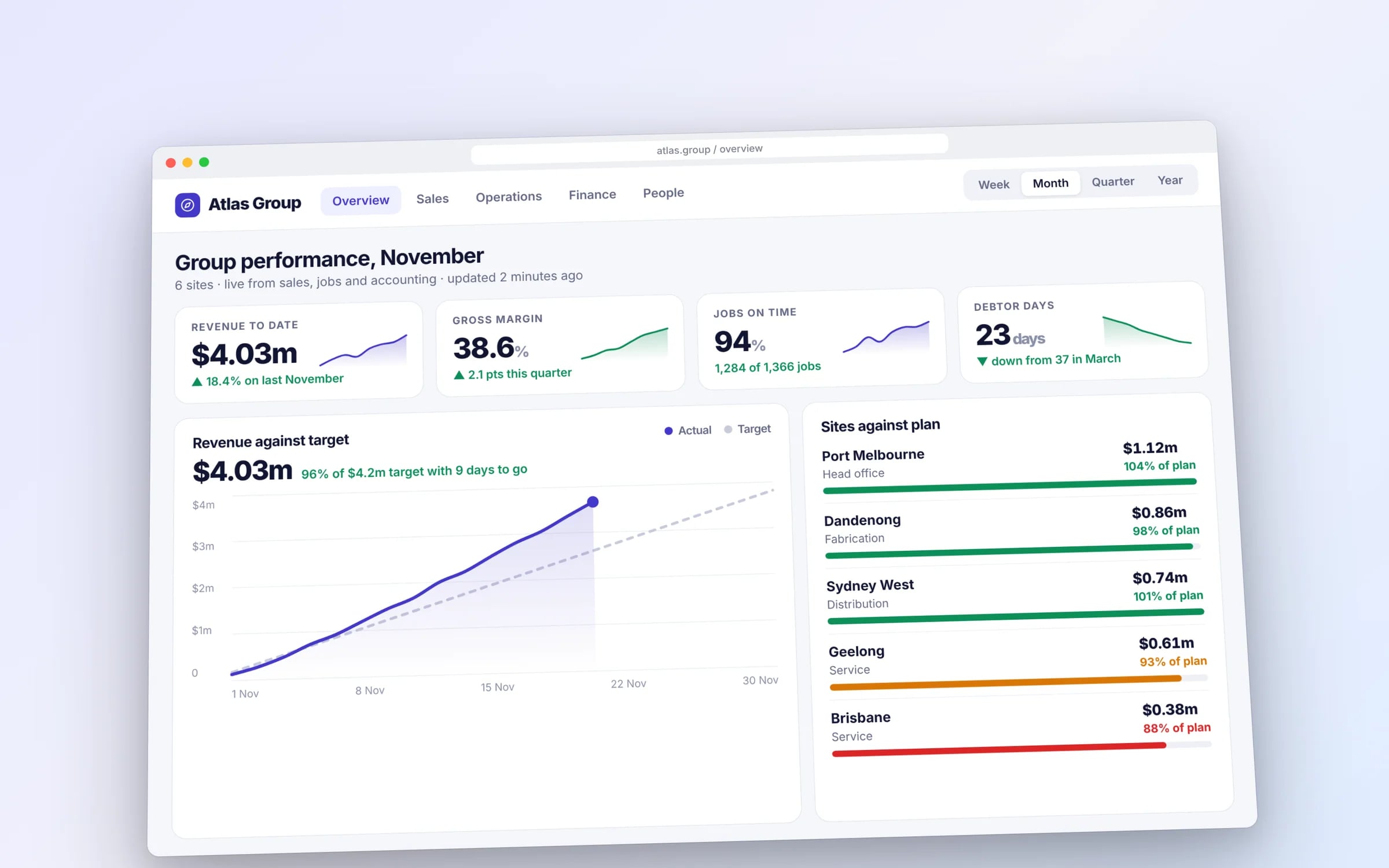
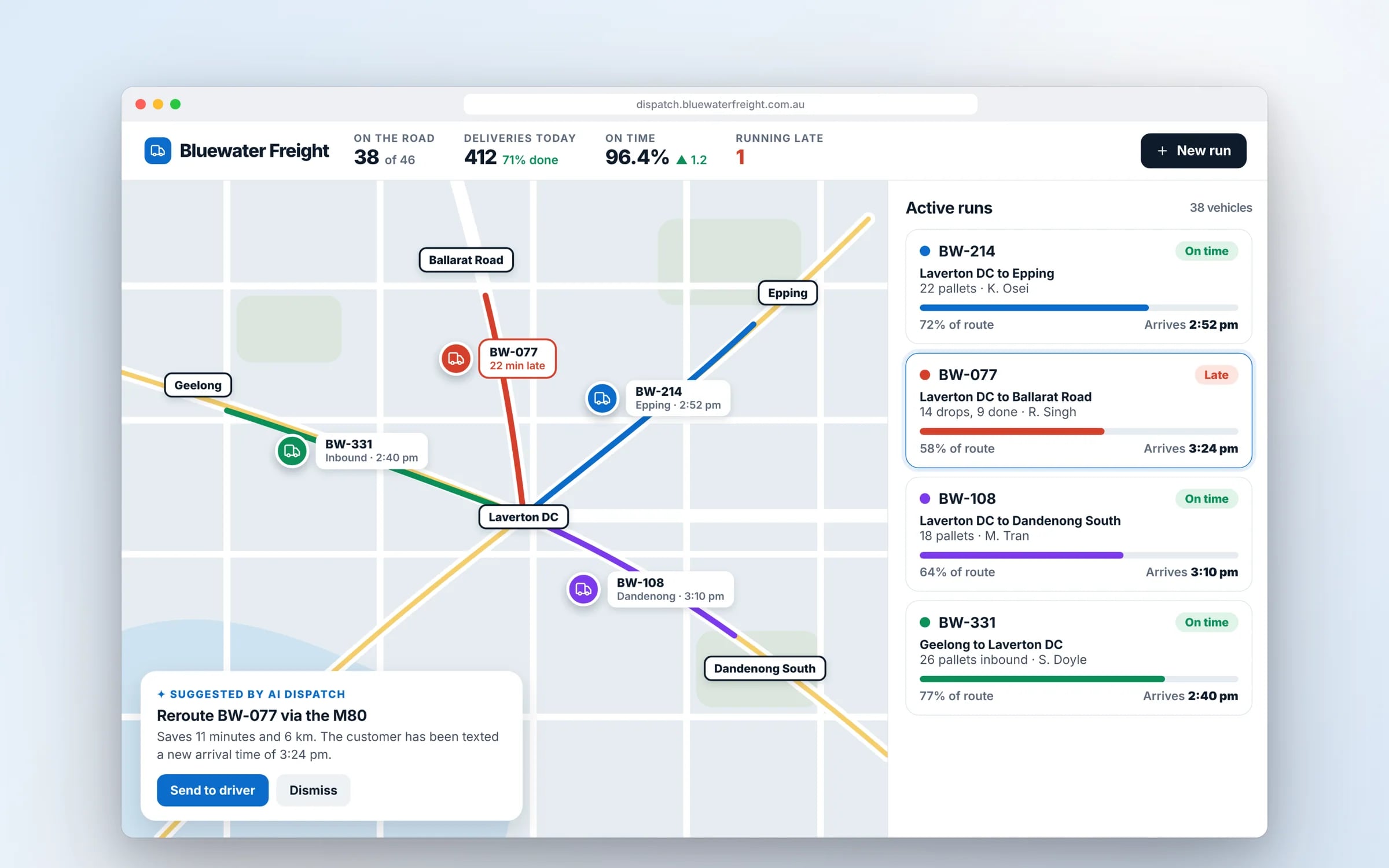
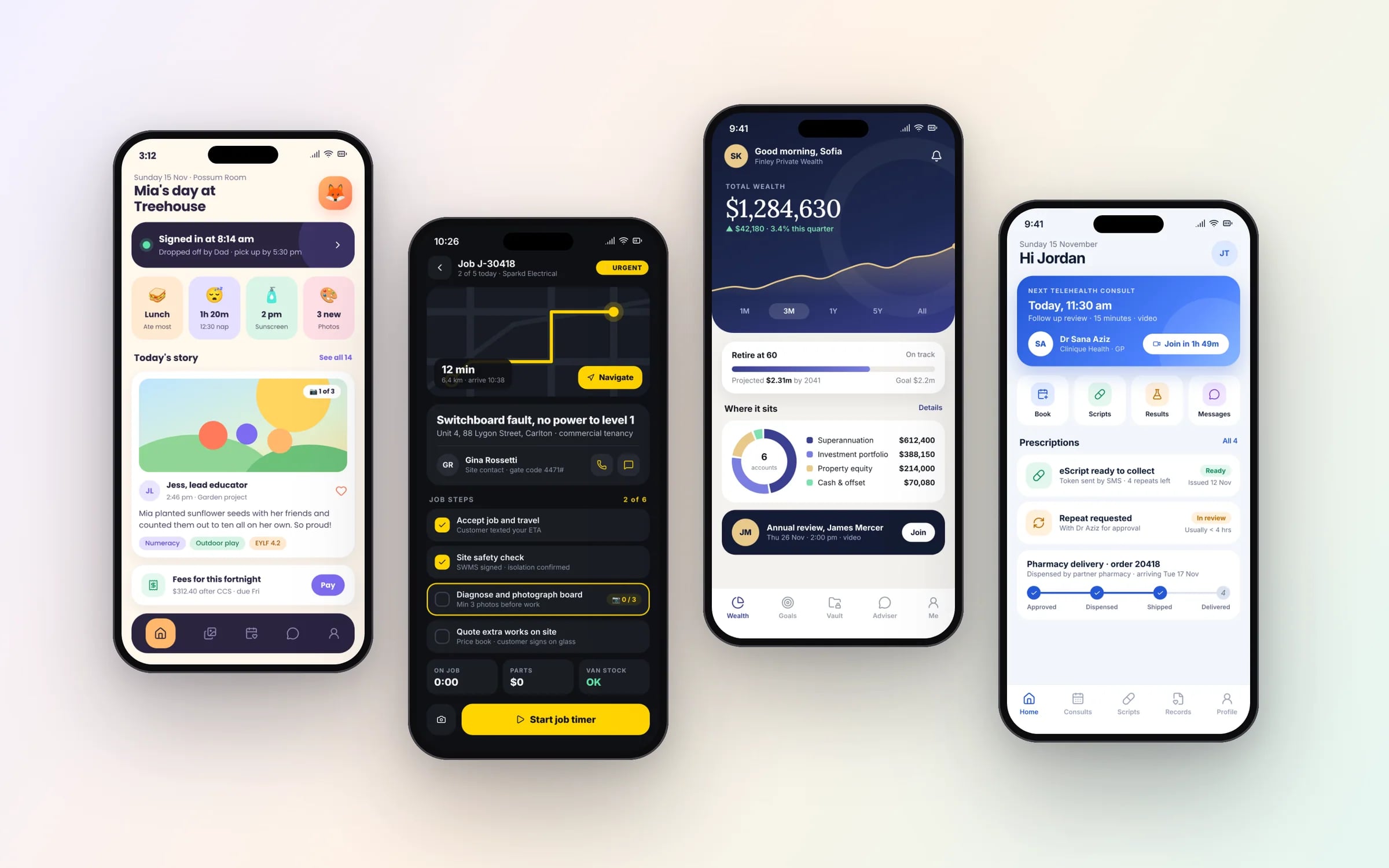
Example screens. The business names on them are invented.
What happens, in order.
1Map roles and organisations
Who logs in, which organisation they belong to, and what each can see and do.
2Build separation first
Data separation and access rules in place before any screens are designed.
3Answer the most-asked question first
Usually job status or document access, live and in use within weeks.
4Add approvals and notifications
Uploads, approvals and alerts added once the core is in daily use.
Five years of renting, against owning. The gap is the point.
Each login sees its own slice. Enforced on the server.
Customers, suppliers and staff use the same portal and each sees only the fields their role allows. The rule lives on the server, so it can't be bypassed from a browser.
What you walk away with.
- 01A portal with per client or per team data separation
- 02Role based access rules matched to your org structure
- 03Secure login, including SSO where it's already in place
★★★★★
“TJ helped me in creating a super creative user interface. I got the results that I wanted.”
What is Web Portals?
A web portal is a secure, logged-in area where clients, staff, contractors or suppliers see only their own information and complete tasks, such as downloading invoices, approving documents, lodging requests or checking job status.
It suits businesses that answer the same status questions by phone and email every day, or that need several organisations kept apart in one platform.
Reviewed by the Hypex team, Port Melbourne
Questions owners ask.
Should I build a client portal for my business?
Build a client portal when clients regularly contact you for information you already hold, such as job status, invoices, reports, certificates or documents awaiting approval. A portal lets them check for themselves at any hour, and gives you a record of who saw and approved what. It is less worthwhile if clients rarely need anything between jobs. A good test is to count the calls and emails each week that exist only to pass on information already sitting in your systems.
How does a portal keep each client's data separate?
A portal keeps each client's data separate by tagging every record with the organisation it belongs to and checking that tag on the server for every request, so one client can never open another's files by changing a link. Roles then control what each person within an organisation can see, such as a property manager compared with an owner. Data is encrypted in transit and at rest, and access changes are logged. Ask any developer to show how separation is enforced in the database and API.
Can clients approve quotes and documents through a portal?
Yes, a portal can handle approvals end to end: the client gets a notification, opens the quote, variation or document, and approves or rejects it with a comment, and the decision is time-stamped against their account. Signed documents are stored against the job, and DocuSign can be connected where a formal e-signature is needed. This replaces chasing approvals by email and gives you a clear record of who approved what, and when.
Can staff, clients and contractors use the same portal?
Yes, one portal can serve staff, clients, contractors and suppliers, with each role seeing different screens and data. Staff might manage every client's jobs and documents, a client sees only their own sites, and a contractor sees only the jobs assigned to them. Sharing one system means information is entered once and every party sees the same status. The access rules need careful mapping at the start, matched to how your organisation and your clients' organisations are structured.
Can a portal use our existing Microsoft or Google logins?
Yes, a portal can use single sign-on with Microsoft 365 or Google Workspace, so staff sign in with their existing work accounts and lose access as soon as their account is disabled. Clients can sign in the same way if their organisation uses those services, or use email and password with multi-factor authentication. Single sign-on cuts password resets and turns offboarding into a single step in the admin console you already use.
What moves the cost and the timeline.
After a 30-minute call you get a system map with a fixed price for each stage, before any work starts. These are the things that shape it.
- Number of user types and organisations
- Document handling, approvals and e-signature
- Single sign-on and multi-factor requirements
- Connections to the systems that hold jobs, invoices and documents
Built for businesses like yours
Show us how you run it today.
Thirty minutes with the people who would build it. We'll map where the hours go and tell you honestly whether custom software is worth it for you.