Is custom software as secure as off-the-shelf?
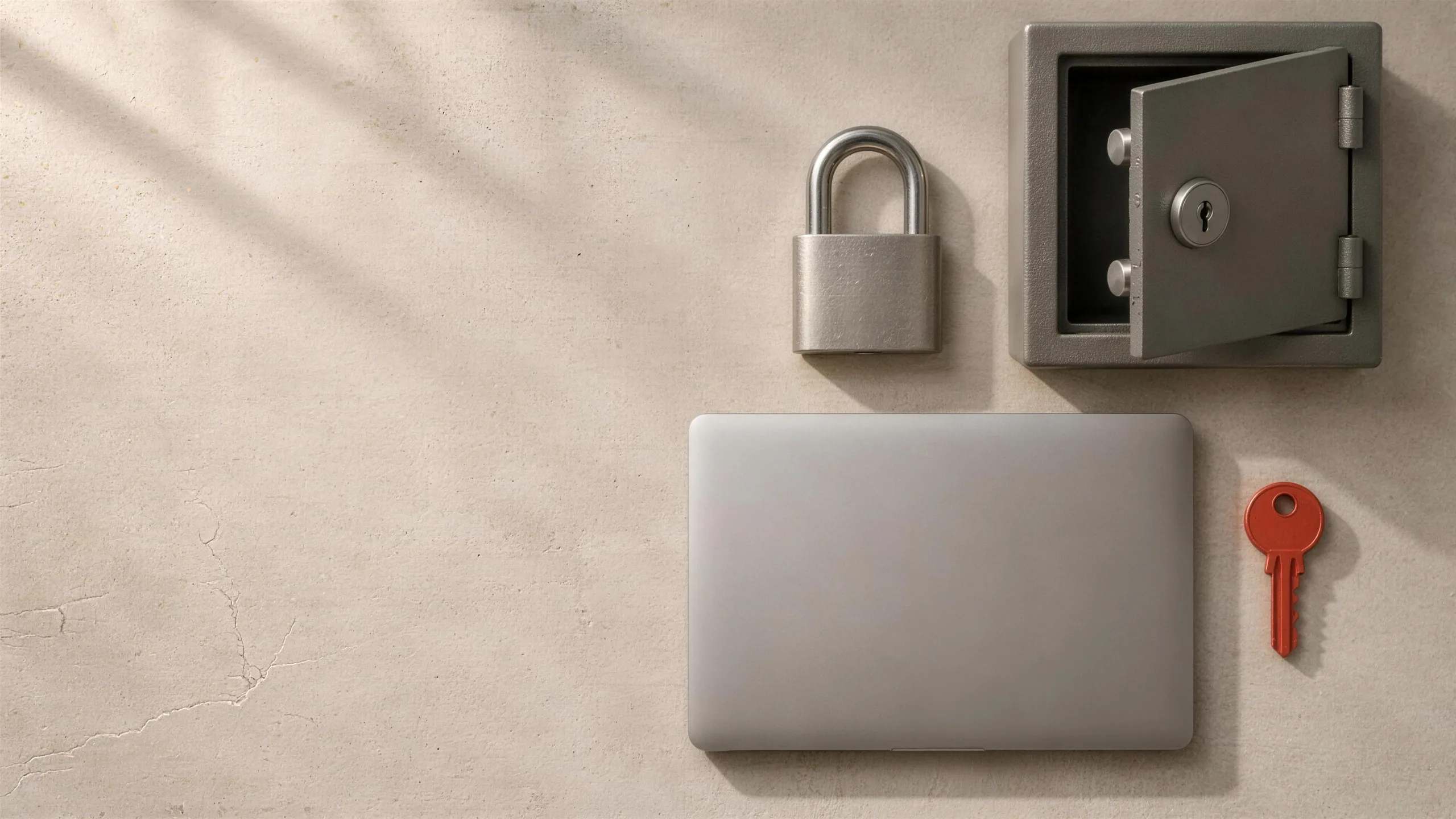
Short answer. It can be, and in some ways it starts with an advantage: a system built for one business is a smaller target than a product shared by thousands, and it runs in the business's own cloud account with only the access it needs. It is not secure by default, though. The things that decide it are the same for any software: who can get in and to what, how data is protected and backed up, how changes are tested and recorded, and whether problems are found and fixed quickly. Ask any developer how they handle each one before you hire them.
In this guide · 6 minute read
Where a custom system starts ahead
A large software product is a shared target: one weakness can expose every business that uses it, which is why attackers look for them. A custom system is used by one business, and it can run in that business's own cloud account, separate from everyone else's.
It can also be built with only what the business needs. Fewer features, fewer integrations and fewer user types mean fewer ways in.
Where it can start behind
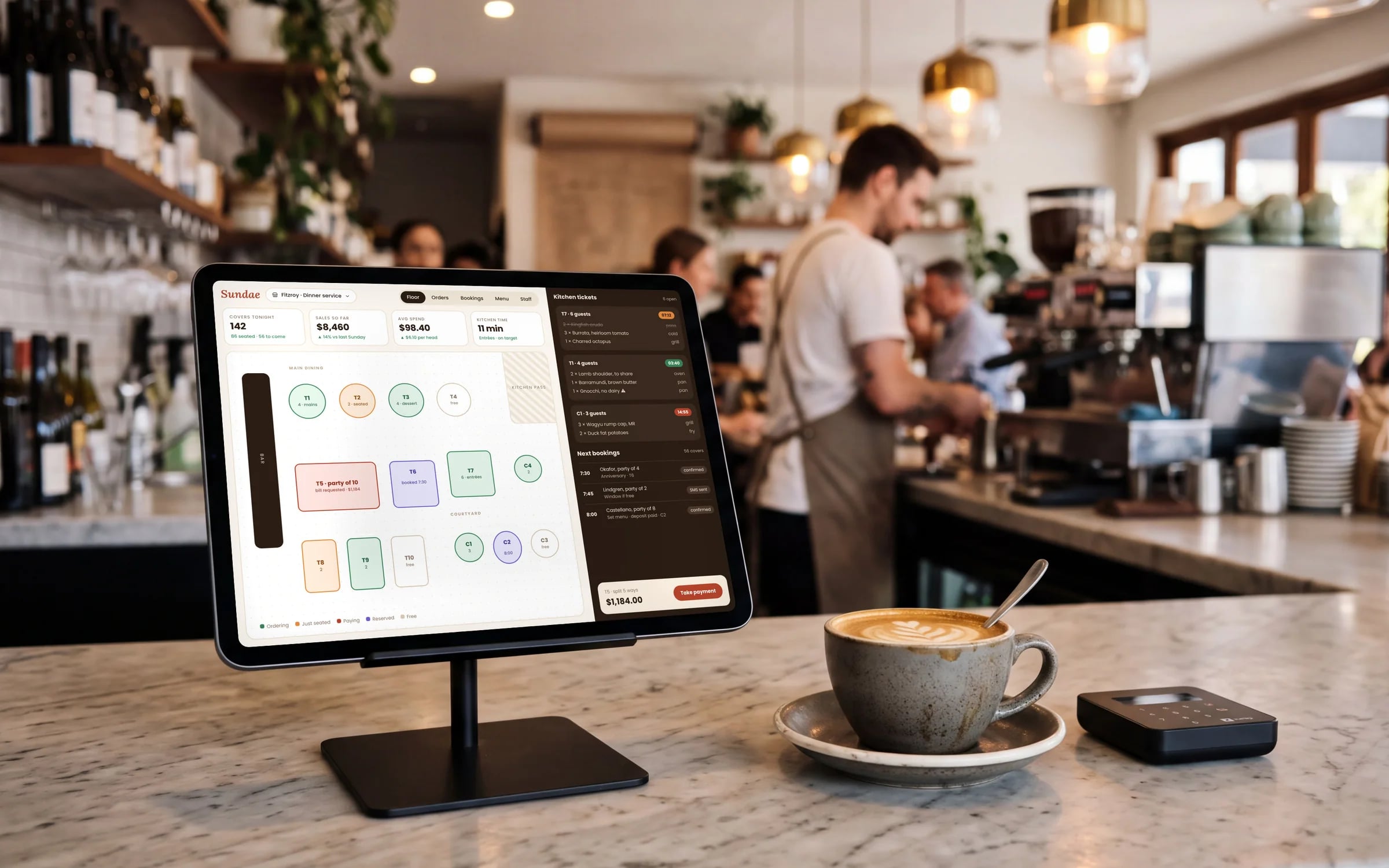
A big vendor has a security team and years of hardening. A small build does not get that for free. If the people building it skip the basics, a custom system can be easier to break into than the product it replaced. The difference is entirely in how it is built and looked after.
What decides it, whoever builds it
- 01Access: everyone signs in as themselves, sees only what their role needs, and leaves no shared logins behind.
- 02Data: encrypted in transit and at rest, backed up automatically, and restorable, with the restore tested.
- 03Changes: every change reviewed and tested before it goes live, with a record of who changed what.
- 04Records: sign-ins and important actions logged, so you can see what happened if something goes wrong.
- 05Upkeep: the libraries and services the system depends on kept up to date, with security fixes applied promptly.
★★★★★
“Great team to work with, really strive for success and provide excellent communication with any service provided.”
Questions to ask before you hire anyone
- 01Whose cloud account will the system and its data live in?
- 02How are logins, roles and permissions handled?
- 03How are backups taken, and when was a restore last tested?
- 04How are changes reviewed and tested before they reach us?
- 05Who keeps the system patched after launch, and how quickly are security fixes applied?
Terms in this guide