What happens to your data when you leave a SaaS tool?
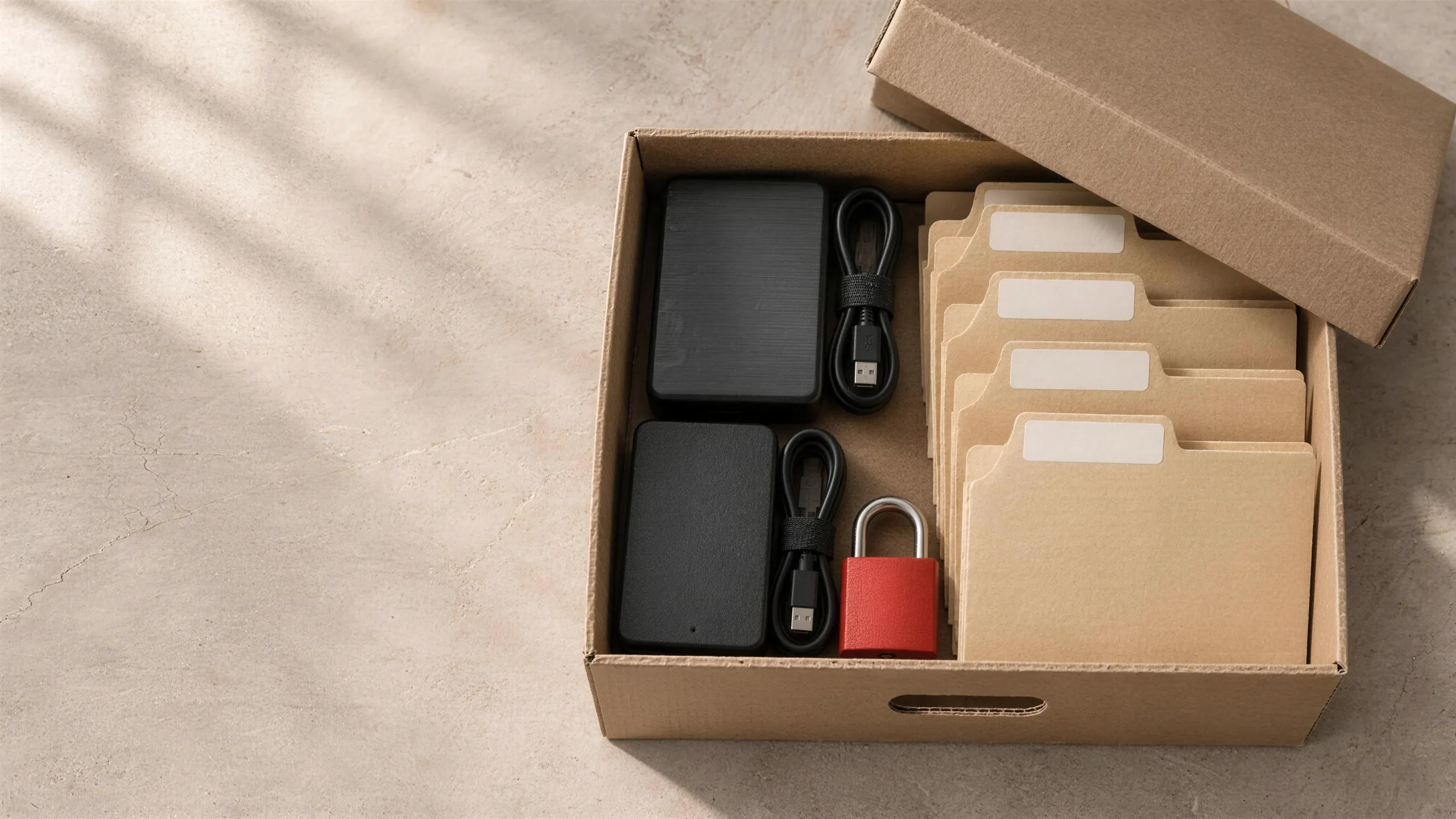
Short answer. When you cancel a SaaS subscription you usually keep the right to export your data, but only in the formats the vendor offers and only for a set period. Records often come out as flat files without their history, attachments or relationships, so plan the export before you cancel: check the vendor's terms, run a full export early, and test that it can be imported somewhere else.
In this guide · 5 minute read
What to check in the vendor's terms
- 01How long your data is kept after you cancel, and whether you can still log in to export it.
- 02Which formats exports come in (CSV, Excel, API) and whether attachments are included.
- 03Whether history, notes, audit logs and links between records come out with the data.
- 04Whether there's a fee or a support request needed for a full export.
What usually gets lost
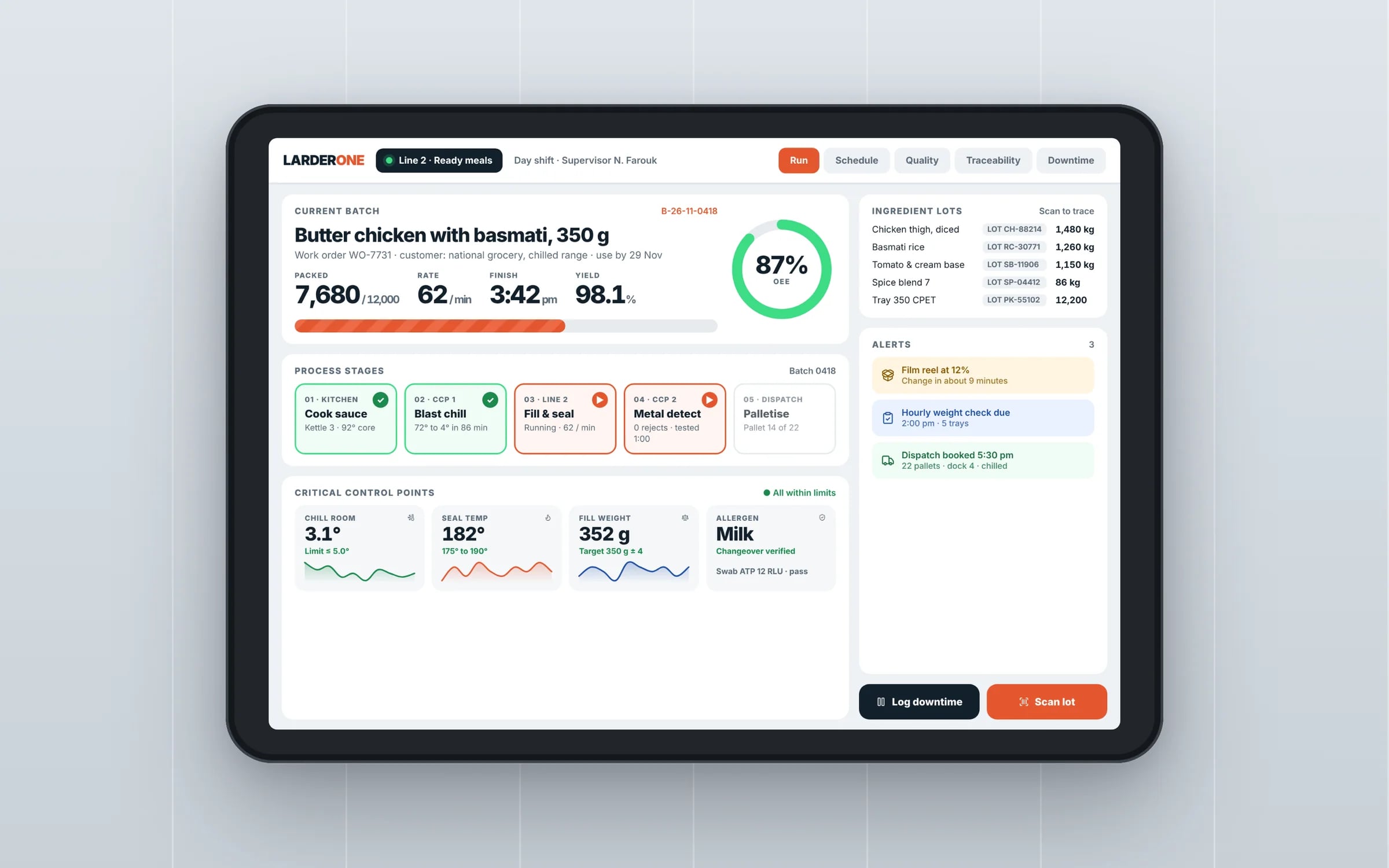
The relationships: which job belonged to which customer, which invoice to which job, who changed what and when. Exports often flatten these into separate files, and rebuilding the links is the slow part of any migration. Attachments such as photos, signed forms and PDFs are the other common gap.
How to move without losing anything
Run a trial export months before you plan to leave and look at what comes out. Map each field to where it will live in the new system. Import, then check totals and a sample of records against the original. Keep the old tool read-only until the team is confident, then cancel.
★★★★★
“Great team to work with, really strive for success and provide excellent communication with any service provided.”
Avoiding it next time
When the records live in your own database, in your own cloud account, there's nothing to export and no one to ask. That's one of the quieter reasons owners move core operations onto a system they own.
Terms in this guide