Progressive Web Apps. App like experiences that install, load fast and work offline.
Installable, offline capable experiences that feel like a native app without the App Store overhead of shipping one.

What it can look like. Screens from systems like this.
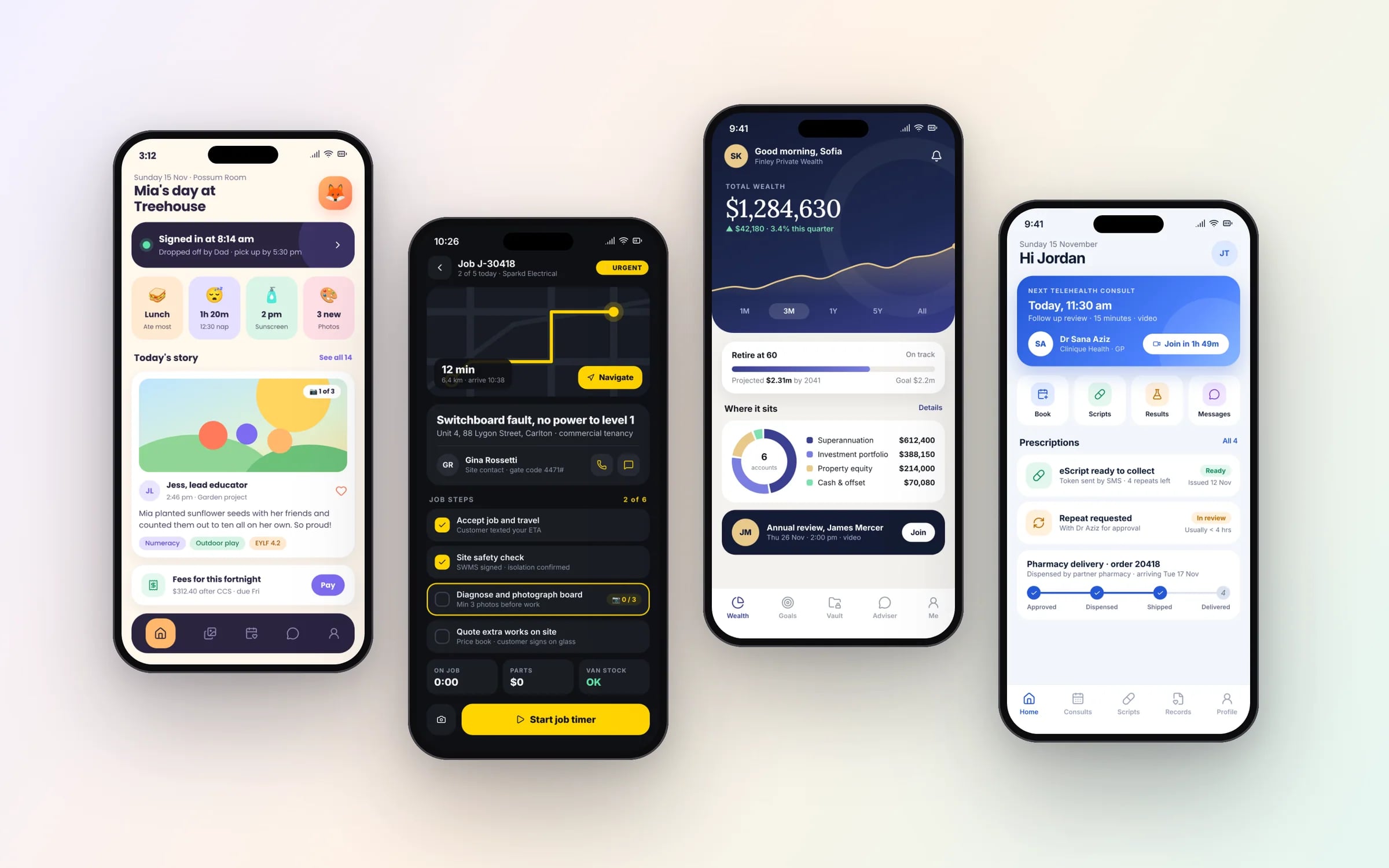
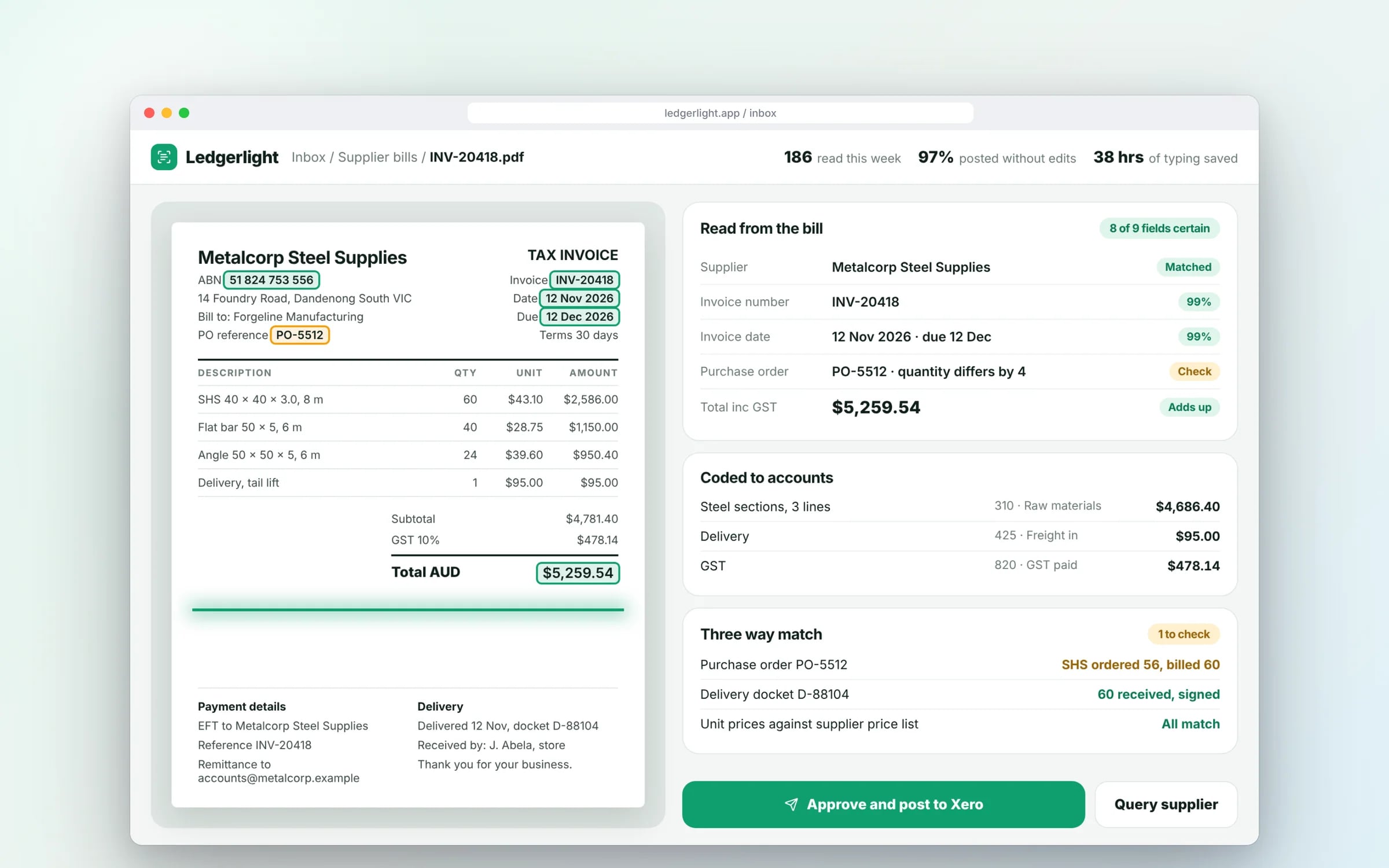
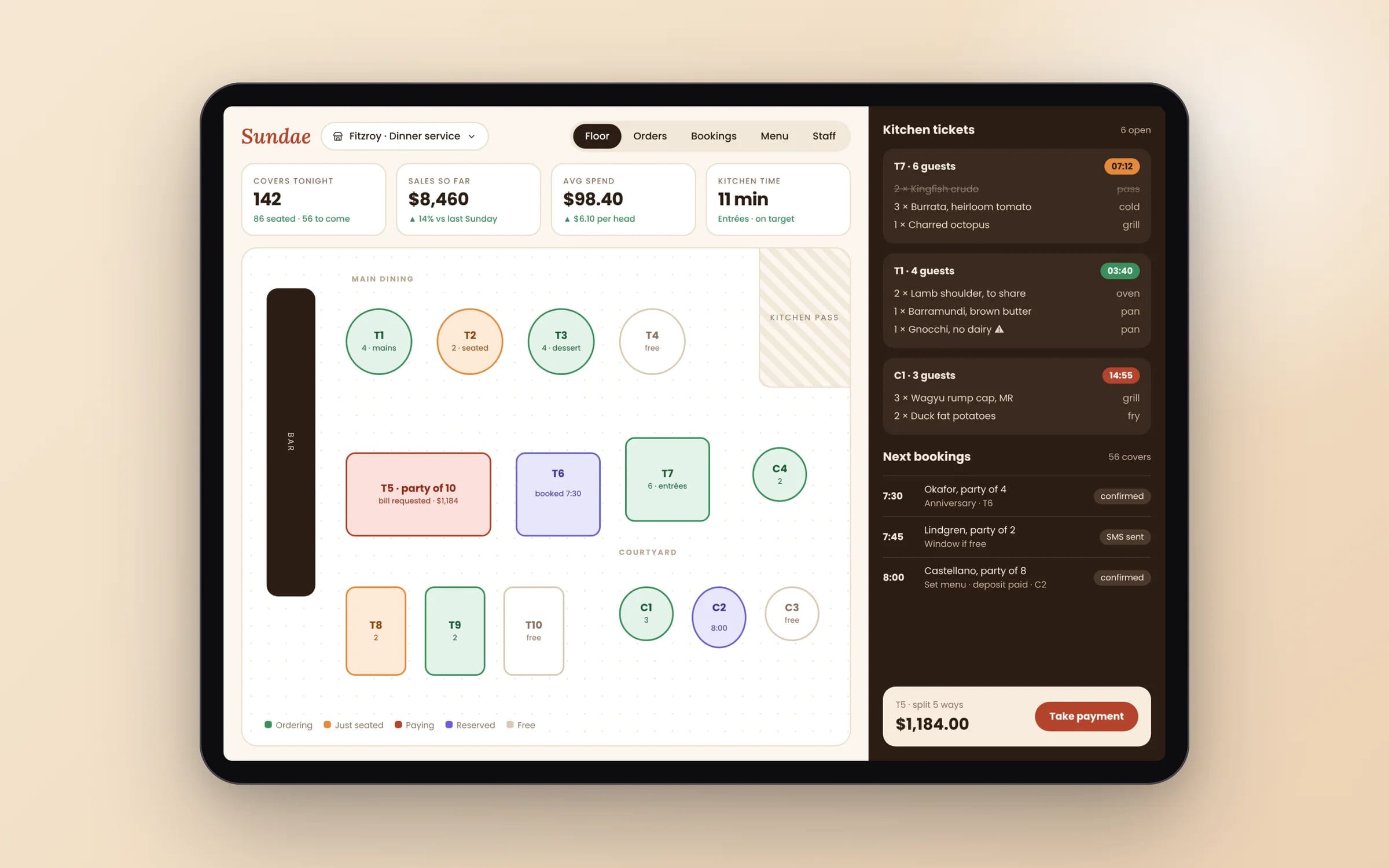
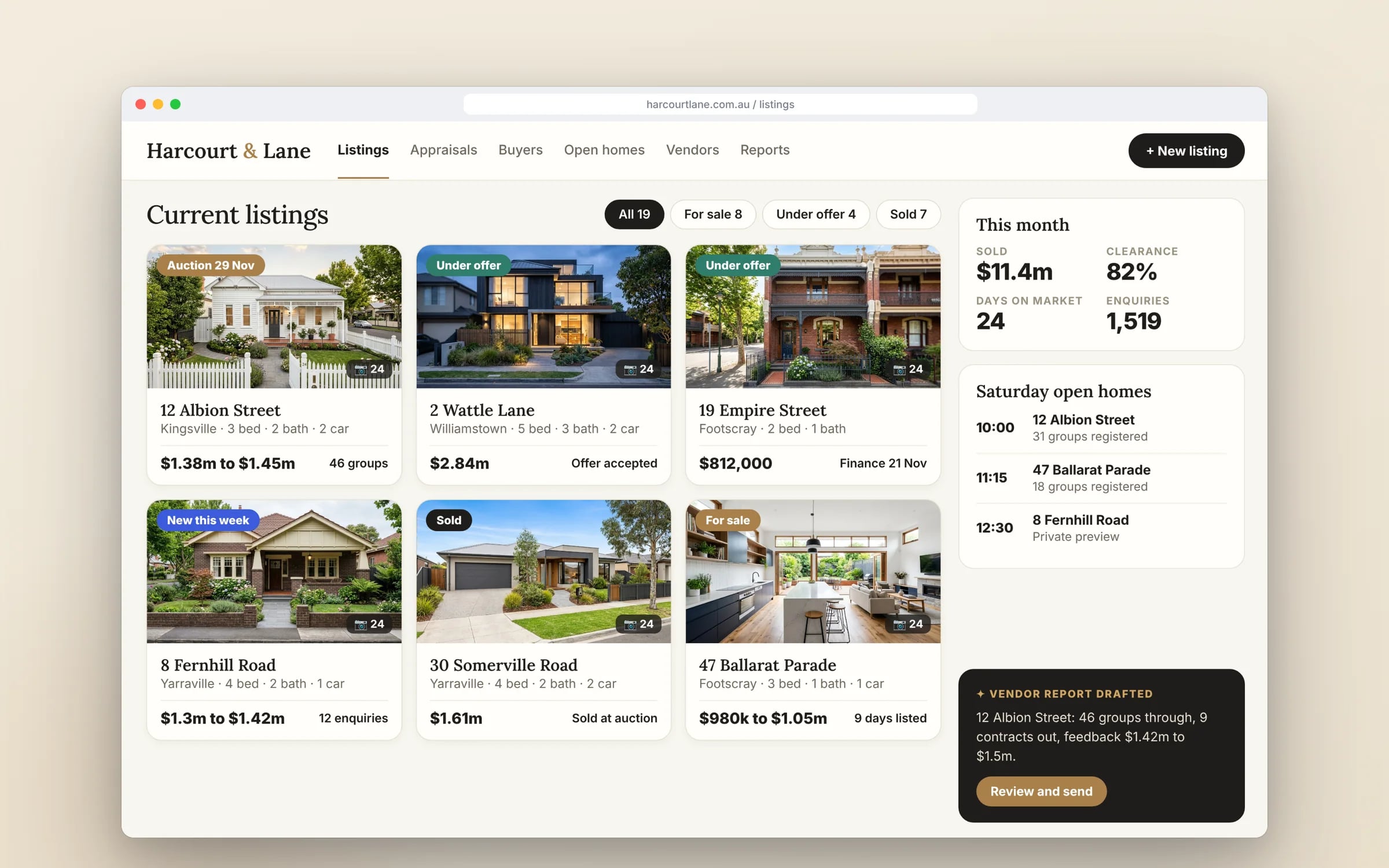
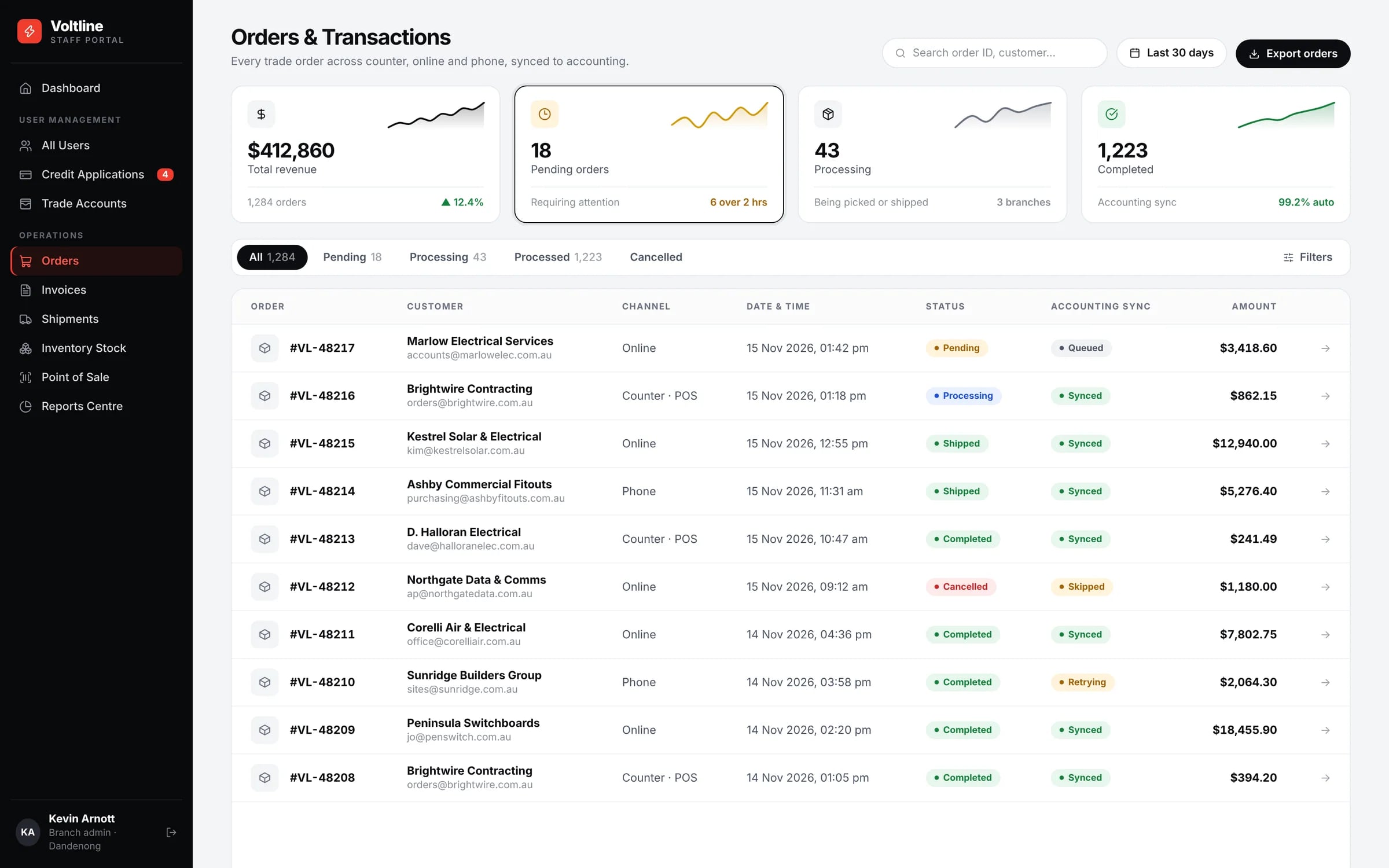
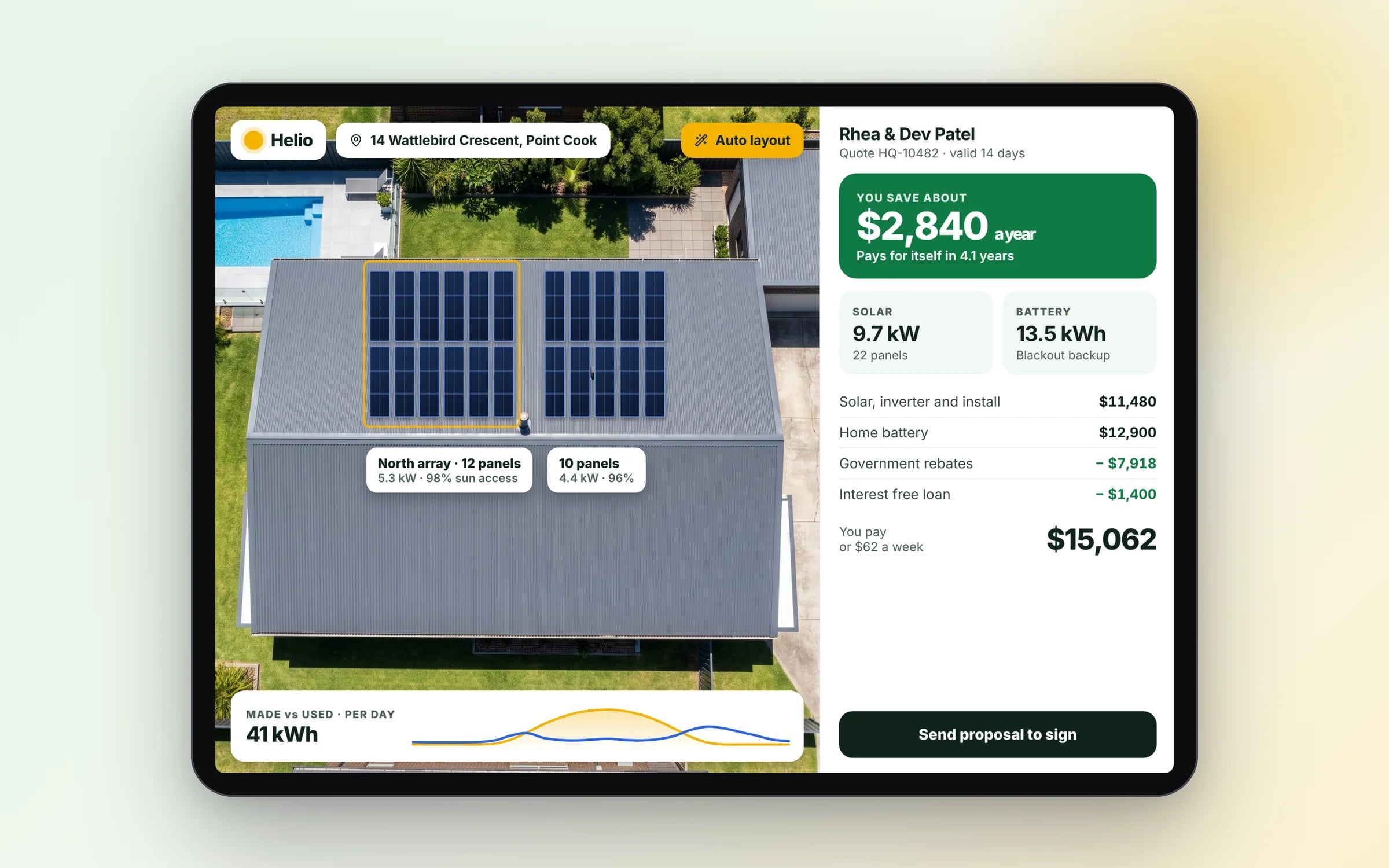
Example screens. The business names on them are invented.
You probably need this when
- 01Our techs lose signal on site and the forms won't submit.
- 02We can't justify two native apps for a tool only our staff use.
- 03Waiting for app store review slows down every fix we ship.
- 04Customers won't download an app just to book with us.
- 05We want job reminders on staff phones without a native build.
Keeps working without signal. Then catches up on its own.
Built as a progressive web app, the field view saves photos and signatures offline and syncs when the phone finds a connection. No app store, no lost sign-offs.
How we'd build it.
- Step 1
Pick the offline core
Which screens and records must work with no signal, and which can wait for a connection.
- Step 2
Build the web app
Responsive screens and the data model, usable in any browser from day one.
- Step 3
Add install and offline
Manifest, service worker caching and background sync for changes queued offline.
- Step 4
Test on real devices
iPhone and Android tested in site conditions, including areas with no signal.
★★★★★
“We were impressed with the sheer professionalism displayed by TJ and Harry.”
How we do it.
- 01Offline supportCore functionality that keeps working without a connection, then syncs once it's back.
- 02InstallabilityAdded to a phone's home screen directly from the browser, no App Store review needed.
- 03Push notificationsRe-engagement without the overhead of a native app release.
- 04Performance tuningLoad times and interactions tuned to feel like a native app.
Five years of renting, against owning. The gap is the point.
What is Progressive Web Apps?
A progressive web app (PWA) is a website built to behave like an installed app: it can be added to a phone's home screen, load quickly, keep working offline and send push notifications, without going through an app store.
It suits businesses with field teams on patchy coverage, or that want app-like access for customers without maintaining separate iOS and Android apps.
Reviewed by the Hypex team, Port Melbourne
Questions owners ask.
What is a progressive web app?
A progressive web app is a web application that uses modern browser features to install to a device, work offline and send notifications, so it behaves like a native app while being delivered from a web address. It is built with standard web technology, runs in any modern browser, and is updated on the server, so every user gets the latest version on their next visit. The key parts are a web app manifest that makes it installable and a service worker that caches content and handles offline use.
Should I build a PWA or a native app?
Build a PWA when your users need fast, installable access to forms, jobs, bookings or records, including offline, and build a native app when you need deep device features, a presence in the app stores or heavy background processing. A PWA is one codebase that works on iPhone, Android and desktop and updates without store review. Native apps get fuller access to Bluetooth, background location and some sensors. Staff tools often fit a PWA well; consumer apps that rely on store discovery usually need native.
Do progressive web apps work on iPhone?
Yes, PWAs work on iPhone, with more limits than on Android. Users install them from the Share menu using Add to Home Screen, because iOS does not show an automatic install prompt. Since iOS 16.4, web apps added to the home screen can receive push notifications once the user grants permission. Safari does not support some web features, such as Web Bluetooth, and background tasks are more restricted. Test the specific features you need on an iPhone before committing to a PWA.
Can a PWA work offline for field staff?
Yes, a PWA can keep core features working offline by storing the screens and data it needs on the device, then syncing changes when the connection returns. A technician can open the day's jobs, fill in a checklist, take photos and capture a signature in a basement or regional site, and the records upload once they are back in coverage. The design work is in deciding what gets cached, and how conflicts are handled if two people change the same record while offline.
Can a PWA be listed in the App Store or Google Play?
A PWA can be published to Google Play by packaging it as a Trusted Web Activity, but Apple's App Store generally expects an app to offer more than a website, so a PWA on its own is not listed there. For most business tools this does not matter: staff and customers open a link or scan a QR code and add it to their home screen. If store presence matters for discovery, plan a native or cross-platform app instead.
Progressive web app vs native app.
- Installation
Progressive web appAdded to the home screen from the browser
Native appDownloaded from the App Store or Google Play
- Updates
Progressive web appLive on next open, with no store review
Native appEach release goes through store review, then users update
- Offline use
Progressive web appCached screens and data, syncing when back online
Native appFull offline storage and background sync
- Device features
Progressive web appCamera, location and notifications; limited Bluetooth and background tasks, especially on iPhone
Native appFull access to Bluetooth, background location, sensors and system features
- Codebase
Progressive web appOne codebase for iPhone, Android and desktop
Native appSeparate iOS and Android builds, or one cross-platform codebase
- Discovery
Progressive web appShared by link, QR code or your website
Native appFound through app store search and listings
What moves the cost and the timeline.
After a 30-minute call you get a system map with a fixed price for each stage, before any work starts. These are the things that shape it.
- How much must work offline, and how editing conflicts are resolved
- Push notification rules and who receives what
- Device features needed, such as camera, GPS or barcode scanning
- Range of devices and browsers to support
Built for businesses like yours
Show us how you run it today.
Thirty minutes with the people who would build it. We'll map where the hours go and tell you honestly whether custom software is worth it for you.