Rapid Prototyping. Clickable prototypes that de risk decisions before build.
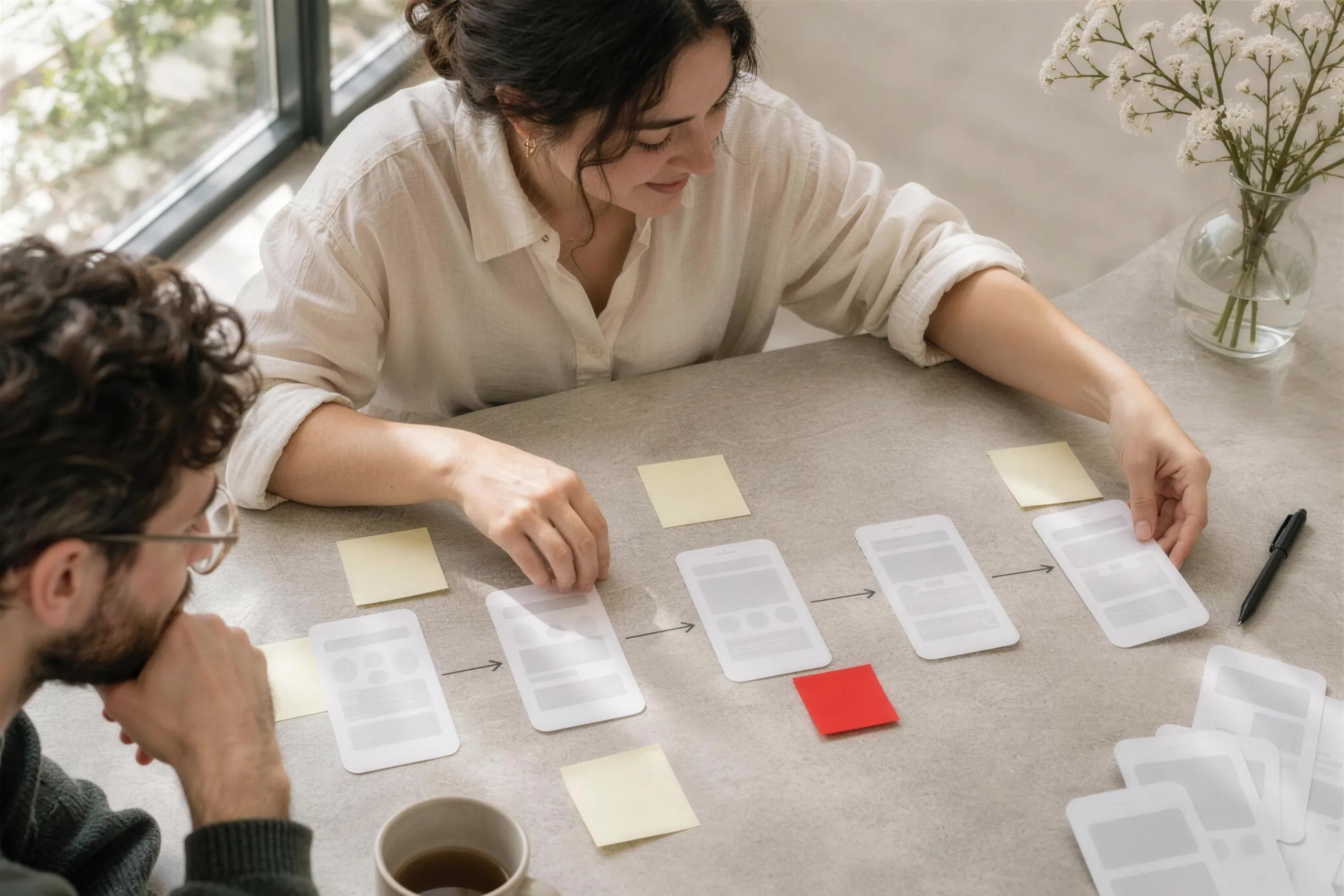
Clickable prototypes that let a team test a direction with real users before a single line of production code is written.
What it can look like. Screens from systems like this.
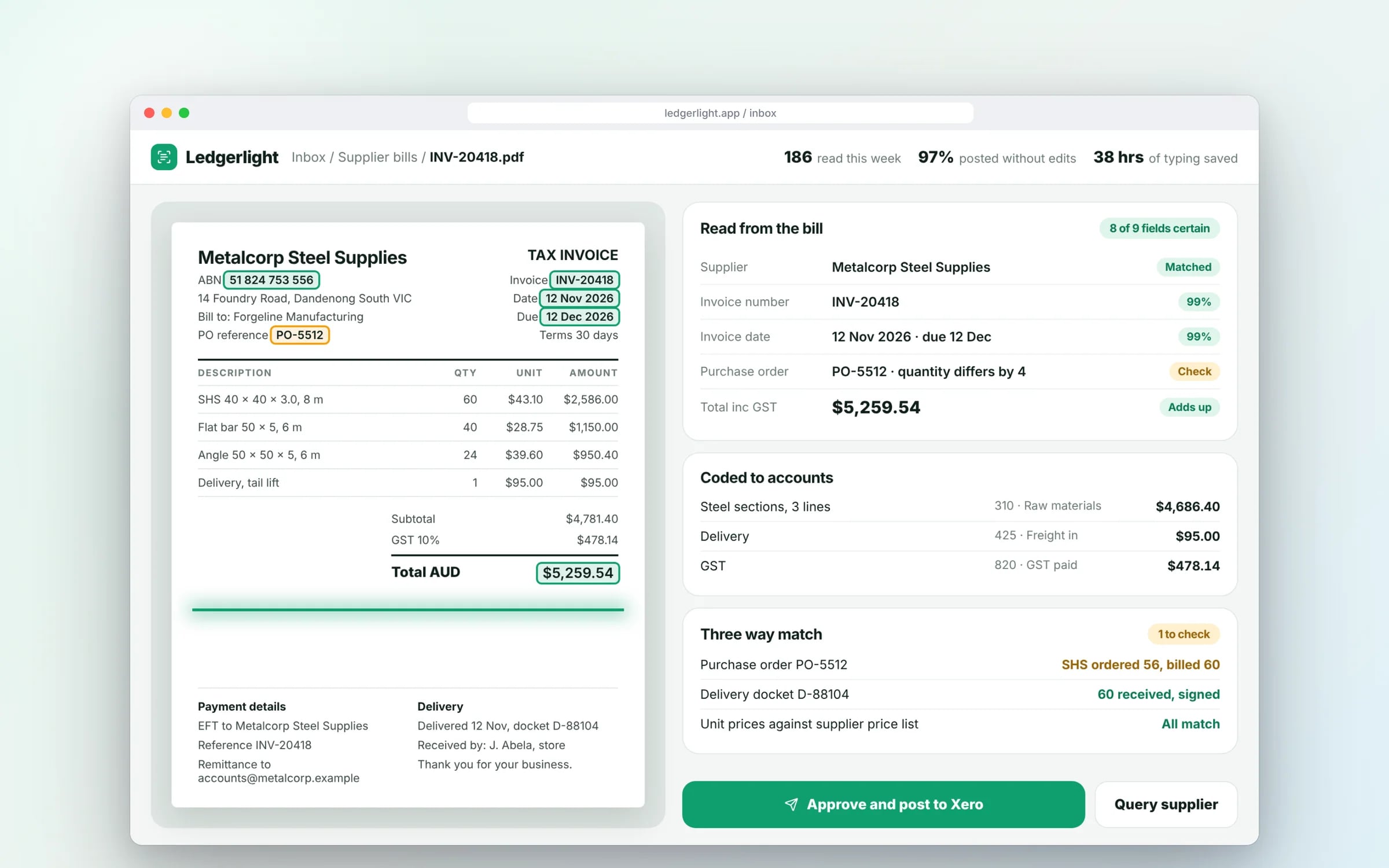
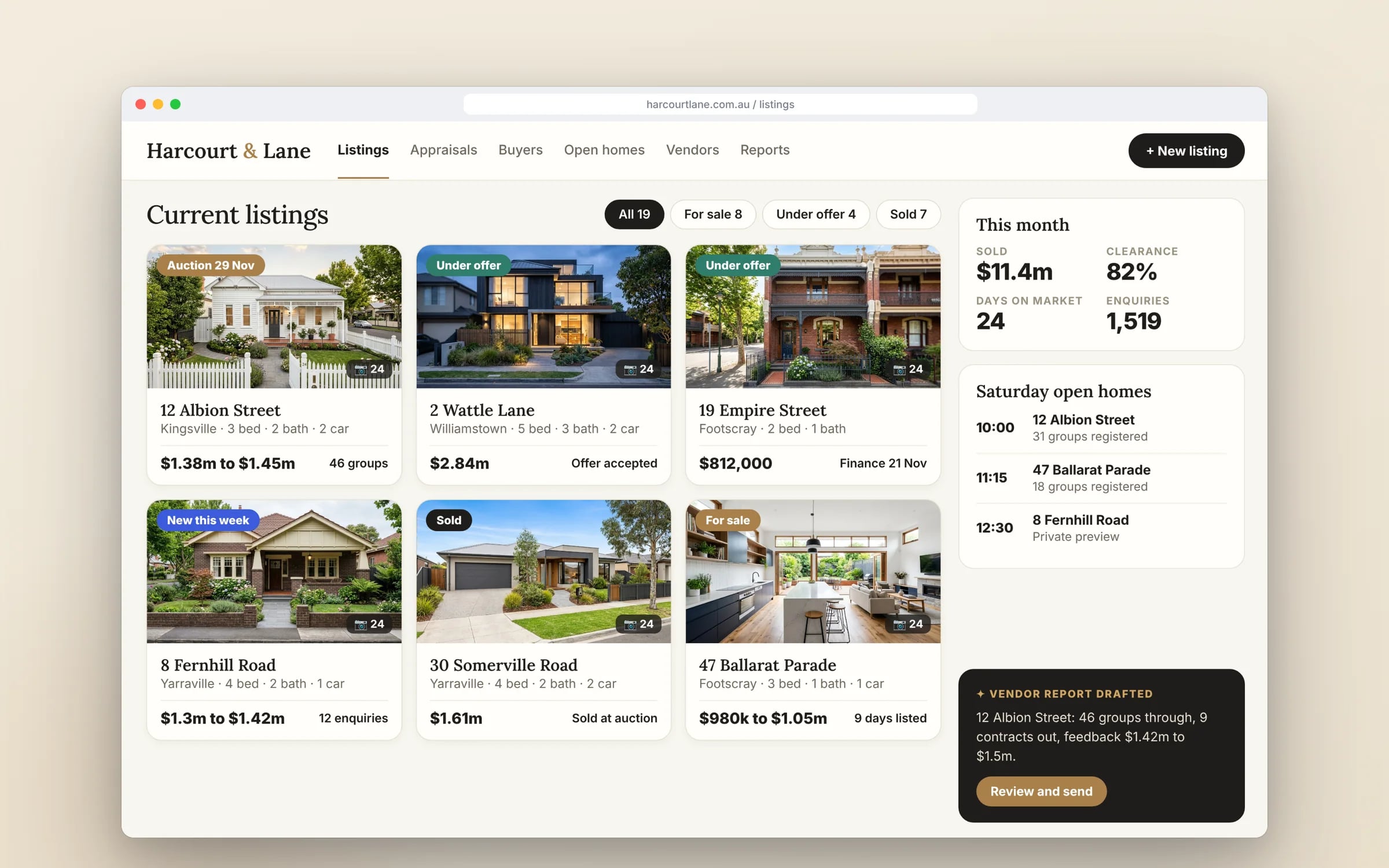
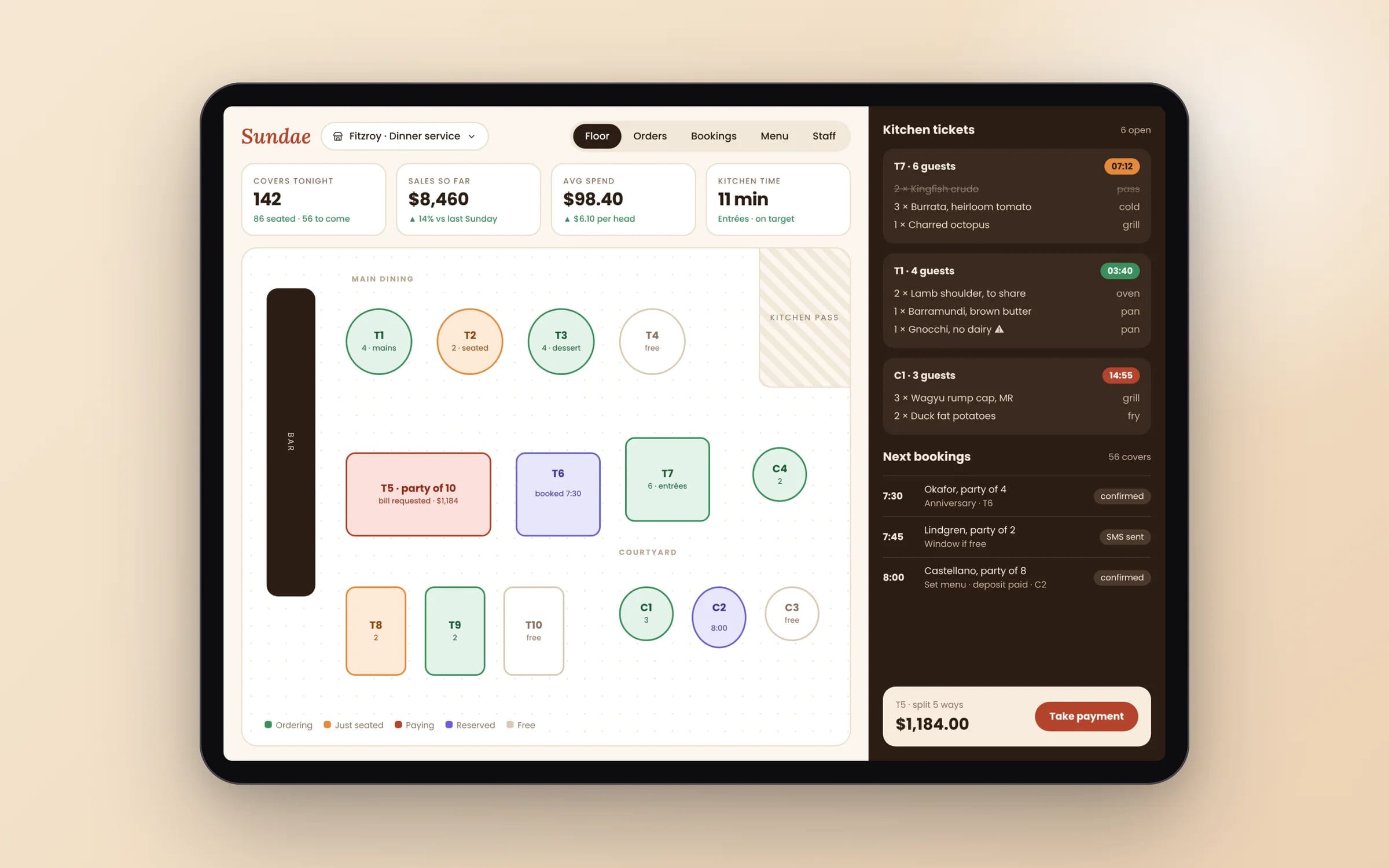
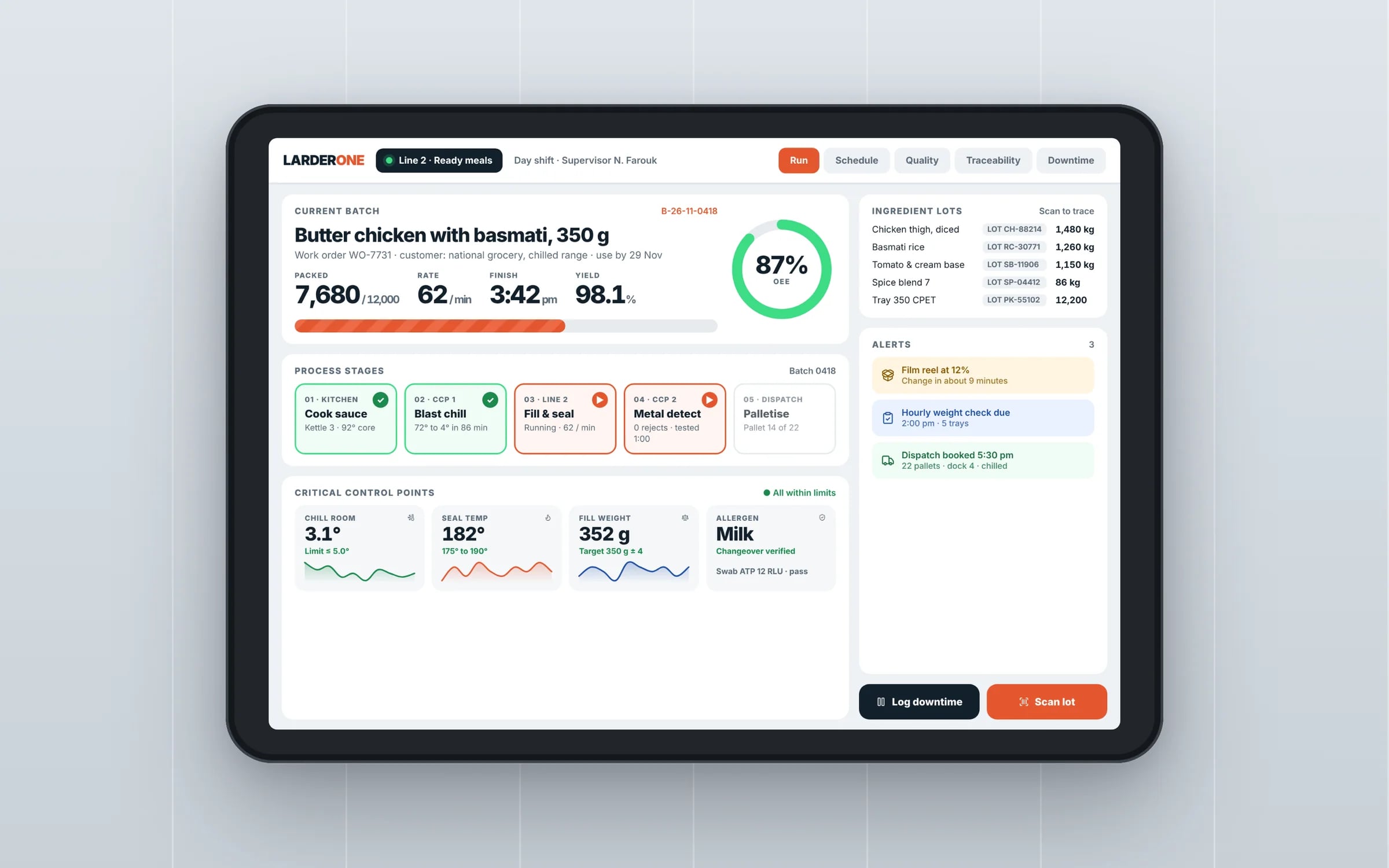
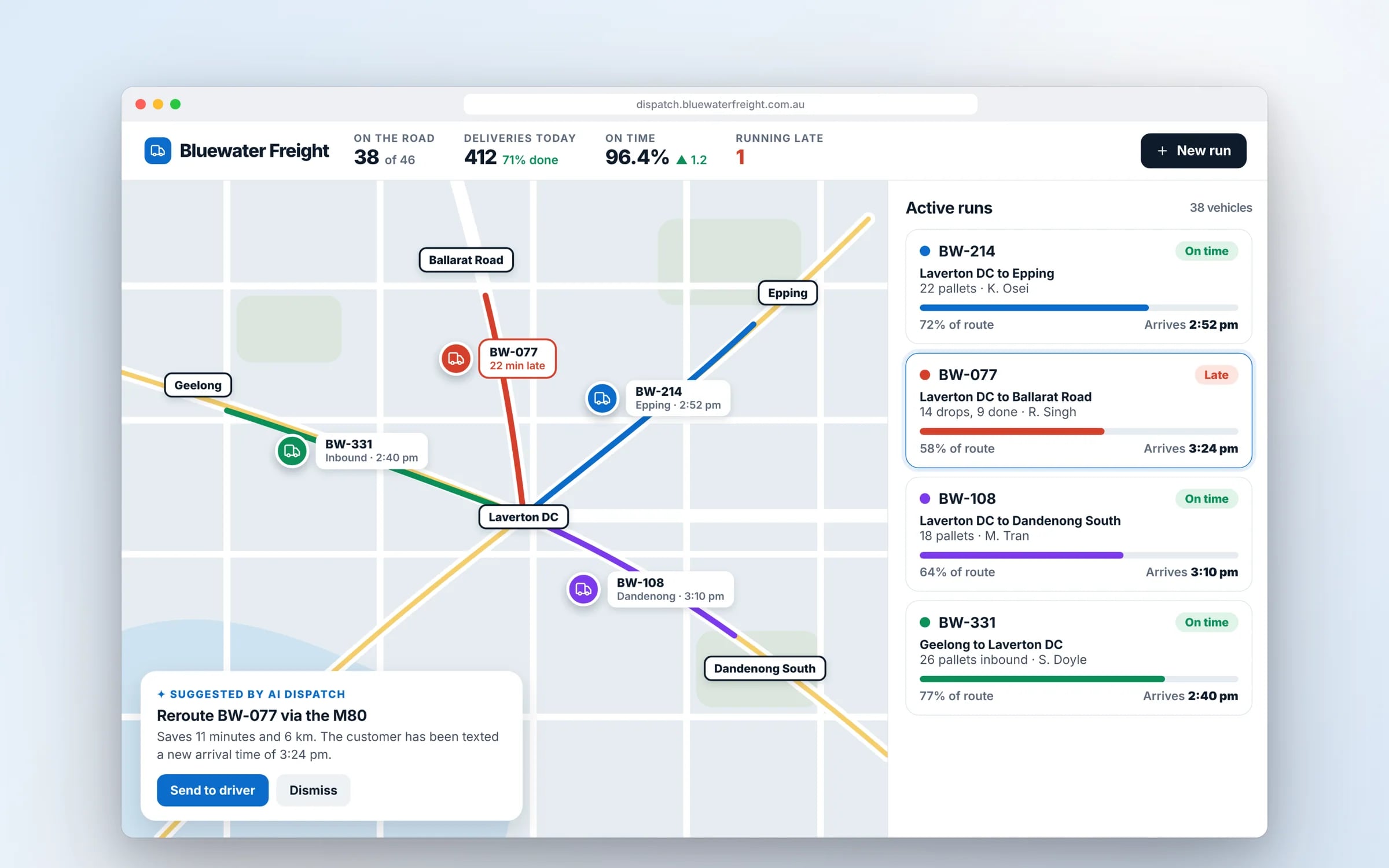
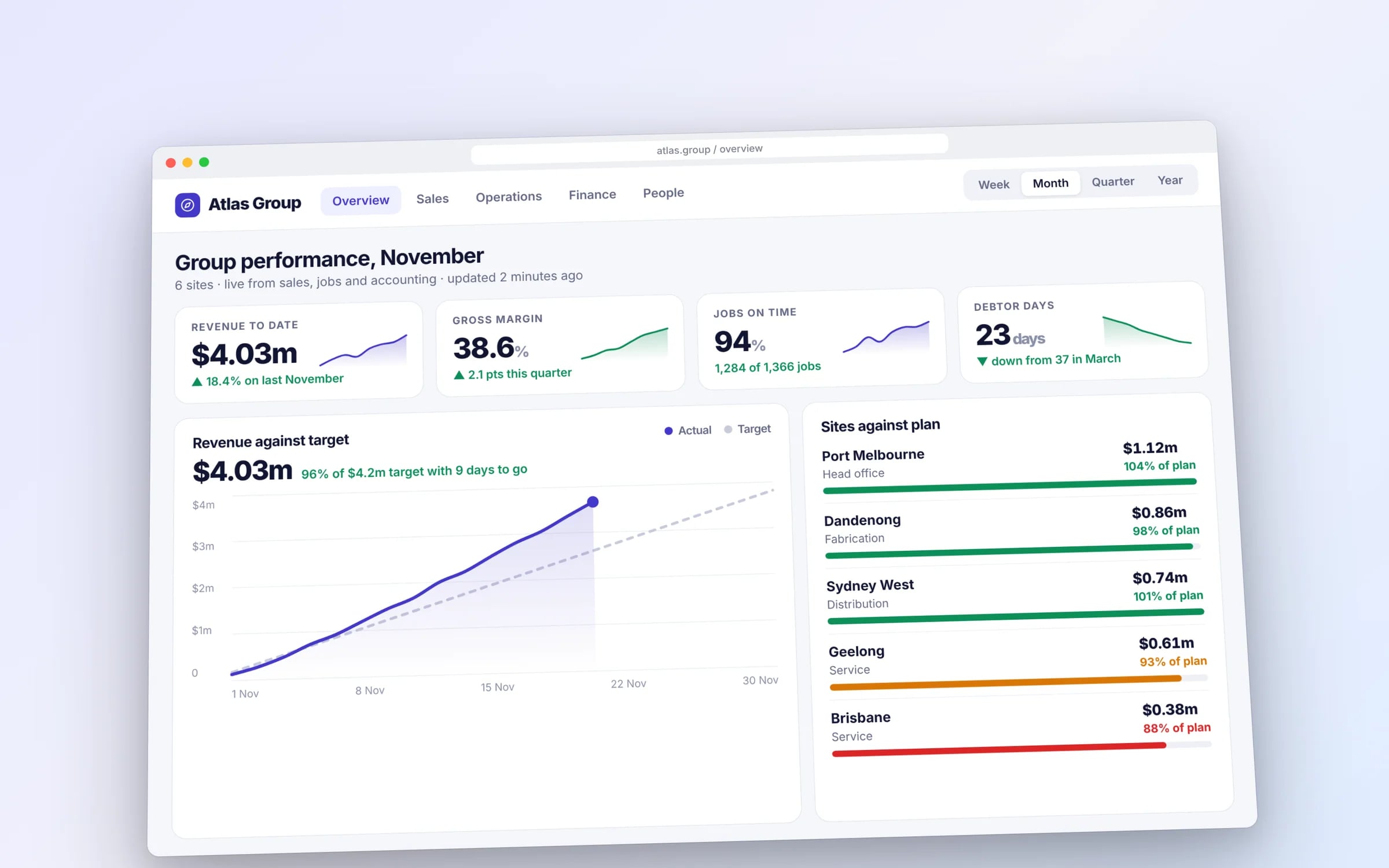
Example screens. The business names on them are invented.
You probably need this when
- 01We can't agree internally on how the new system should work.
- 02We're about to spend on a build and want proof staff will actually use it.
- 03Our last software project looked right on paper and fell over once people used it.
- 04We need something to show the board or a partner before committing.
A clickable prototype by week four. Before a line of production code.
The prototype lands early in the timeline so your team can click through real tasks, and the build that follows is designed around what they found.
How we'd build it.
- Step 1
Pick the riskiest flow
We choose the one task the product most needs to get right, and the questions the prototype has to answer.
- Step 2
Build the prototype
A clickable Figma prototype of that flow, realistic enough that testers forget it's a mock-up.
- Step 3
Test with real users
Short sessions with people who do the work, watching where they hesitate, with changes made between rounds.
- Step 4
Findings and next step
A short summary of what worked, what didn't and what to build first, feeding straight into the system map or the build.
★★★★★
“Great team to work with, really strive for success and provide excellent communication with any service provided.”
How we do it.
- 01Interactive prototypingA clickable version of the core flow, realistic enough for people to react to honestly.
- 02User testing coordinationShort, structured test sessions run with real or representative users.
- 03Rapid iterationChanges made between test rounds in hours.
- 04Findings synthesisResults turned into clear direction on what to build first.
Clicks to finish one job. Before and after a redesign.
- Today, across three tools38 clicks
- After the redesign, one screen9 clicks
Illustrative: booking, dispatching and invoicing one job.
What is Rapid Prototyping?
Rapid prototyping is building a clickable, realistic mock-up of a product's core flow quickly, so real users can try it before any production code is written.
It suits businesses testing a new feature, comparing two directions, or settling an internal debate about how software should work, when the cost of guessing wrong in a full build is high.
Reviewed by the Hypex team, Port Melbourne
Questions owners ask.
What is rapid prototyping in software?
Rapid prototyping in software is quickly creating a clickable model of an app or system that looks and behaves enough like the real thing for people to react to it honestly. It's usually built in Figma, with screens linked so users can tap through a task such as booking a service or submitting a timesheet. Nothing is stored and no real data moves. The aim is to learn what works, what confuses people and what's missing, then change the design within hours.
What is the difference between a prototype and an MVP?
A prototype is a simulation built for learning, while an MVP is working software built for real use. A prototype shows what the product will look like and how the flow will feel, but it stores no data and connects to nothing, so it's quick to make and cheap to change. An MVP, or minimum viable product, is a small but real release that people use for actual work. Prototype first to decide what the MVP should contain. The table on this page compares the two.
What is the difference between a wireframe and a prototype?
A wireframe is a static, low-detail layout of a single screen, while a prototype links screens together so people can click through a task. Wireframes are useful early for agreeing what goes on each screen without colour and styling getting in the way. Prototypes can be low fidelity, built from linked wireframes, or high fidelity, looking like the finished product. For testing with real users, a high-fidelity prototype gets more honest reactions because people stop noticing it's a mock-up.
How many users do I need to test a prototype with?
Around five users per user type is usually enough to surface the main problems, which is long-standing guidance from the Nielsen Norman Group's usability research. Beyond that, the same issues keep recurring and new insights tail off. It's more useful to test with a small group, fix what they found, then test again with another small group. Choose people who actually do the work, such as a scheduler and a couple of field staff, because head office colleagues will use it differently.
How long does it take to build a clickable prototype?
A clickable prototype of one core flow can often be built in a few days, with changes between test rounds made in hours. Time grows with the number of flows and user roles, and with how polished the prototype needs to be for its audience, since a board presentation needs more finish than a staff test. Most of the value comes from the first rounds of testing, so keep the first prototype narrow: the single task the product most needs to get right.
Can a prototype help get board or investor buy-in?
Yes, a realistic prototype is one of the clearest ways to show a board, investor or business partner what you plan to build, because they can tap through it on their own phone. It turns an abstract proposal into something people can react to, and their questions surface early. Pair it with findings from user testing to show the idea has been checked with real users. Be clear that it's a prototype, so nobody assumes the product is nearly finished.
Prototype vs MVP.
- Purpose
Clickable prototypeTest a direction and learn what works
MVP (minimum viable product)Deliver a small working product for real use
- Real data
Clickable prototypeNone; screens are linked mock-ups
MVP (minimum viable product)Stores and processes real data
- Integrations
Clickable prototypeSimulated
MVP (minimum viable product)Connected to systems such as Xero or your rostering tool
- Effort to change
Clickable prototypeMinutes to hours in the design file
MVP (minimum viable product)Code changes, testing and a new release
- Who uses it
Clickable prototypeTesters in short sessions
MVP (minimum viable product)Staff or customers doing actual work
- What you learn
Clickable prototypeWhether people understand the flow
MVP (minimum viable product)Whether the product holds up in daily operation
What moves the cost and the timeline.
After a 30-minute call you get a system map with a fixed price for each stage, before any work starts. These are the things that shape it.
- Number of flows and user roles in the prototype
- Level of polish needed for the audience
- Number of test rounds and participants
- Recruiting participants from outside your own team
Built for businesses like yours
Show us how you run it today.
Thirty minutes with the people who would build it. We'll map where the hours go and tell you honestly whether custom software is worth it for you.