UX/UI Design. Interfaces designed around how people actually work.
Good software fails without good design. We research, prototype and design the interfaces that make complex systems feel simple to the people using them daily.
What's in it. Each part can be built on its own.
Most clients start with one of these where the hours are going, then add the next once it has proved itself.
 01UX ReviewAn audit of an existing product surfacing friction and quick wins.
 02Product DesignEnd to end design from user flows through to final interface.
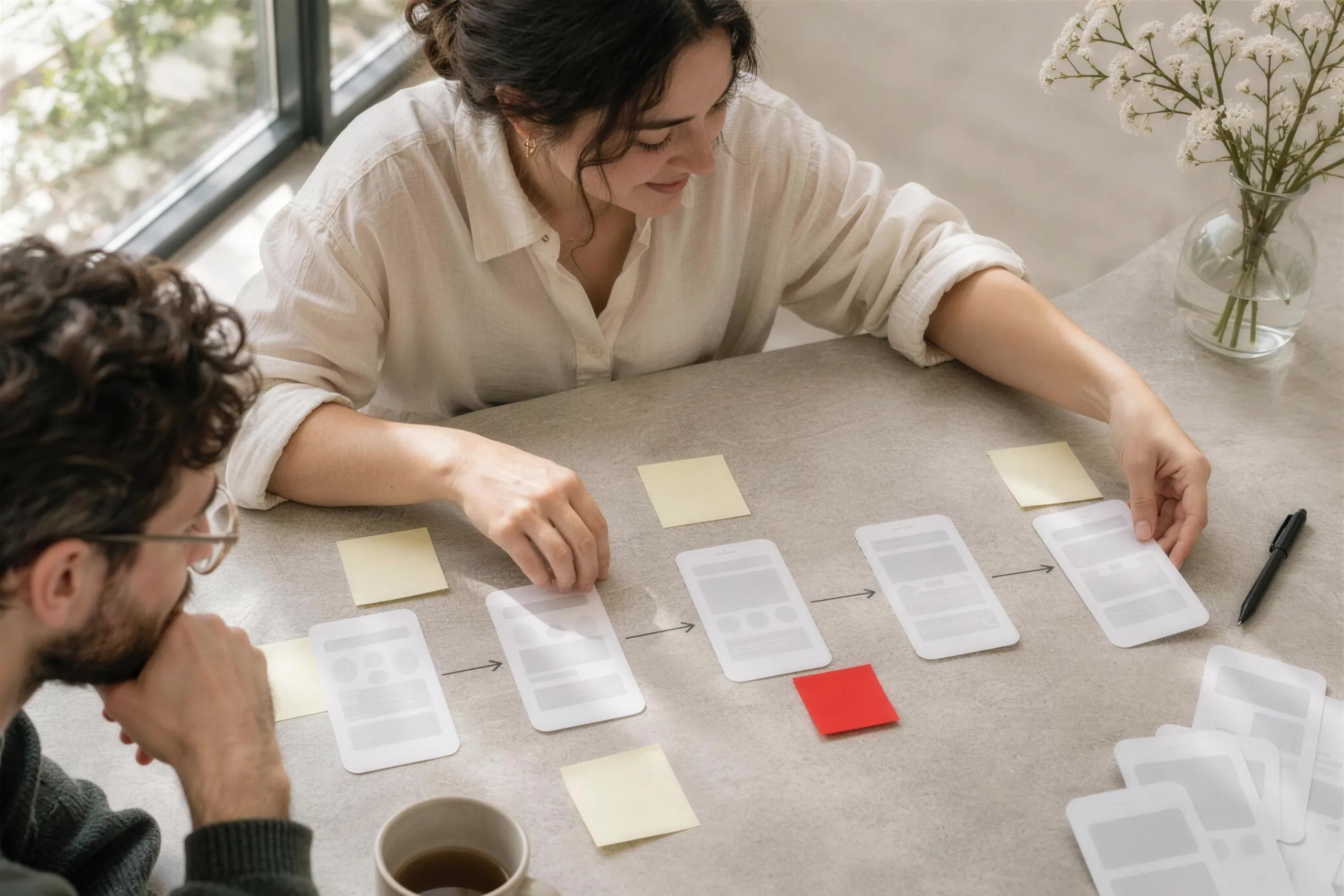 03Rapid PrototypingClickable prototypes that de risk decisions before build.
 04Mobile App DesignInterfaces designed to platform conventions users already know.
 05Web Design ServicesVisual design for marketing sites and web applications alike.
Where to start. Pick by the problem you have.
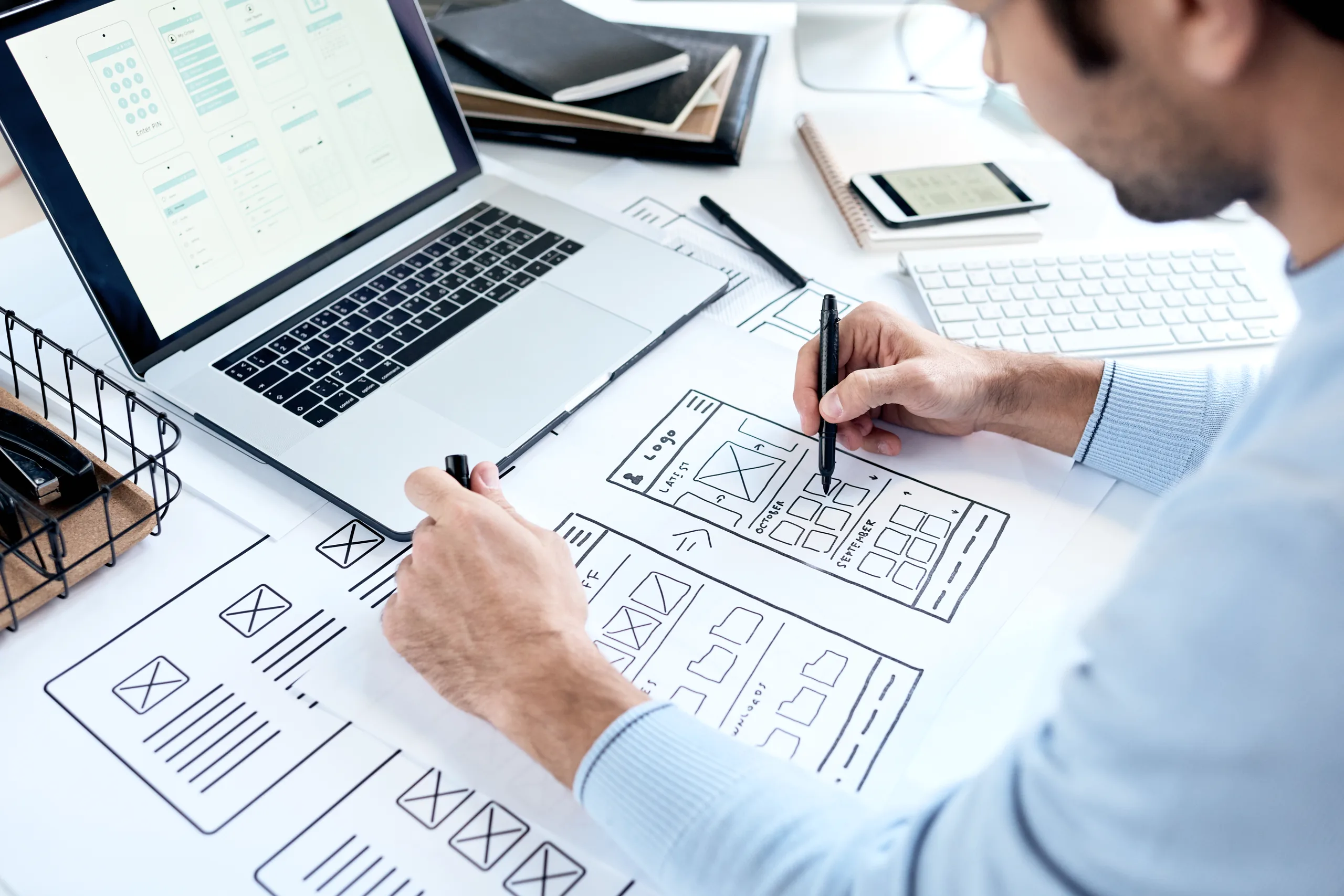
- If you already have a product and want to know what's slowing people down, start withUX Review
- If you're designing a new system, or rebuilding one that grew without structure, start withProduct Design
- If you need to test an idea or settle an internal disagreement before paying for a build, start withRapid Prototyping
- If the product lives on phones in the field or in customers' pockets, start withMobile App Design
- If you need a marketing site or web app built from one consistent design system, start withWeb Design Services
Each person sees their part. The system makes sure of it.
The owner, the ops manager and the driver open the same job and see what they need. Fields a role shouldn't see fold away for that person, on every screen they open.
Where it sits. Every system we build has the same five layers.
UX/UI Design covers the layers lit in red. The rest are there in every build, so each part you add later lands on the same foundation.
- ScreensOffice, field app, customer portal
- AI agentsRead, chase, reconcile, draft
- Workflow & rulesJobs, approvals, pricing, scheduling
- Data & integrationsOne database, plus Xero, Stripe, couriers
- Your cloud accountIn your name, backed up, yours to keep
Layers this covers: Screens.
Clicks to finish one job. Before and after a redesign.
- Today, across three tools38 clicks
- After the redesign, one screen9 clicks
Illustrative: booking, dispatching and invoicing one job.
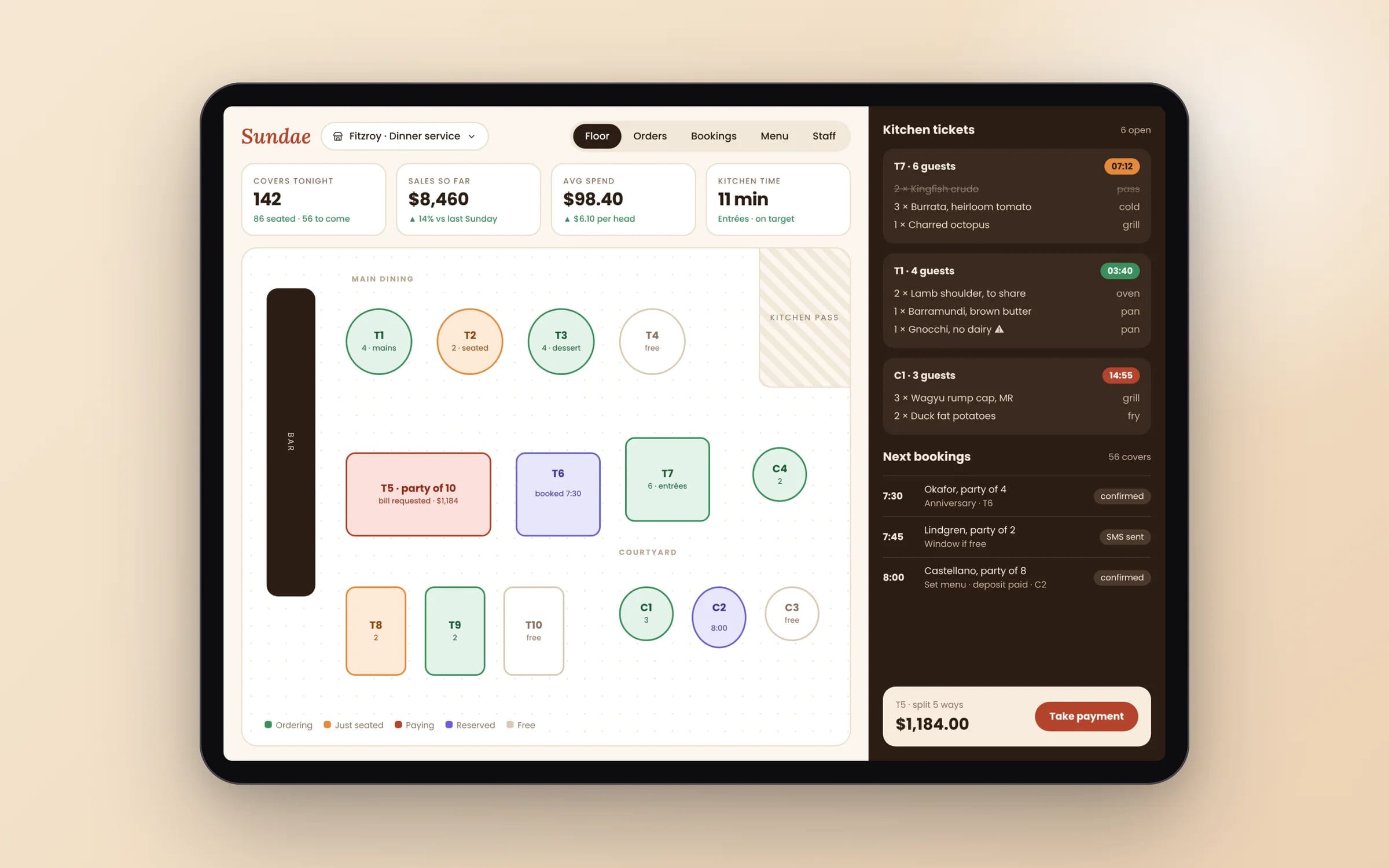
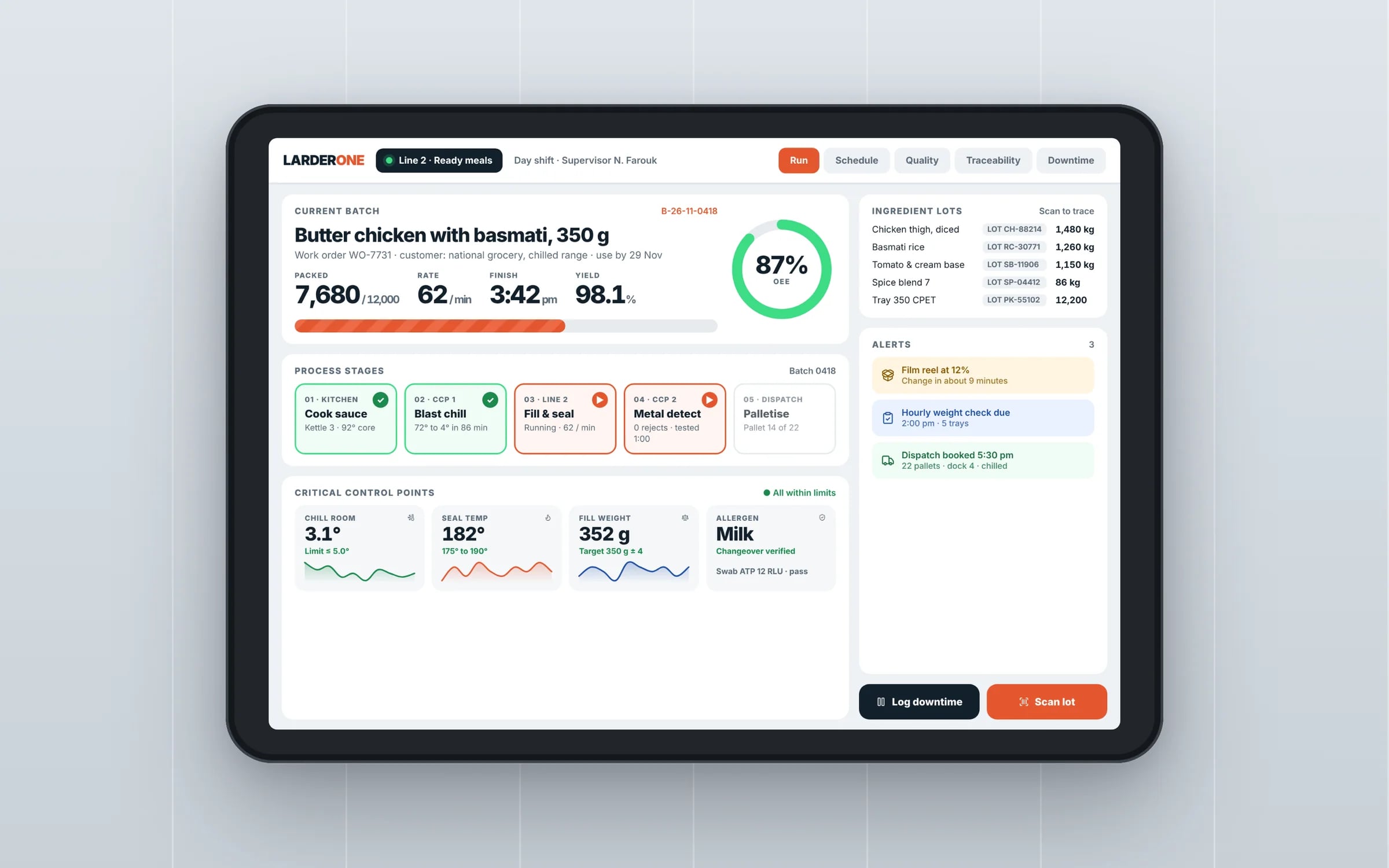
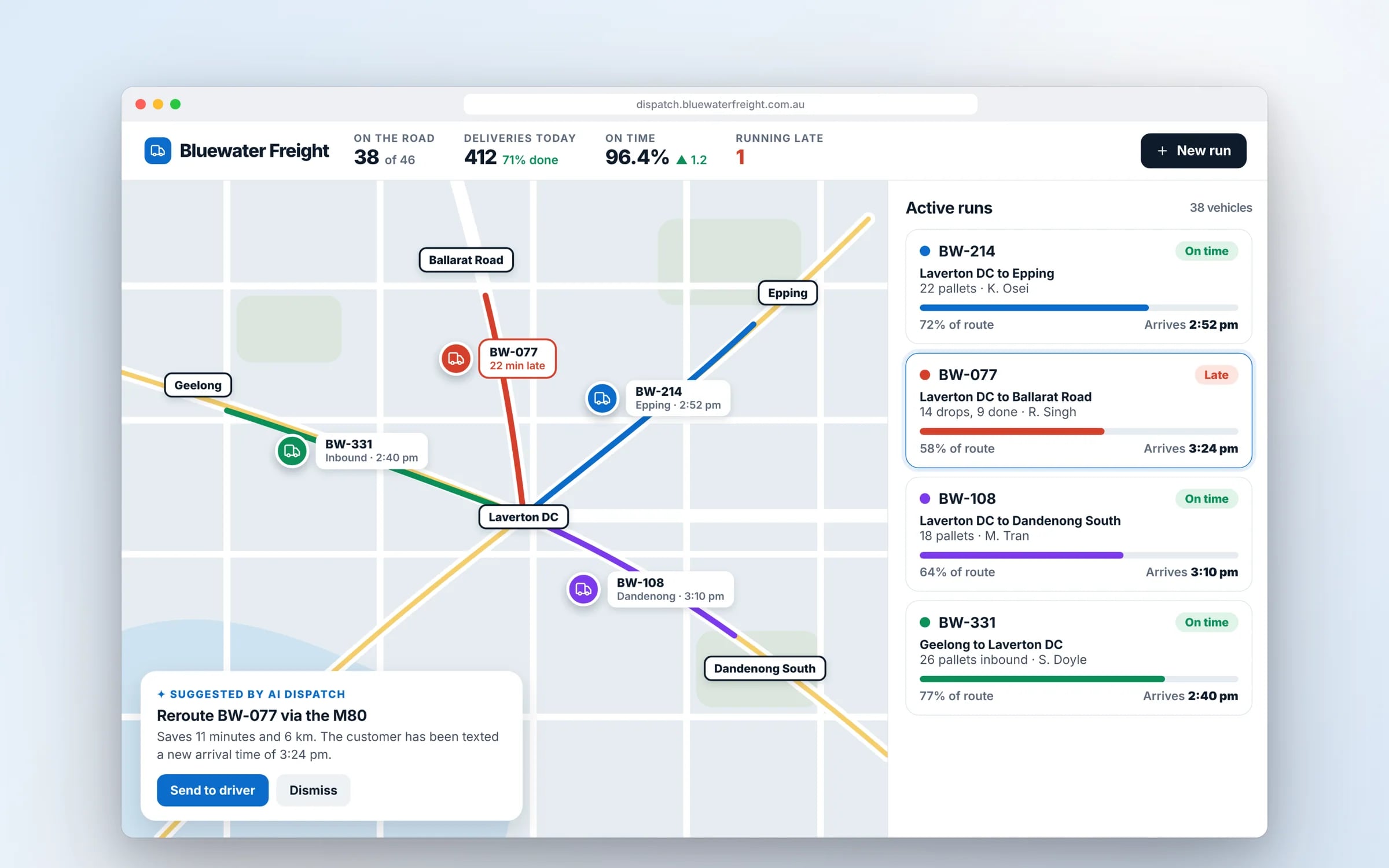
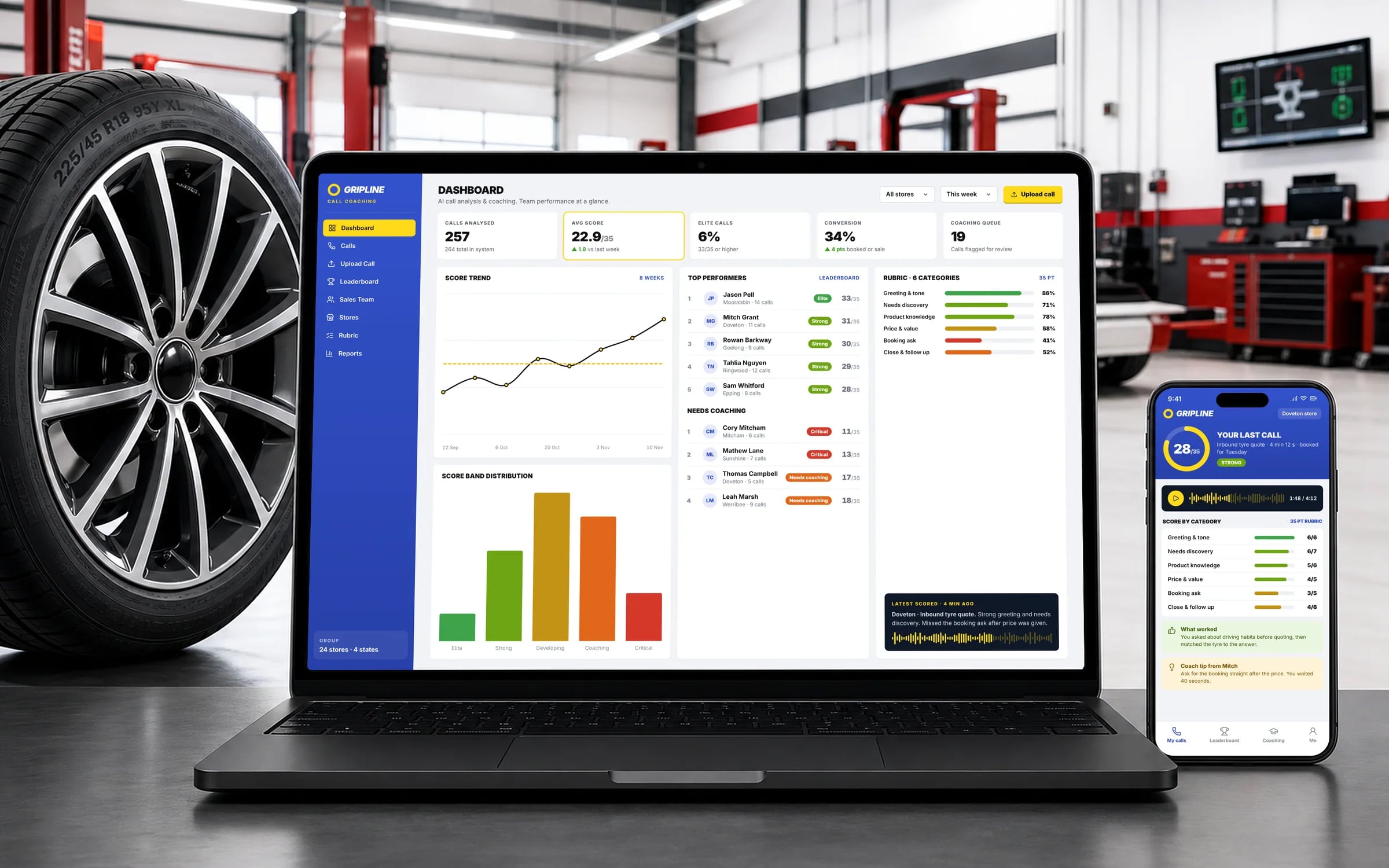
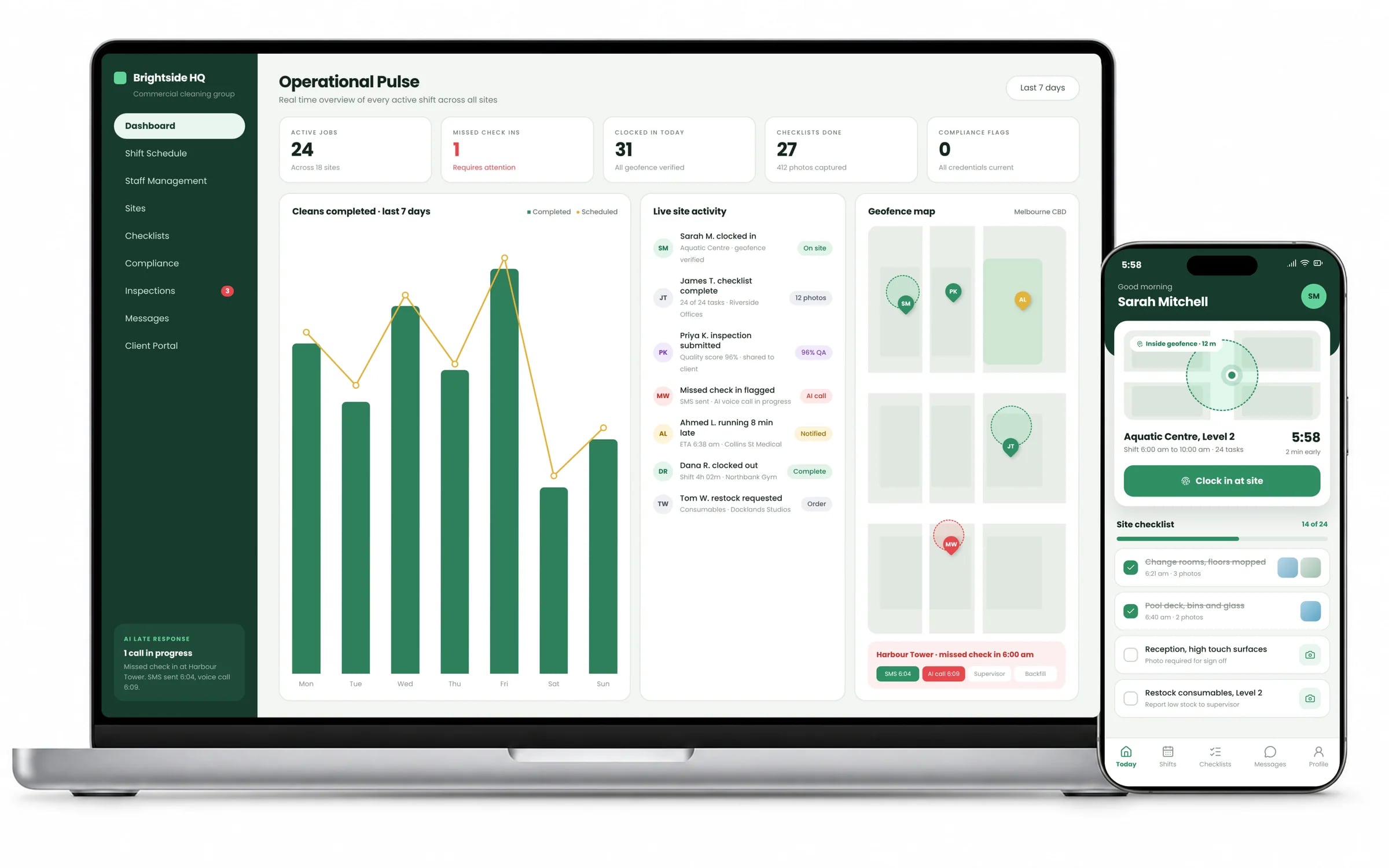
What it can look like. Screens from systems like the ones we build.
Example screens. The business names on them are invented, so no client is shown without permission.
★★★★★
“Great team to work with, really strive for success and provide excellent communication with any service provided.”
Built by Hypex. Running in real businesses.
Built for businesses like yours
What does ux/ui design from Hypex cover?
UX/UI design from Hypex covers reviews of existing products, end-to-end product design, clickable prototypes, mobile app design and web design, delivered as design files your developers can build from.
It suits owners and operations leads whose software is used daily by staff or customers, where confusing screens cost time, errors and support calls. Design can be the first stage of a Hypex build or a standalone engagement.
Reviewed by the Hypex team, Port Melbourne
UX/UI Design: questions owners ask.
What is the difference between UX and UI design?
UX design decides how a product works: the steps a person takes, what information they see at each point and how the flow handles mistakes. UI design decides how it looks: layout, typography, colour, buttons and the visual states of each component. A job sheet app with a clean look but seven taps to attach a photo has a UX problem. One that flows logically but has tiny, low-contrast buttons has a UI problem. Good products need both, designed together.
Why design software before building it?
Designing before building is the cheapest point to find mistakes, because moving a button in a prototype takes minutes, while changing a built screen means code, testing and another release. A clickable prototype lets your staff try the flow, spot missing steps and argue about layout before developers start. It also gives developers a precise target, which cuts back-and-forth during the build. At Hypex, clients click through prototypes at each stage, so the design is checked against real work as the build progresses.
What do I receive at the end of a UX/UI design engagement?
You receive organised Figma files: every screen in each of its states, a component library, user flows, and specifications for spacing, colour, typography and interaction that developers can build from directly. Depending on scope, you also get a clickable prototype and notes from user testing. You own the files outright. If you build with Hypex, the same designers stay involved during development; if another team builds it, the files are organised so nobody is guessing.
Can you design software that another company will build?
Yes, design can run as a standalone engagement, with files handed to your own developers or another vendor. To make that work we document component states, edge cases, error messages and empty screens, which are the details developers otherwise have to invent. We can also run a handover session with the build team and answer questions during development. Involve the development team early so design choices suit their framework and constraints.
How long does a UX/UI design project take?
Design time depends on the number of distinct workflows more than the number of screens, since one well-designed pattern can cover dozens of similar screens. A UX review of an existing product is a short, contained piece of work, while full product design for a new system runs alongside a staged build. In a typical Hypex project, design for each stage stays a step ahead of development, and the first release lands about ten weeks from brief to handover.
How do you design software that staff with low tech confidence will actually use?
Design for staff with low tech confidence by matching the screens to the way they already work, using their words and their order of tasks. That means large tap targets for gloved hands, one main action per screen, plain labels instead of system jargon, and forms that remember previous answers. We watch people do the job, such as a cleaner closing out a site or a supervisor signing off a job sheet, then test the prototype with the same people before anything is built.
Does accessibility matter for business software?
Yes, accessibility matters for business software, because your staff and customers include people with disability and the Disability Discrimination Act applies to services delivered digitally in Australia. The usual benchmark is WCAG 2.2 at level AA, which covers colour contrast, text resizing, keyboard access, screen reader labels and minimum target sizes. Accessible design helps everyone else too: high contrast reads better in sunlight on site, and larger buttons suit gloved hands. Building it in during design costs far less than retrofitting it.
Show us how you run it today.
Thirty minutes with the people who would build it. We'll map where the hours go and tell you honestly whether custom software is worth it for you.