iOS App Development. Native apps built against Apple's latest platform tools.
Native iOS builds that take advantage of Apple's current platform tools and conventions, from performance to design.

What it can look like. Screens from systems like this.
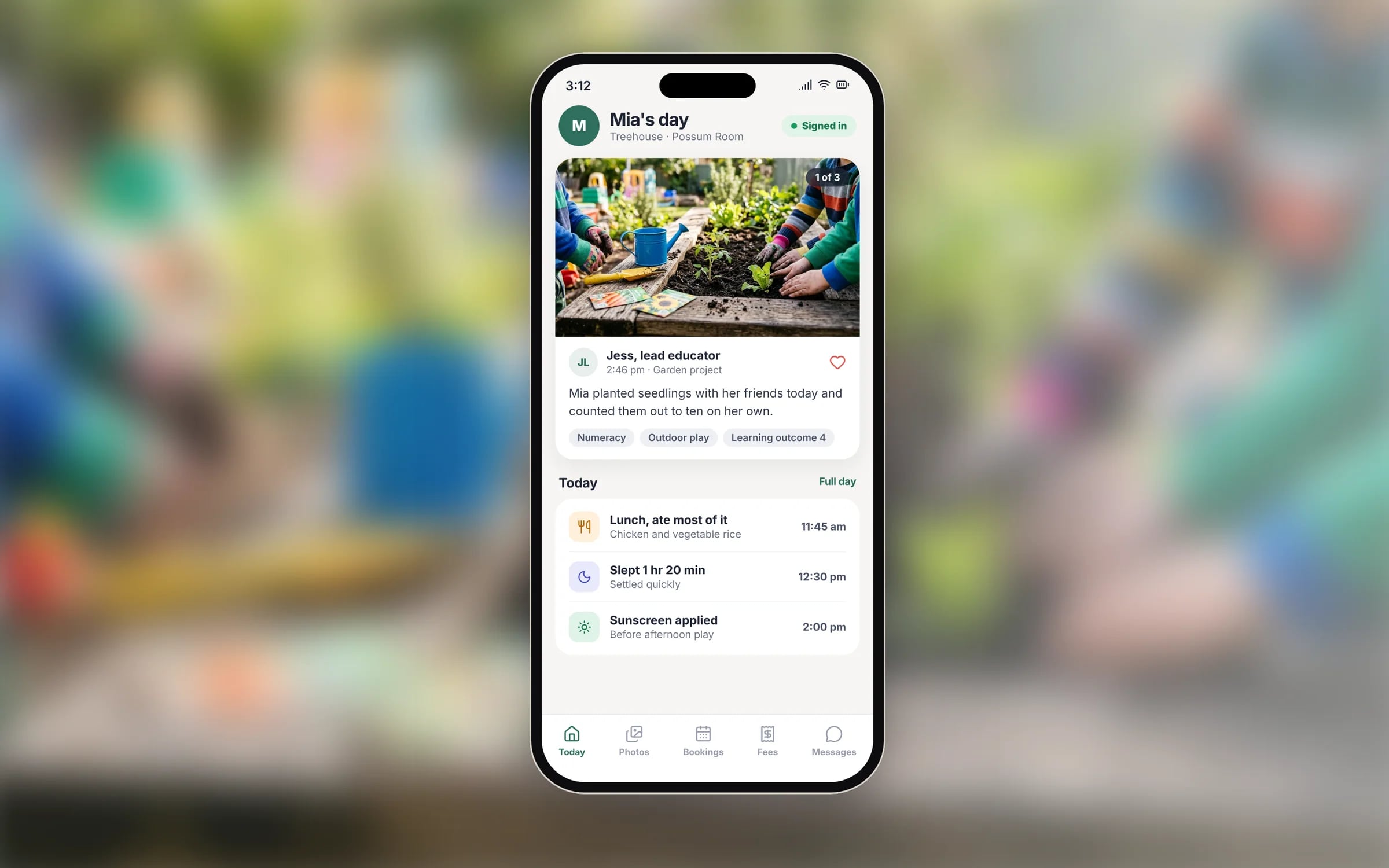
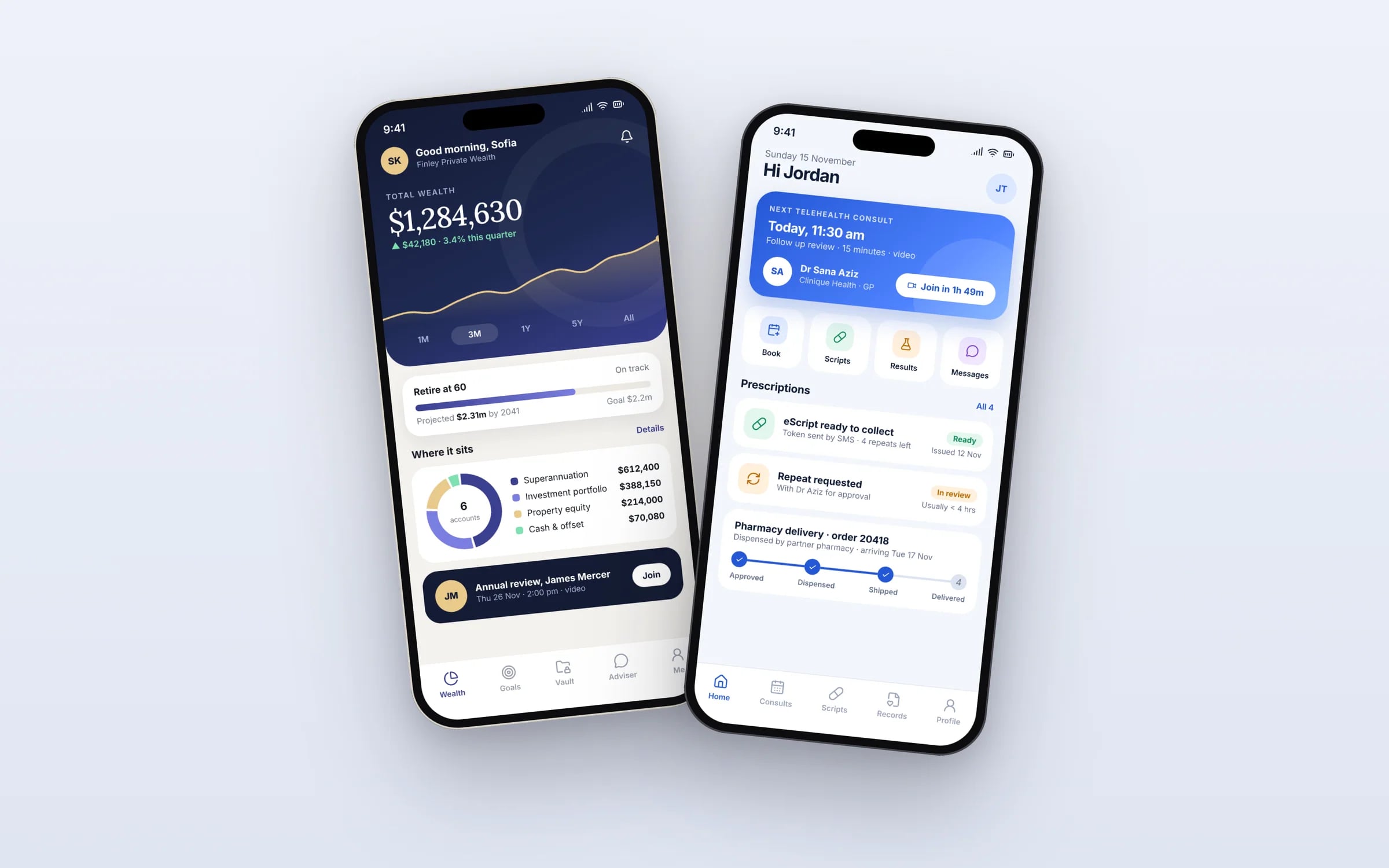
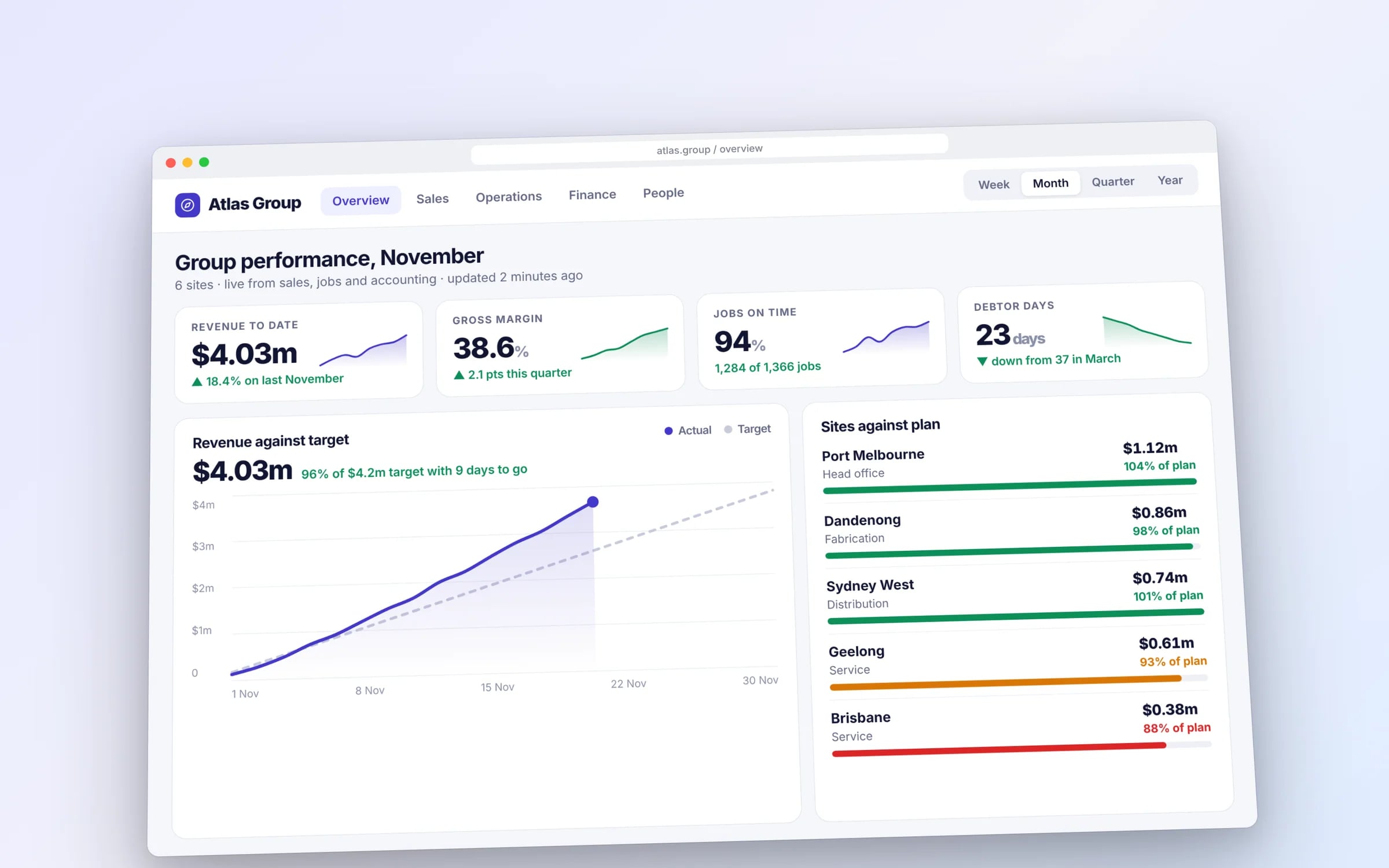
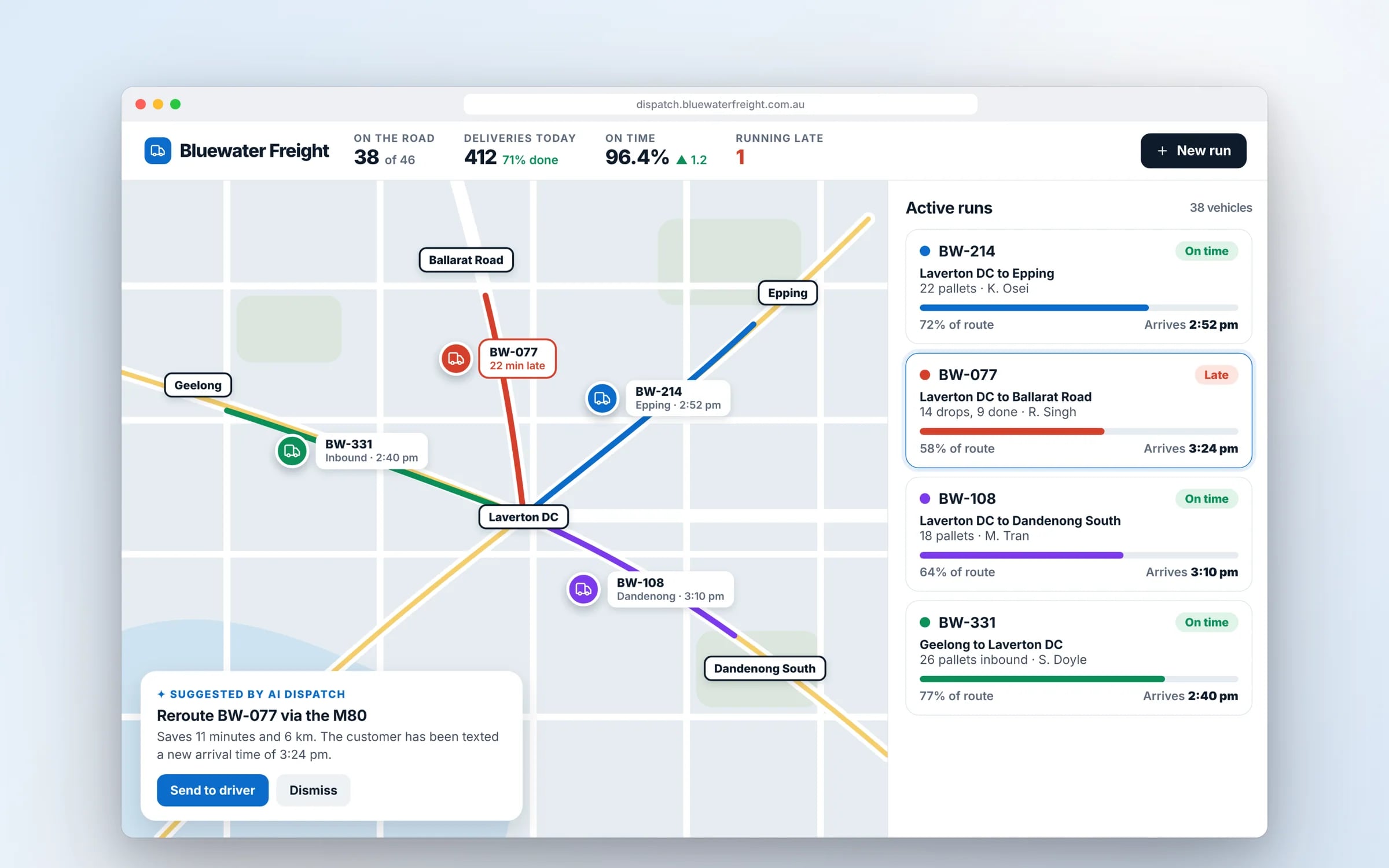
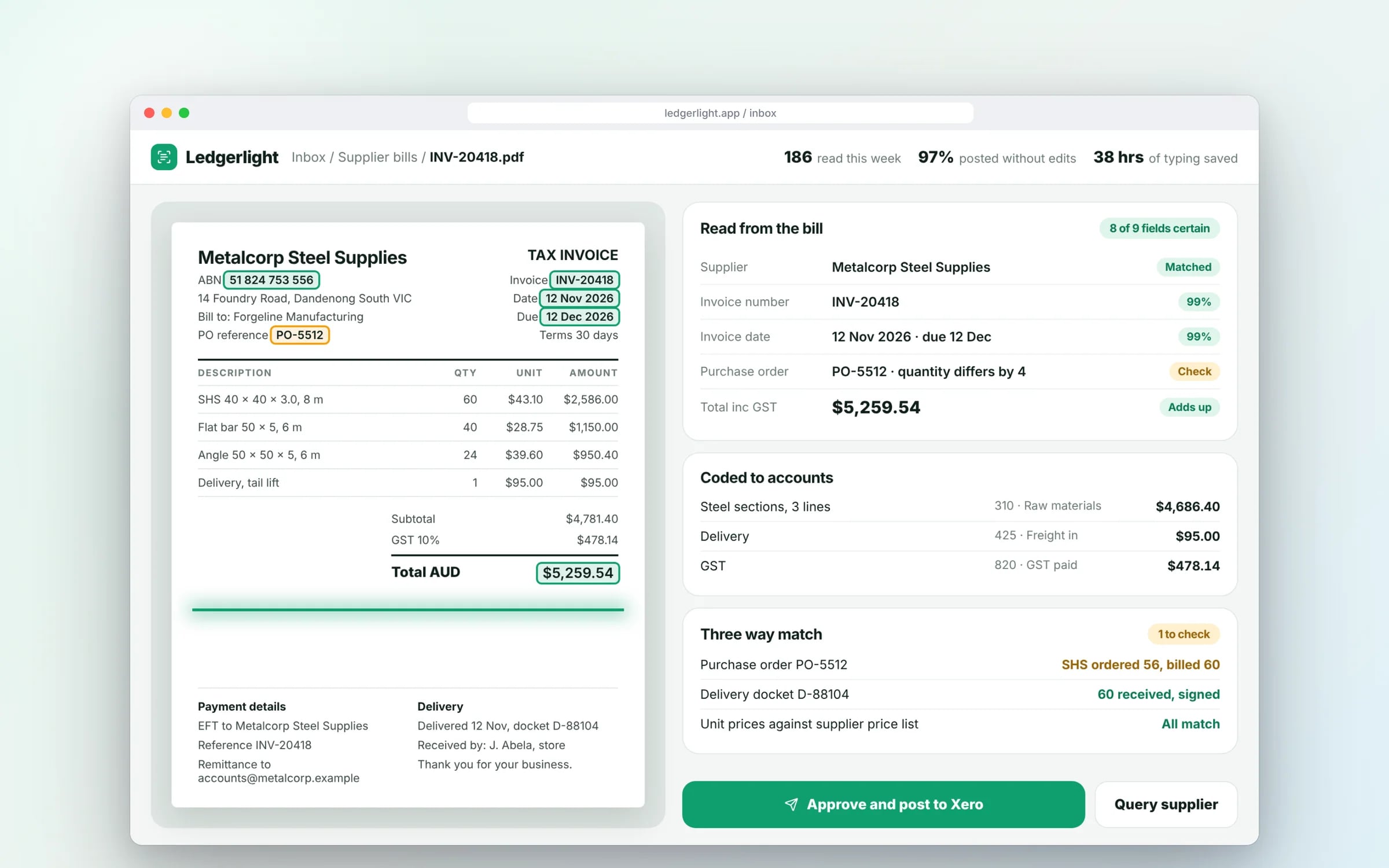
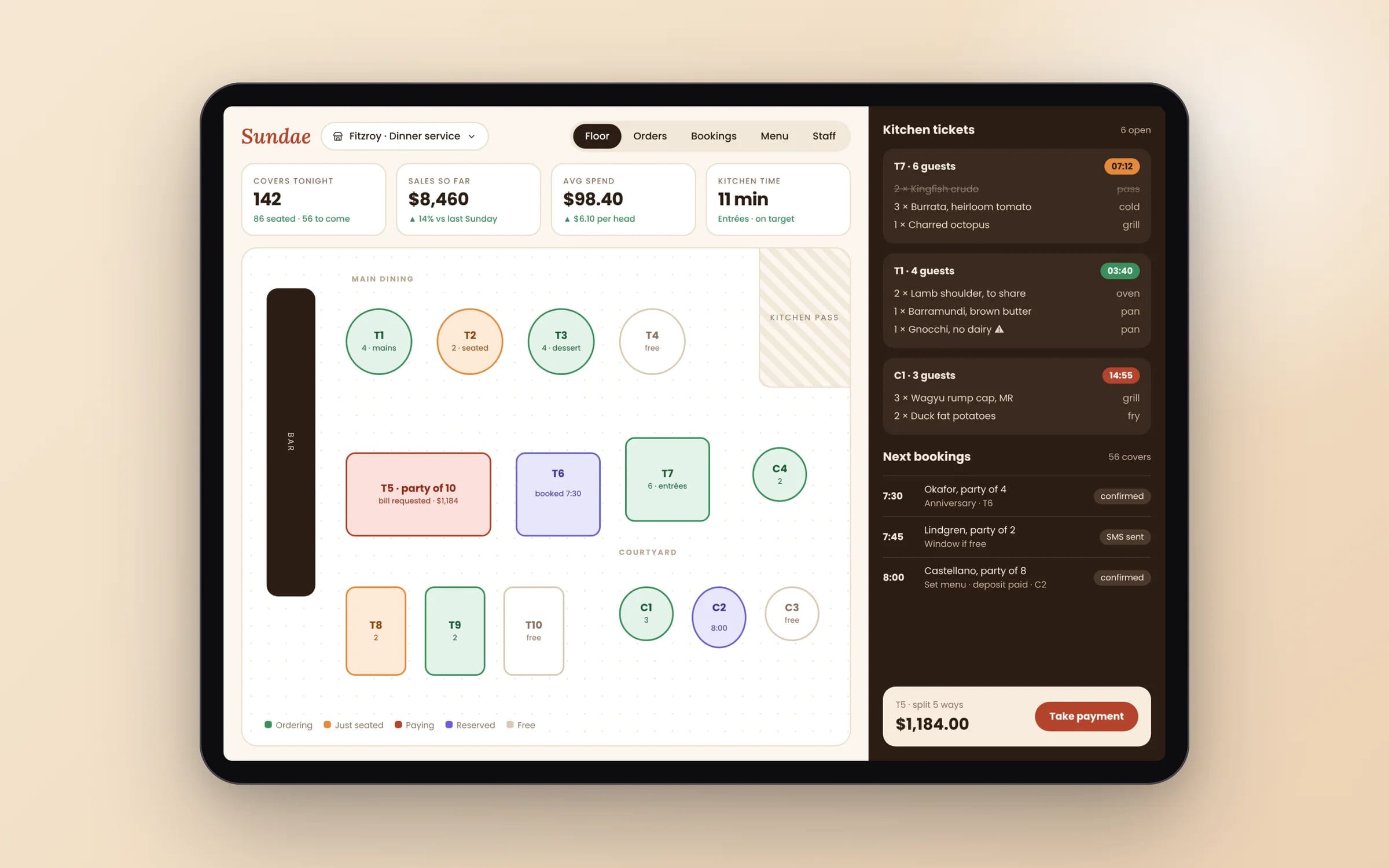
Example screens. The business names on them are invented.
You probably need this when
- 01Most of our customers or staff use iPhones, and our current app feels clunky on them.
- 02We need Face ID sign-in, Apple Pay or Apple Watch alerts, and our current setup can't do it properly.
- 03Our app keeps getting rejected by App Store review and we don't know why.
- 04Crews take dozens of site photos a day and the uploads keep failing or going missing.
- 05We're paying for a wrapped website that users say doesn't behave like a real app.
Shifts filled from the phone. Found, published, confirmed.
An open shift is matched to someone available, a coordinator publishes it from the app, and the roster and the staff member's phone update together.
How we'd build it.
- Step 1
Map the iPhone workflow
We walk through the exact moments people open the app, such as arriving on site, filling in a job sheet or approving a quote, and decide what must work offline and which Apple features earn their place.
- Step 2
Prototype on your own phone
You and a few users tap through the core flow on your own iPhones before any production code is written, so changes cost hours instead of weeks.
- Step 3
Staged Swift build
The part costing the most hours goes first. Each stage ships to TestFlight so your team is using working software within weeks, with every change reviewed and logged.
- Step 4
App Store submission
We prepare the listing, App Privacy labels, reviewer notes and test account, submit under your own Apple Developer account and handle any review feedback.
- Step 5
Release and handover
A phased release with crash monitoring, then the full source code in your own repository and the backend in a cloud account your business owns.
★★★★★
“Great team to work with, really strive for success and provide excellent communication with any service provided.”
How we do it.
- 01Native performanceBuilt directly on Apple's current frameworks.
- 02Platform conventionsInterface and gestures that follow what iOS users already expect, so nothing feels foreign.
- 03Device integrationCamera, notifications, biometrics and other hardware features wired in properly.
- 04App Store managementSubmission, review requirements and release scheduling handled end to end.
Five years of renting, against owning. The gap is the point.
What is iOS App Development?
iOS app development is building an app specifically for iPhone and iPad using Apple's own language and frameworks, Swift and SwiftUI.
It suits businesses whose users are mostly on iPhone, or whose app depends on Apple hardware and services such as Face ID, LiDAR, Apple Pay, Apple Watch or background location, where a native build gives the most direct access.
Reviewed by the Hypex team, Port Melbourne
Questions owners ask.
How long does App Store approval take?
Most App Store reviews are completed within a day or two, but a rejection sends you back into the queue once you fix the issue, so plan for more than one round on a first release. Common rejection reasons are crashes during review, broken links, missing demo login details for the reviewer, incomplete privacy information, and apps that are little more than a wrapped website. We submit a near-final build early, include reviewer notes and a test account, and keep launch dates clear of the first submission.
Should I build my iPhone app in Swift or a cross-platform framework?
Choose Swift when the app is iPhone-first and leans heavily on Apple features such as widgets, Live Activities, Apple Watch, HealthKit, CarPlay or advanced camera and LiDAR work. Choose cross-platform when you need Android too and the app is mostly forms, lists, photos and maps, which cross-platform frameworks handle well. A native Swift app can use new Apple features the day they ship, while cross-platform frameworks sometimes need a plugin or bridge first. The comparison table on this page sets out the trade-offs.
What does Apple require before an app can go on the App Store?
Apple requires an Apple Developer Program membership, an app that follows the App Store Review Guidelines, and accurate privacy disclosures. In practice that means a privacy policy link, App Privacy labels describing the data you collect, permission prompts that explain why you need the camera or location, and in-app account deletion if users can create accounts. Apps that only wrap a website without useful native features risk rejection under Apple's minimum functionality rule. Builds must also be made with a recent version of Xcode.
Can an iPhone app track field staff location in the background?
Yes, an iOS app can use location in the background, but Apple requires a clear reason, a permission the user explicitly accepts, and a visible indicator while it runs. For field crews the usual pattern is to capture location at key moments, such as arriving on site or completing a job, instead of tracking all day, which drains battery and draws review scrutiny. Users can downgrade the permission at any time in Settings, so the app has to keep working, and tell the office, when precise location is switched off.
Do I need an iPad version of my app as well?
You only need an iPad version if people will genuinely use the app on an iPad, for example a site supervisor reviewing drawings or a front desk checking clients in. An iPhone app can run on iPad in a compatibility mode, but it looks like an enlarged phone app. A proper iPad layout uses the extra space for split views, such as a job list beside job details, and adds design and testing time. If iPad might matter later, we structure screens so a tablet layout can be added without rework.
Can my iOS app use Apple Pay and Face ID?
Yes, Face ID and Touch ID can secure sign-in or approvals through Apple's LocalAuthentication framework, and Apple Pay can take payments through a provider such as Stripe. Biometric data never leaves the device: the app only receives a pass or fail. One rule to know is that digital goods and subscriptions used inside the app generally must go through Apple's in-app purchase, while payments for real-world services, such as a tyre fitting or a cleaning job, can use Apple Pay or card payments.
Native iOS vs cross-platform for an iPhone app.
- Platforms covered
Native iOS (Swift, SwiftUI)iPhone and iPad only; Android needs a separate build
Cross-platform (Flutter, React Native)iOS and Android from one codebase
- New Apple features
Native iOS (Swift, SwiftUI)Available as soon as Apple releases them
Cross-platform (Flutter, React Native)Often need a plugin or custom native code first
- Watch apps, widgets, Live Activities
Native iOS (Swift, SwiftUI)Built in the same project with full access
Cross-platform (Flutter, React Native)Need native Swift extensions alongside the shared code
- Look and feel
Native iOS (Swift, SwiftUI)Uses Apple's own components, so it matches iOS exactly
Cross-platform (Flutter, React Native)Close to native; Flutter draws its own components, React Native maps to native ones
- Ongoing maintenance
Native iOS (Swift, SwiftUI)One codebase per platform
Cross-platform (Flutter, React Native)One shared codebase plus small platform-specific pieces
- Best fit
Native iOS (Swift, SwiftUI)iPhone-first products leaning on Apple hardware
Cross-platform (Flutter, React Native)Business workflow apps needed on both stores
What moves the cost and the timeline.
After a 30-minute call you get a system map with a fixed price for each stage, before any work starts. These are the things that shape it.
- Offline support and sync rules for job data captured without reception
- Apple-specific features such as widgets, Live Activities, Apple Watch or HealthKit
- Integrations with your accounting, rostering or job management systems
- Whether you need a dedicated iPad layout as well as iPhone
- Camera, document scanning or LiDAR work beyond standard photo capture
Built for businesses like yours
Show us how you run it today.
Thirty minutes with the people who would build it. We'll map where the hours go and tell you honestly whether custom software is worth it for you.