Flutter Development. High performance cross platform builds on Google's Flutter.
High performance cross platform builds on Flutter, for products that need one team shipping to both major platforms fast.

What it can look like. Screens from systems like this.
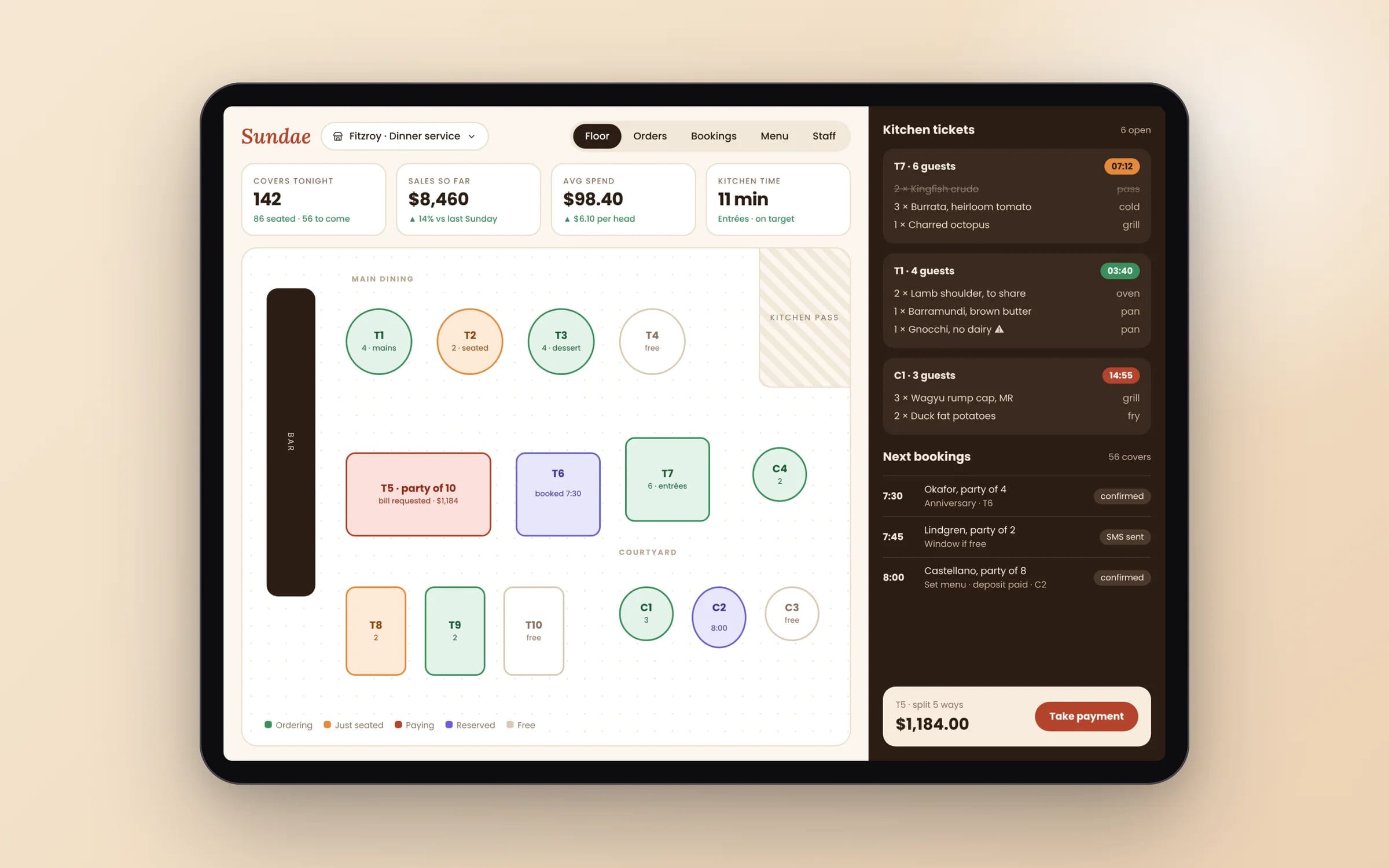
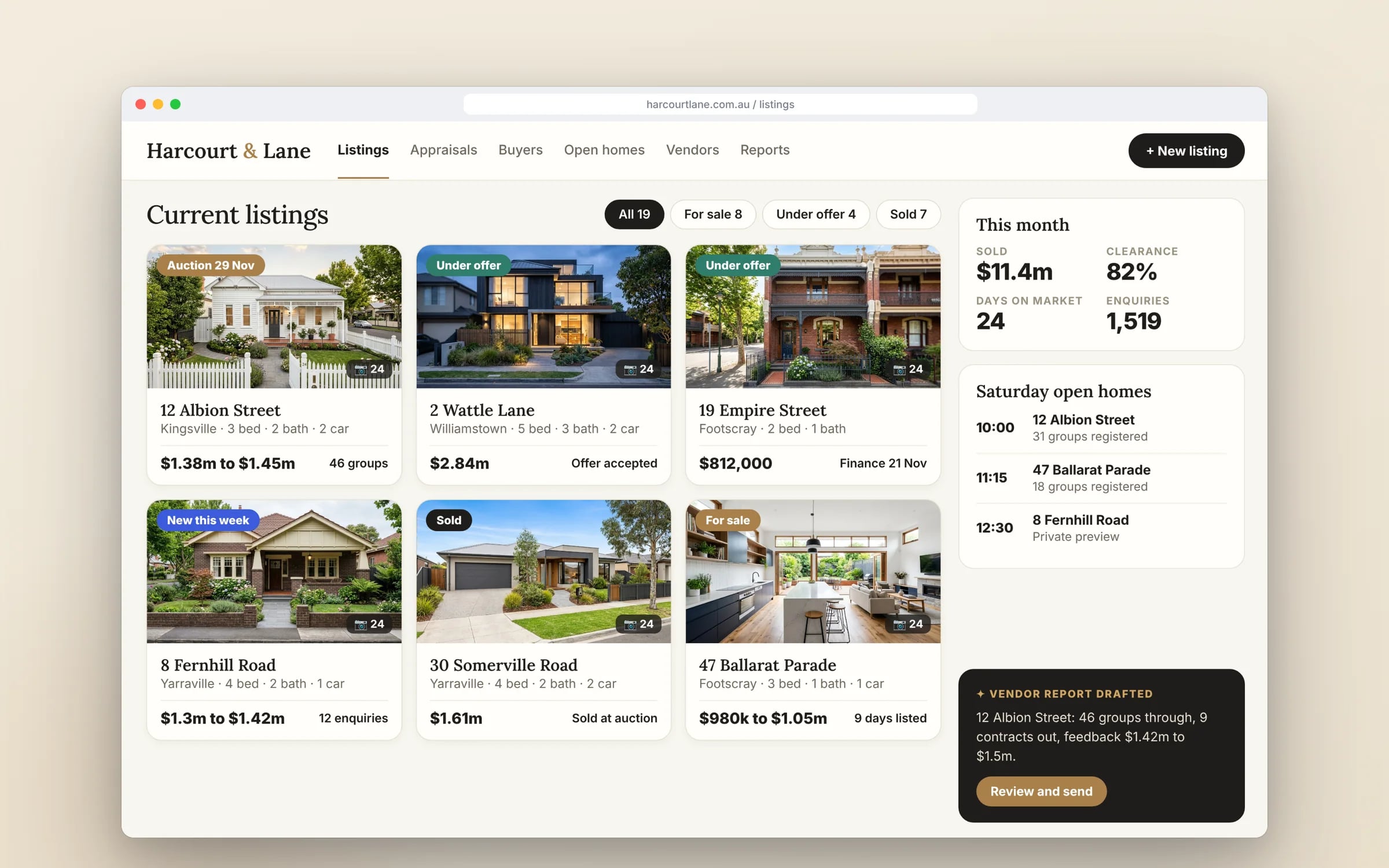
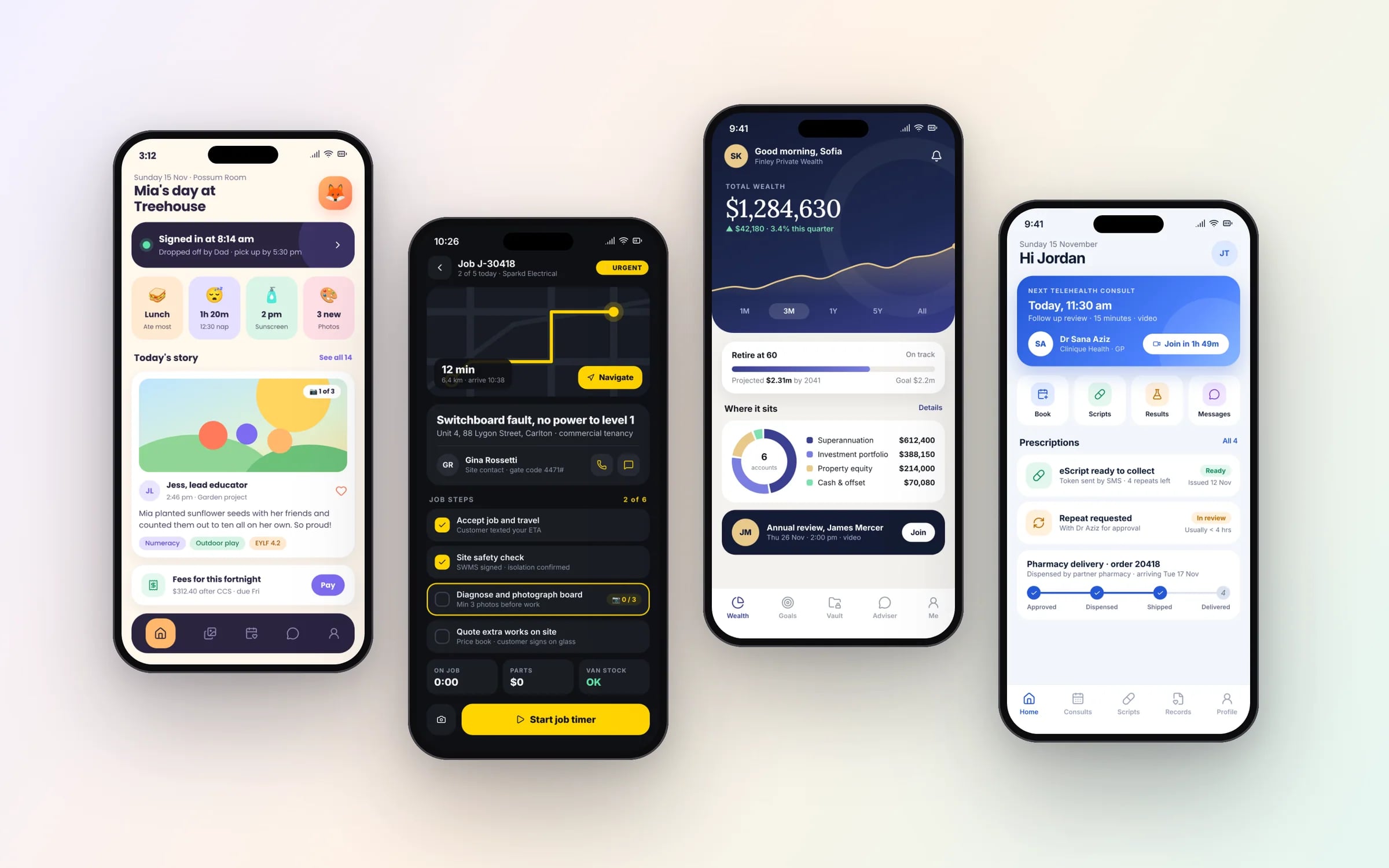
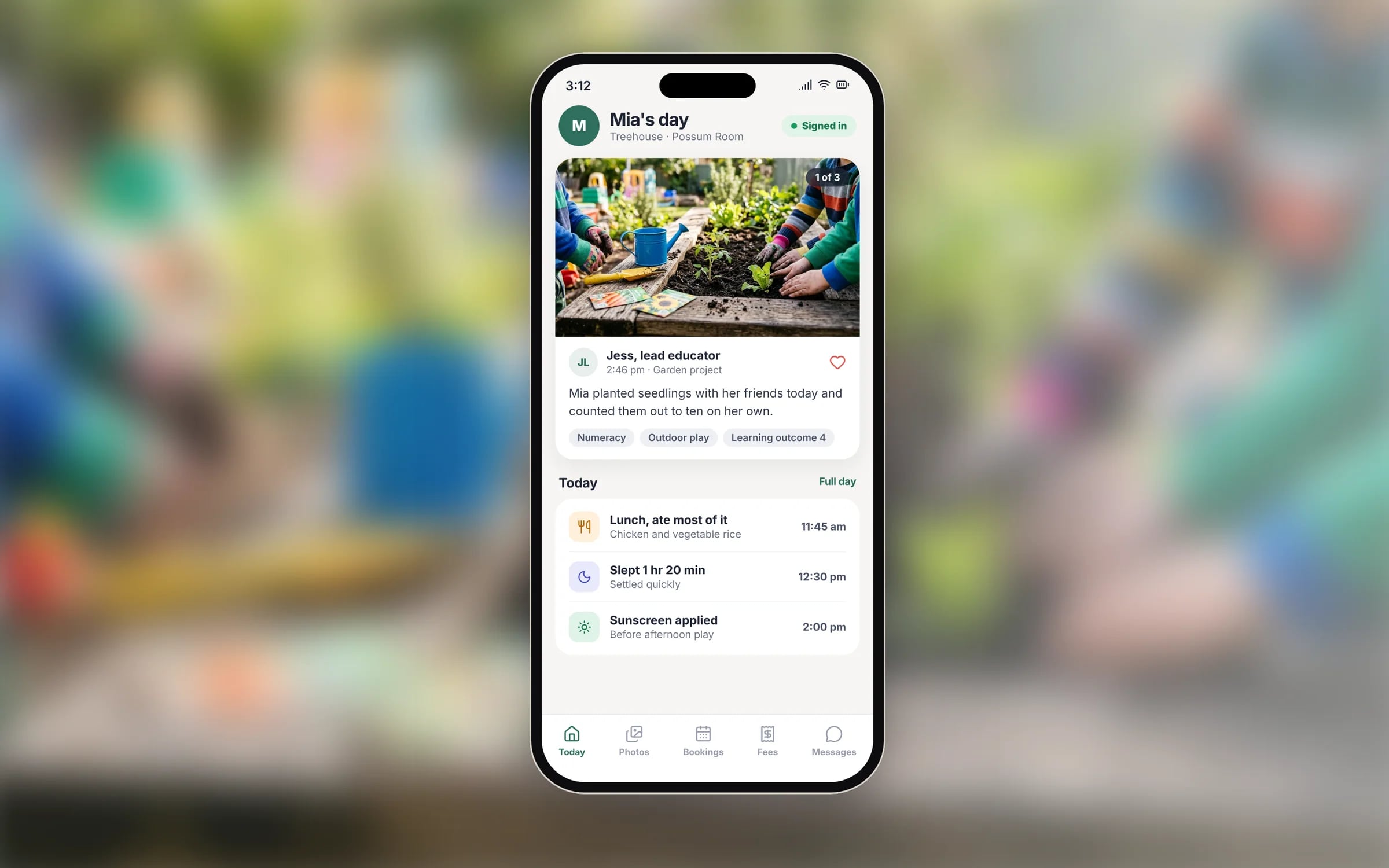
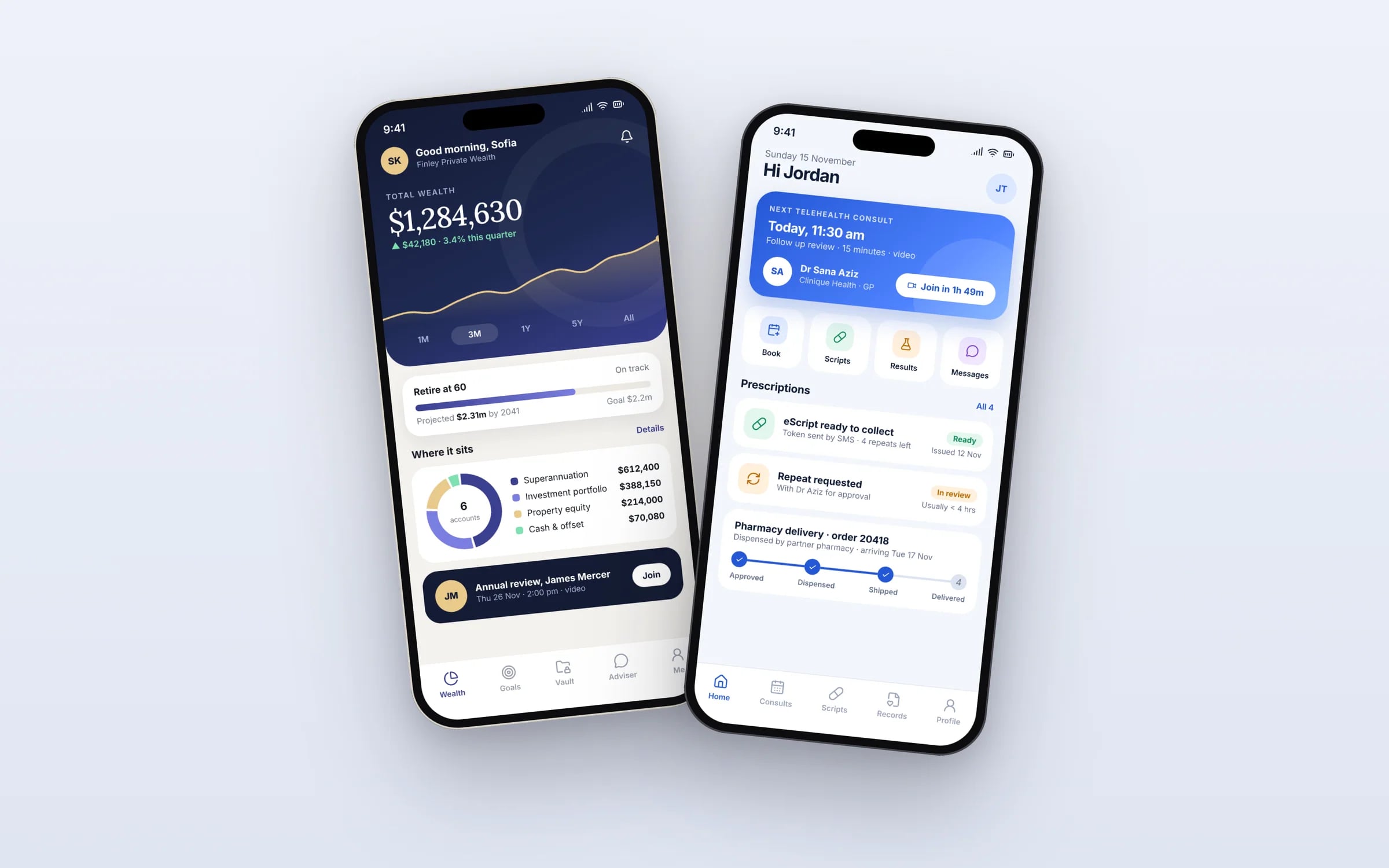
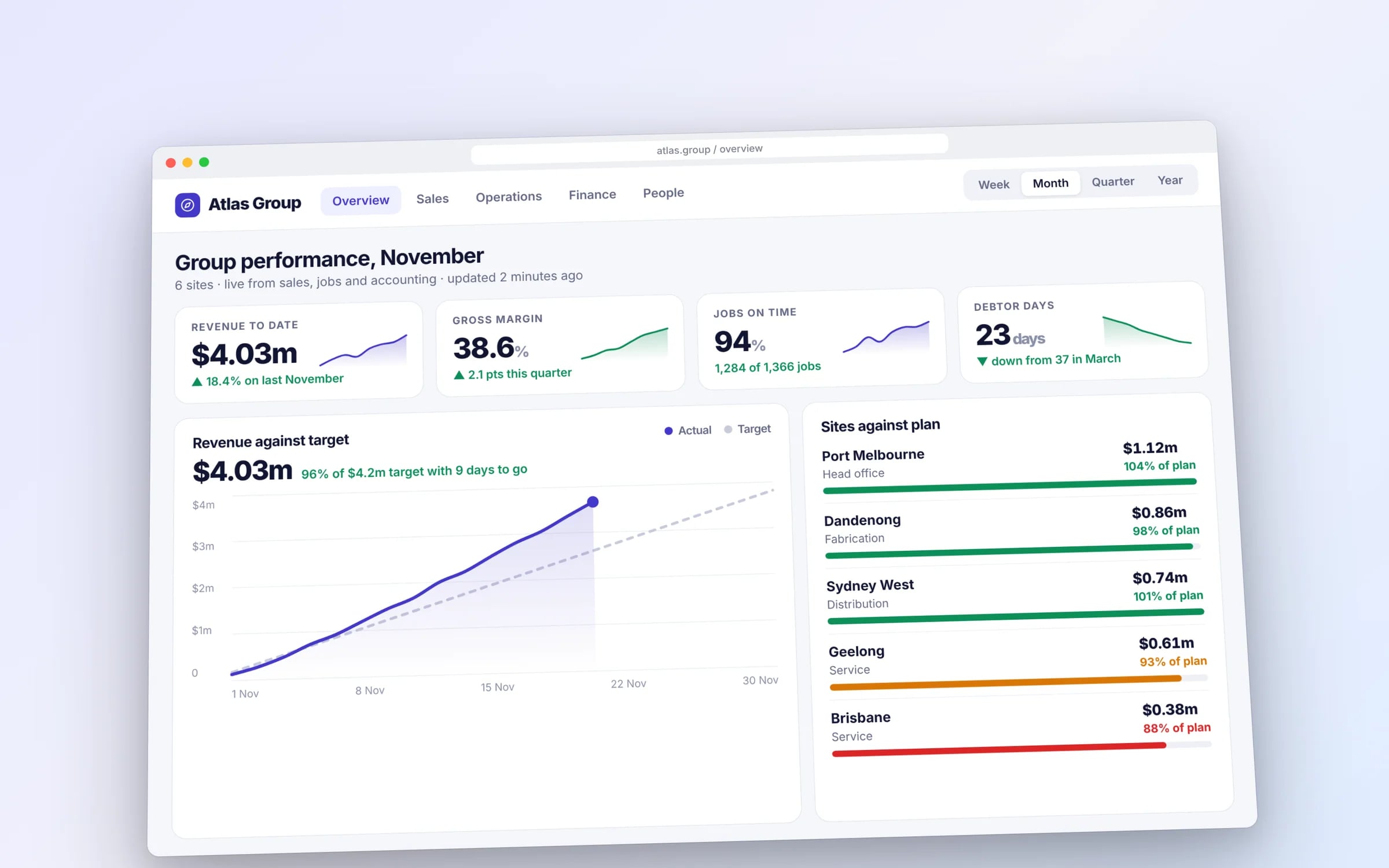
Example screens. The business names on them are invented.
You probably need this when
- 01We want our app to look like our brand instead of a stock iPhone or Android app.
- 02Our current cross-platform app stutters when scrolling long job lists.
- 03We have a Flutter app and the original developer has moved on.
- 04We'd like a tablet version for the office built from the same code as the phone app.
Released in stages. Tested before it widens.
Each Flutter release is built, tested and rolled out to a small slice of devices first, then widened once it is clean.
How we'd build it.
- Step 1
Architecture setup
Project structure, state management and package choices agreed up front, so the app stays maintainable as screens are added.
- Step 2
Component library from your design
Your design system turned into reusable Flutter widgets, such as buttons, job cards, forms and status badges, matched exactly.
- Step 3
Staged build
The highest-effort part first, with builds on TestFlight and Play's internal track so your team is using it within weeks.
- Step 4
Native bridges and performance
Platform channels for hardware without a reliable plugin, then profiling on lower-end Android phones and older iPhones to keep scrolling and animation smooth.
- Step 5
Release and handover
Both store submissions, plus source code, build pipeline and documentation in accounts your business owns.
★★★★★
“TJ helped me in creating a super creative user interface. I got the results that I wanted.”
How we do it.
- 01Flutter architectureState management and project structure set up to stay maintainable as the app grows.
- 02Custom UI componentsInterface components built to match your design system exactly.
- 03Animation performanceSmooth, native-feeling animation tuned specifically for Flutter's rendering engine.
- 04Native module bridgingPlatform specific functionality wired in where Flutter alone doesn't cover it.
Five years of renting, against owning. The gap is the point.
What is Flutter Development?
Flutter development is building iOS and Android apps from one Dart codebase using Google's Flutter framework, which draws every part of the interface with its own rendering engine.
It suits businesses wanting a custom-branded interface that looks the same on both platforms, smooth animation, and the option to reuse the code for a tablet, web or desktop version later.
Reviewed by the Hypex team, Port Melbourne
Questions owners ask.
Should I choose Flutter or React Native?
Choose Flutter when you want a custom-designed interface that looks the same on every device and steady performance on animation-heavy screens; choose React Native when your team already writes React for the web or you want components that map to each platform's native controls. Both are mature and backed by large companies, Google for Flutter and Meta for React Native. For most business workflow apps either works, so the decision usually comes down to design approach and who will maintain the code.
Is Flutter a safe long-term choice for a business app?
Yes, Flutter is a sound long-term choice: it is open source, backed by Google, has a large package ecosystem and ships stable releases regularly. The bigger long-term risk is third-party packages that stop being maintained, so we choose well-supported packages and keep the list short. Because you own the source code, any Flutter developer can pick it up later. Plan to update the Flutter SDK a few times a year to keep pace with new iOS and Android requirements.
Can a Flutter app use the camera, GPS and Bluetooth?
Yes, Flutter apps reach device hardware through plugins, and well-maintained plugins exist for the camera, GPS, Bluetooth, biometrics, push notifications and file storage. When a feature has no reliable plugin, such as a particular rugged scanner or a niche Bluetooth device, we write a small native bridge in Swift and Kotlin using Flutter's platform channels. For a tyre fitter photographing tread or a cleaner scanning a QR code at a site, standard plugins cover it.
Can a Flutter app also run in a web browser?
Yes, Flutter can compile the same codebase to a web app, which suits internal tools such as an office dashboard that mirrors the mobile app. It suits public marketing pages less well, because Flutter web output is heavier to load and harder for search engines to read than a standard website. A common pattern is a Flutter app for staff on phones and tablets, a Flutter web build for internal admin, and a conventional website for the public.
Do Flutter apps feel native on iPhone?
Flutter apps can feel native on iPhone, but because Flutter draws its own interface they don't automatically pick up every iOS behaviour. Swipe-back navigation, iOS-style dialogs, scrolling physics and text selection all need deliberate attention, and Flutter's Cupertino widgets provide iOS-styled components. Many businesses choose one custom brand look across both platforms instead, which Flutter handles well. Decide early which approach you want, since switching halfway through causes rework.
Can you take over and extend an existing Flutter app?
Yes, extending an existing Flutter app starts with a code review covering the Flutter version, state management approach, outdated packages and test coverage. Apps that have skipped several Flutter releases usually need an upgrade pass first, because old packages can block new iOS and Android requirements. Once the codebase is current, new features are staged like any other build. You get a written summary of what we found, including anything risky to leave as it is.
Flutter vs React Native.
- Language
FlutterDart
React NativeJavaScript or TypeScript
- How screens render
FlutterIts own rendering engine draws every component
React NativeMaps to each platform's native components
- Look across platforms
FlutterIdentical by default; iOS styling takes deliberate work
React NativeFollows each platform's native look by default
- Sharing with a web team
FlutterA separate skill set from most web developers
React NativeFamiliar to React web developers; some logic can be shared
- Web and desktop targets
FlutterOfficial support for web, Windows, macOS and Linux
React NativeMobile first; web and desktop through community and Microsoft-led projects
- Best fit
FlutterCustom-branded, animation-rich apps
React NativeTeams already using React, or apps wanting stock native controls
What moves the cost and the timeline.
After a 30-minute call you get a system map with a fixed price for each stage, before any work starts. These are the things that shape it.
- How custom the interface and animation are
- Hardware that needs native bridges instead of existing plugins
- Extra targets such as tablet layouts or a Flutter web admin
- The state of an existing codebase, if extending one
- Offline data and sync requirements
Built for businesses like yours
Show us how you run it today.
Thirty minutes with the people who would build it. We'll map where the hours go and tell you honestly whether custom software is worth it for you.