How do you run several sites or branches on one system?
Short answer. Put every site on one system with one customer list, one product and job catalogue and one set of rules, then give each site its own view. Staff see their location by default, managers see the whole group, and stock, pricing, approvals and permissions are set per site only where they genuinely differ. Roll it out one site at a time, so the first location proves it before the rest move.

In this guide · 6 minute read
One set of records, a view for each site
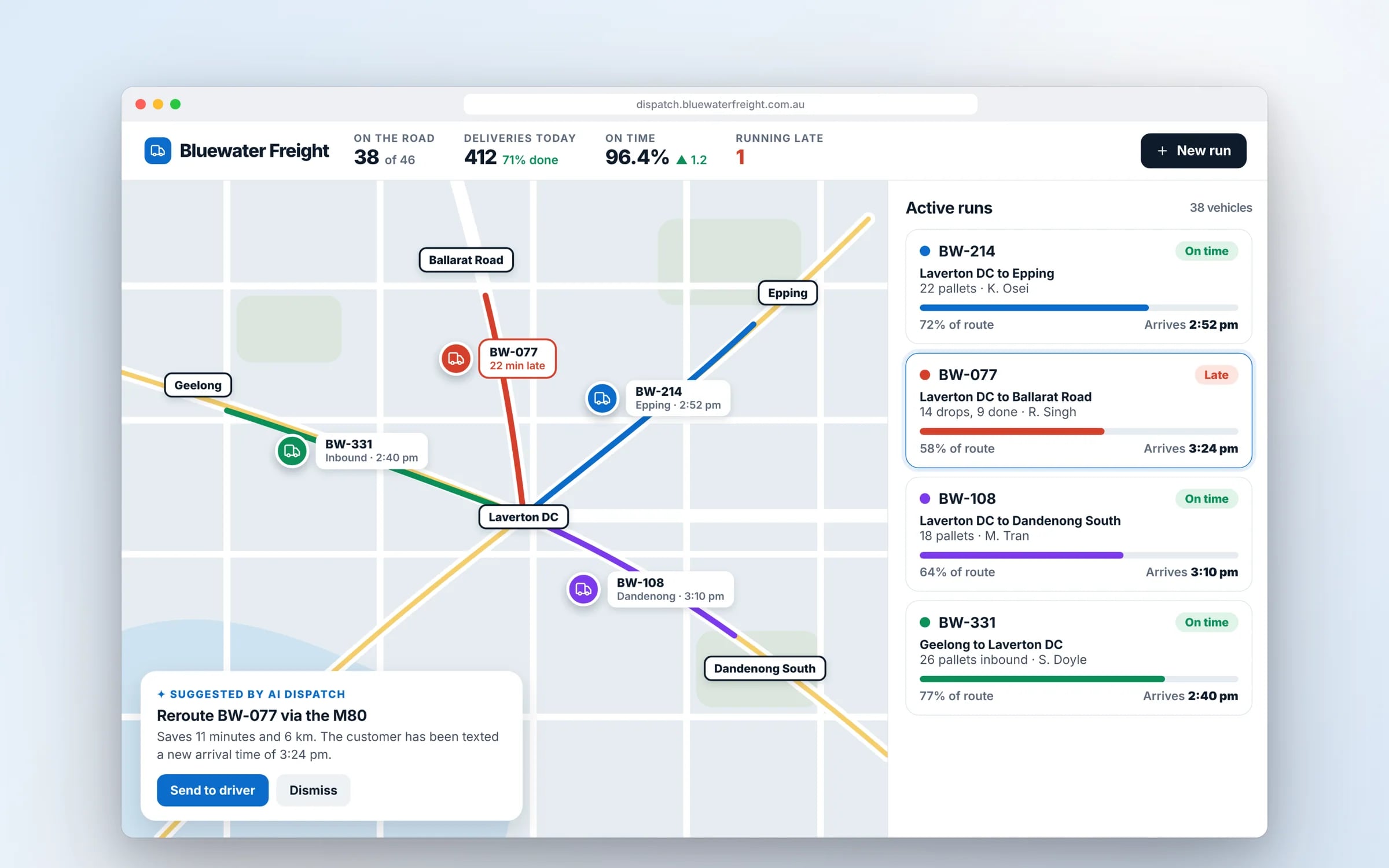
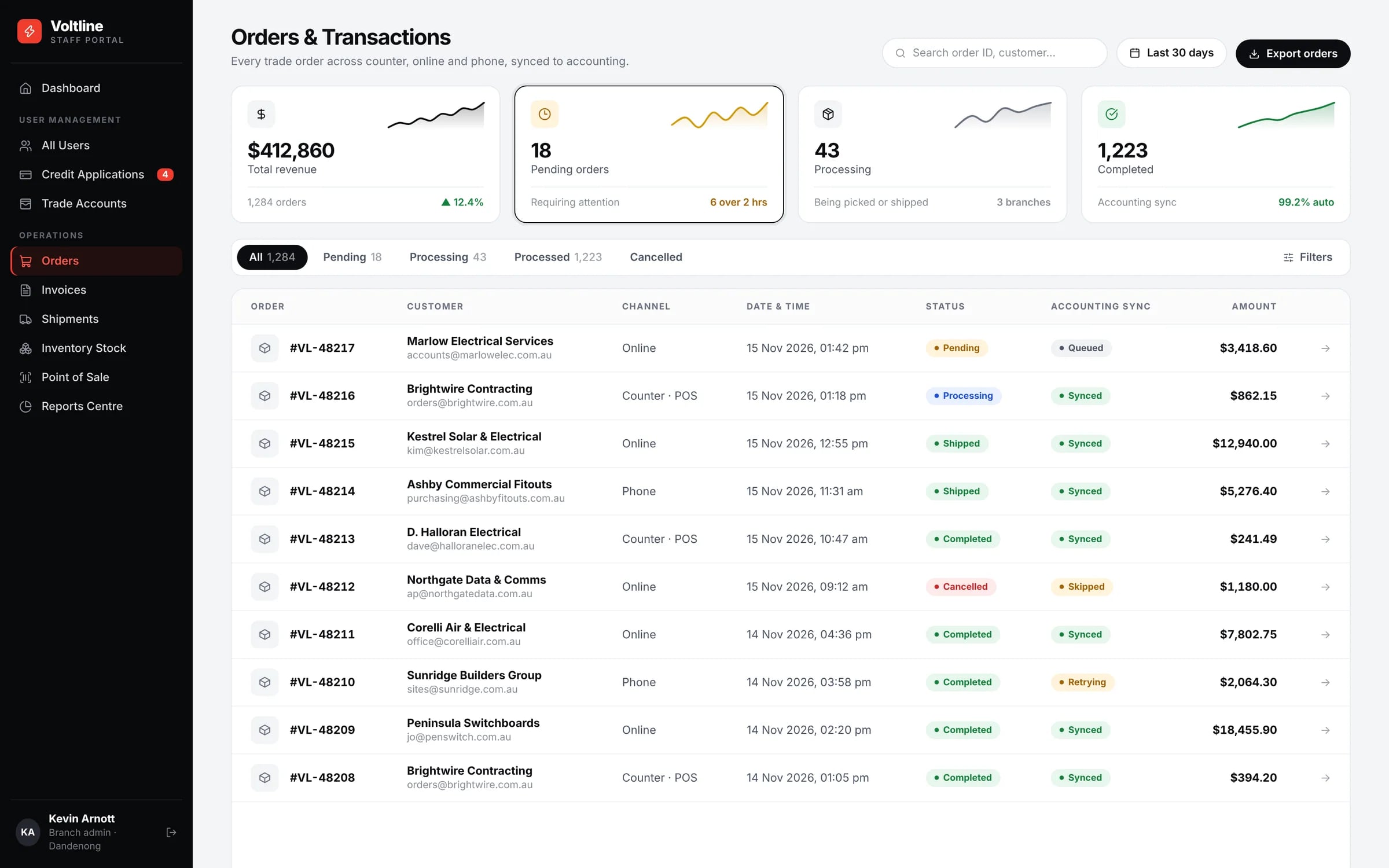
The starting point is a single database where every record carries the site it belongs to. A job booked at the Geelong branch is a Geelong job, but it lives in the same system, uses the same customer record and the same product codes as a job booked in Dandenong. Each site's staff open the system and see their own jobs, stock and roster first, without wading through everyone else's.
Managers and head office get the group view: the same screens with the site filter taken off. The question “how did we go this week?” is answered once, from one place, instead of by ringing each branch manager and adding up their figures on a Monday morning.
Stock and staff that move between locations
Most multi-site businesses share more than they think. A wholesaler moves pallets between warehouses, a hospitality group sends a chef to cover a shift at its other venue, a trades business lends a technician and a van to the branch that's short. When each site runs its own tools, those moves happen by phone and nobody's records agree afterwards. On one system they become ordinary transactions with a record behind them.
- 01Stock transfers that reduce one site's count and increase another's in the same step, with goods in transit visible to both.
- 02One view of stock across sites, so a branch can sell from another location's shelf instead of saying no.
- 03Staff with a home site who can be rostered at another, with their hours and costs landing against the site they worked at.
- 04Vehicles and equipment booked by any site, so two branches don't plan around the same truck.
Pricing and approvals set by site
Some things really do differ by location. A regional branch may charge a travel surcharge, a CBD venue may have different menu prices, a new site may run tighter discount limits while its manager settles in. Set these as site-level rules that sit on top of one group price list, so the base price is maintained once and each site's differences are deliberate and visible.
Approvals work the same way. A branch manager might approve purchase orders and credits up to a set amount for their own site, with anything above that, or anything crossing sites, going to an operations manager. The rule lives in the system, so it's applied every time, and you can see who approved what.
★★★★★
“Great team to work with, really strive for success and provide excellent communication with any service provided.”
Permissions by site and role, and reports that add up
Access is decided by two things together: which sites a person works at, and what their role lets them do. A store supervisor can edit rosters for their own store and see stock at the others. A finance officer can see every site's invoices but can't change a job. A regional manager sees the four sites they look after and nothing else.
Because every transaction already carries its site, consolidated reporting stops being a monthly project. Sales, margins, labour cost and stock value can be shown per site and for the group from the same data, so the branch figures always add up to the group total. If your accounting package uses tracking categories or separate entities for each site, the system can post to them directly.
Rolling it out one site at a time
Pick one site to go first. A good choice is a site with a manager who wants the change and a workload that's typical of the group, so what you learn applies everywhere. Run the new system there on real work alongside the existing tools until the numbers match, then move that site's history across and retire its old tool.
The next sites go quicker, because the codes, rules and screens are already settled and the first site's staff can show the others how it works. Head office reporting covers moved and unmoved sites during the changeover, so the group view never goes dark while sites are switching.
The traps that catch most multi-site businesses
The common problems are rarely technical. They come from each site having grown its own habits, codes and files before anyone tried to put them in one place. Every one of them is easier to fix before the move than after it, while the old tools are still there to check against.
- 01Each site keeping its own spreadsheet, so there are five versions of the price list and none is clearly the right one.
- 02Inconsistent product or job codes, where the same item is three different codes at three sites and group reports can't add them up.
- 03Copying the system per site, which brings back every problem of separate tools inside one product.
- 04Letting every local variation become a setting, until nobody can say what the standard process is.
- 05Moving every site on the same day, so one site's teething problem becomes everyone's.