Wearable & Companion Apps. Extending a product onto watch and connected devices.
Extending an existing app onto watch and other connected devices, wired into the same backend as the core product.
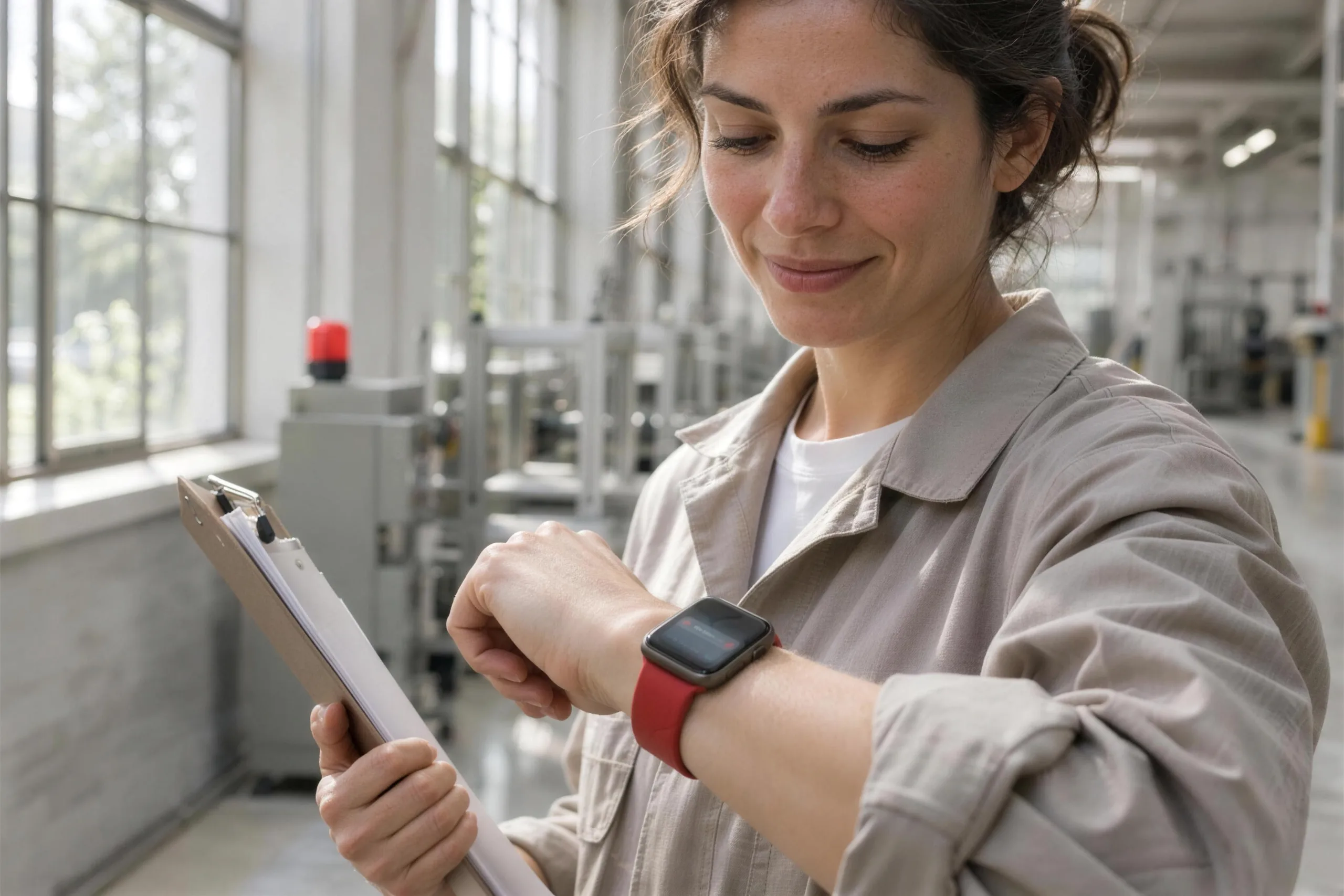
You probably need this when
- 01Staff miss urgent shift offers because their phone is in a locker or a pocket.
- 02Workers wearing gloves can't easily use a phone to log time or confirm a job.
- 03Our customers already wear Apple Watches and ask why our app isn't on theirs.
- 04Lone workers need a quick way to check in or raise an alert without stopping work.
- 05Time-critical alerts get buried among everything else on people's phones.
What it can look like. Screens from systems like this.
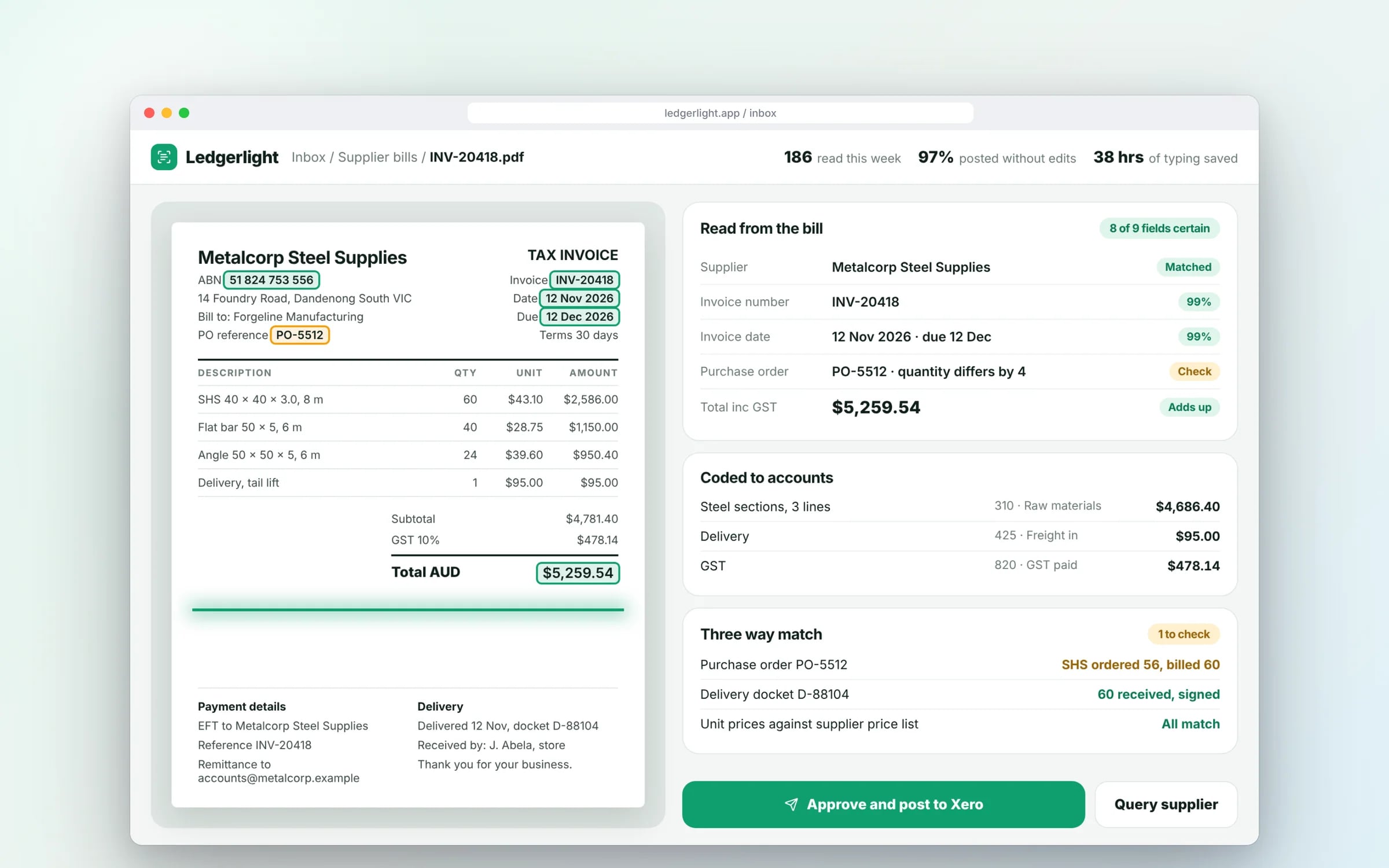
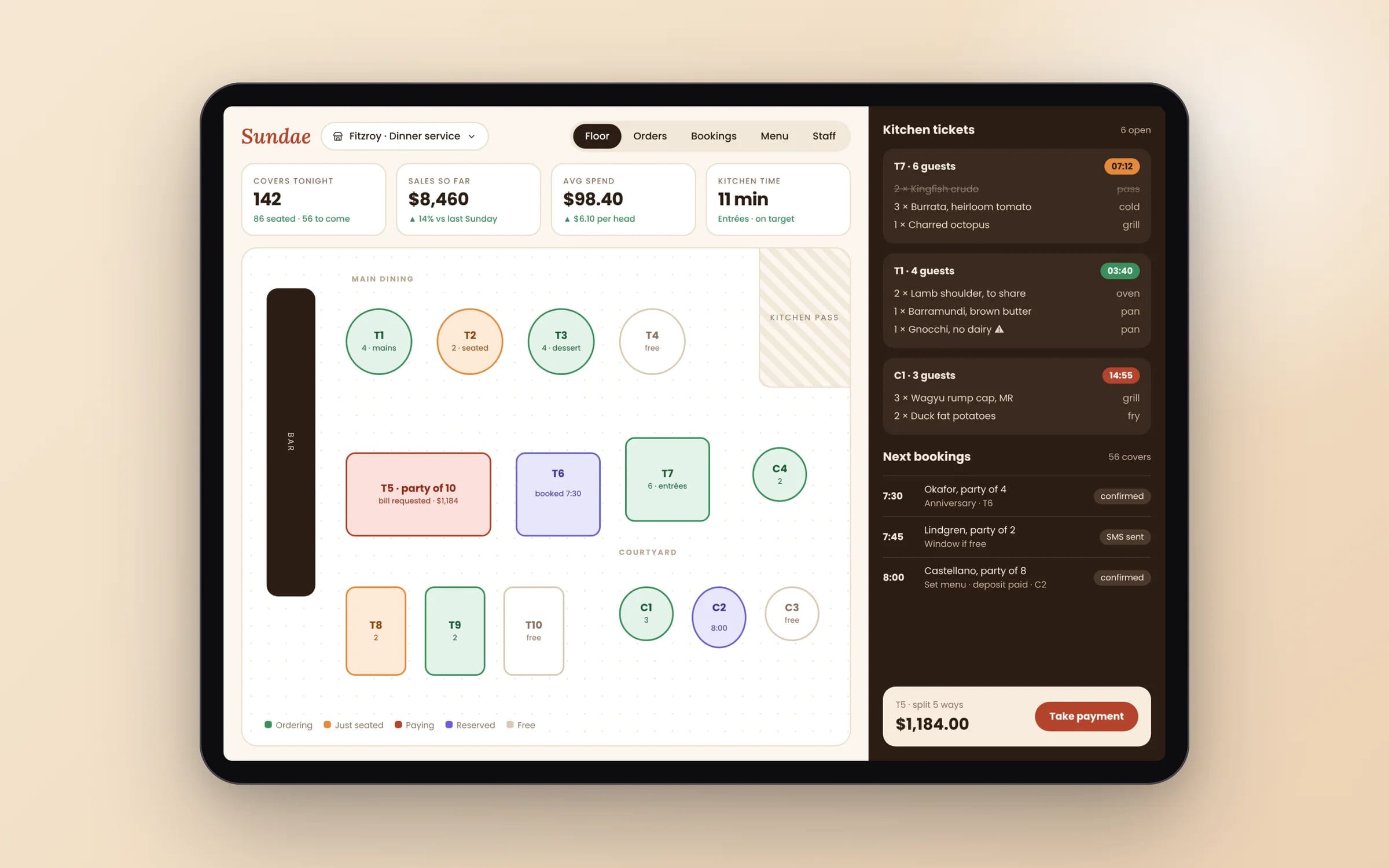
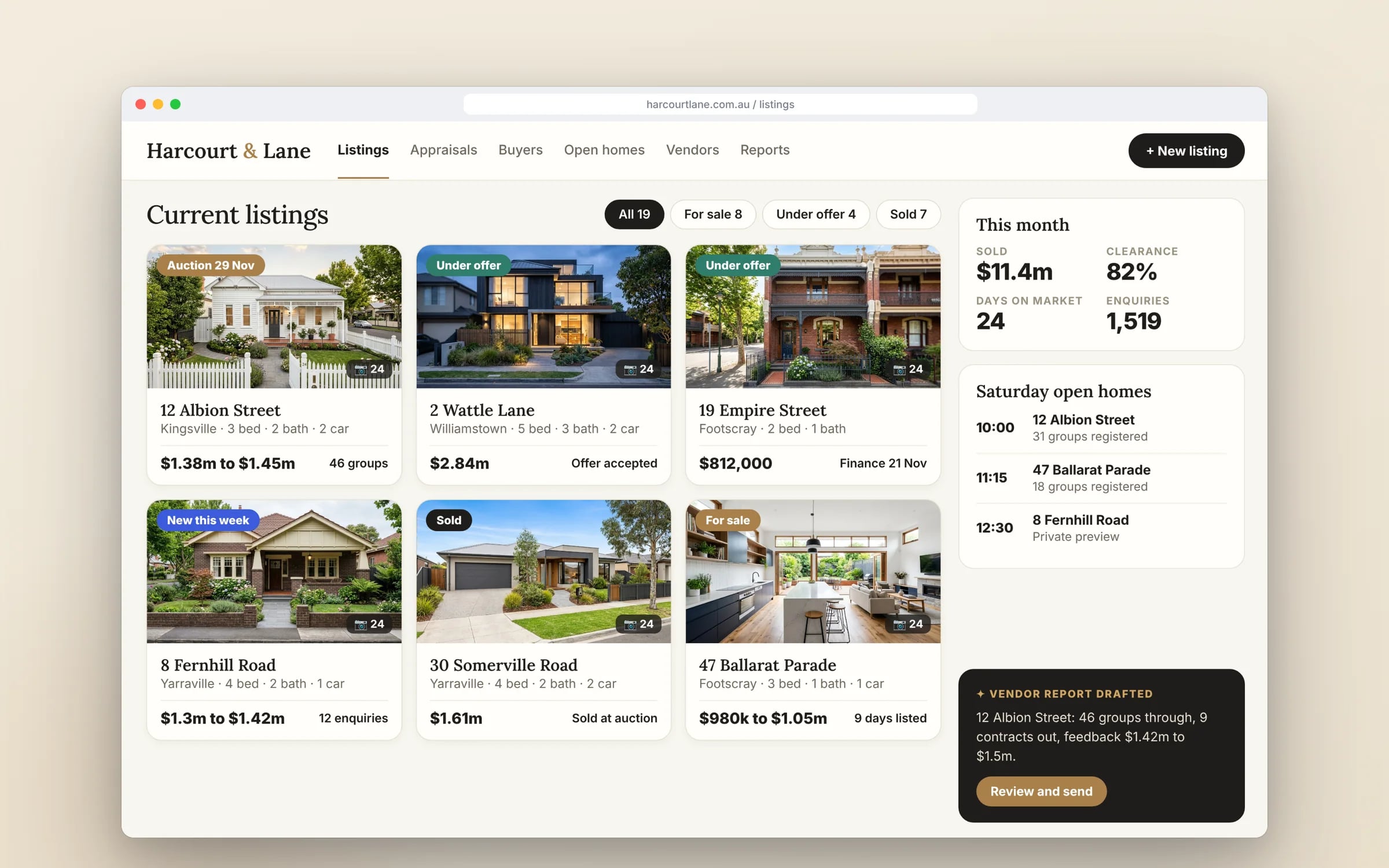
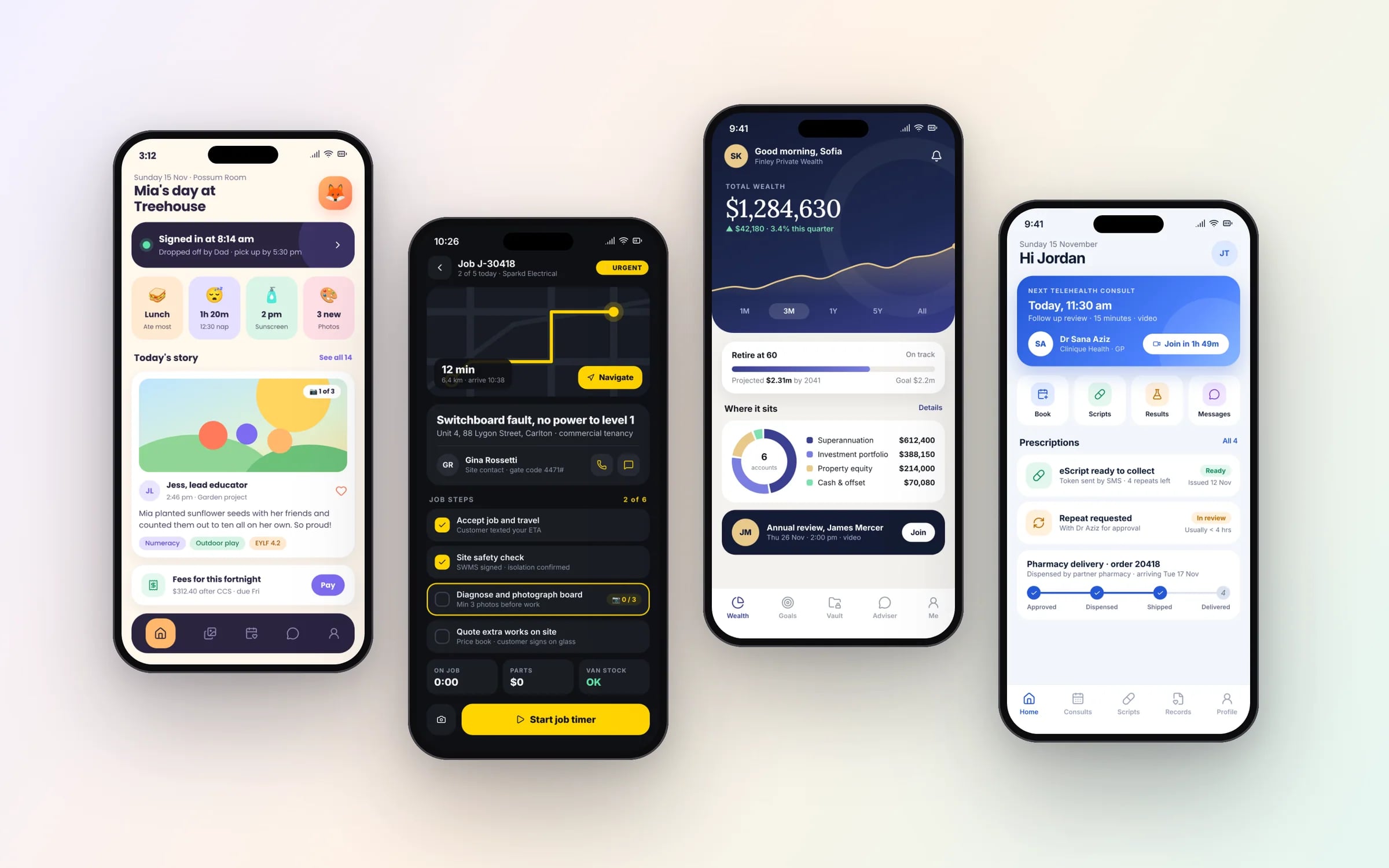
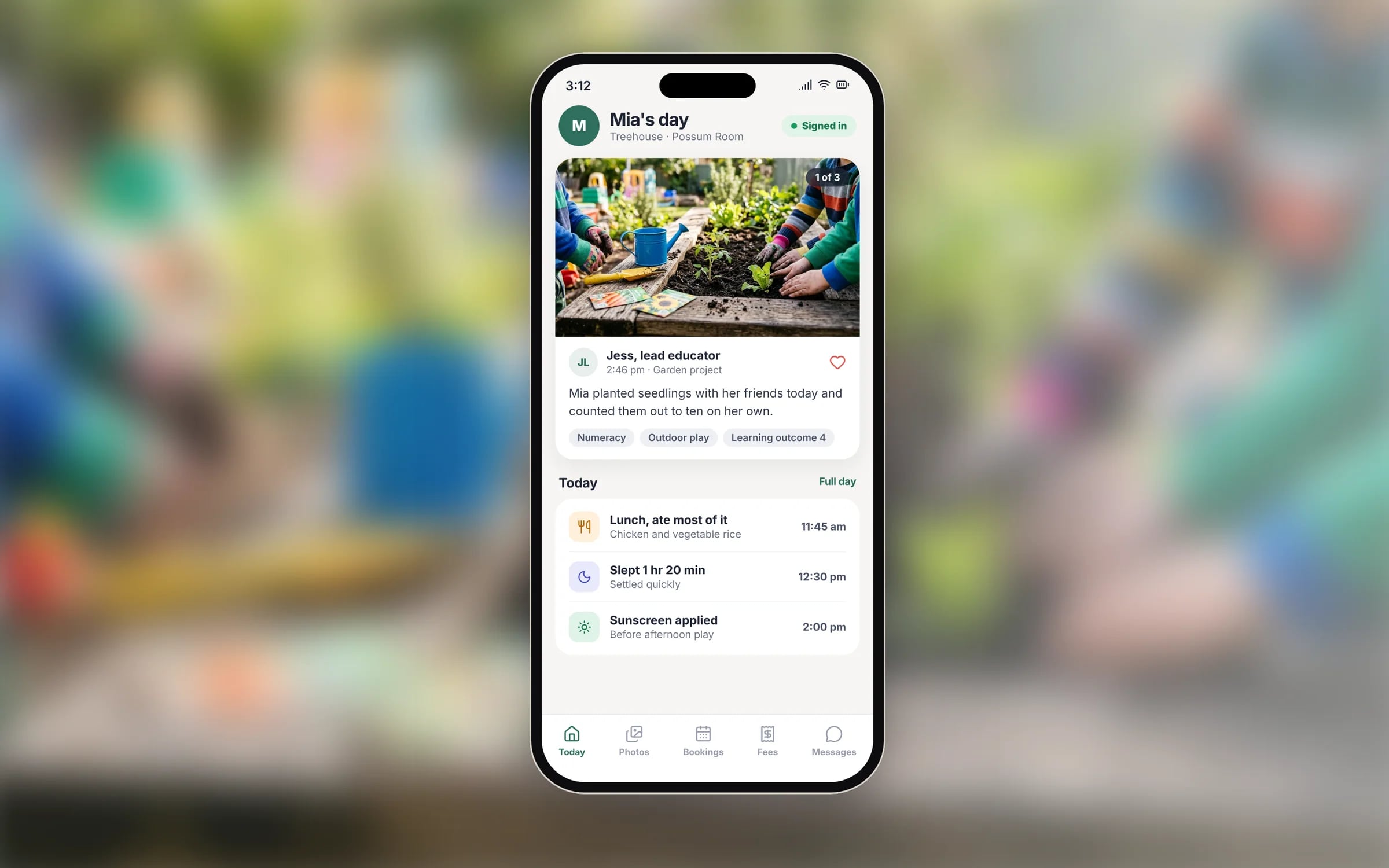
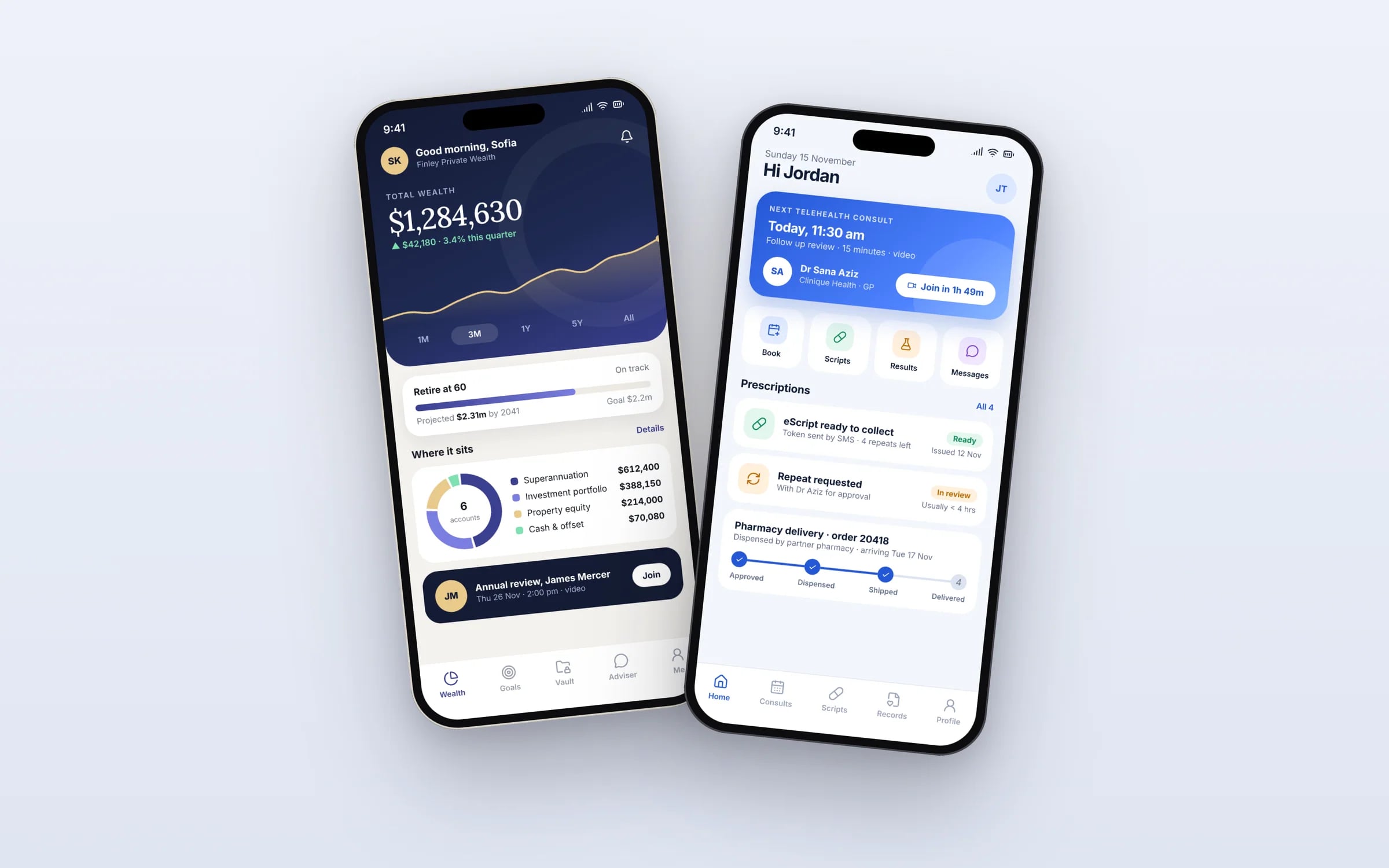
Example screens. The business names on them are invented.
What happens, in order.
1Choose the wrist moments
We list the few actions worth doing from a watch, such as accepting a shift, clocking on or marking arrival, and leave everything else on the phone.
2Design for a glance
Watch screens, complications or tiles, and notification actions designed and checked on the actual watch sizes.
3Sync with the core app
The companion is wired to the same backend and account as your phone app, with clear rules for what happens when the phone is out of range.
4Battery and field testing
A full shift of real use on hardware to check battery life, haptics and readability in sunlight.
5Store release
Released through the App Store alongside your iPhone app, and through Google Play for Wear OS.
Five years of renting, against owning. The gap is the point.
When this happens, do that. Rules that run on their own.
A tap on a watch or a sensor reading is only a trigger. The rules behind it run in your system, step by step, with every run logged.
What you walk away with.
- 01A companion app for watch or other connected devices
- 02Shared backend and account state with the core app
- 03Notification and sync behaviour tuned for the device
★★★★★
“It has led to more sales because of how professional it is!”
What is Wearable & Companion Apps?
A wearable companion app extends your existing mobile app onto an Apple Watch, Wear OS watch or other connected device, sharing the same account and backend.
It suits products where a glance or a tap on the wrist beats pulling out a phone: a nurse confirming a shift, a fitter receiving the next job, or a worker logging time with gloves on.
Reviewed by the Hypex team, Port Melbourne
Questions owners ask.
Does an Apple Watch app need an iPhone app?
No, a watchOS app can run independently of an iPhone app, but most business watch apps are companions to a phone app that handles sign-in, setup and detailed screens. The watch then covers glanceable tasks: a notification, a quick confirmation, a timer. Independent watch apps suit cellular watches used without a phone nearby. Either way, the watch app is reviewed and distributed through the App Store, and an Apple Watch still needs a paired iPhone to set up.
Can one watch app work on both Apple Watch and Android watches?
No, covering both takes two watch apps: Apple Watch pairs only with iPhone and runs watchOS apps written in Swift, while Wear OS watches pair with Android phones and run apps written in Kotlin. That holds even when your phone app is cross-platform. The two watch apps share the same backend and the same design logic, which keeps the effort down. Many businesses start with the watch platform their staff or customers actually wear.
What can a smartwatch app realistically do for shift and field workers?
A smartwatch app works best for quick, frequent actions that would otherwise mean getting a phone out. For shift and field workers that includes alerts for a new job or roster change with accept and decline buttons, clocking on and off, starting a job timer, confirming arrival on site, and safety check-ins for lone workers. Anything involving typing, photos or long instructions stays on the phone. Watch screens reward focus, so we design each one around a single action.
How do app notifications reach a smartwatch?
Notifications sent to a phone app appear on a paired watch automatically, and a companion app adds custom actions, such as accepting a shift, right from the wrist. Both Apple and Google mirror phone notifications to the watch by default while the phone isn't in use. A dedicated watch app goes further with custom notification layouts, complications or tiles that show live information on the watch face, and actions that sync back to your system. We tune which alerts go to the wrist so staff aren't buzzed for every update.
Will a companion app drain the watch battery?
It won't if it's designed to respect the watch's limits, which are far tighter than a phone's. Watch apps should leave heavy work to the phone or server, refresh the watch face only as often as needed, and avoid continuous GPS or sensor use unless the job requires it. Both watchOS and Wear OS restrict background activity to protect the battery, so we design within those rules and test a full shift of real use on actual hardware before release.
Can a watch app read heart rate and other health data?
Yes, with the wearer's explicit permission, through Apple HealthKit on Apple Watch and Health Connect or Health Services on Wear OS. Apple and Google both restrict how health data can be used, and apps that use it face extra store review and privacy disclosure requirements. For workforce uses such as fatigue or heat stress monitoring, think carefully about consent and what the business actually needs, because health information is sensitive information under Australian privacy law.
What moves the cost and the timeline.
After a 30-minute call you get a system map with a fixed price for each stage, before any work starts. These are the things that shape it.
- Whether you need Apple Watch, Wear OS or both
- The state of the existing phone app and backend the companion connects to
- Custom complications, tiles or notification actions
- Health or sensor data, and the privacy work it brings
- Standalone operation without a phone nearby
Built for businesses like yours
Show us how you run it today.
Thirty minutes with the people who would build it. We'll map where the hours go and tell you honestly whether custom software is worth it for you.