Android App Development. Native apps tuned for the Android device ecosystem.
Native Android builds tuned for the range of devices and OS versions your users are actually running.
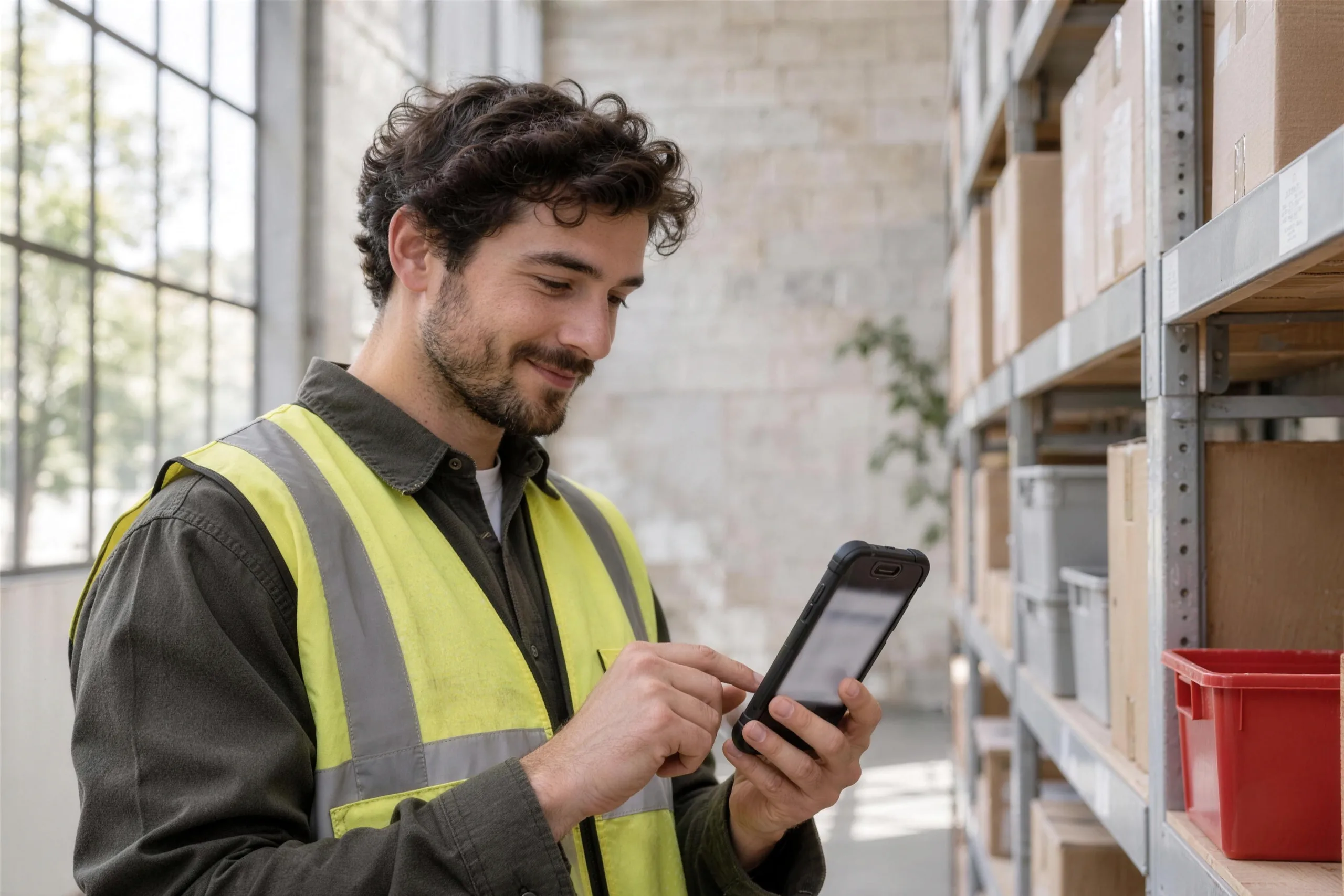
Why owners choose this.
What it can look like. Screens from systems like this.
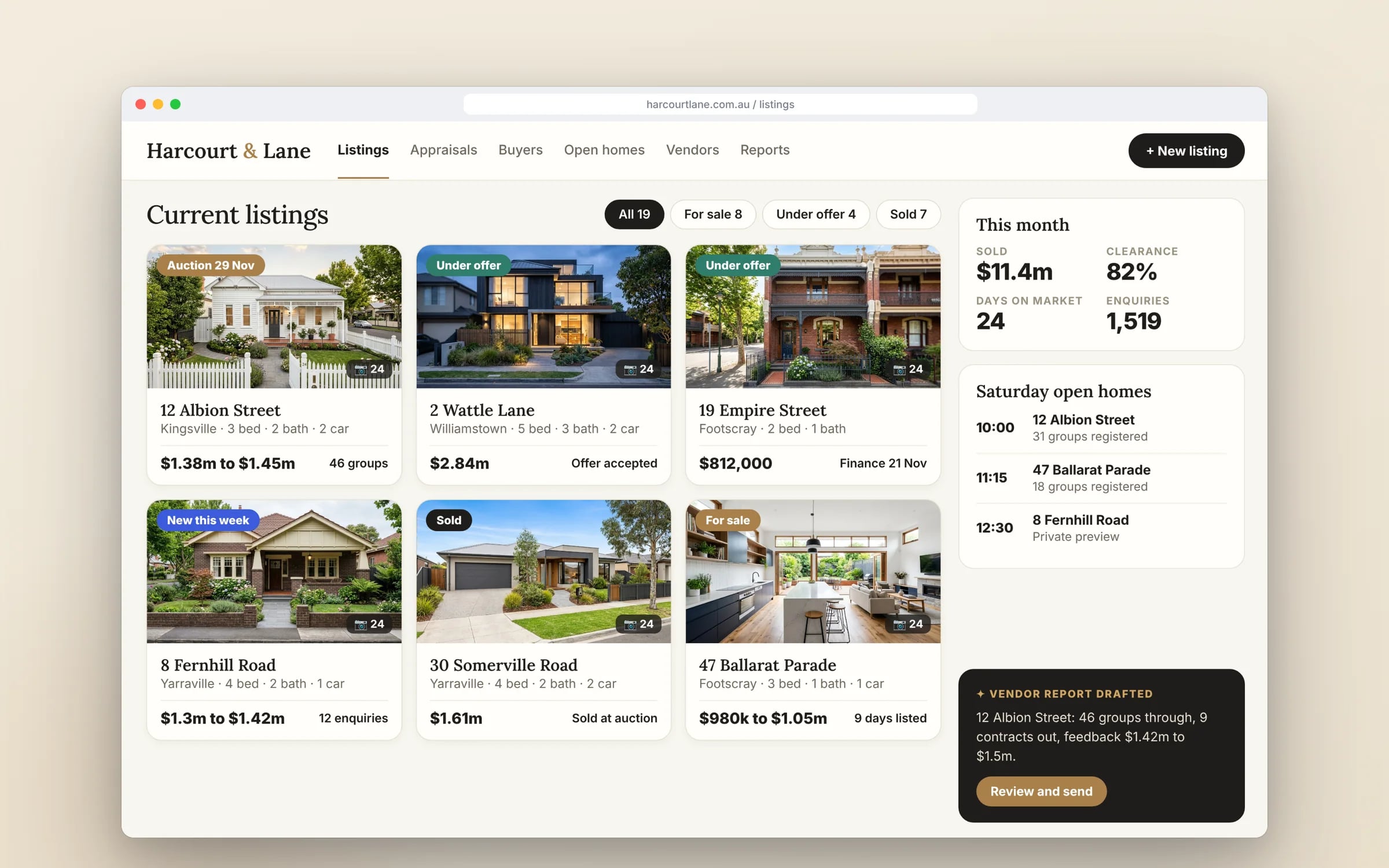
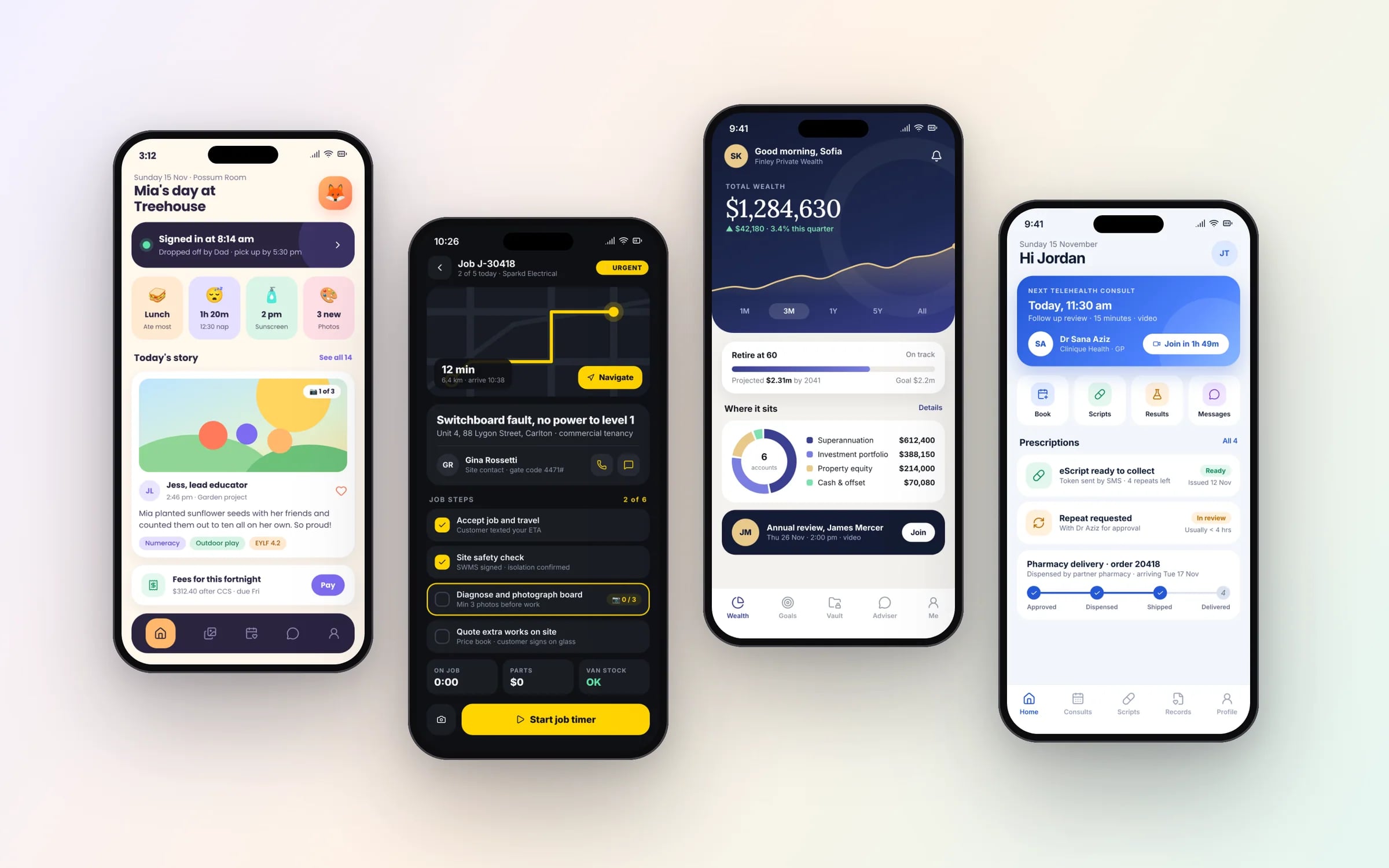
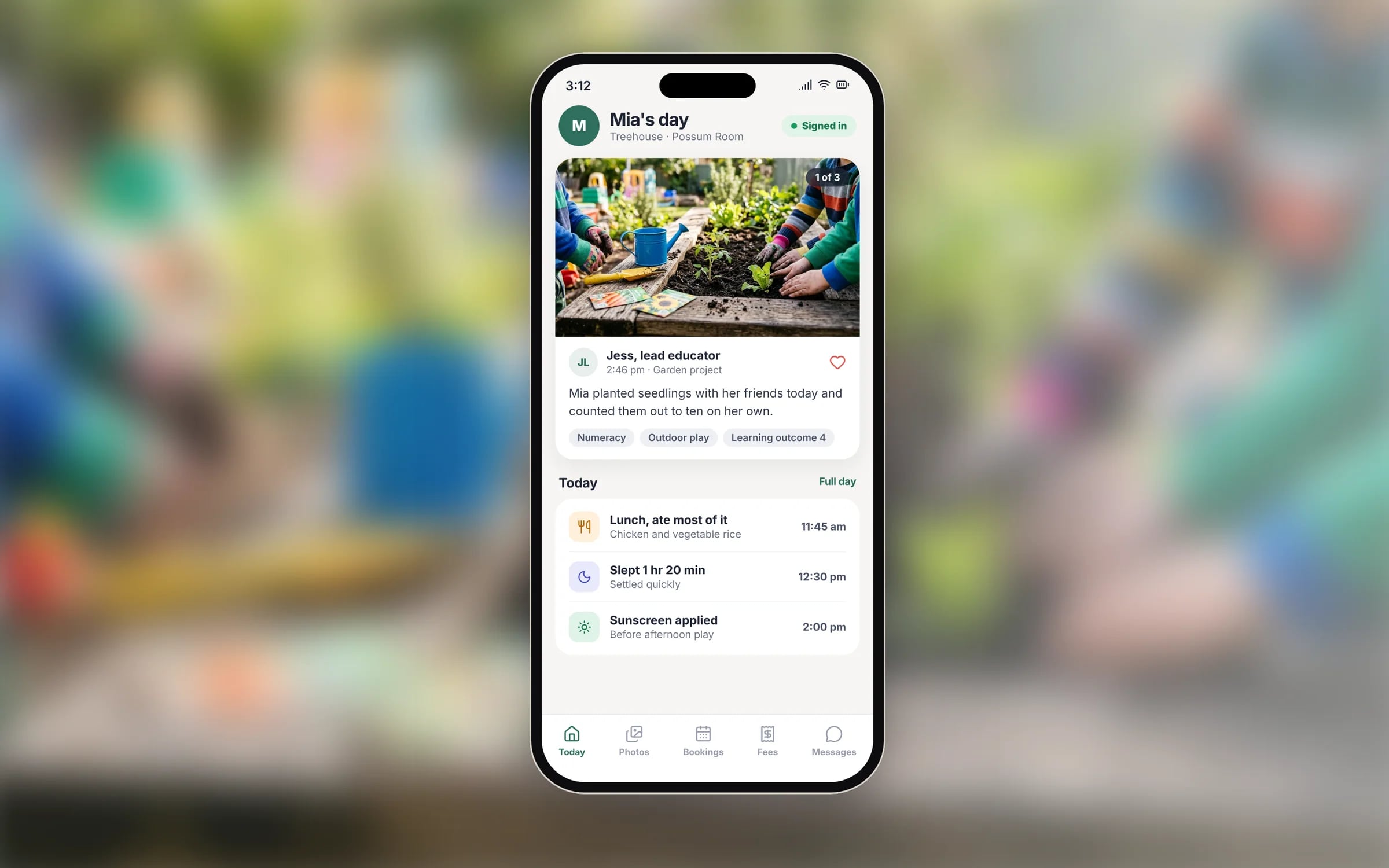
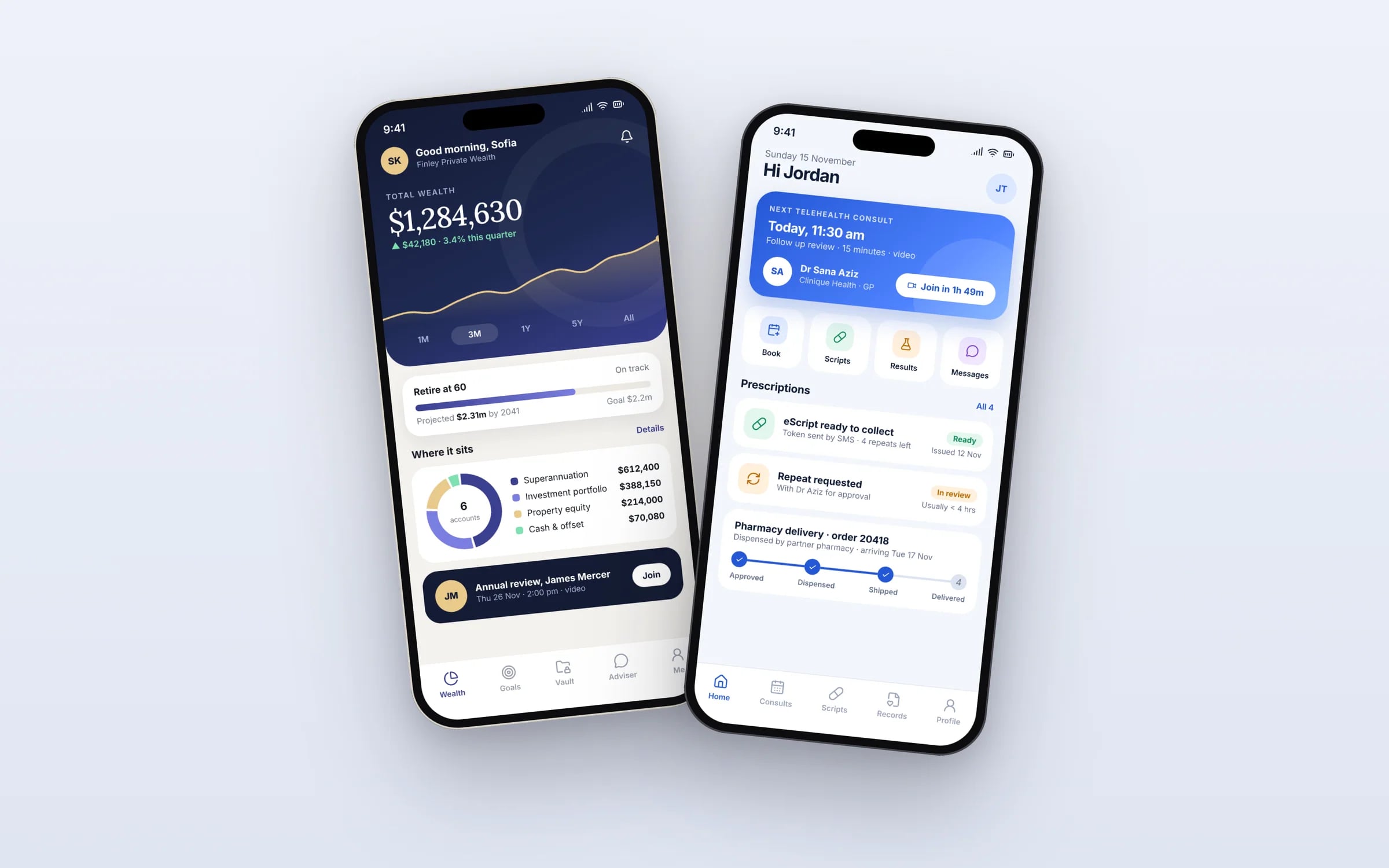
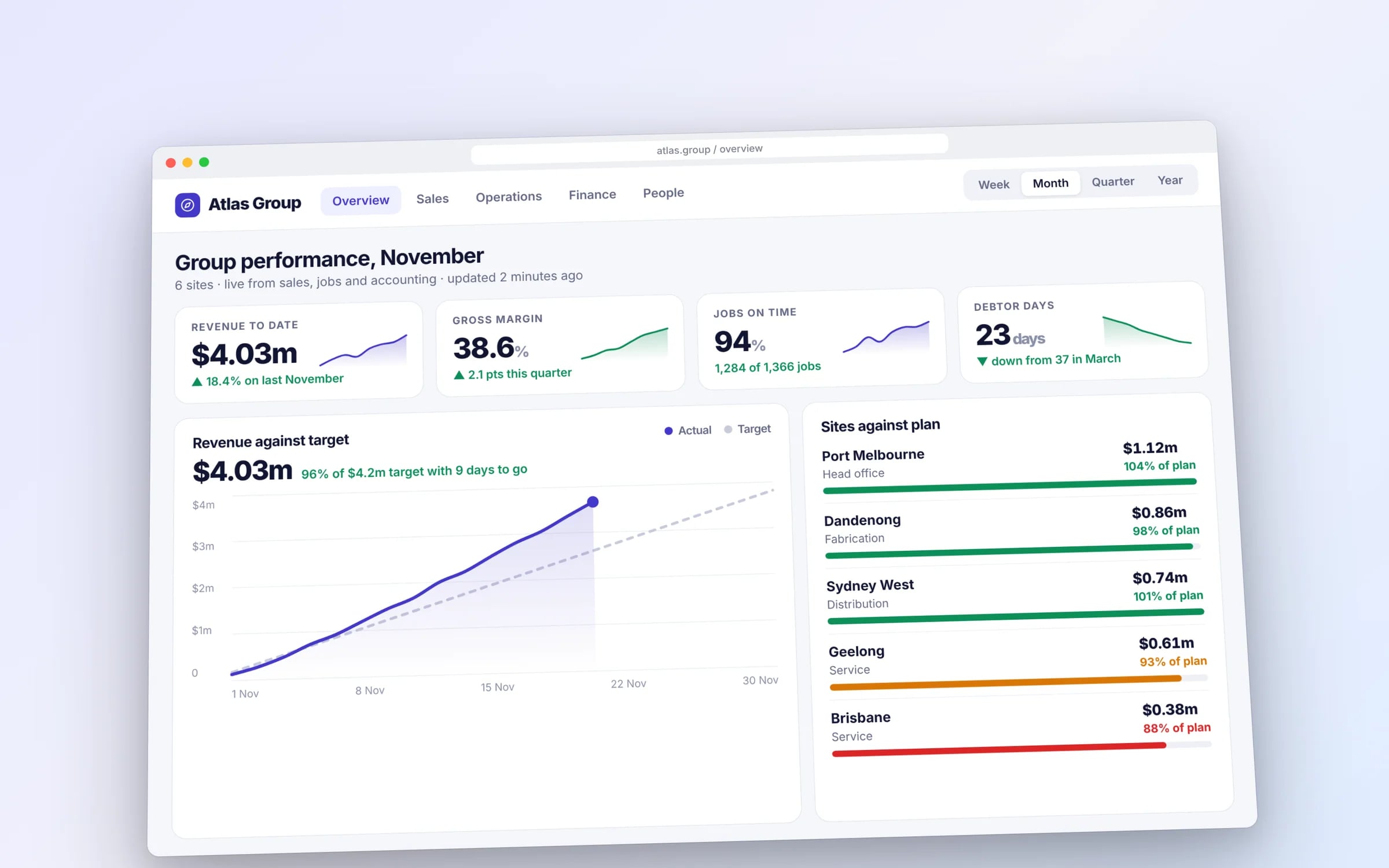
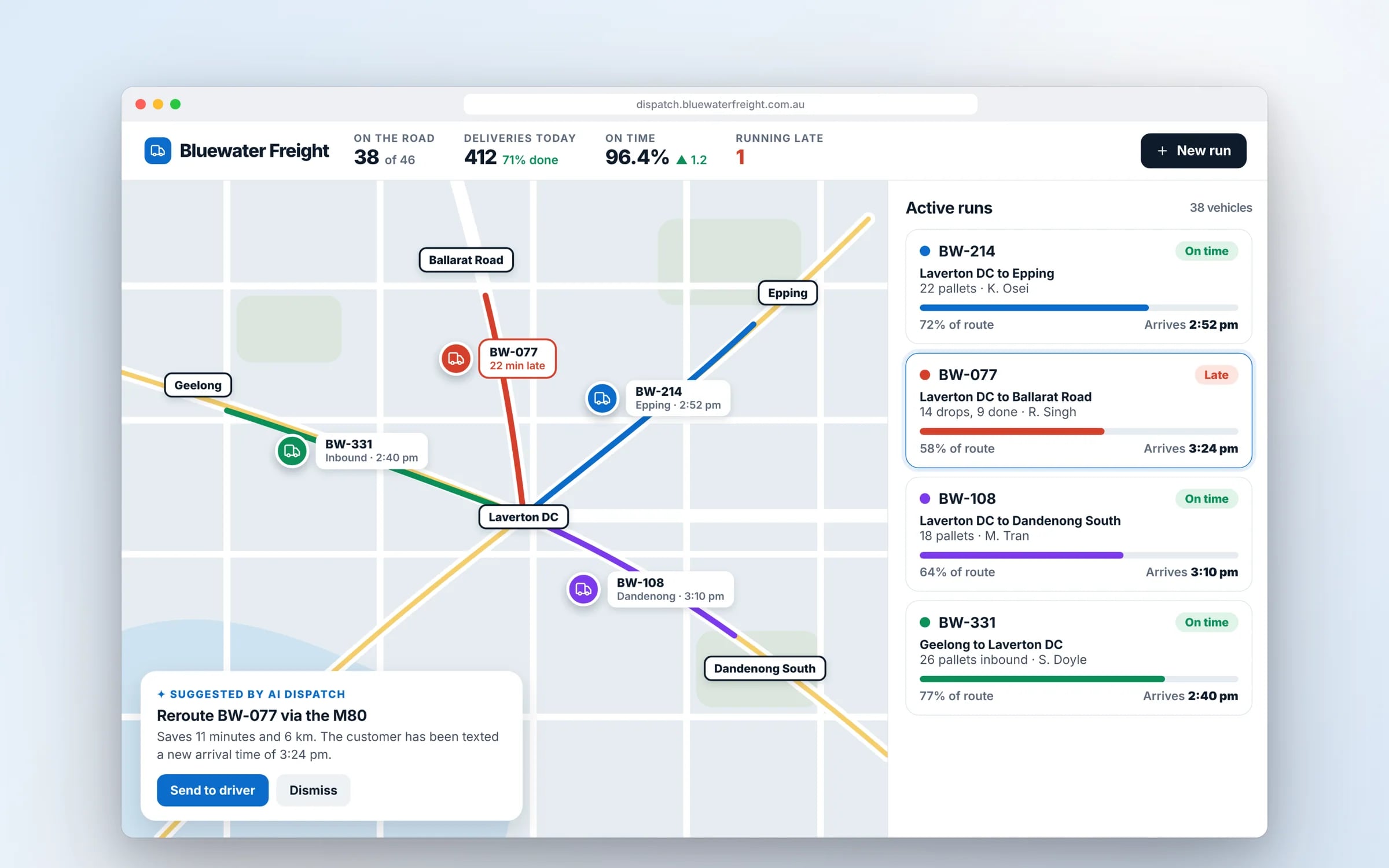
Example screens. The business names on them are invented.
You probably need this when
- 01Our crews use Android phones we supply and the current app drains them flat by lunch.
- 02We bought rugged scanners and our app can't read the built-in scanner.
- 03Notifications for new jobs turn up late, or not at all, on some staff phones.
- 04The app works on the manager's phone but crashes on cheaper handsets.
- 05Every update means walking around installing a file on each device.
The driver's day, tracked. Booked to invoiced, with proof.
On a rugged Android handset, a delivery moves from loaded to delivered with the signature and photo attached, and the invoice is ready before the truck is back.
What you walk away with.
- 01A native Android app tested across real device tiers
- 02Play Store submission and release management
- 03Support for the OS versions your users actually run
How it runs, step by step.
- Step 1
Device audit
We list the handsets, tablets and scanners in use, their Android versions and how they're managed, then set the minimum version and test matrix from that.
- Step 2
Prototype the field flow
A clickable prototype of the job, scan or check-in flow, tried on a real handset by someone who does the work.
- Step 3
Staged Kotlin build
Built in Kotlin and Jetpack Compose with the highest-effort part first, released to Play's internal testing track so your team is using it within weeks.
- Step 4
Device testing
Testing across physical devices and a cloud device lab, including battery saver modes, low storage and patchy reception.
- Step 5
Play release
Listing, Data safety form and a staged rollout through your own Play Console, or private distribution to staff devices through managed Google Play.
★★★★★
“It has led to more sales because of how professional it is!”
Five years of renting, against owning. The gap is the point.
What is Android App Development?
Android app development is building an app for Android phones, tablets and rugged handhelds using Kotlin and Jetpack Compose, Google's current native toolkit.
It suits businesses whose workers carry Android devices, from budget handsets to rugged scanners in warehouses and on sites, and products whose customers are spread across many brands, screen sizes and Android versions.
Reviewed by the Hypex team, Port Melbourne
Questions owners ask.
How long does Google Play review take for a new app?
Google Play review for a new app often takes a few days, and can take longer for a brand-new developer account or an app requesting sensitive permissions. Updates to an established app are usually quicker. Newer personal developer accounts must also run a closed test with real testers before they can publish to production, so register an organisation account in your business's name to avoid that step. Staged rollouts then let you release to a small share of users first and halt if crash reports climb.
Which Android versions should my app support?
Support the Android versions your actual users run, which you can check in existing app analytics, your device fleet list or Play Console data once you're live. Going back too far adds testing and limits which modern libraries you can use; going too recent locks out older handsets still common in field crews. The two settings differ: the minimum version is your choice, but the target version is set by Google, which requires apps to target a recent API level and raises that bar each year for new apps and updates.
Can an Android app use the barcode scanner on a rugged device?
Yes, Android is the usual choice for rugged handhelds, and a native app can read their built-in barcode scanners, NFC readers and hardware buttons. Rugged device makers such as Zebra and Honeywell provide Android software kits for their scanners, so a warehouse picker or stocktake crew can scan without a separate camera step. We test on the exact model your team uses, because scanner behaviour, screen size and battery management differ between manufacturers.
Why does my app work on some Android phones but not others?
Android apps behave differently across phones because manufacturers customise the system, especially battery management, which can stop background syncs or delay notifications on some brands. Screen sizes, camera hardware and memory also vary widely. The fix is testing on a realistic spread of devices, including the cheaper handsets staff actually carry, and running background work through Android's WorkManager so syncs survive restarts and battery savers. We test on physical devices and cloud device labs before every release.
Can we install our Android app on staff devices without the public Play Store?
Yes, and the cleanest option for a business is managed Google Play, which publishes a private app only to your organisation's devices through a mobile device management tool. Sideloading an APK file works for a pilot, but every update has to be pushed by hand, staff must allow installs from unknown sources, and you lose the store's update path. Managed Google Play keeps the app private, updates it automatically and lets you remove it from a device when someone leaves.
Should I launch on Android or iPhone first?
Launch first on whichever platform most of your users carry, which for staff apps is usually decided by the devices the business supplies. Customer-facing apps often need both, because neither platform covers everyone. If the budget only allows one native app, a cross-platform build can get you onto both stores for less effort than two native apps. Where the choice is open, Android suits fleets of supplied or rugged devices, but check your own analytics before deciding.
What moves the cost and the timeline.
After a 30-minute call you get a system map with a fixed price for each stage, before any work starts. These are the things that shape it.
- How many device models and Android versions must be supported and tested
- Hardware integration such as built-in barcode scanners, NFC or Bluetooth printers
- Offline capture and background sync that must survive battery savers
- Private distribution and device management setup for staff devices
- Integrations with job, stock or accounting systems
Built for businesses like yours
Show us how you run it today.
Thirty minutes with the people who would build it. We'll map where the hours go and tell you honestly whether custom software is worth it for you.