AR/VR App Development. Augmented and virtual reality apps for headsets and phones.
Augmented, virtual, and mixed reality applications built for the headsets and phones your audience already owns, from 3D content through to store release.
What you walk away with.
- 01A working proof of concept on the target device, tested in the real setting
- 02A production app for the phones or headsets your people already use
- 033D content and anchoring tuned for the spaces it will be used in
Five years of renting, against owning. The gap is the point.
What it can look like. Screens from systems like this.
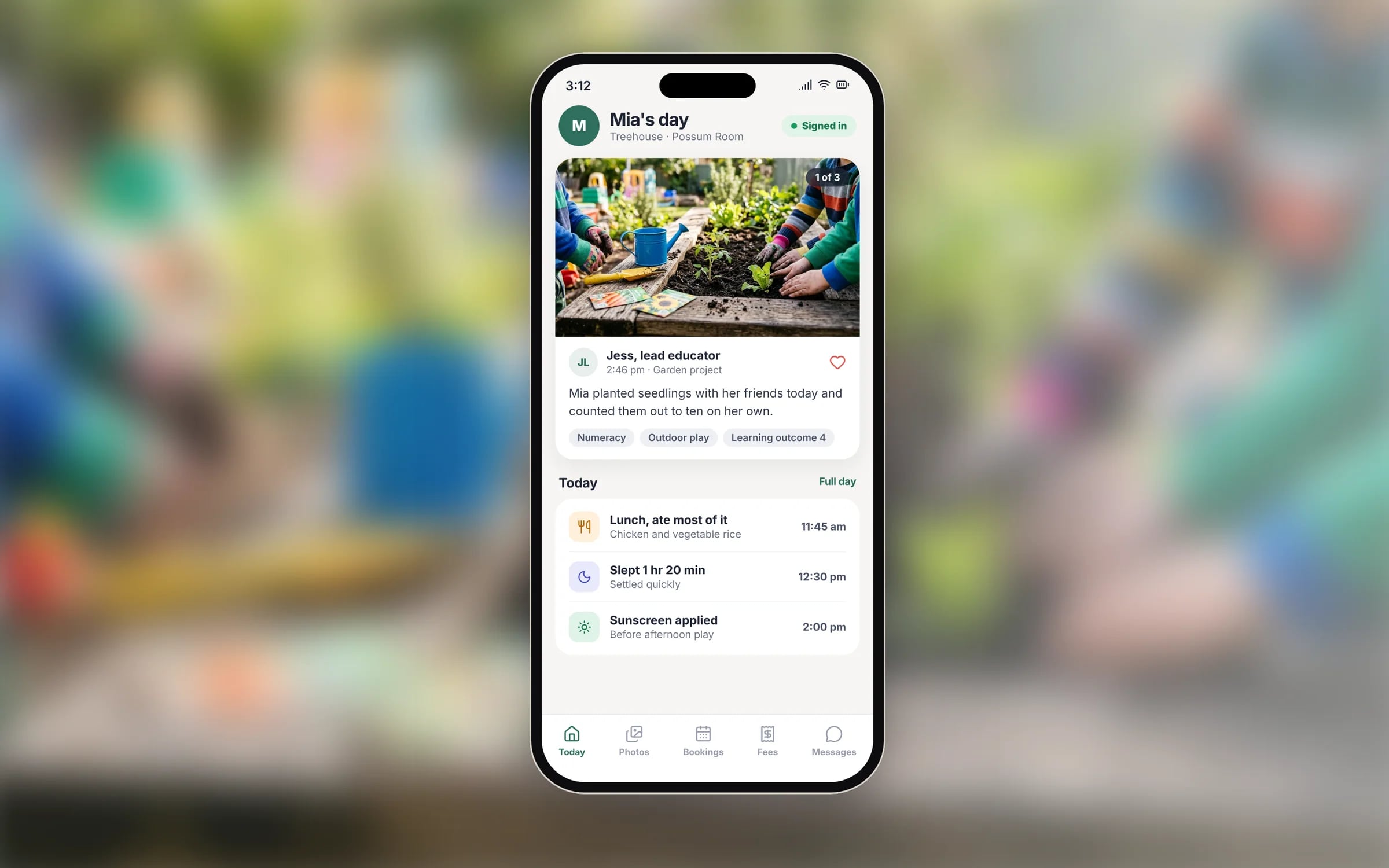
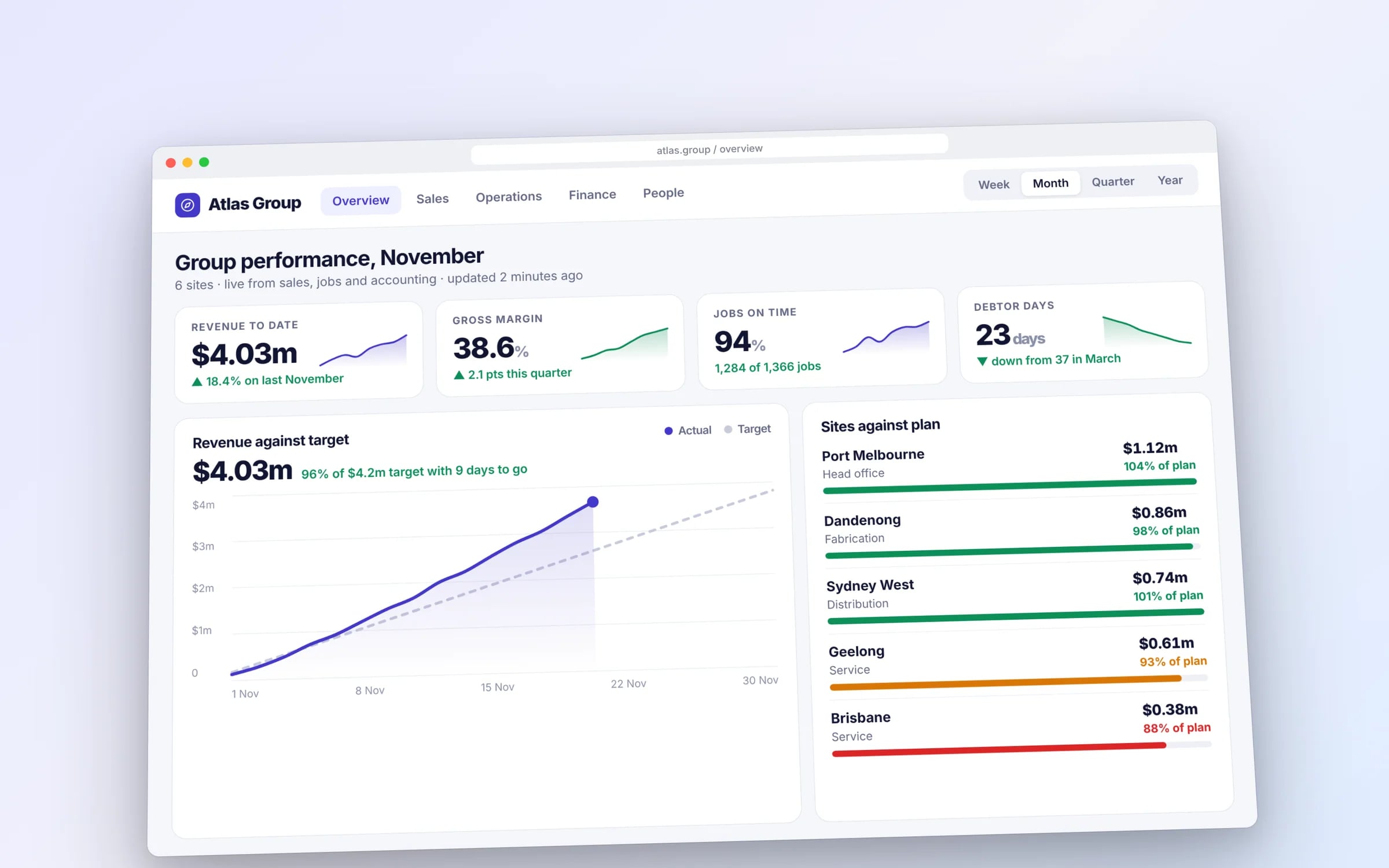
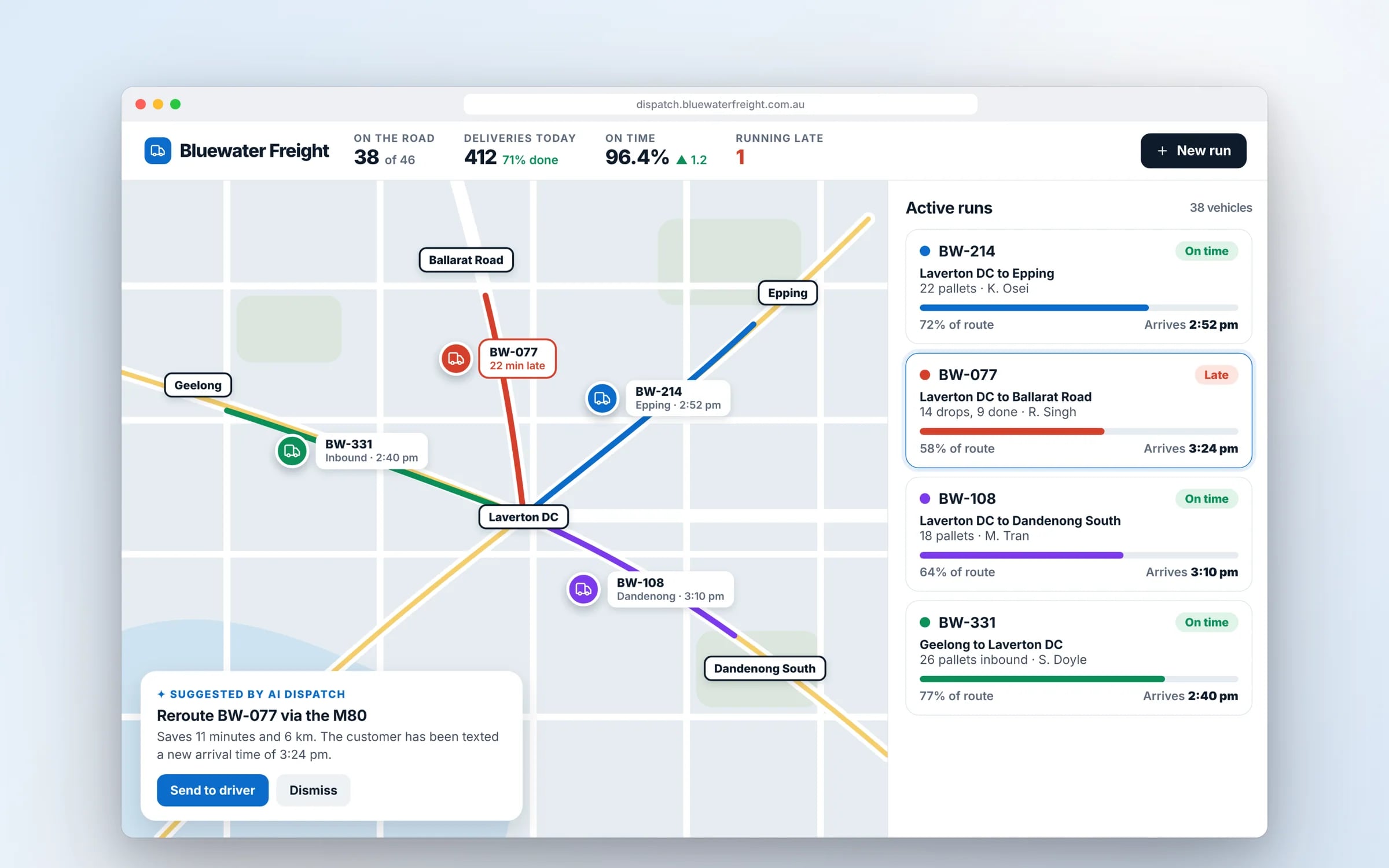
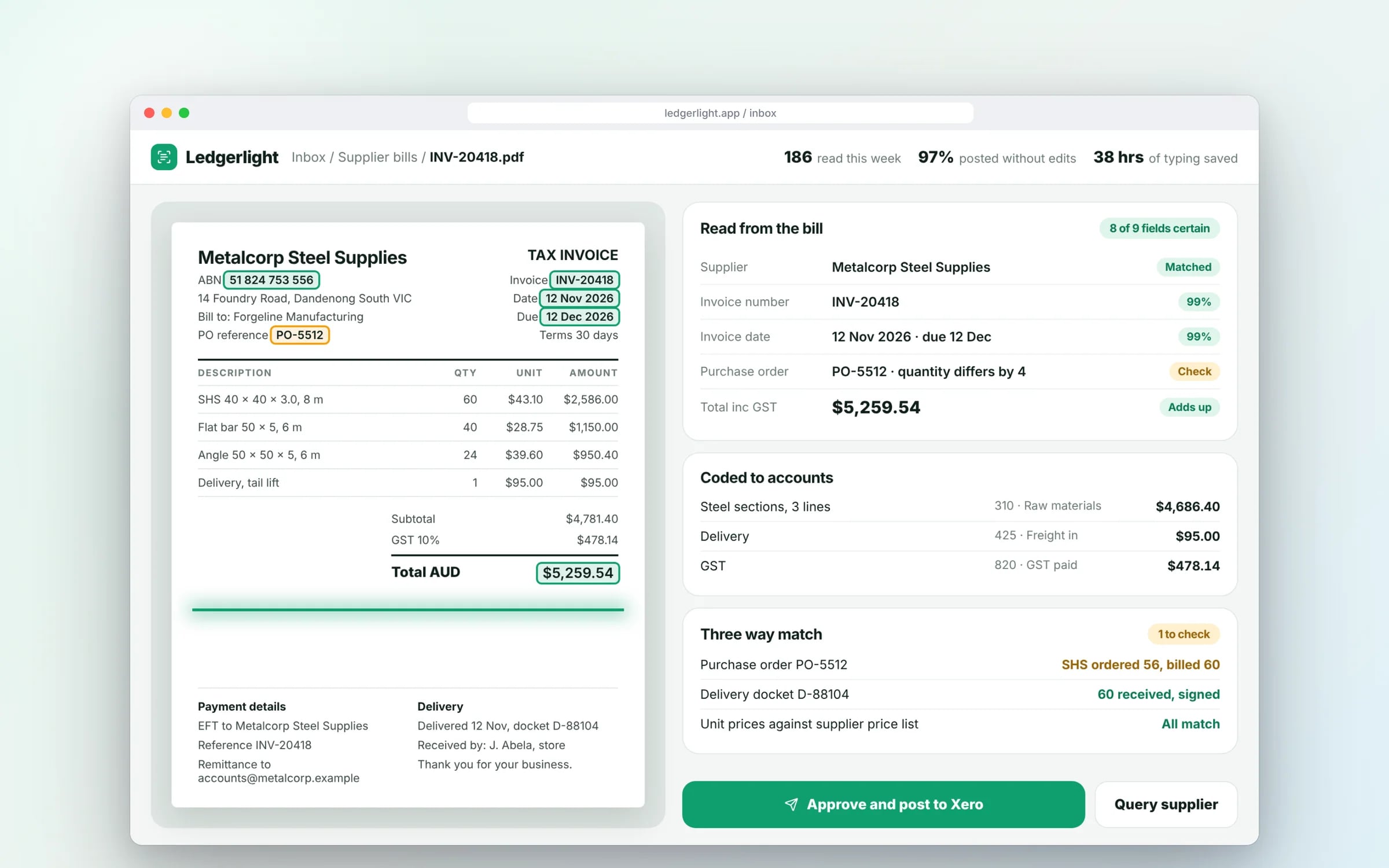
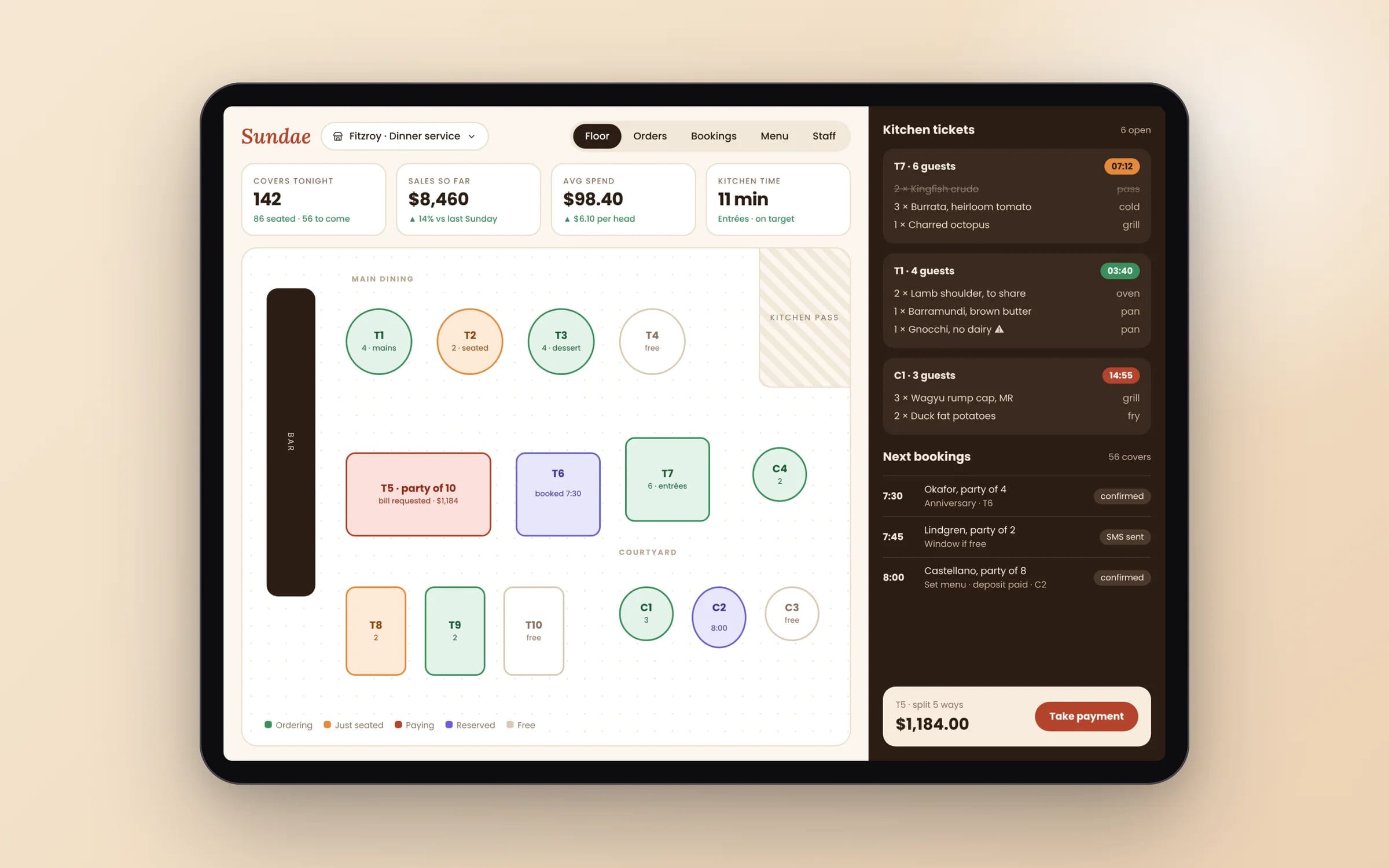
Example screens. The business names on them are invented.
You probably need this when
- 01Clients struggle to picture the finished fit-out from drawings and renders.
- 02Technicians ring the office for help with equipment they rarely service.
- 03Training on our machinery is risky or means taking equipment out of service.
- 04We have 3D models from design, but nobody outside the office ever sees them.
★★★★★
“TJ helped me in creating a super creative user interface. I got the results that I wanted.”
What happens, in order.
1Pick the spatial task
We define the one real-world question the app answers, who uses it and on which devices, and check that AR is genuinely the best tool for it.
2Prepare the 3D content
Existing CAD, BIM or product models converted and optimised so they load quickly on a phone or headset.
3Prototype on location
An early build tested in the real room, site or workshop to check tracking, lighting and scale before the full build.
4Build and release
The app built on ARKit, ARCore or Unity, connected to your backend, and released through the App Store, Google Play or the headset's own store.
What is AR/VR App Development?
AR and VR app development is building augmented reality apps that place digital content over the real world through a phone or headset, and virtual reality apps that put the user in a fully simulated space.
It suits businesses with a practical spatial problem: showing a client a fit-out in place, guiding a technician through a repair, or training staff on equipment safely.
Reviewed by the Hypex team, Port Melbourne
Questions owners ask.
What is the difference between AR, VR and mixed reality?
Augmented reality overlays digital content on the real world, virtual reality replaces the real world with a simulated one, and mixed reality blends the two so digital objects respond to the room around you. Phone AR, through Apple's ARKit and Google's ARCore, needs no extra hardware. VR needs a headset such as a Meta Quest. Headsets like Apple Vision Pro and Meta Quest 3 use passthrough cameras for mixed reality. For most business uses, phone AR is the practical starting point because staff already carry the device.
Do customers need a headset to use an AR app?
No, most business AR runs on the phones and tablets people already own, using ARKit on iPhone and iPad and ARCore on supported Android devices. Customers point the camera at a room or object and see the digital content in place. Some AR can even run from a web page, through Apple's AR Quick Look on iPhone or WebXR in Chrome on Android, without installing an app, which suits product previews. Headsets make sense for hands-free training or longer sessions where the business supplies the devices.
What are practical business uses for augmented reality?
The most practical uses for AR answer a spatial question that photos and drawings answer poorly. Examples include showing a client how new fixtures or equipment fit in their actual space, overlaying a building model on site to check services before work starts, guiding a technician through a repair step by step on the equipment itself, and scanning rooms with LiDAR-equipped iPhones and iPads. If the question isn't spatial, a standard app or a short video usually does the job for less.
How accurate is phone AR for measuring or placing objects on site?
Phone AR is accurate enough for visualising and rough measurement, but it doesn't replace surveying tools when tolerances matter. Accuracy improves on devices with a LiDAR scanner, in good light and on textured surfaces, and drops on blank walls, reflective floors and in dim rooms. Digital content can also drift as the user moves around. For site work we anchor content to known markers or reference points and design the app to show its confidence, so nobody orders materials based on a guess.
Is VR worth it for staff training?
VR is worth it for training where the real situation is dangerous, expensive or hard to set up, such as working at heights, emergency procedures or operating machinery. Trainees can repeat a scenario until they get it right, and the app can record each step they take. It adds little for content that a video or checklist covers just as well. Plan for headset management too: charging, cleaning between users, software updates and someone to set them up for each session.
What do you need to build an AR app?
An AR app needs a clear real-world task, a platform choice and 3D content. Models can come from your existing CAD or BIM files, from equipment manufacturers, or from scans, but they usually need optimising so they load quickly on a phone. Builds use ARKit and RealityKit for Apple devices, ARCore for Android, or Unity for apps spanning phones and headsets. Most of the effort goes into making the experience reliable in real lighting and spaces, which means testing in the actual rooms and sites where it will be used.
What moves the cost and the timeline.
After a 30-minute call you get a system map with a fixed price for each stage, before any work starts. These are the things that shape it.
- Amount and complexity of 3D content, and whether models already exist
- Number of target devices across phones, tablets and headsets
- Accuracy needed for placement and measurement
- Connection to live data such as job records or equipment manuals
- Shared sessions where several people see the same content at once
Built for businesses like yours
Show us how you run it today.
Thirty minutes with the people who would build it. We'll map where the hours go and tell you honestly whether custom software is worth it for you.