IoT Development. Connected devices and real-time data.
Sensors, trackers and connected equipment wired into your own system, so readings from the field turn into jobs, alerts and reports your team acts on.

You probably need this when
- 01Someone drives to a site just to check a reading or whether equipment is running.
- 02You find out about a breakdown when the customer rings.
- 03Servicing is booked by calendar date even though usage varies widely between units.
- 04Temperature or compliance logs are still filled in by hand on paper.
- 05Each equipment brand has its own portal, and none of them talk to your job system.
What it can look like. Screens from systems like this.
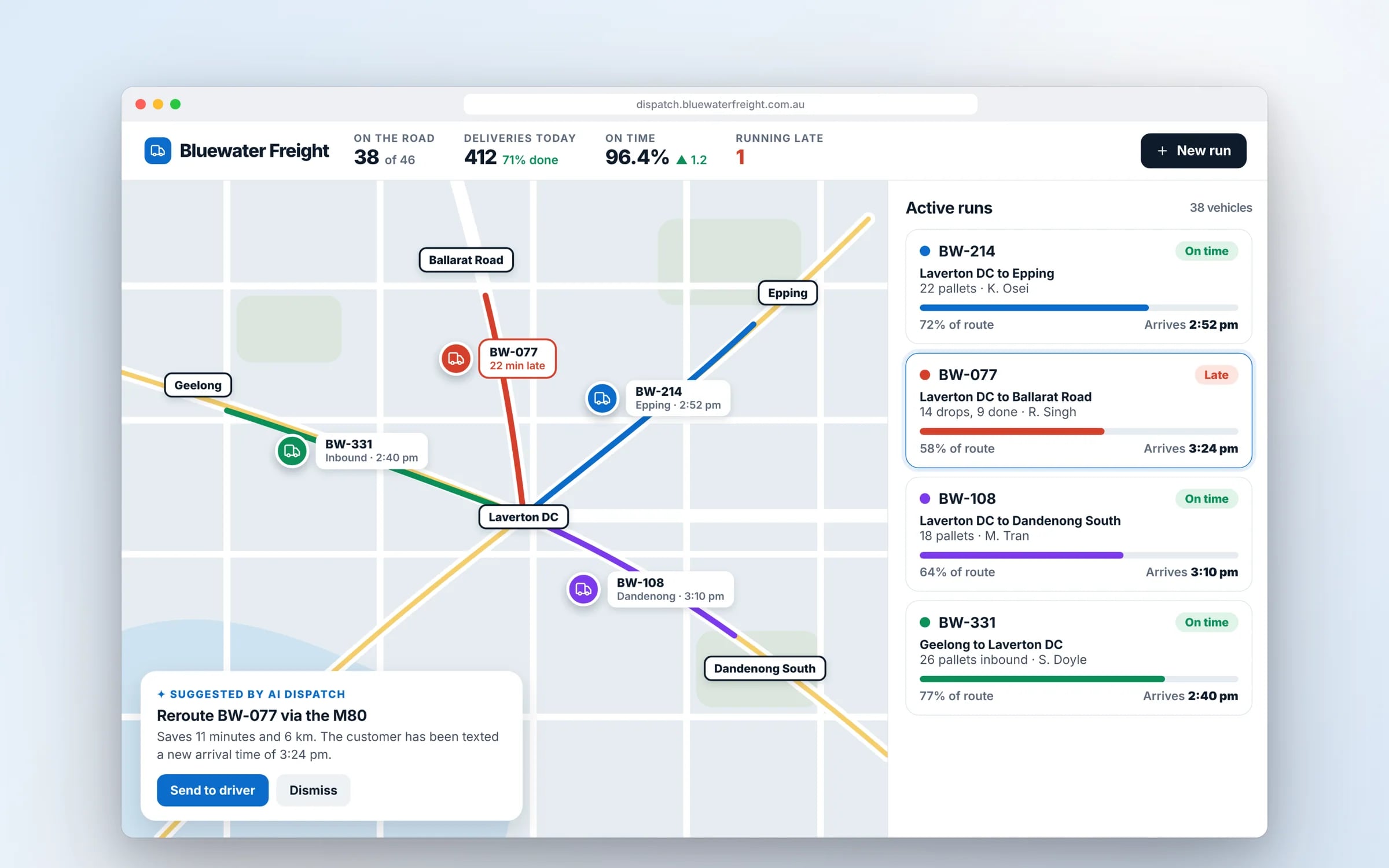
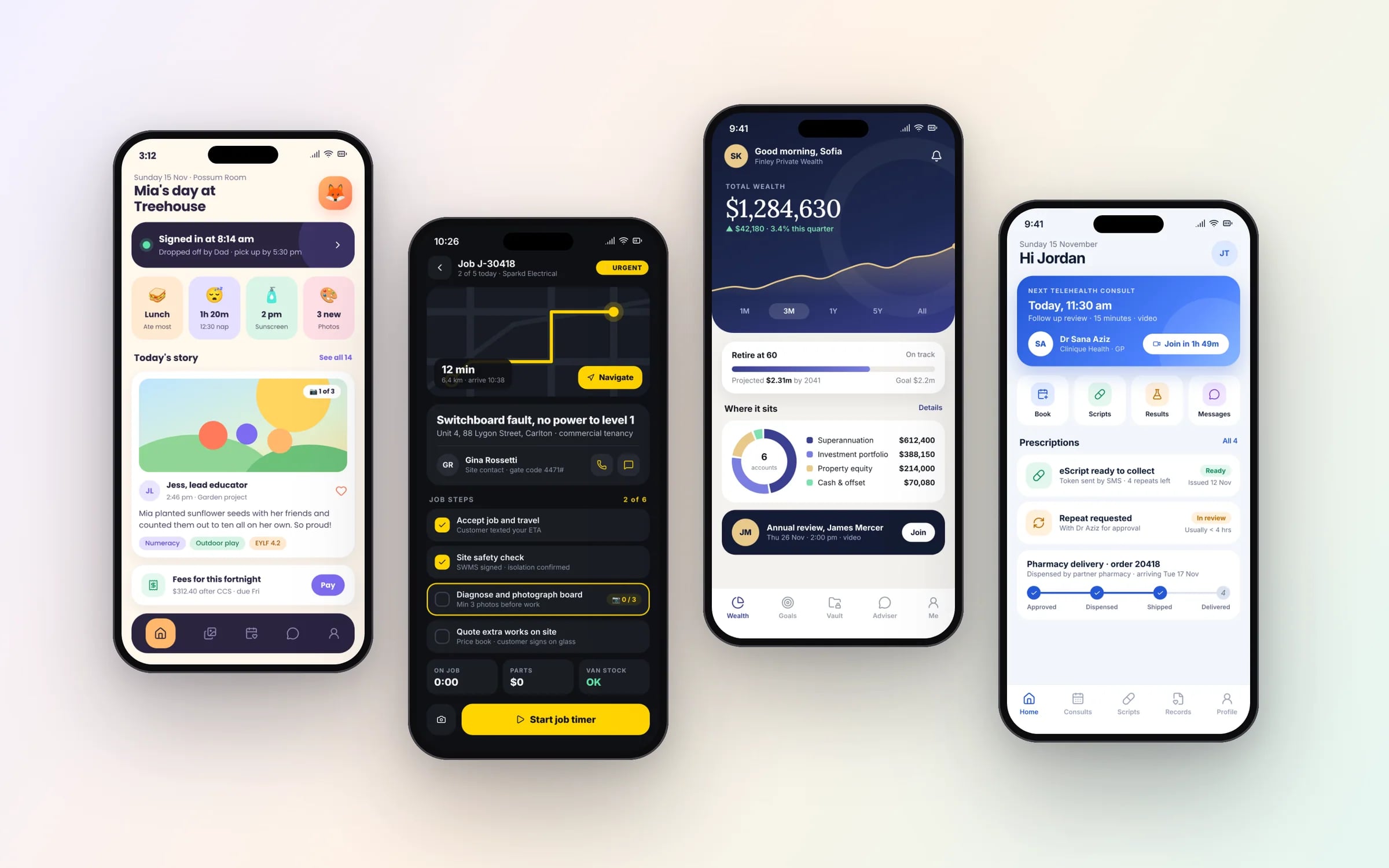
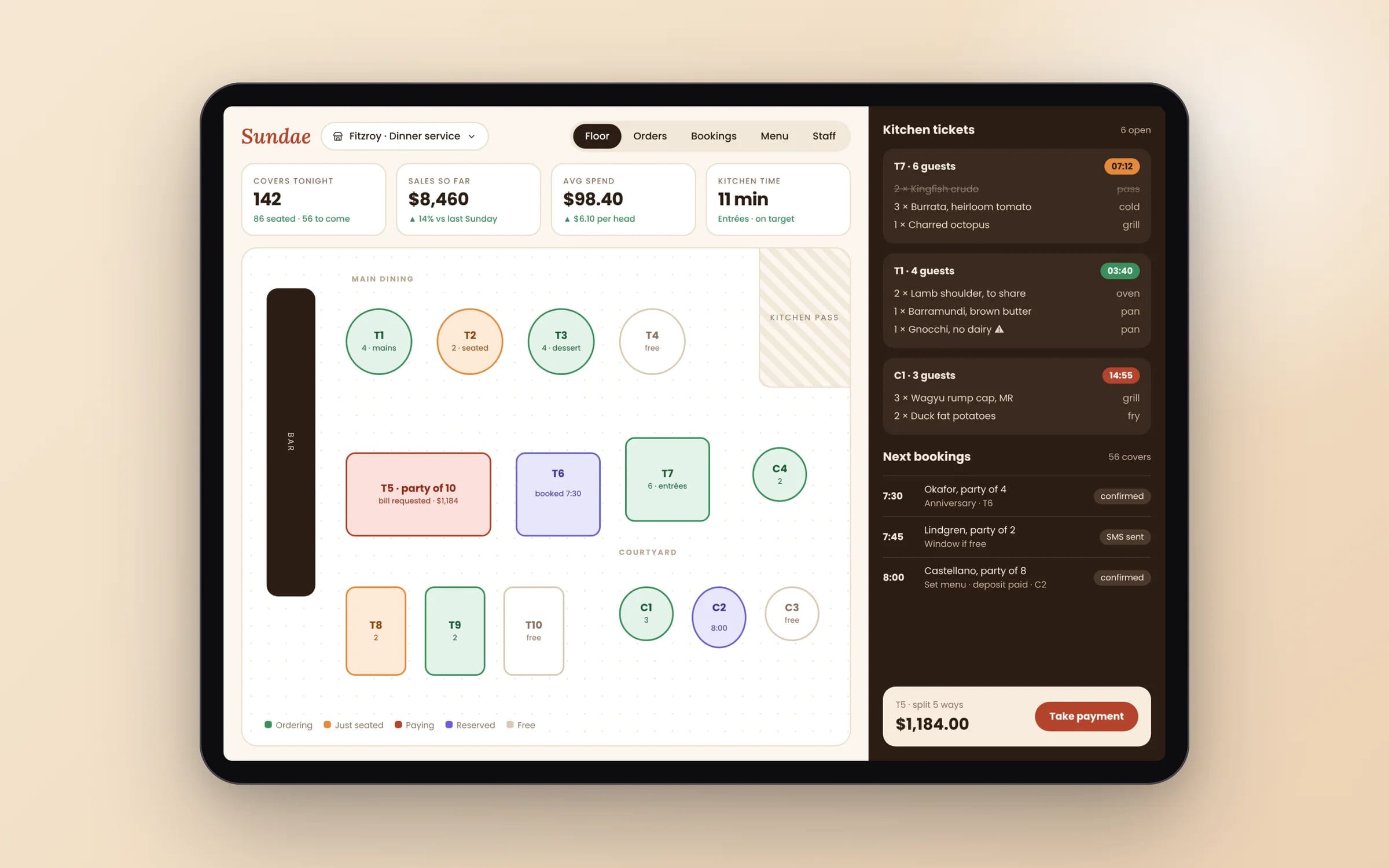
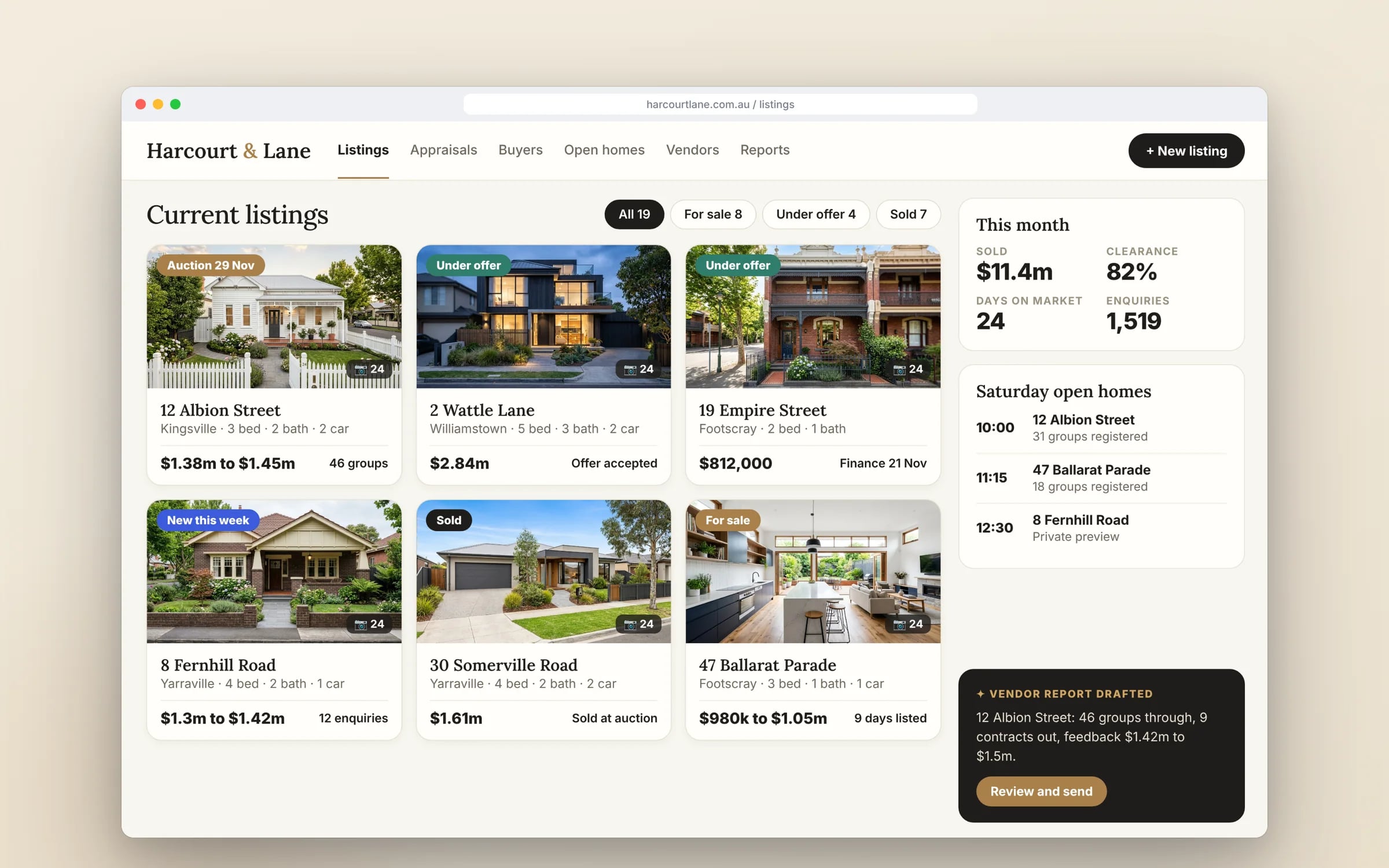
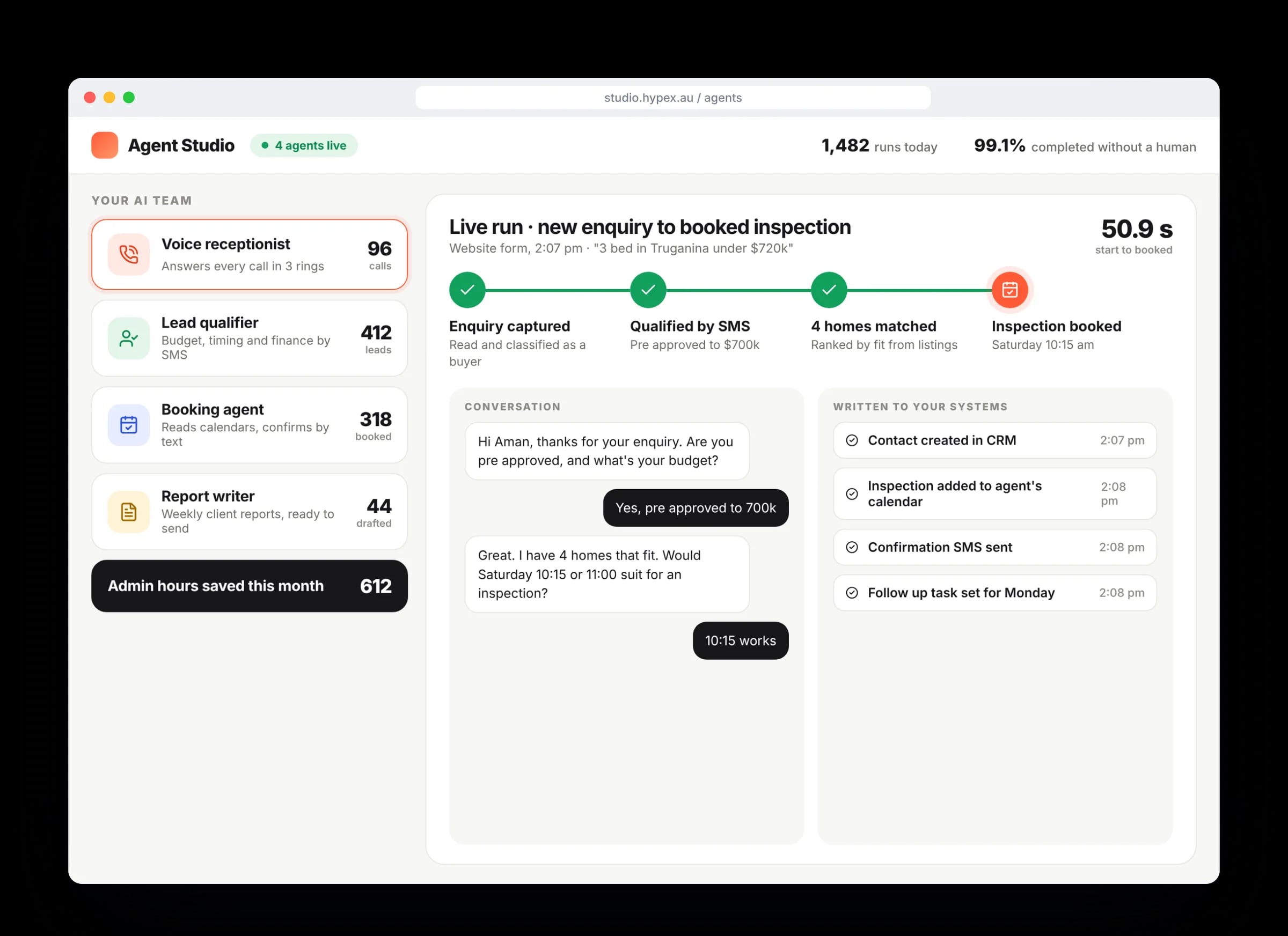
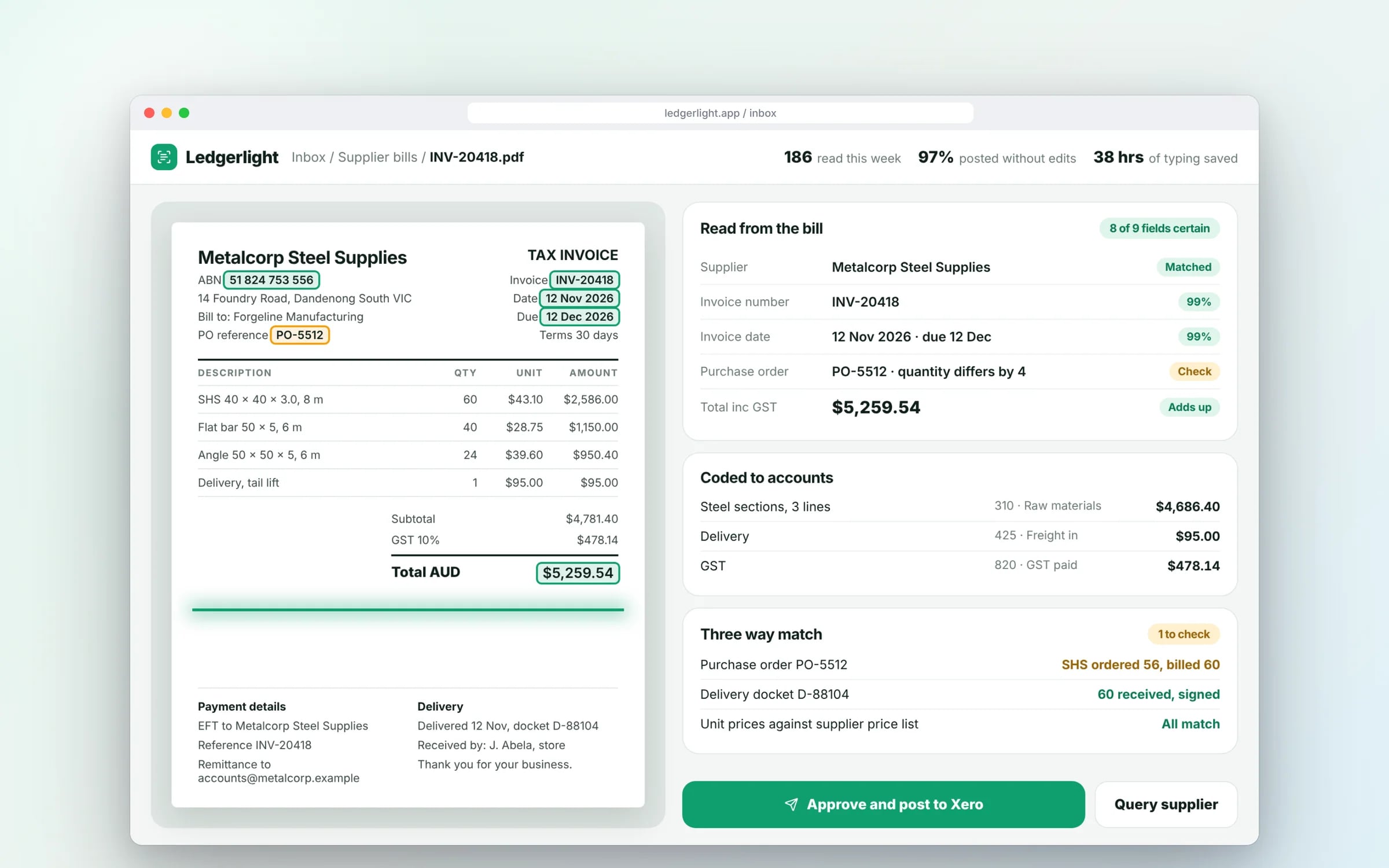
Example screens. The business names on them are invented.
What happens, in order.
1Survey equipment and sites
We list each equipment type, what data it can provide, its power source and the coverage at each location.
2Prove it on a few units
A small pilot connects a handful of devices so readings, alerts and connectivity are tested in real conditions.
3Build the platform and dashboard
Data storage, alert rules, history and user access are built in a cloud account your business owns.
4Connect to operations and roll out
Readings are linked to your job, service or compliance workflows, then the rollout extends unit by unit.
Where the admin hours go. And what an agent takes off them.
- Re-keying invoices and bills9 h/wk
- Chasing quotes and follow-ups7 h/wk
- Copying job notes between apps6 h/wk
- Building the weekly report4 h/wk
Illustrative: a typical week for an office team of five. An agent drafts or does each of these; a person approves.
Readings, on a live screen. Alongside the rest of the business.
Device data is only half the story. It lands on the same dashboard as payouts, invoices and travel times, so a reading turns into a decision.
What you walk away with.
- 01IoT architecture
- 02Device integration
- 03Operations dashboard
★★★★★
“Great team to work with, really strive for success and provide excellent communication with any service provided.”
What is IoT Development?
IoT development is building the devices, connectivity and software that let physical equipment report its status and receive commands over the internet.
It suits businesses that run fleets, refrigeration, pumps, generators or remote sites and need readings, alerts and history in one dashboard, connected to the systems that create their jobs and invoices.
Reviewed by the Hypex team, Port Melbourne
Questions owners ask.
What is IoT, in plain terms, for an operations business?
IoT, short for the internet of things, means fitting sensors or controllers to equipment so it sends readings such as temperature, location, runtime or fault codes to software you can see and act on. A cold storage operator might get an alert when a coolroom door is left open, and a hire company might see which generators are running and for how many hours. The value comes from connecting those readings to your operations, so a fault can create a service job automatically instead of waiting for someone to notice it.
Which connectivity should remote IoT devices use in Australia?
The right connectivity depends on how far the device is from coverage, how much data it sends, and whether it has mains power. Wi-Fi or Ethernet suits sites with an existing network. Low-power mobile options such as LTE-M and NB-IoT suit devices sending small readings, and both are offered on Australian mobile networks. LoRaWAN suits many battery sensors spread across a farm or large site, through your own or a shared gateway. Satellite connectivity covers locations beyond mobile coverage. We test coverage at the real sites before committing to hardware.
Can we connect equipment we already own instead of buying new smart devices?
Often yes, because a lot of commercial equipment already exposes data through a controller, a PLC or a standard industrial protocol such as Modbus. In those cases a small gateway reads the existing controller and sends the data on, which is usually less disruptive than replacing equipment. Where there is no data output at all, retrofit sensors for temperature, current draw, vibration or door state can be added. We assess each equipment type before recommending hardware, since some manufacturers restrict access to their controllers.
How do you secure IoT devices?
IoT devices are secured by giving each one its own identity and credentials, encrypting all the data it sends, and allowing it to talk only to the services it needs. Shared default passwords and open network ports are among the most common weaknesses in connected equipment, so we remove them. Devices should also accept signed firmware updates remotely, so a vulnerability can be patched without a site visit. On the software side, the data lands in a cloud account your business owns, encrypted in transit and at rest, with access limited by role.
What happens to the data once devices are connected?
Once devices are connected, their readings are stored as a time series and used for live dashboards, alerts and history reports. The more useful step is linking them to your operational systems: a pump fault can raise a job in your field service software, runtime hours can trigger a scheduled service, and temperature logs can be kept for food safety or compliance audits. We design the alert rules with your team so they flag real problems and do not turn into noise that people learn to ignore.
What moves the cost and the timeline.
After a 30-minute call you get a system map with a fixed price for each stage, before any work starts. These are the things that shape it.
- Whether existing controllers can be read or new sensors must be fitted
- Connectivity at your sites, especially remote, rural or underground locations
- The number of devices and how often each one reports
- How many business systems the readings must flow into
- Whether off-the-shelf hardware fits or custom hardware is needed
Built for businesses like yours
Show us how you run it today.
Thirty minutes with the people who would build it. We'll map where the hours go and tell you honestly whether custom software is worth it for you.