How do you write a brief for custom software?
Short answer. A good software brief describes the problem in detail and leaves the solution open. Say what the work costs today in hours and errors, who does it and in which roles, the steps it goes through, which systems must stay and connect, the reports you need, your constraints, and what done looks like. Leave screens and features out until a developer has asked questions and mapped the work with you.

In this guide · 6 minute read
Start with the problem, in hours and errors
The most useful line in any brief is a number. “Quotes take too long” is hard to act on. “Each quote takes about 40 minutes to build from three spreadsheets, and around one in ten goes out with the wrong rate” tells a developer where the time and the risk are. Rough figures are fine. Count a typical week, ask the people doing the work, and write down what goes wrong and what it costs when it does.
Then say who it affects. A missed delivery, an invoice sent late, a roster that clashes with someone's approved leave: the cost of an error often lands on a customer or a worker, well away from the person who made it. Writing that down helps everyone agree which problem is worth solving first, and it gives you something to measure the finished system against.
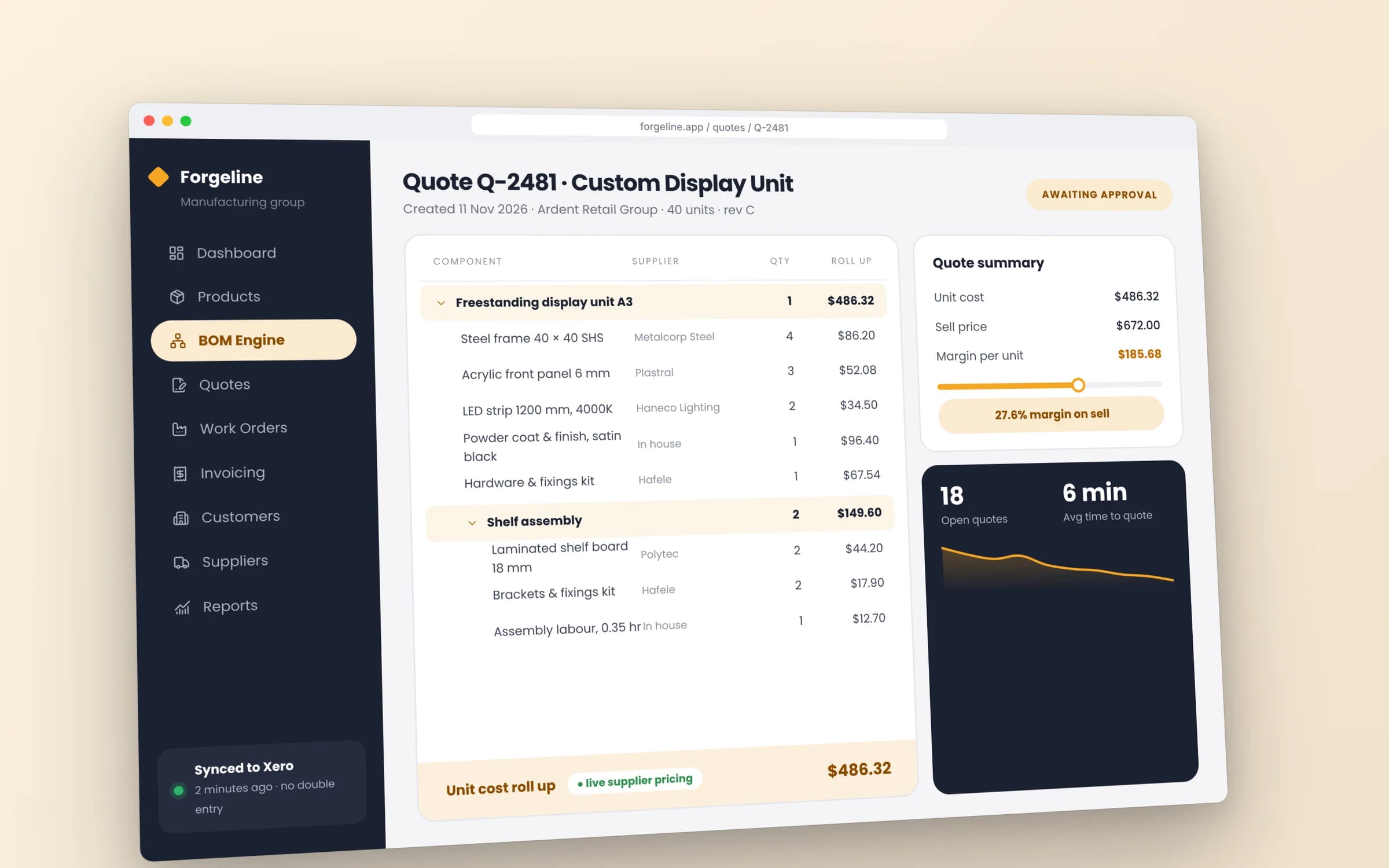
What to include
Beyond the problem, a developer needs to understand the shape of the work around it. None of this needs technical language. Write it the way you'd explain the business to a new operations manager in their first week, and attach real examples wherever you can, because they answer questions you didn't think to write down.
- 01Who uses it: each role (office, field staff, managers, customers, subcontractors), roughly how many of each, and what device they're on.
- 02The steps today: how a job, order or request moves from first contact to paid invoice, including who hands it to whom.
- 03Systems to keep and connect: Xero or MYOB, payroll, email, a rostering tool, a supplier portal, and what has to flow between them.
- 04Reports: the figures you or your managers check each week or month, and where they come from now.
- 05Constraints: deadlines, busy seasons to avoid, compliance rules, sites with poor reception, staff with little time for training.
- 06What done looks like: the change you'd see if it worked, such as month-end in a day or no more jobs re-keyed into Xero.
- 07Real examples: the spreadsheets, forms, exports, dockets and emails the work actually runs on.
What to leave out for now
Owners often arrive with screens sketched or a feature list copied from a competitor's product. It's natural, and it's worth holding back. A feature list describes one answer to the problem, and it can lock a developer into building that answer before anyone has checked it's the right one. Two features you'd never think to ask for might do more than the ten on your list.
The same goes for technology. Unless you have a firm reason, such as an IT policy or an existing team, don't specify the language, framework or hosting. Say what matters underneath: that the data stays in Australia, that it works on the phones staff already carry, that the business owns it outright. Let the developer propose how, and ask them to explain why.
★★★★★
“We were impressed with the sheer professionalism displayed by TJ and Harry.”
A simple template
Copy this into a document and fill in each line in plain words. A page or two is plenty for a first brief. If a heading doesn't apply, or you don't know the answer yet, leave it blank instead of guessing. Gaps are useful, because they show a developer where to start asking questions.
- 01The problem: what goes wrong today, in hours per week and errors per month.
- 02Who's affected: the roles involved, how many people in each, and the customers who feel it.
- 03How it works now: the steps from start to finish, and who does each one.
- 04Tools in use: every system and spreadsheet involved, and which ones must stay.
- 05Connections needed: what data has to move between which systems.
- 06Reports: the numbers you need, how often, and who reads them.
- 07Constraints: timing, compliance, sites, devices and training.
- 08Success: what will be different in six months if this works.
- 09Attachments: real examples of the forms, sheets and documents involved.
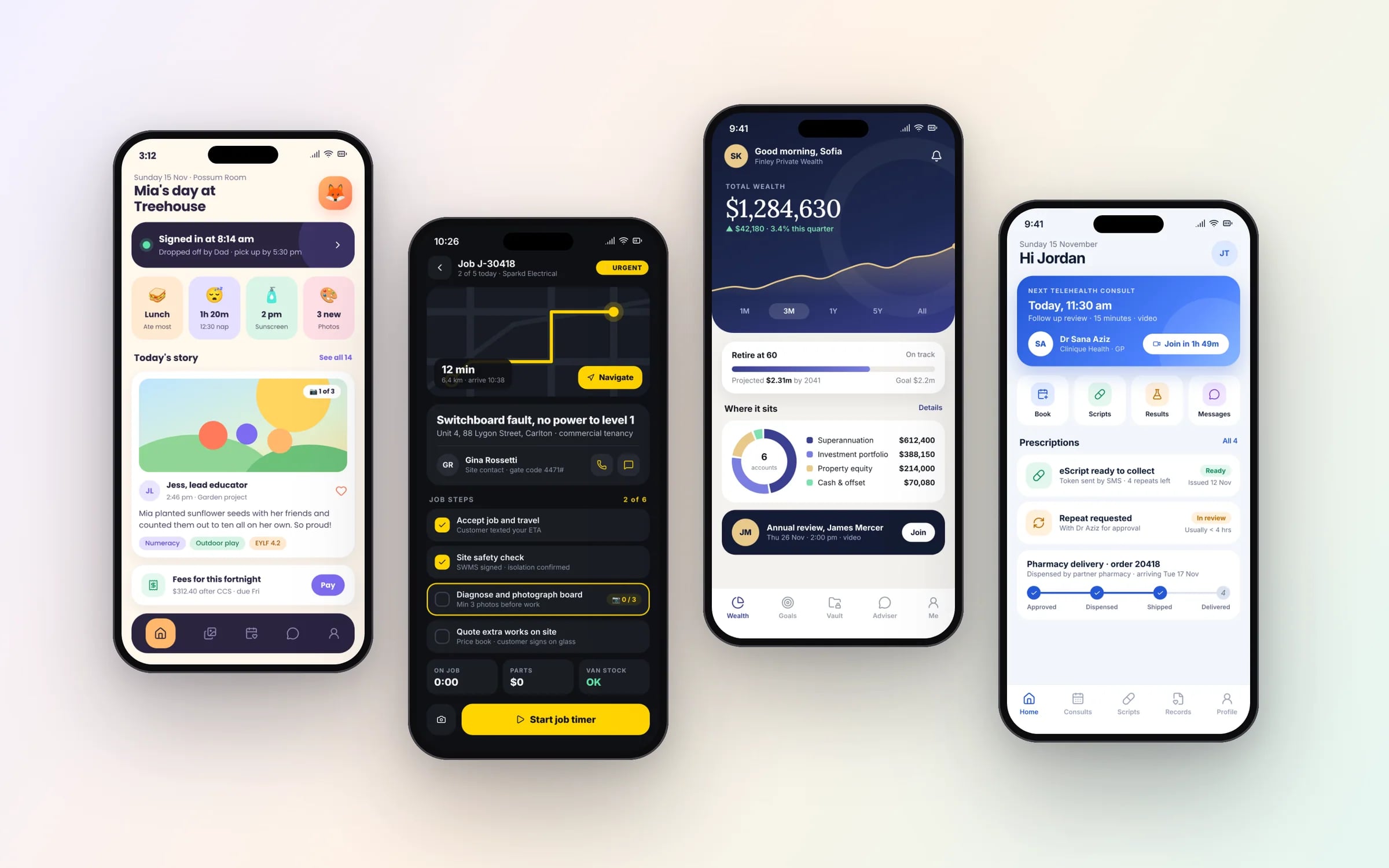
How a developer should respond
A good response to a brief is mostly questions. Expect a developer to ask how exceptions are handled, what happens when a customer changes an order halfway through, and who is allowed to approve what. Be wary of a full quote for the whole system that comes back within a day with no questions asked. It means the price rests on assumptions, and you'll find out which ones were wrong during the build.
After the questions should come a map of the work: the parts of the system, what each one replaces, and the order to build them in. Then a staged scope, so the first stage tackles the problem costing the most hours and can be priced on its own. At Hypex this is the system map that follows a 30-minute discovery call, with the scope, timeline and a fixed price per stage, which you keep.
If you'd rather not start from a blank page, the Hypex fit check at /fit-check walks through the same ground and builds a brief from your answers as you go. It runs in your browser, so nothing is sent unless you choose to send it, and you can print the brief or attach it to an enquiry.
Terms in this guide