CRM Development. Sales and client tools built around how your team actually sells.
A CRM shaped around your actual sales process and client relationships.

Why owners choose this.
What it can look like. Screens from systems like this.
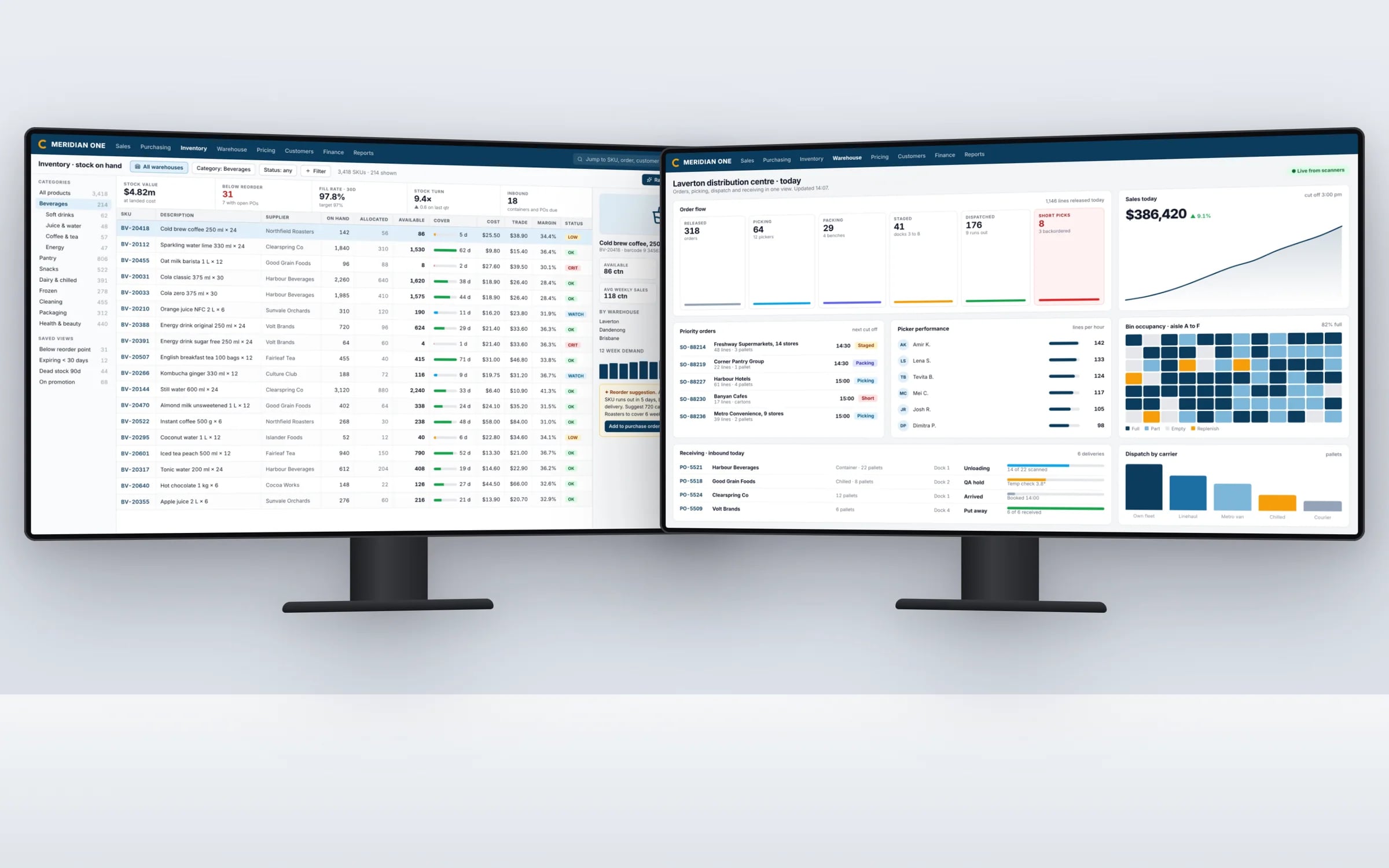
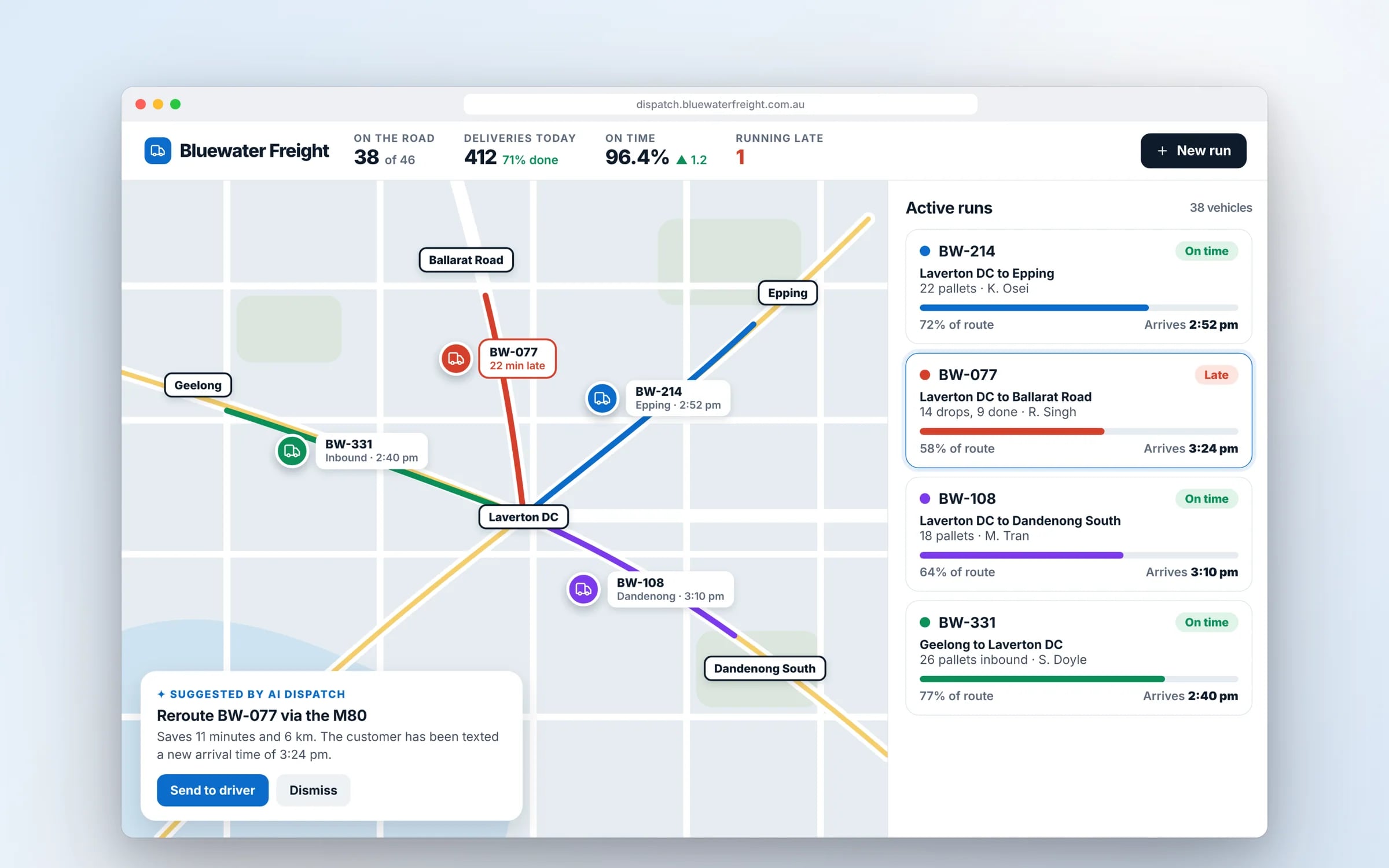
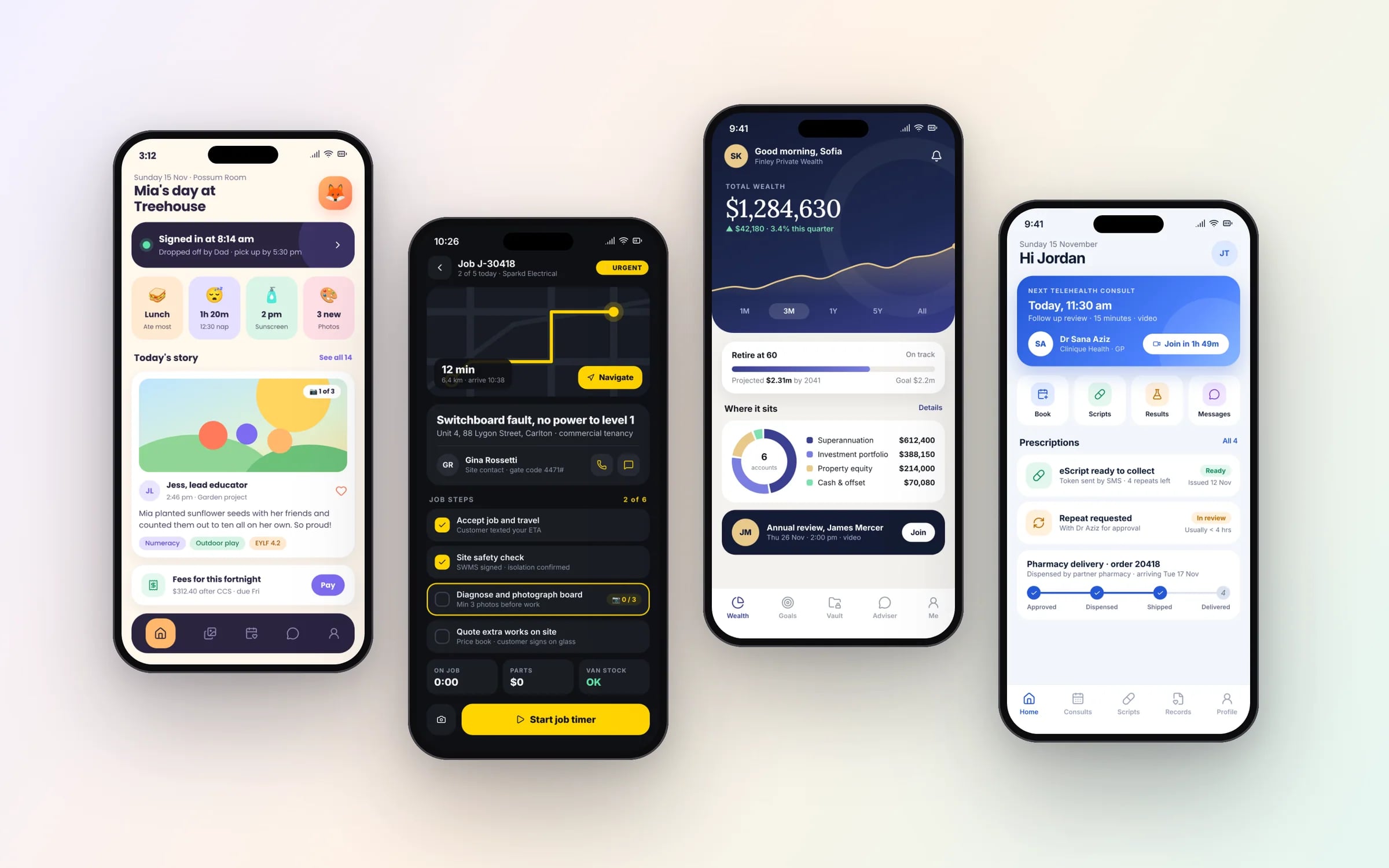
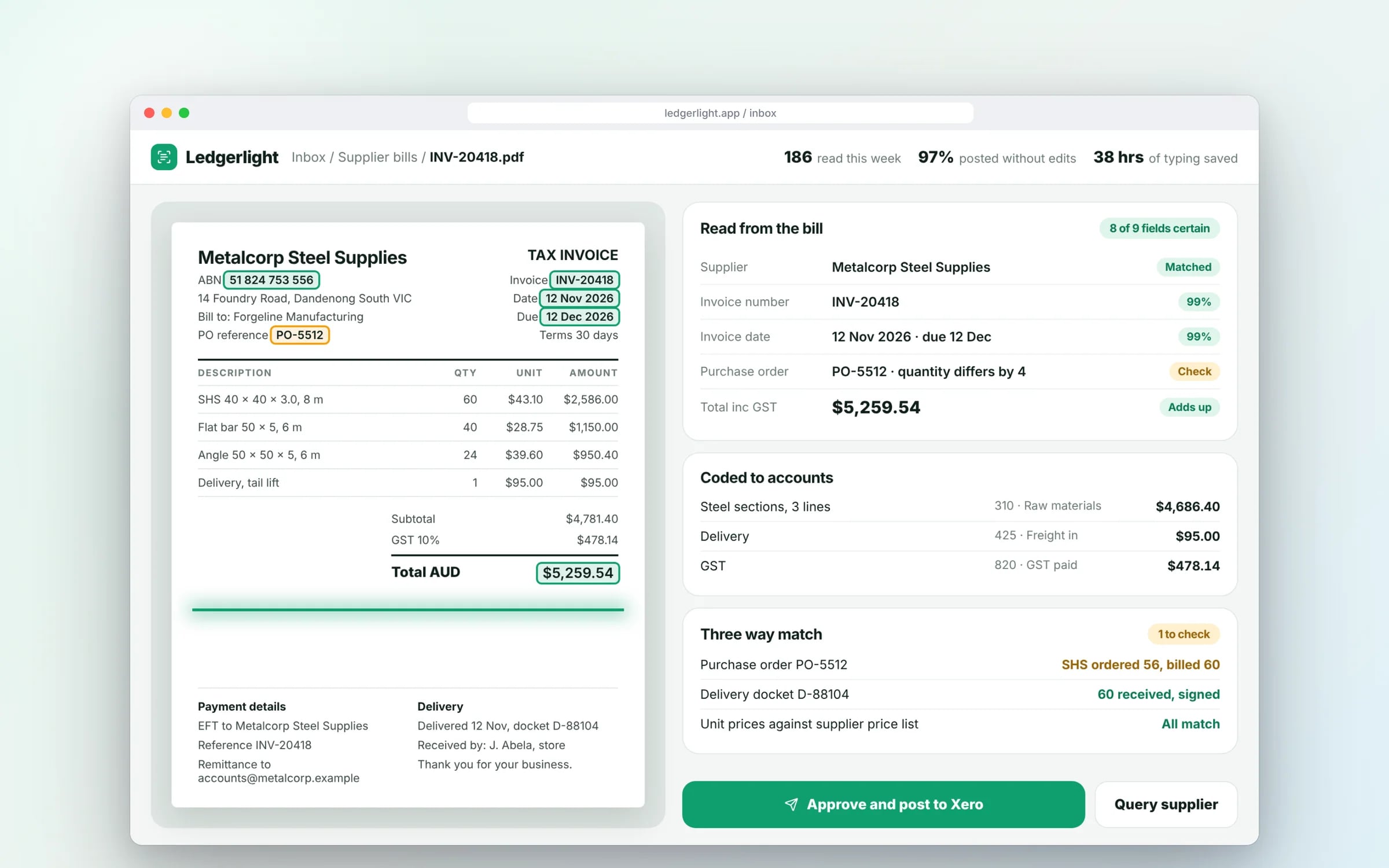
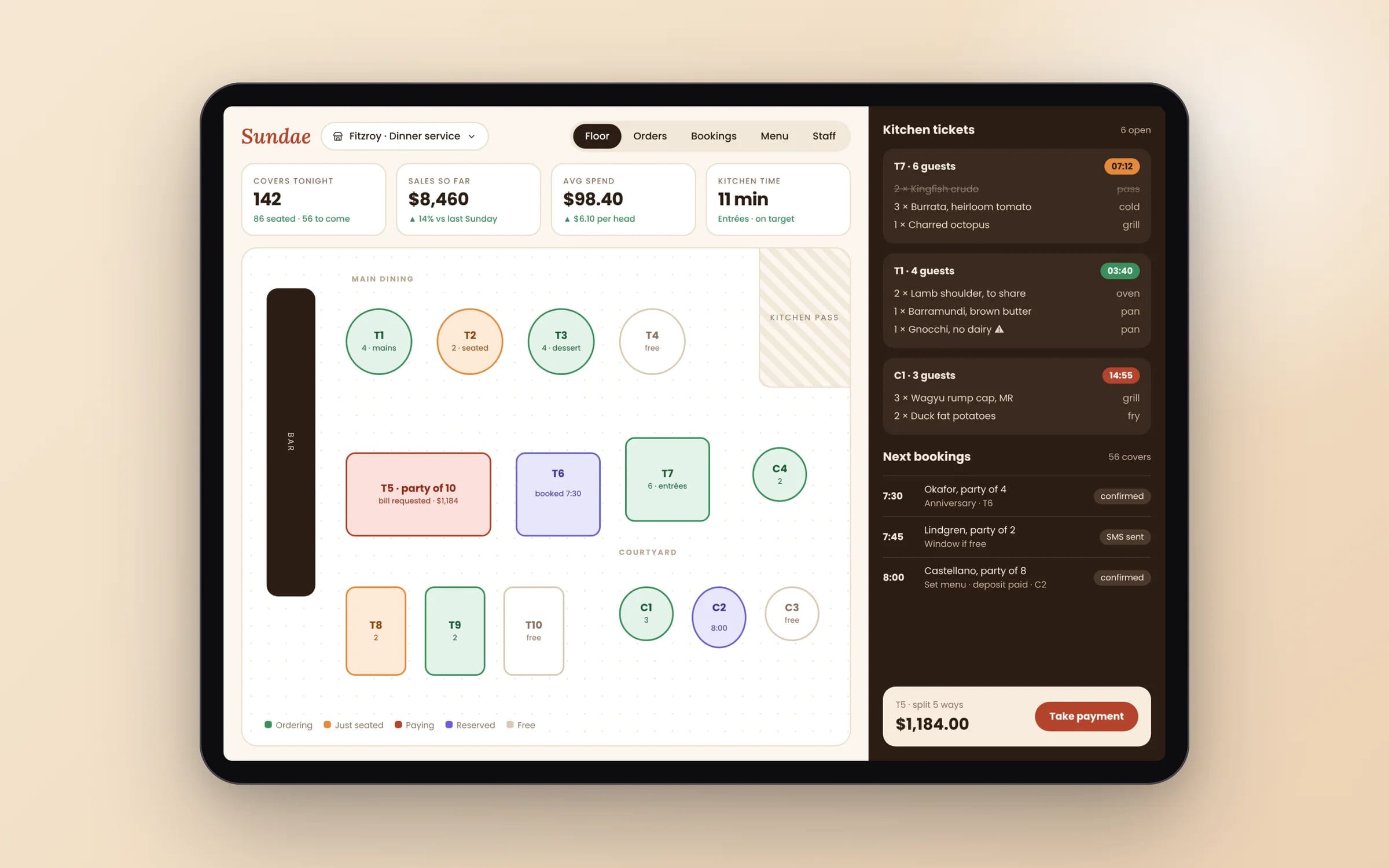
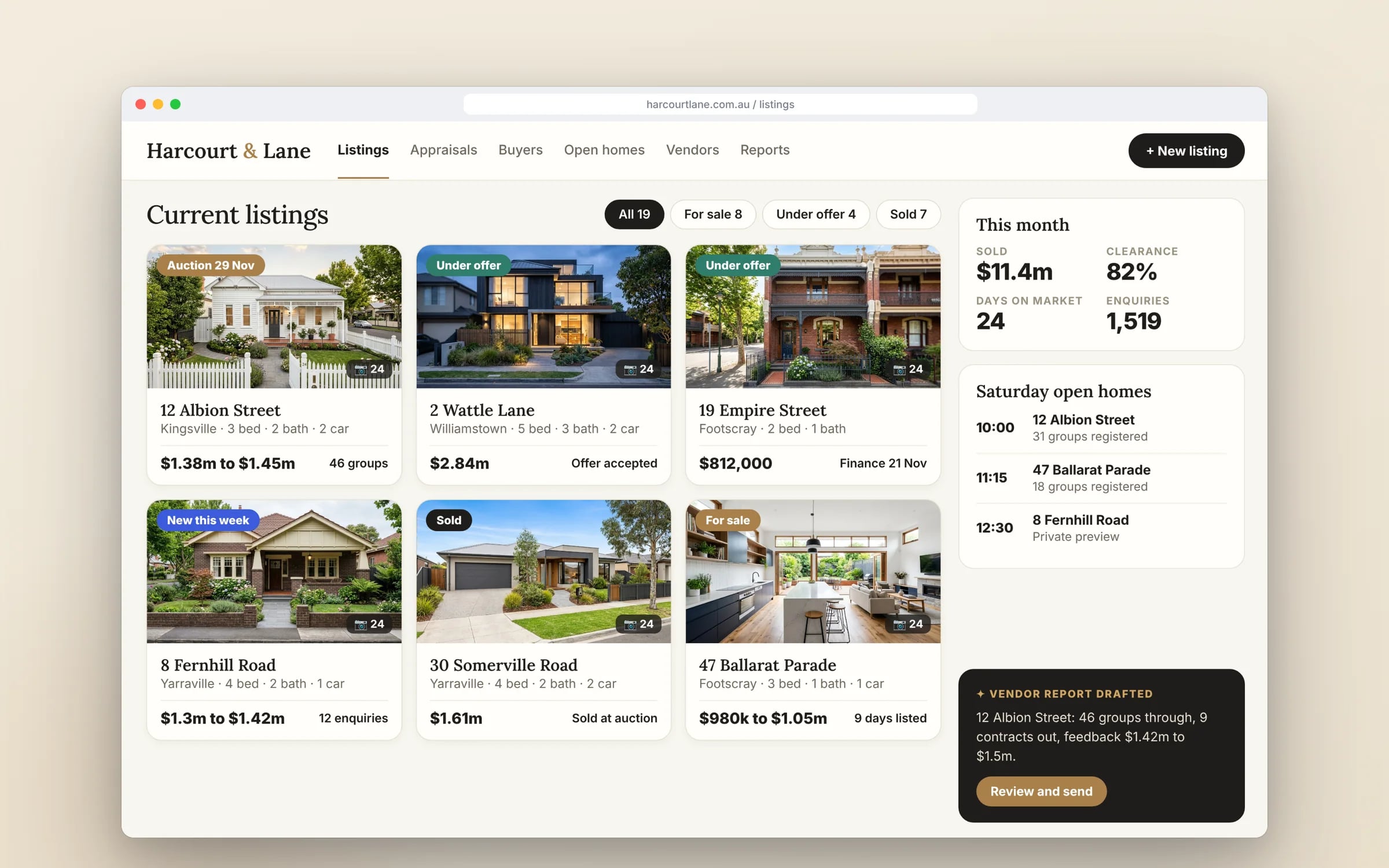
Example screens. The business names on them are invented.
You probably need this when
- 01Our CRM has dozens of fields nobody fills in, and none of the ones we need.
- 02Quotes live in a spreadsheet and the CRM never knows what was quoted.
- 03When a salesperson leaves, their client history leaves with their inbox.
- 04I can't tell what's in the pipeline without asking each person.
- 05Winning a deal means retyping it into the job system.
One customer, one record. However many tools hold a copy.
The same customer lives in your CRM, accounts, store and rosters, each slightly differently. A custom CRM settles them into one record and feeds it back out.
What you walk away with.
- 01A pipeline structure matched to your real sales stages
- 02Client and deal records migrated from your current CRM
- 03Reporting views built for how your managers actually check in
How it runs, step by step.
- Step 1
Map how deals move
From first enquiry to signed quote and handover to operations, including where deals stall.
- Step 2
Design the pipeline
Stages, fields and quote structure agreed with the people who actually sell.
- Step 3
Migrate and run in parallel
Records loaded from the current CRM, with both used until the pipelines match.
- Step 4
Automate and report
Follow-ups and manager views switched on once the data is trusted.
★★★★★
“Great team to work with, really strive for success and provide excellent communication with any service provided.”
Five years of renting, against owning. The gap is the point.
What is CRM Development?
CRM development is building a customer relationship management system around your actual sales process: your stages, your fields, your quoting and your follow-up rules.
It suits businesses whose off the shelf CRM never fitted how they sell, or whose leads, quotes and client history are scattered across spreadsheets, inboxes and salespeople's phones.
Reviewed by the Hypex team, Port Melbourne
Questions owners ask.
Is a custom CRM better than HubSpot or Salesforce?
A custom CRM is better when your sales process is tied to operational work, such as site visits, quotes built from job costs or recurring service contracts, while HubSpot or Salesforce are better when you mainly need standard pipeline tracking and marketing email. Both platforms are capable, but deals that turn into jobs, rosters or orders usually need data from other systems. A custom CRM holds sales and operations in one place, and can still sync contacts to HubSpot if your marketing runs there.
How much does a custom CRM cost to build?
A custom CRM costs whatever the hours to build your pipeline, records, automations and integrations add up to, so scope sets the price, and Hypex quotes each stage at a fixed price once the system map is done. The main drivers are the number of pipelines and stages, how quotes are built, which automations are needed, the systems it connects to, such as email, Xero or a job system, and how much history must be migrated. A CRM that only tracks deals is a much smaller build than one that also builds quotes and schedules work.
Can I get my data out of my current CRM?
Yes, most CRMs let you export contacts, companies, deals and activity, either as CSV files or through their API, and that data can be loaded into a new system. The harder part is context: notes, emails, attachments and stage history are often stored differently and need mapping field by field. A careful migration runs a test load first, checks a sample of records with the people who use them, and keeps the old CRM readable until the new one is trusted.
What should a CRM automate for a sales team?
A CRM should automate the follow-ups and handoffs people forget: reminders when a quote has had no response, tasks when a deal changes stage, alerts when a client's contract is due for renewal, and the handover to operations when a job is won. It can also create records from web forms and emails so nobody types enquiries in. Start with the steps where deals currently go cold. Automating everything at once tends to bury the team in notifications they learn to ignore.
What reports should a sales manager get from a CRM?
A sales manager should be able to open the CRM and see pipeline value by stage, deals that have not moved recently, quote win rate by salesperson and by type of work, and expected revenue for the coming months. For trade businesses, add quotes sent against jobs booked, and revenue by customer type or region. The views should match how the weekly sales meeting runs, so the meeting is spent on the deals that matter instead of updating a spreadsheet beforehand.
Custom CRM vs HubSpot or Salesforce.
- Pipeline and fields
Custom CRMStages and fields match how your deals move
HubSpot or SalesforceConfigurable pipelines and custom fields within the platform's structure
- Quoting from job costs
Custom CRMQuotes built from your labour, materials and pricing rules
HubSpot or SalesforceQuote tools built around products and price books; detailed job costing usually needs add-ons or integration
- Marketing email
Custom CRMUsually synced to the marketing tool you already use
HubSpot or SalesforceBuilt-in email marketing, forms and campaign tracking
- Link to operations
Custom CRMWon deals become jobs, orders or rosters in the same system
HubSpot or SalesforceConnects to operations systems through integrations and connectors
- Ownership
Custom CRMCode and data owned by your business, in your cloud account
HubSpot or SalesforceData held in the vendor's platform under its terms
What moves the cost and the timeline.
After a 30-minute call you get a system map with a fixed price for each stage, before any work starts. These are the things that shape it.
- Number of pipelines, stages and record types
- Quote building and pricing rules
- Integrations with email, calendar, accounting or job systems
- Volume and messiness of data in the current CRM
Built for businesses like yours
Show us how you run it today.
Thirty minutes with the people who would build it. We'll map where the hours go and tell you honestly whether custom software is worth it for you.