AWS & Cloud. Cloud architecture and modernization.
Secure and scalable cloud platforms designed around operational needs.

What you walk away with.
- 01Cloud architecture
- 02Migration plan
- 03Operations setup
Where the admin hours go. And what an agent takes off them.
- Re-keying invoices and bills9 h/wk
- Chasing quotes and follow-ups7 h/wk
- Copying job notes between apps6 h/wk
- Building the weekly report4 h/wk
Illustrative: a typical week for an office team of five. An agent drafts or does each of these; a person approves.
What it can look like. Screens from systems like this.
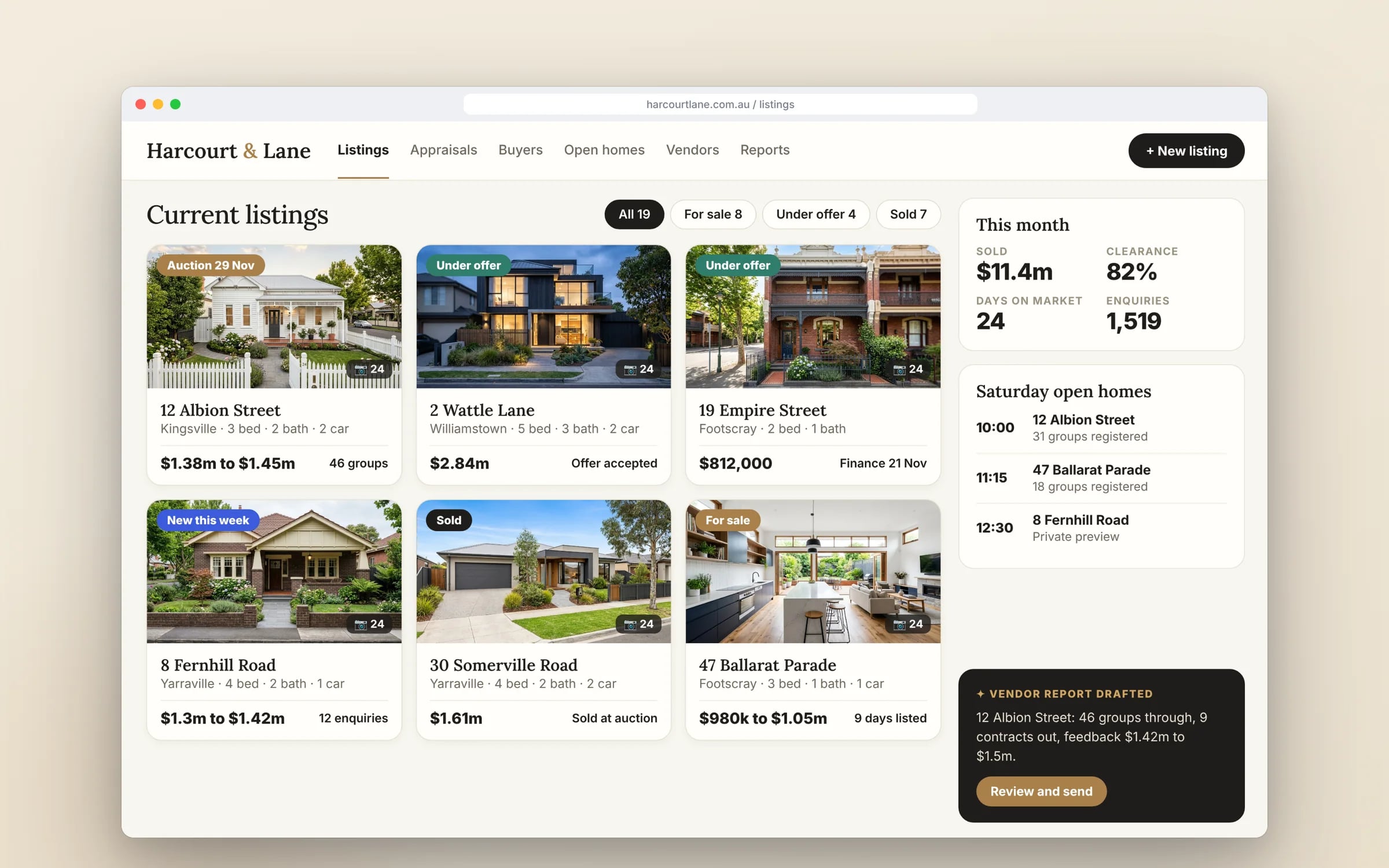
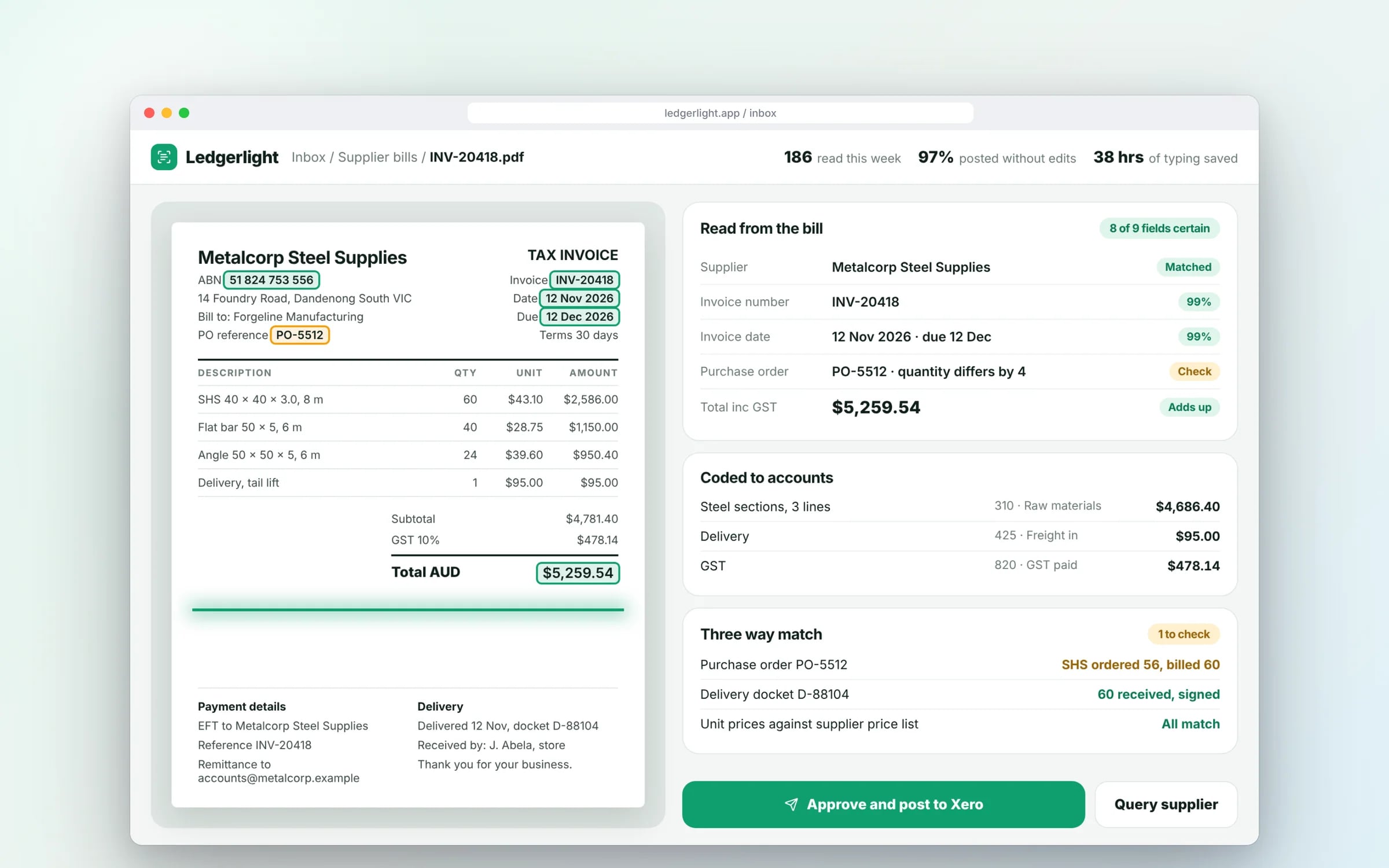
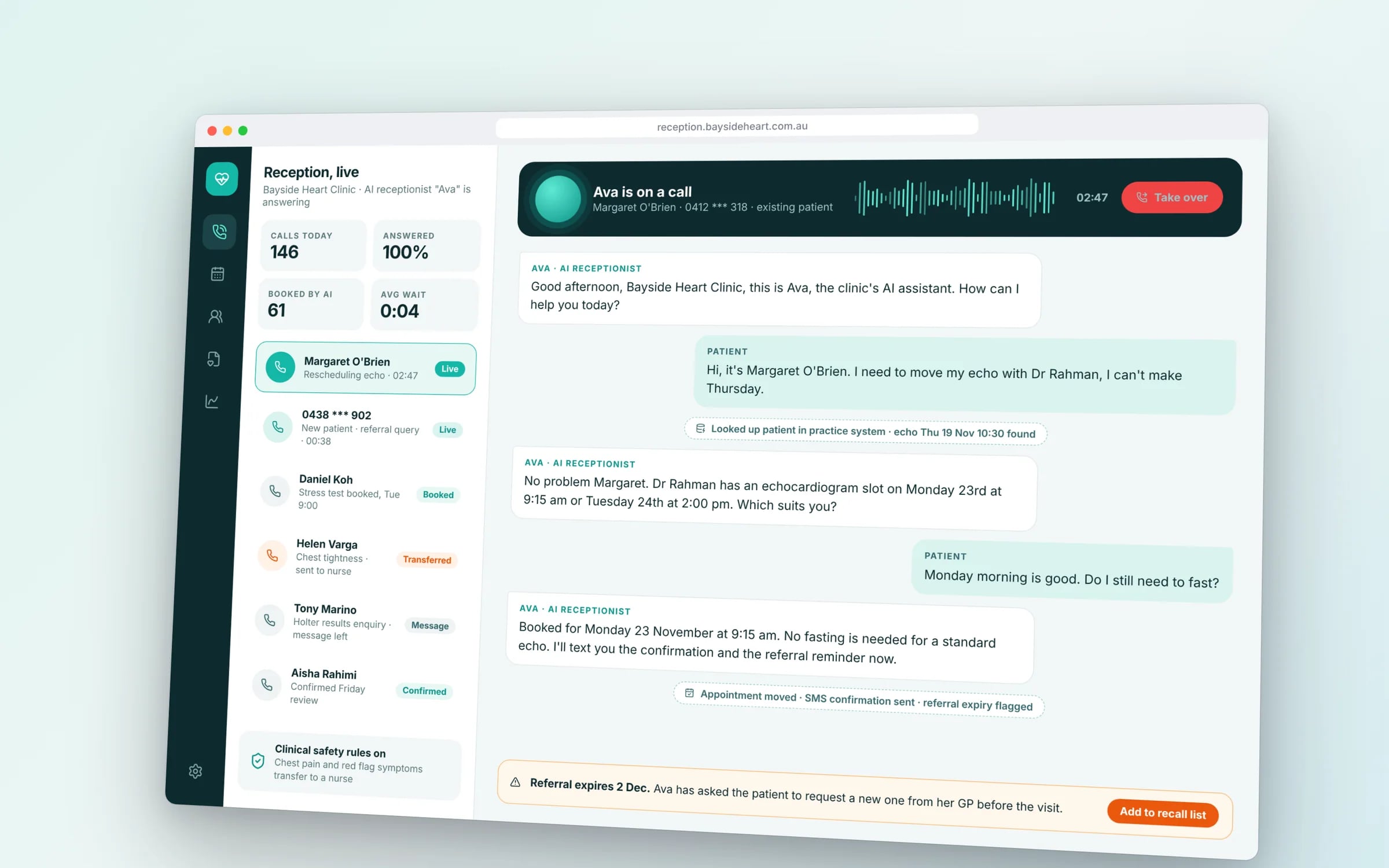
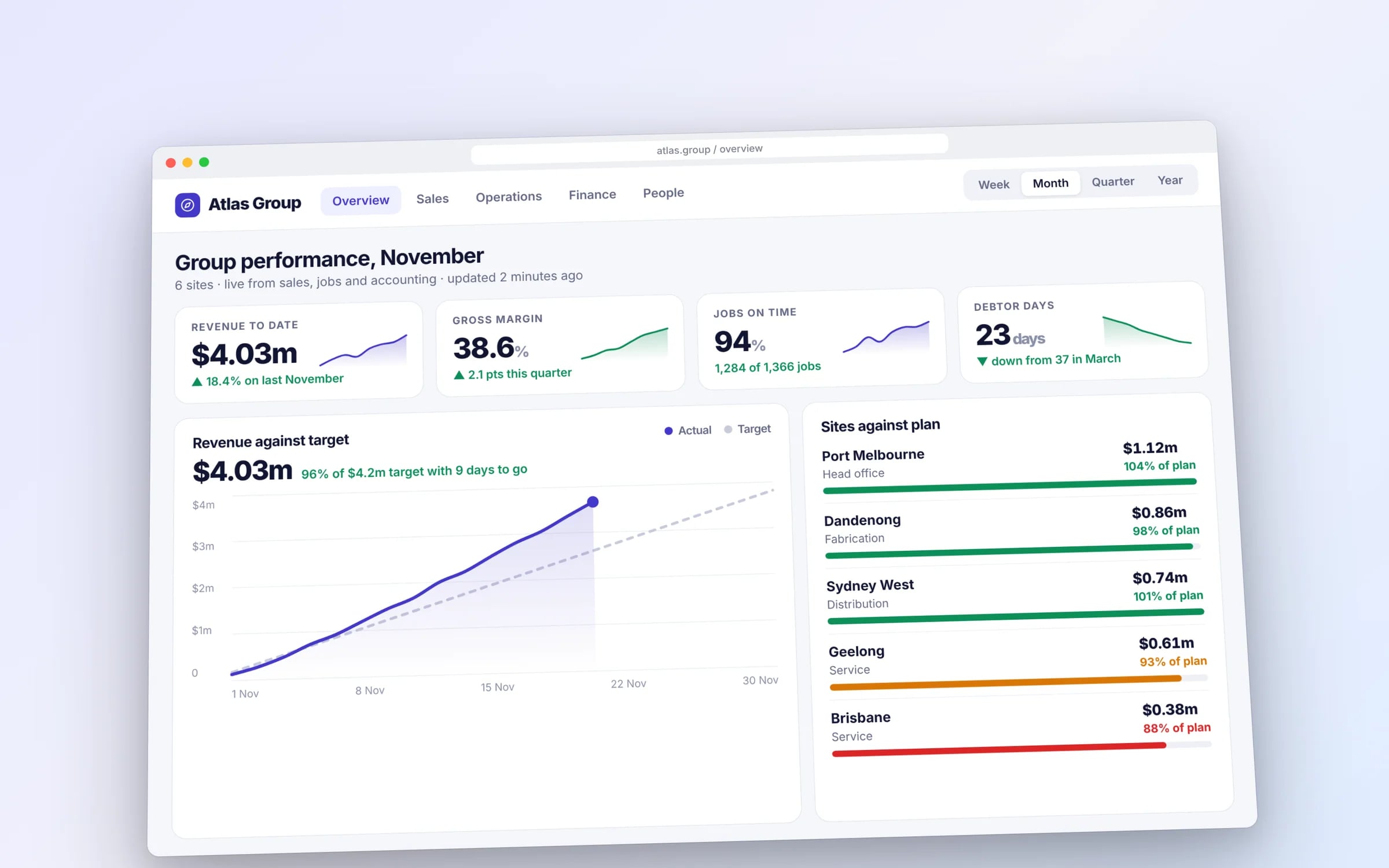
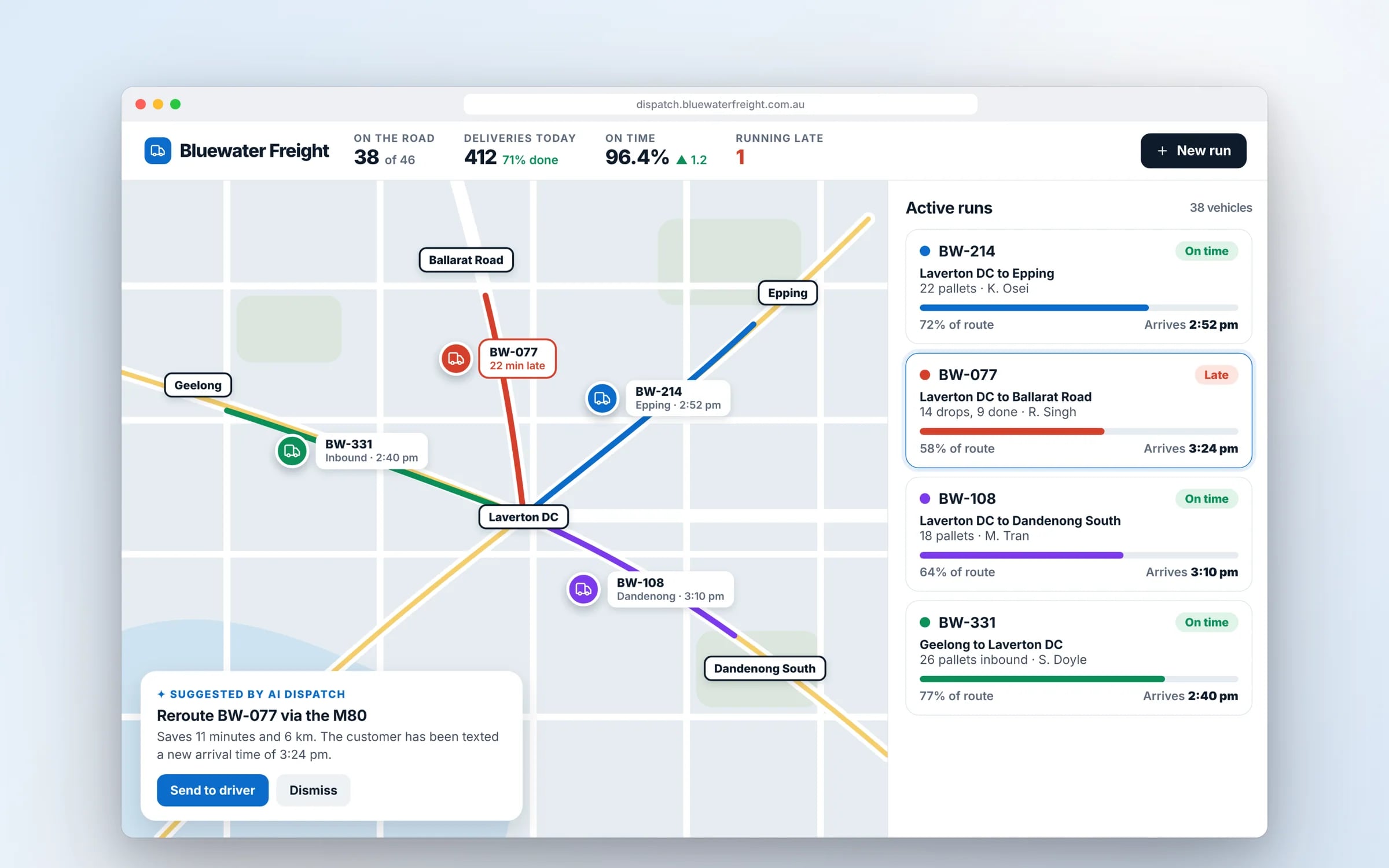
Example screens. The business names on them are invented.
You probably need this when
- 01Your system runs on a server in the office cupboard.
- 02The hosting account is in a former developer's name.
- 03The site slows down or falls over during busy periods.
- 04Customers or contracts require your data to stay in Australia.
- 05The monthly cloud bill keeps rising and nobody can explain why.
★★★★★
“TJ helped me in creating a super creative user interface. I got the results that I wanted.”
What happens, in order.
1Inventory and plan
We list every server, database, file store and integration, and decide for each whether to move, rebuild or retire it.
2Set up your account
A cloud account in your business's name is set up with access controls, an Australian region, logging and budget alerts.
3Migrate in stages
Each part is moved and tested with a rollback plan, while the old system keeps running until the new one is confirmed.
4Hand over operations
Monitoring, backups, runbooks and infrastructure code are documented so your team or any developer can run it.
What is AWS & Cloud?
AWS and cloud services cover designing, migrating and running your software on cloud platforms such as Amazon Web Services, Microsoft Azure or Google Cloud, in an account your business owns.
It suits businesses moving off an office server or an ageing host, and teams whose system needs to scale, stay available and keep data in Australian data centres.
Reviewed by the Hypex team, Port Melbourne
Questions owners ask.
AWS vs Azure: which is better for an Australian business?
Both AWS and Azure are mature choices with data centre regions in Sydney and Melbourne, so the better one is usually the one that fits the rest of your technology. If your business runs on Microsoft 365 and manages staff logins through Microsoft Entra ID, Azure often makes identity and administration simpler. AWS offers a very broad range of services and a large pool of developers who know it, which helps when you need specialised components. Google Cloud also has Sydney and Melbourne regions. We choose based on your existing systems and team.
Can we keep our data in Australia on the cloud?
Yes, AWS, Azure and Google Cloud all let you choose Australian regions, so your databases, files and backups are stored in Australian data centres. You set the region when resources are created, and account policies can block anyone from creating resources elsewhere. Some services, such as certain global management features or AI models, may process data outside the region, so each one should be checked against your requirements. For many businesses keeping data onshore is a customer or contract requirement, and it should be written into the architecture from the start.
Should we move our office server to the cloud?
Moving an office server to the cloud usually makes sense when the hardware is ageing, staff need remote access, or backups and security depend on one person. The cloud removes hardware replacement, gives you off-site backups and lets staff connect securely from anywhere. It is not always the right fit for a small, stable workload, and some older desktop software runs poorly over a network. We start by listing what runs on the server, who uses it and how, then decide whether each part should move as it is, be replaced by a cloud service, or be retired.
What is the difference between lift and shift and modernising for the cloud?
Lift and shift copies your existing servers into cloud virtual machines with minimal change, while modernising rebuilds parts of the system to use managed cloud services. Lift and shift is faster and lower risk in the short term, but you still patch and manage servers. Modernising might move your database to a managed service such as Amazon RDS or Azure SQL Database and your files to object storage, which cuts maintenance and improves resilience. Many projects do both in stages: move first, then modernise the parts that cause the most work.
How do we stop cloud bills from creeping up?
Cloud costs stay under control when every resource has an owner, a budget alert and a size that matches actual use. Bills usually creep because test environments are left running, servers are sized for peaks that rarely happen, and old backups and snapshots pile up. We tag resources by system and environment, set budget alerts in your account, schedule non-production environments to shut down outside work hours, and review usage after launch. Because the account is in your business's name, you see the bill directly and can check it at any time.
Who should own our cloud account?
Your business should own the cloud account, with any developer given access that you can remove at any time. When the account sits in a contractor's name, changing providers can mean a difficult transfer or a rebuild. We set up the account under your business, document the infrastructure as code, and keep credentials in a secrets manager you control. If you later move to another developer, they get access to the same account and the same documentation, and nothing needs to be handed back. You also own the source code, data and IP.
AWS vs Microsoft Azure for an Australian business.
- Australian regions
AWSSydney and Melbourne
Microsoft AzureSydney and Melbourne, plus Canberra regions aimed at government and critical infrastructure
- Staff sign-in
AWSIAM Identity Center, which can connect to Microsoft Entra ID or Google Workspace
Microsoft AzureMicrosoft Entra ID, already in place if you use Microsoft 365
- Fits best with
AWSCustom web apps, ecommerce and a wide spread of service needs
Microsoft AzureBusinesses standardised on Microsoft 365, Windows Server and .NET
- Managed databases
AWSAmazon RDS and Aurora for PostgreSQL and MySQL, plus DynamoDB
Microsoft AzureAzure SQL Database, Azure Database for PostgreSQL, plus Cosmos DB
- AI model access
AWSAmazon Bedrock, with models from several providers
Microsoft AzureAzure's AI services, including OpenAI models
What moves the cost and the timeline.
After a 30-minute call you get a system map with a fixed price for each stage, before any work starts. These are the things that shape it.
- How many servers, databases and integrations need to move
- Whether systems move as they are or are rebuilt on managed services
- How much downtime you can accept during cutover
- Data residency, security and compliance requirements
Built for businesses like yours
Show us how you run it today.
Thirty minutes with the people who would build it. We'll map where the hours go and tell you honestly whether custom software is worth it for you.