AI Chatbot Development. Generative AI assistants for business workflows.
Secure conversational systems that understand business context, connect to existing tools, and automate high-volume interactions.

What it can look like. Screens from systems like this.
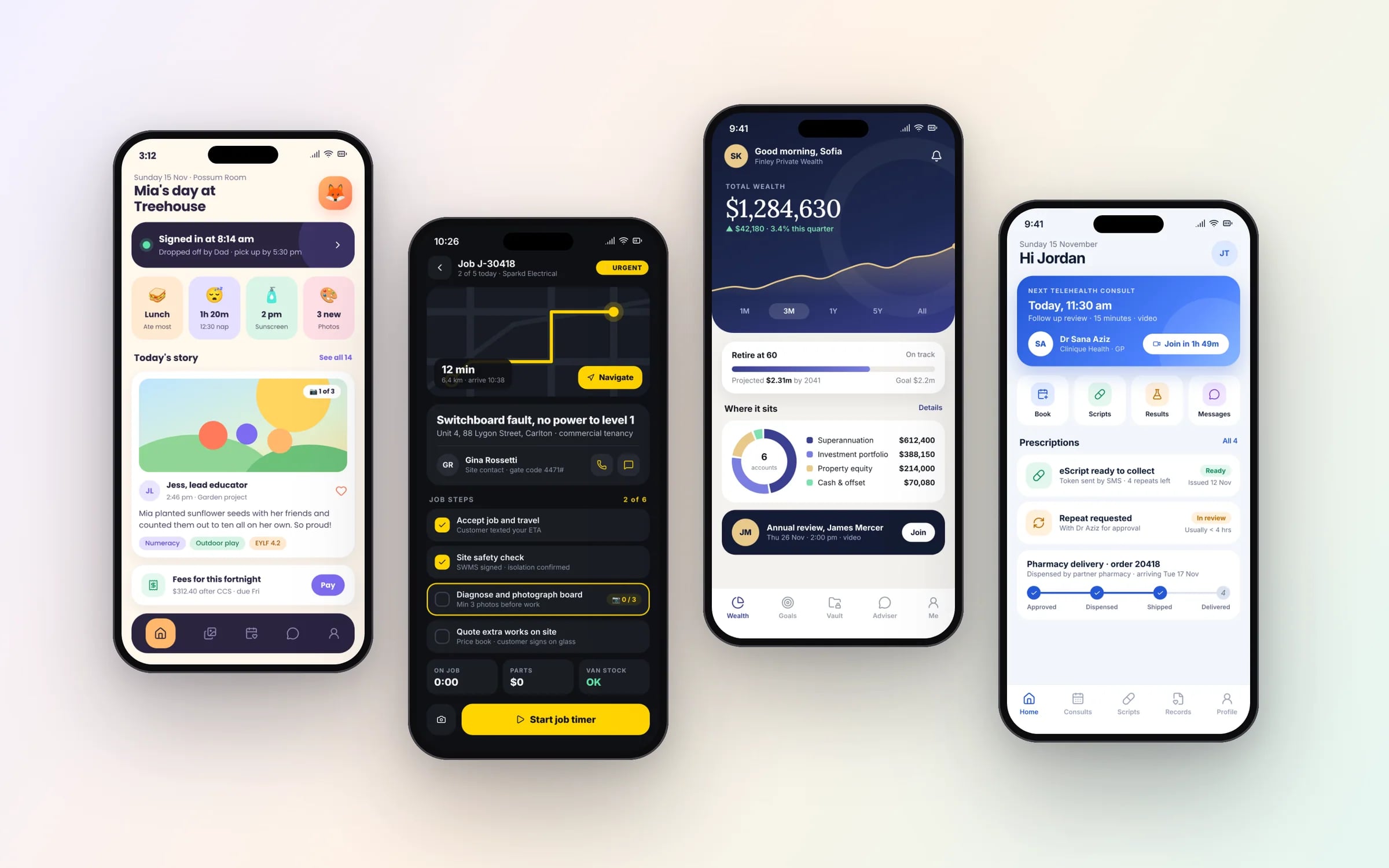
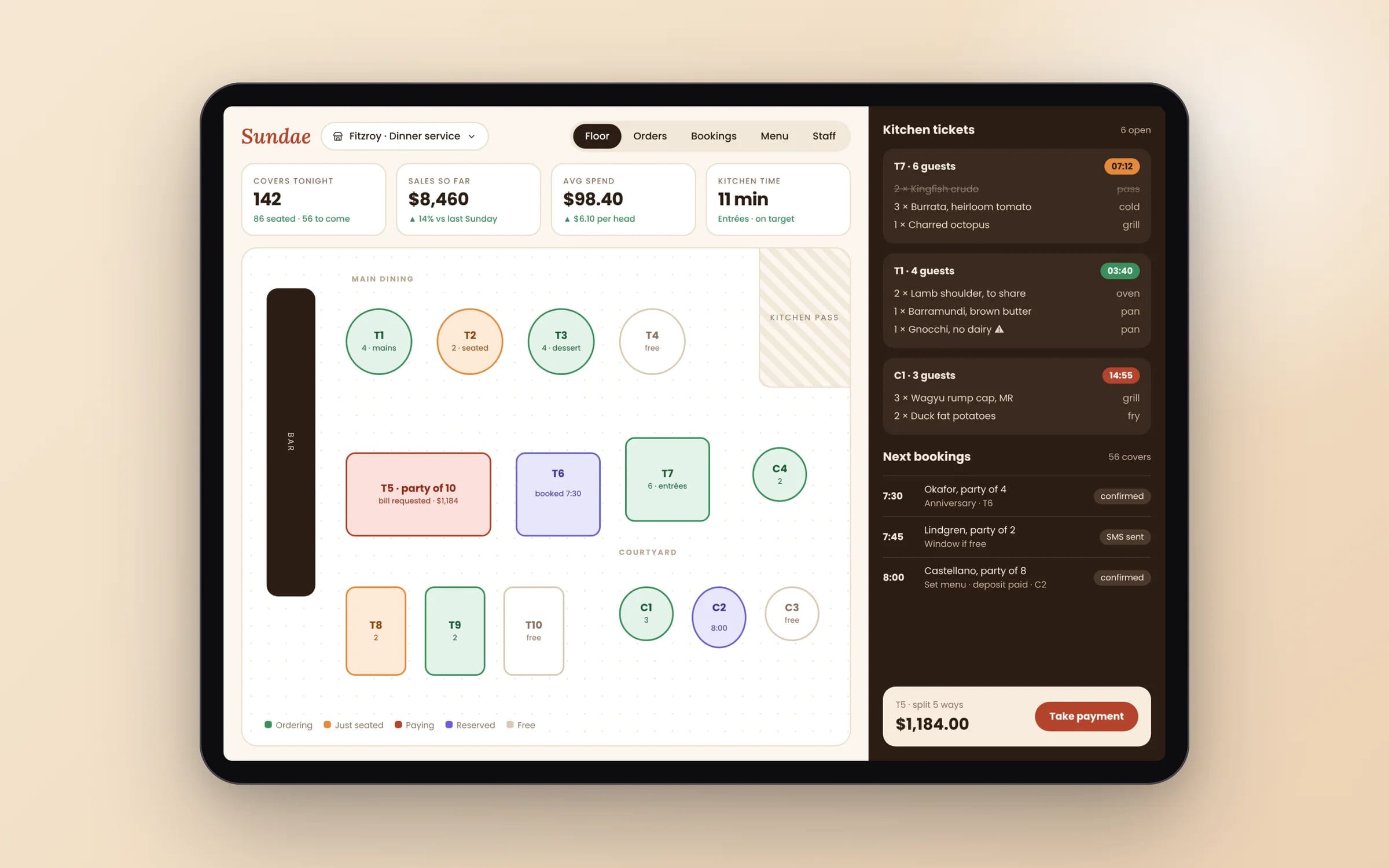
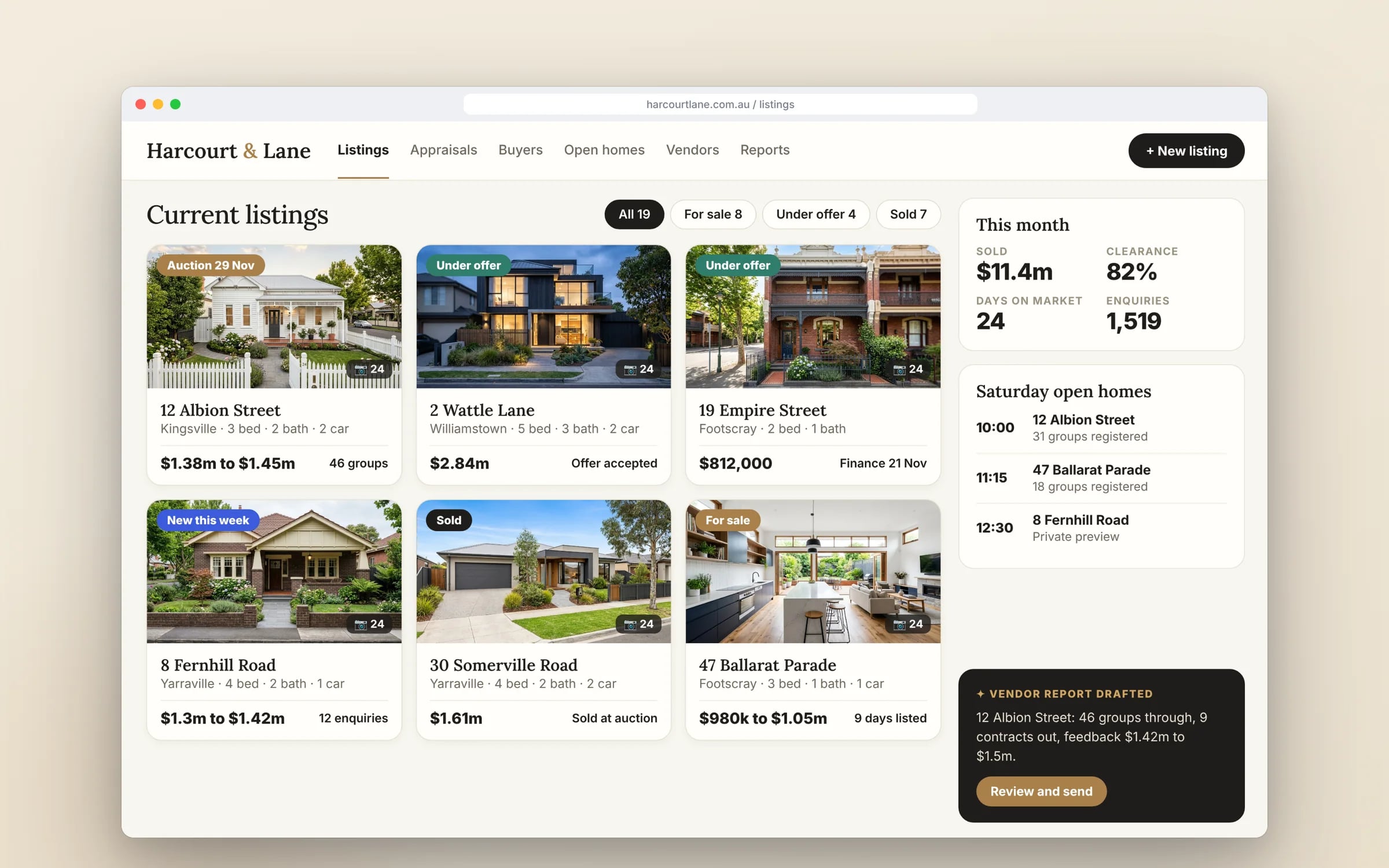
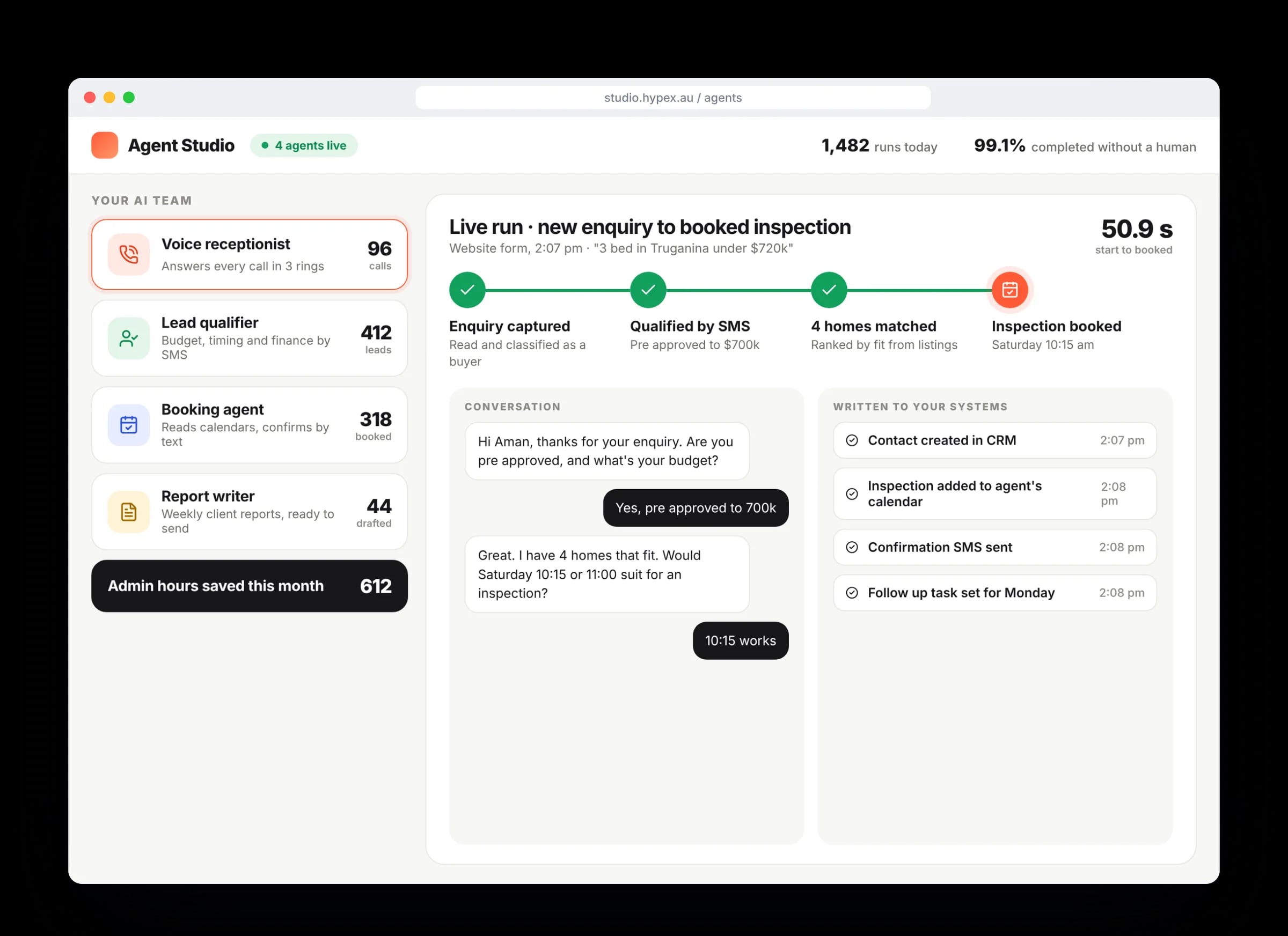
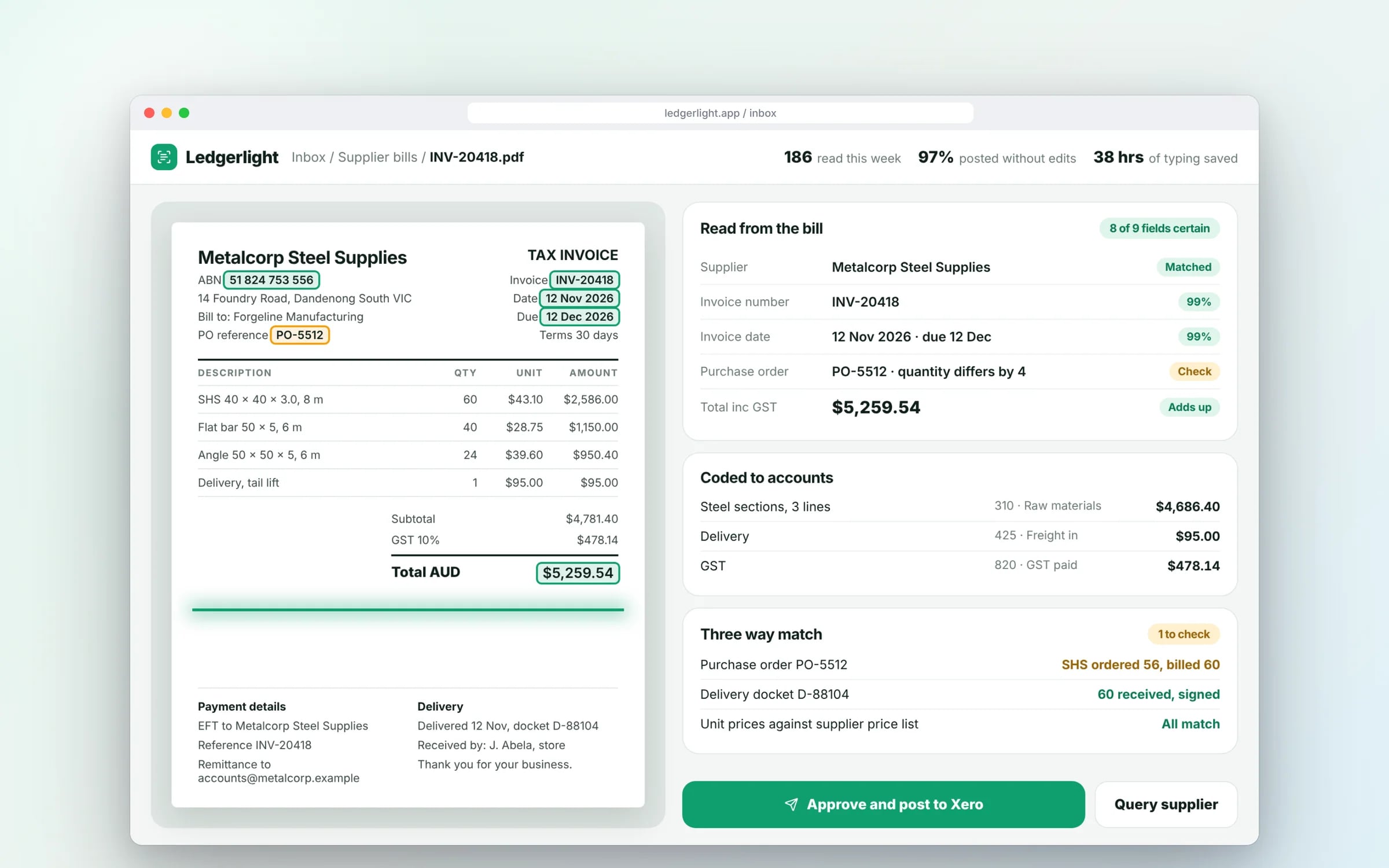
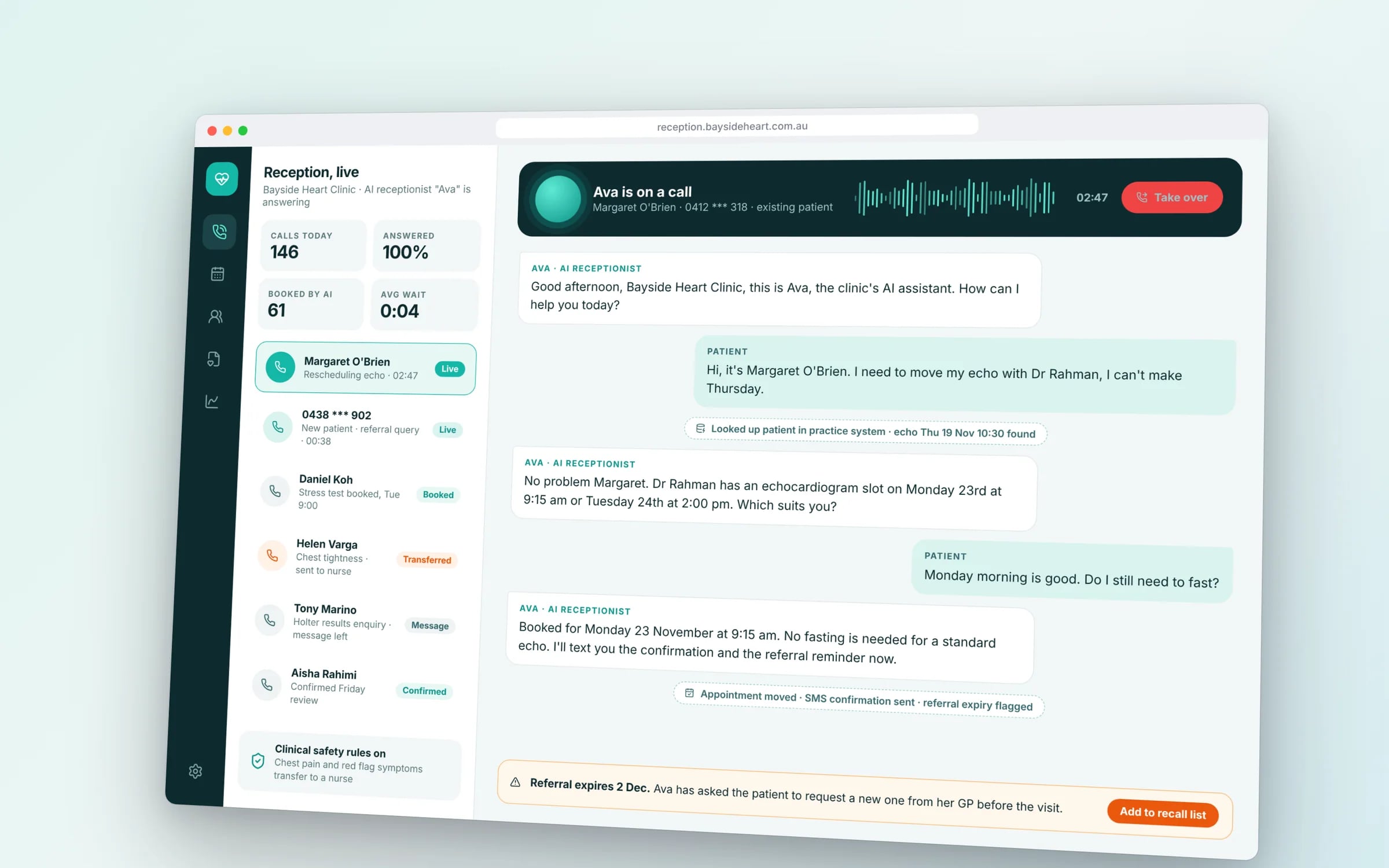
Example screens. The business names on them are invented.
You probably need this when
- 01Your team answers the same handful of questions every day.
- 02Enquiries that arrive after hours wait until the next morning.
- 03Staff spend time hunting through shared drives for the right procedure.
- 04Your current website bot only offers fixed menu buttons.
- 05Leads arrive with so little detail that someone has to call back just to qualify them.
Asked and answered. From what you've published.
A good assistant answers from your own content and data, and says where it found the answer, whether it sits on your site or inside a customer portal.
How we'd build it.
- Step 1
Read the real conversations
We review past enquiries, emails and chat logs to find the questions worth automating and the ones that need a person.
- Step 2
Prepare the knowledge
Policies, product data and help content are gathered, corrected and connected as the bot's only sources.
- Step 3
Build with limits and handover
The assistant is built with its system connections, blocked topics, identity checks and handover rules.
- Step 4
Test, launch and review
We test against real questions, launch, then review transcripts so gaps in content or rules are fixed.
★★★★★
“We were impressed with the sheer professionalism displayed by TJ and Harry.”
How we do it.
- 01Generative AIContext-aware assistants and connected workflows.
Where the admin hours go. And what an agent takes off them.
- Re-keying invoices and bills9 h/wk
- Chasing quotes and follow-ups7 h/wk
- Copying job notes between apps6 h/wk
- Building the weekly report4 h/wk
Illustrative: a typical week for an office team of five. An agent drafts or does each of these; a person approves.
What is AI Chatbot Development?
An AI chatbot is a conversational assistant on your website, in your app or inside your team's tools that answers questions from your own content and records, and hands over to a person when needed.
It suits businesses fielding repeated questions about bookings, orders, policies or products, and teams who lose time searching manuals and shared drives for answers.
Reviewed by the Hypex team, Port Melbourne
Questions owners ask.
Do I need a chatbot on my website?
You need a chatbot if customers repeatedly ask questions that your website or records can already answer, especially outside business hours. Examples are a dental clinic answering whether it takes a particular health fund, a wholesaler confirming order status, or a trades business explaining its service areas. If most enquiries need a quote, a site visit or a judgement call, a well-designed contact form and fast replies may serve you better. A useful test is to read a month of enquiries and count how many could be answered from information you already hold.
What is the difference between a chatbot and an AI agent?
A chatbot answers questions in a conversation, while an AI agent carries out tasks in your systems, such as creating a booking, updating an order or raising an invoice. Many modern assistants combine both: the chat is the front door, and behind it an agent acts within set permissions. A customer asking where their order is gets an answer from a chatbot; an agent could also rebook the delivery and notify the warehouse. The more a bot can do, the more its permissions, approvals and logs matter, which is why we scope each action separately.
How do you stop a chatbot from making things up?
A chatbot is kept accurate by making it answer only from approved sources, such as your policies, product data and help articles, and by having it say so when those sources do not cover a question. This approach is called retrieval-augmented generation: the bot searches your content first, then writes an answer grounded in what it found, ideally with a link to the source. We also test it against real customer questions before launch, block topics it should never answer, such as legal or medical advice, and route unclear cases to a person.
Can a chatbot connect to our booking system or CRM?
Yes, a custom chatbot can connect to booking systems, CRMs such as HubSpot, ecommerce platforms such as Shopify, and your own database through their APIs. That connection lets it check availability, look up an order or create a lead with the conversation attached, instead of only collecting a name and email. Each connection is limited to what the bot needs: it might read stock levels and create enquiries but never change prices. Customers can be asked to verify who they are before the bot shows anything about their account.
Can staff use an internal AI assistant to search our own documents?
Yes, an internal assistant can search your procedures, manuals, contracts and past job notes and answer staff questions with links to the source document. It helps new starters, field technicians checking a procedure on site, and office teams answering policy questions. The key design point is permissions: the assistant should only show each person documents they are already allowed to open, so payroll and HR files stay private. It can connect to Microsoft 365 or Google Workspace, and the content stays in systems your business controls.
What should a chatbot do when a customer wants a real person?
A good chatbot hands the conversation to a person as soon as the customer asks, or when it detects a complaint, a sale worth chasing or a question it cannot answer. The handover should pass on the whole conversation and any details already collected, so the customer does not repeat themselves. Outside hours, it should say clearly when someone will reply and create a ticket or lead in your system. We set the handover rules with your team, since a bot that traps customers in a loop does more harm than having no bot.
Chatbot vs AI agent.
- Main job
ChatbotAnswers questions in a conversation
AI agentCompletes tasks inside your systems
- Typical example
ChatbotExplains your returns policy or opening hours
AI agentProcesses the return and books the courier pickup
- Access it needs
ChatbotRead access to approved content
AI agentRead and write access to specific records
- Where it runs
ChatbotWebsite, app, SMS or internal chat
AI agentIn the background, triggered by emails, forms or events, or behind a chat
- Controls that matter most
ChatbotGrounded answers and a clear handover to a person
AI agentScoped permissions, approval steps and a log of every action
What moves the cost and the timeline.
After a 30-minute call you get a system map with a fixed price for each stage, before any work starts. These are the things that shape it.
- How many systems the chatbot must read from or act in
- The state and volume of your existing knowledge content
- The channels needed, such as website, SMS or Microsoft Teams
- Identity checks before account details are shown
- Language and accessibility requirements
Built for businesses like yours
Show us how you run it today.
Thirty minutes with the people who would build it. We'll map where the hours go and tell you honestly whether custom software is worth it for you.